


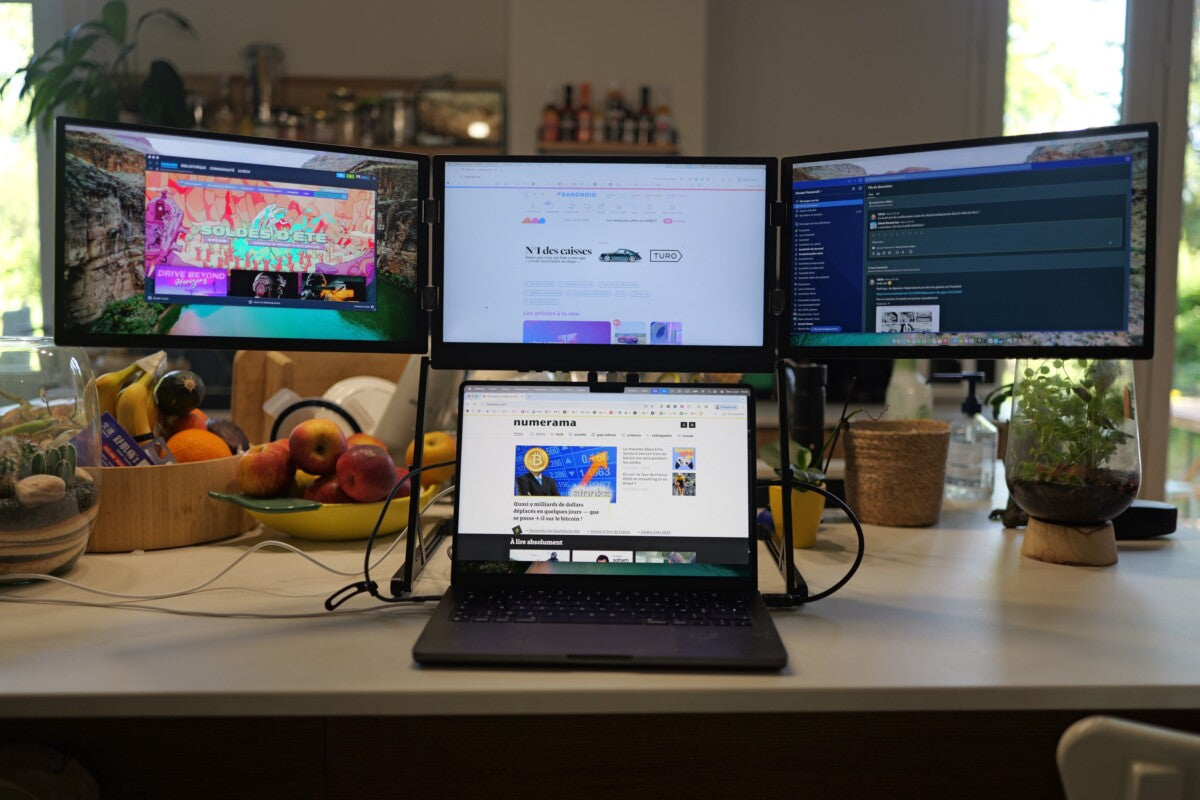
You rely on your laptop for work, communication, and problem-solving, but sometimes one screen just is not enough. When tasks pile up, flipping between windows, documents, and apps can feel frustrating and slow you down. A laptop screen extender changes that experience entirely. It gives you extra space that feels like a natural part of your laptop, not a separate accessory to wrestle with. With it, you can keep your emails open on one screen, reference research on another, and still have room to create or edit, all without losing focus. It makes multitasking effortless, even when your workload is heavy, and transforms the way you approach every project.
How Each One Fits Into Your Daily Workflow
An External Monitor for Laptop usually sits off the side of your laptop, acting like a separate piece of equipment. It expects you to have a stable desk, enough space, and time to set everything up just right. This setup works well in a traditional office, but it can feel awkward when your workday moves from a café to a co-working space or even to a small home desk.
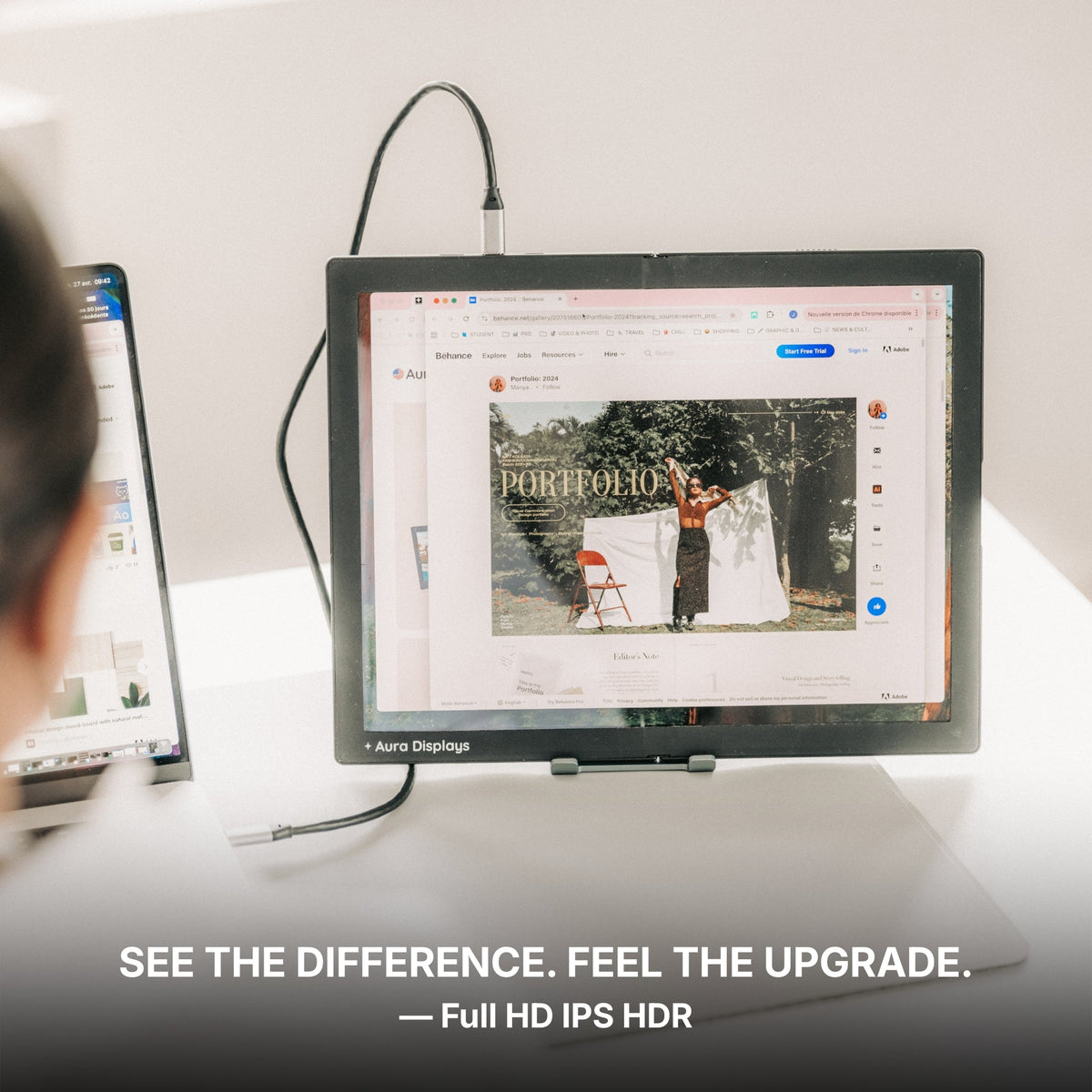
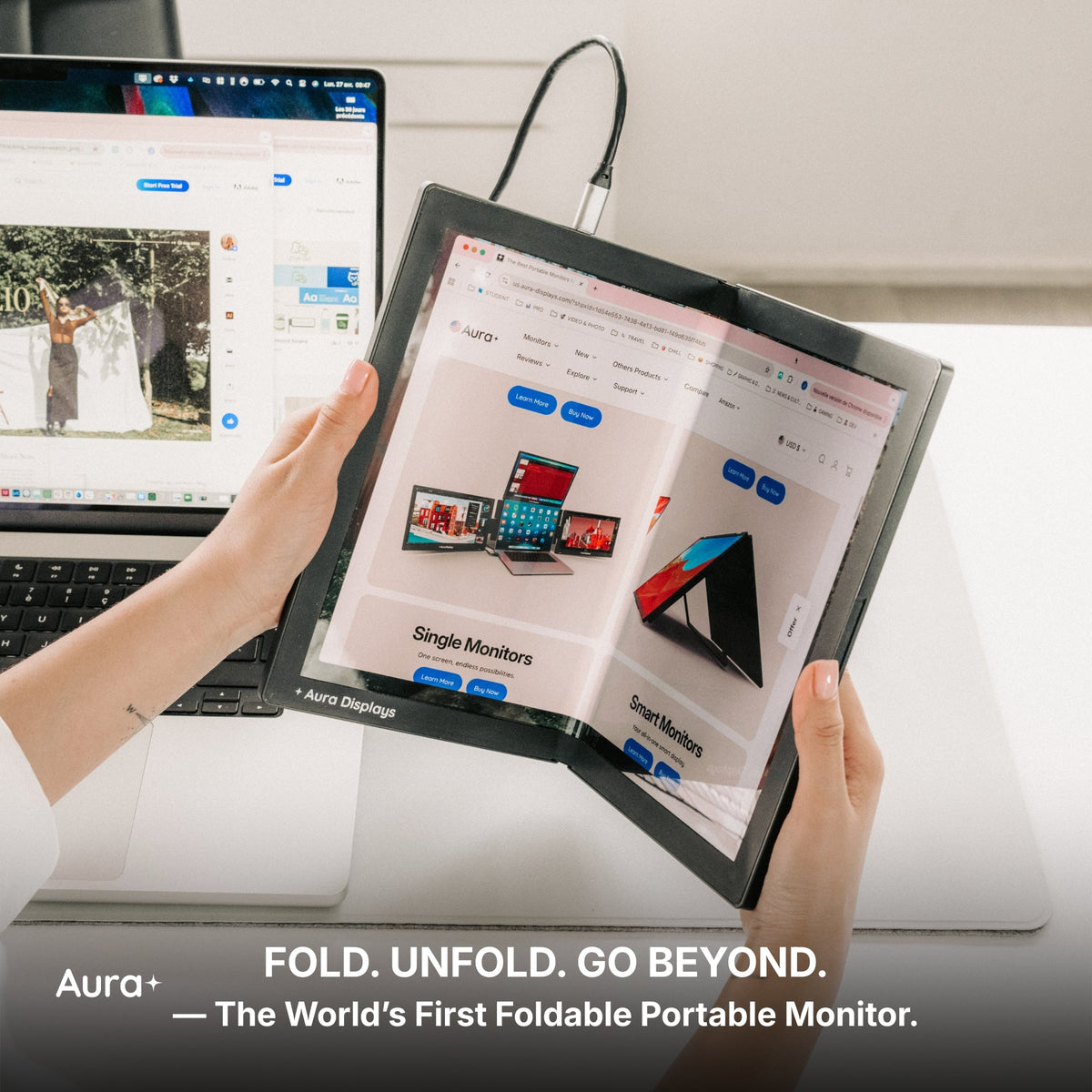
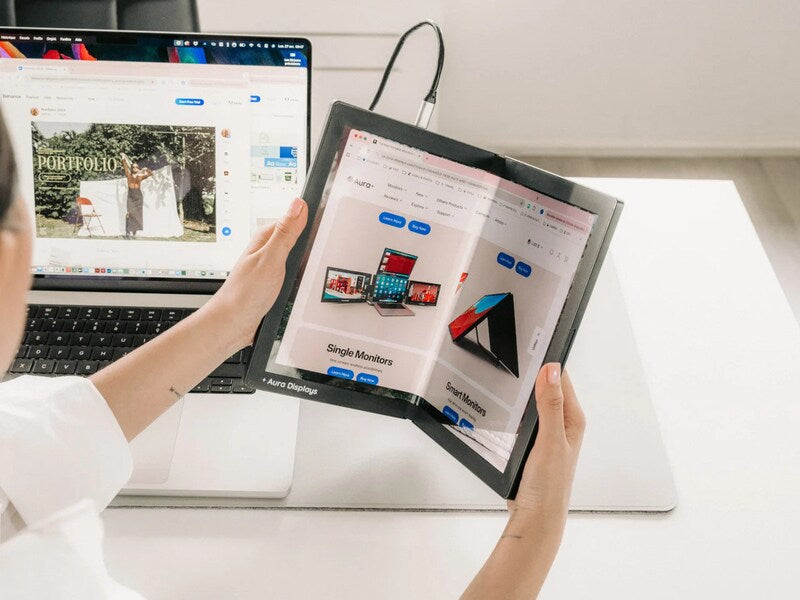
A laptop screen extender, on the other hand, feels like it was made to move with you. It unfolds when you open your laptop, travels wherever you go, and keeps the same visual layout no matter your environment. You do not have to wrestle with cables or adjust angles; it simply becomes part of your workflow. Tasks that once required juggling windows or switching tabs now feel natural, organized, and effortless. It turns any space into a productive workstation, making your workday smoother and more enjoyable, whether you are traveling, working remotely, or switching between locations.
Mobility Changes Everything
An external monitor stays put when you move. It works well if you have a dedicated home office or a stable desk, but the moment you step away, it stays behind. You cannot take it to a meeting, a coworking space, or on the road, which means you constantly have to adjust your workflow around a stationary device.
A laptop screen extender travels wherever you go. It unfolds with your laptop, opening instantly, so your workspace is ready no matter the location. You could start your day working at a dining table, move to a coworking space in the afternoon, and finish at a hotel desk in the evening without losing your layout or momentum. Your second screen feels like a natural part of your laptop. It moves with you, keeps your tools organized, and reduces the need to constantly rearrange windows or apps. Any space becomes a productive workstation, letting you stay focused and comfortable while maintaining the rhythm of your workday.
No Desk Dependency
External monitors demand space. If you are working in a small apartment, a crowded coffee shop, or even a temporary office, finding enough room for a full-sized monitor can be frustrating. You might end up twisting your body, stacking items to fit your setup, or constantly adjusting your screen to see it properly. This can make long work sessions uncomfortable and distract you from your tasks.
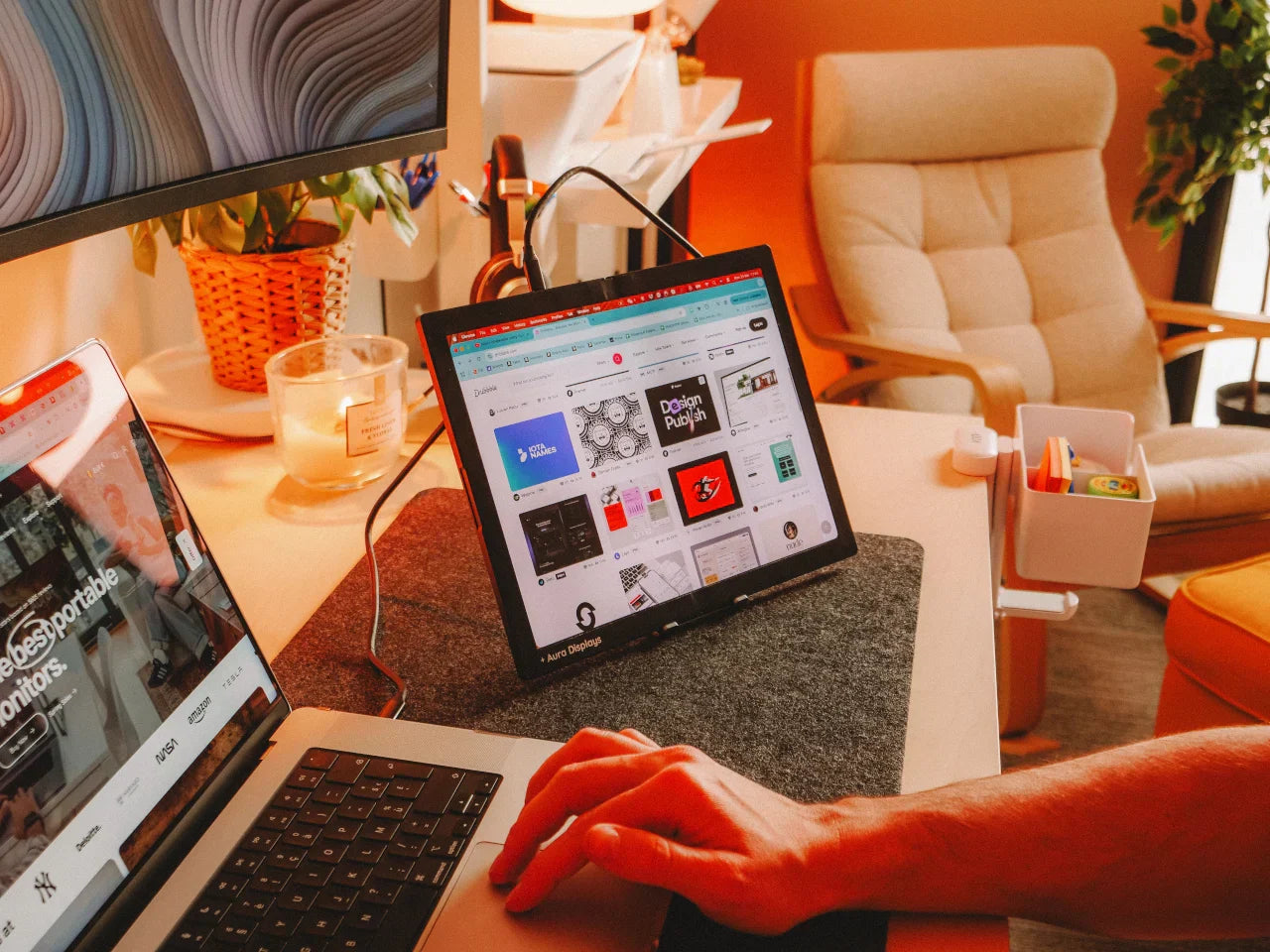
A laptop screen extender avoids all of that. It attaches directly to your laptop, creating a seamless second screen without requiring extra desk space. Your posture stays natural, your tools remain visible, and your workspace stays clean and organized even in tight or unconventional environments. Whether you are using an airplane tray table, a small café desk, or a shared office space, a screen extender adapts to your surroundings, letting you focus on your work instead of worrying about space or setup. It turns any location into a fully functional workstation, giving you freedom and flexibility that a Portable Monitor for Laptop cannot match.
Setup Time Affects Productivity
Every minute you spend plugging in cables, adjusting screen angles, or troubleshooting connection issues is a minute taken away from actual work. With external monitors, this setup process can become a recurring hassle, especially if you move between home, coworking spaces, or client sites. Constantly reconnecting devices and finding the right position interrupts your workflow and adds unnecessary stress.
A laptop screen extender changes that entirely. You simply open your laptop, unfold the screen, and your workspace is ready. There are no extra cables to wrestle with, no awkward adjustments to make, and no time lost figuring out if your second display is aligned correctly. This effortless setup keeps your focus on what matters: finishing a project, reviewing documents, or responding to time-sensitive emails. It lets you transition smoothly from task to task, keeping your workflow consistent and natural.
Consistent Visual Flow
Your brain thrives on consistency. When your tools and windows stay in familiar places, you work faster and with less effort. External monitors can interrupt this rhythm because their position often changes depending on the desk or environment. Every adjustment, shifting screen, moving cable, or rearranging app forces your brain to readapt, slowing you down.
A laptop screen extender solves this problem. Your reference material, messages, and timelines remain exactly where you expect them, no matter where you are working. This steady layout helps you stay focused, reduces mental friction, and lets your hands and eyes follow a natural pattern. Instead of constantly adjusting, you can dive straight into your tasks, keeping your momentum and making multitasking effortless.
Simple Power and Cable Management
External displays often come with a tangle of cables and sometimes require their own power source. Every additional cord or connection is another potential point of frustration, especially if you are working in a shared office, a café, or a temporary workspace. One loose connection or power issue can interrupt your workflow and pull your focus away from the task at hand.
A laptop screen extender keeps things simple. It usually requires just one or two connections, reducing clutter and making your setup easier to manage. You do not have to worry about adapters, tangled cords, or hunting for outlets. Fewer components mean a cleaner, more reliable workspace, letting you focus on your work instead of troubleshooting hardware.
Designed for Modern Work Habits
Remote and hybrid work has reshaped the way you get things done. You are no longer tied to a single desk, and your tools should be just as flexible as your schedule. Aura Displays builds solutions that adapt to the way you work, rather than forcing you to change your routine.
A laptop screen extender fits seamlessly into your workflow. It moves with you, opens instantly, and keeps your workspace consistent wherever you are. Instead of adjusting your work style to fit hardware limitations, the screen extender adjusts to you, making multitasking smoother, reducing setup hassles, and helping you stay productive no matter where your day takes you.
Which Option Fits You Better?
If you mostly work at a dedicated desk and prefer a big, stationary screen, an external monitor can still be a solid choice.
If your work takes you from home to office to travel, a laptop screen extender fits your lifestyle. It removes barriers, reduces setup time, and keeps your workflow consistent wherever you go. The real difference is not just about screen size or technical specifications. It comes down to whether your second screen fits naturally into the way you work or if you find yourself constantly adjusting your routine to make it work.




Share: