


In today’s world of fast-paced technology and mobile entertainment, choosing the Best Portable Gaming Monitor can be the difference between an average gaming experience and one that feels immersive, fluid, and responsive. Whether you're a digital nomad, a casual gamer, or someone who just loves tech that travels well, there's a perfect match out there for your style and budget.
Why Gamers Are Choosing Portable Displays
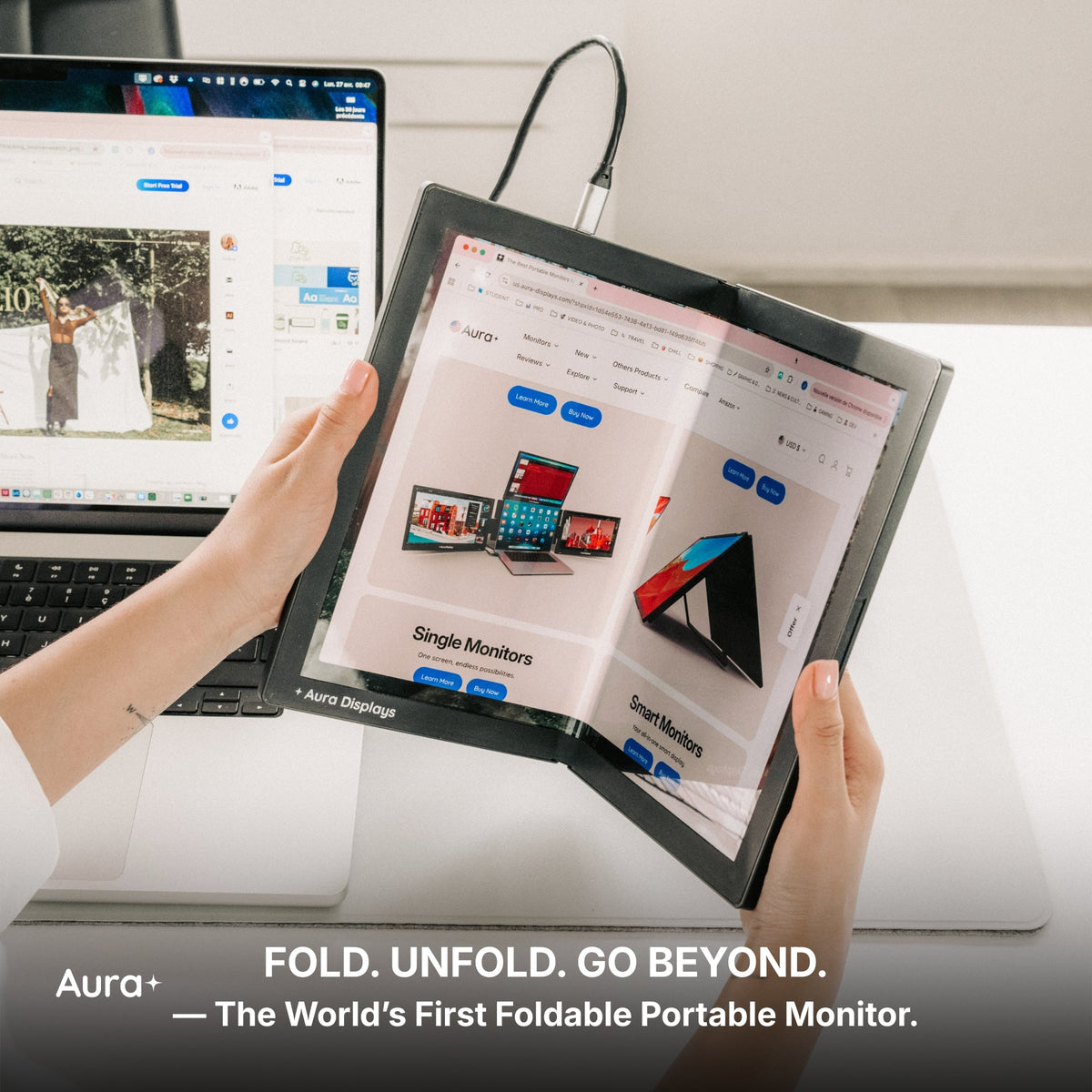
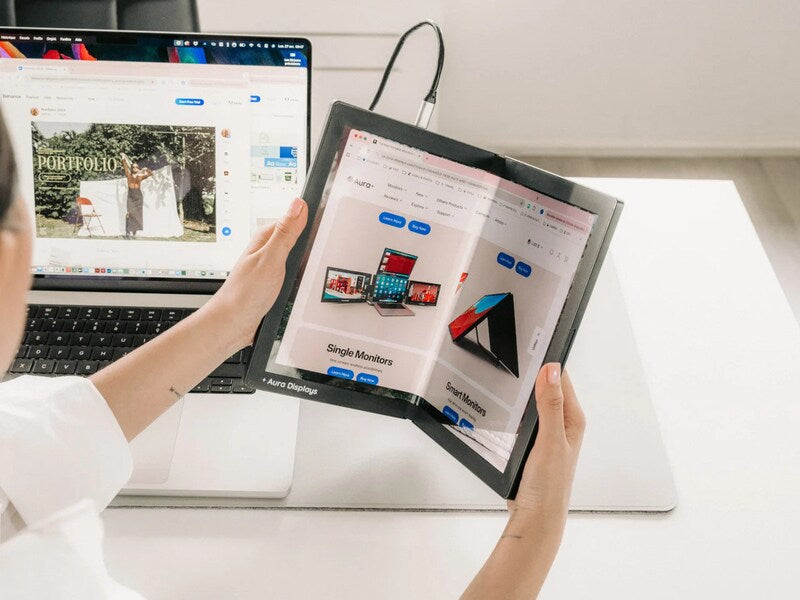
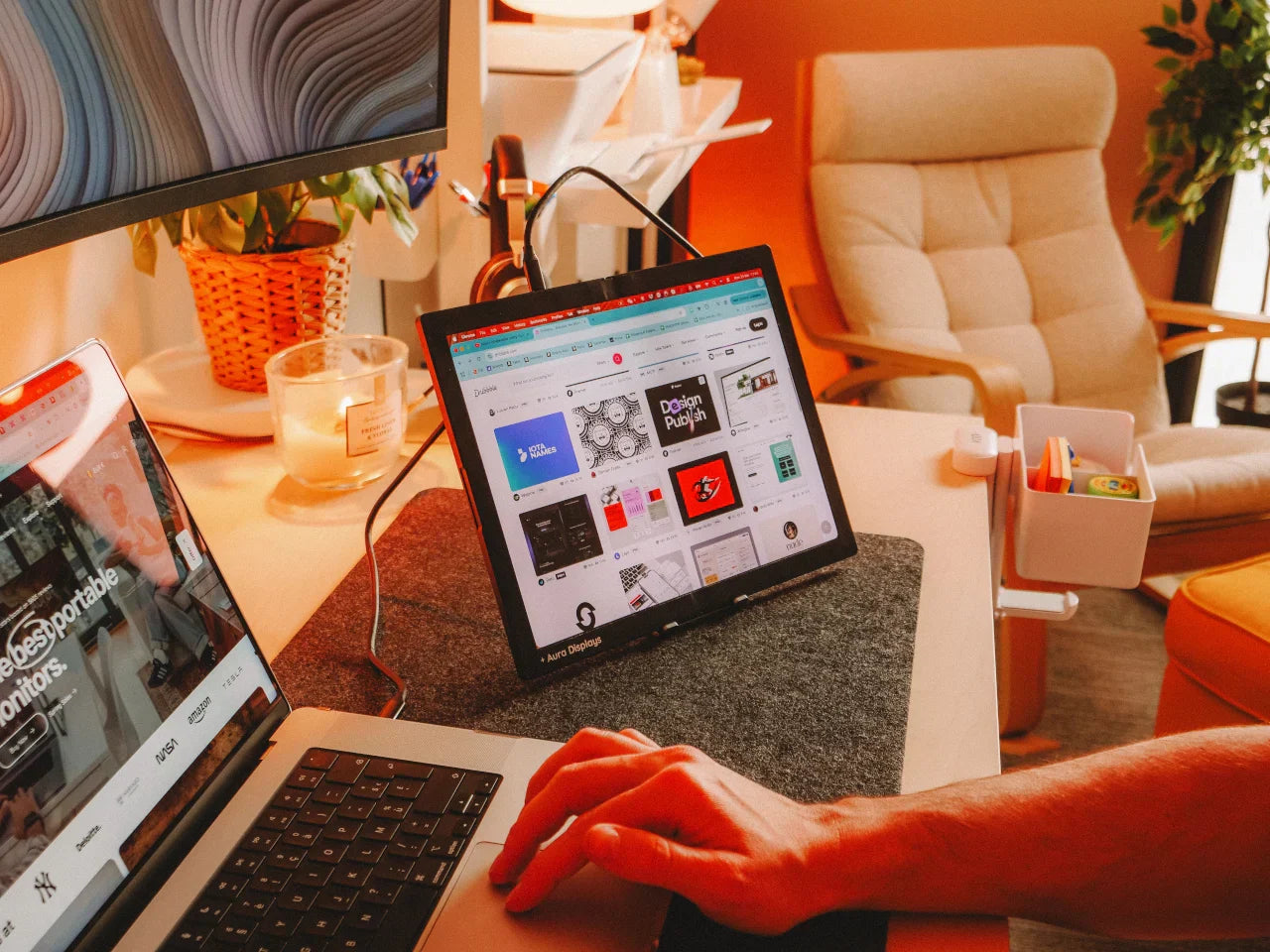
Gaming on the go has gained massive traction in recent years. From remote work setups to weekend LAN parties, gamers want flexibility without sacrificing performance. This demand has sparked innovation in portable monitor technology. A Portable Monitor for Laptop now boasts refresh rates, color accuracy, and low-latency performance once reserved for full-sized displays.
So, what exactly should you look for?
What to Look For in a Portable Gaming Monitor
1. Refresh Rate and Response Time
These two specs define your gaming monitor’s ability to keep up with fast-moving scenes. For most gamers, a refresh rate of at least 120Hz and a response time of under 5ms is ideal. Titles like Call of Duty or Fortnite rely heavily on speed, and these numbers can directly impact your reaction times.
2. Screen Size and Resolution
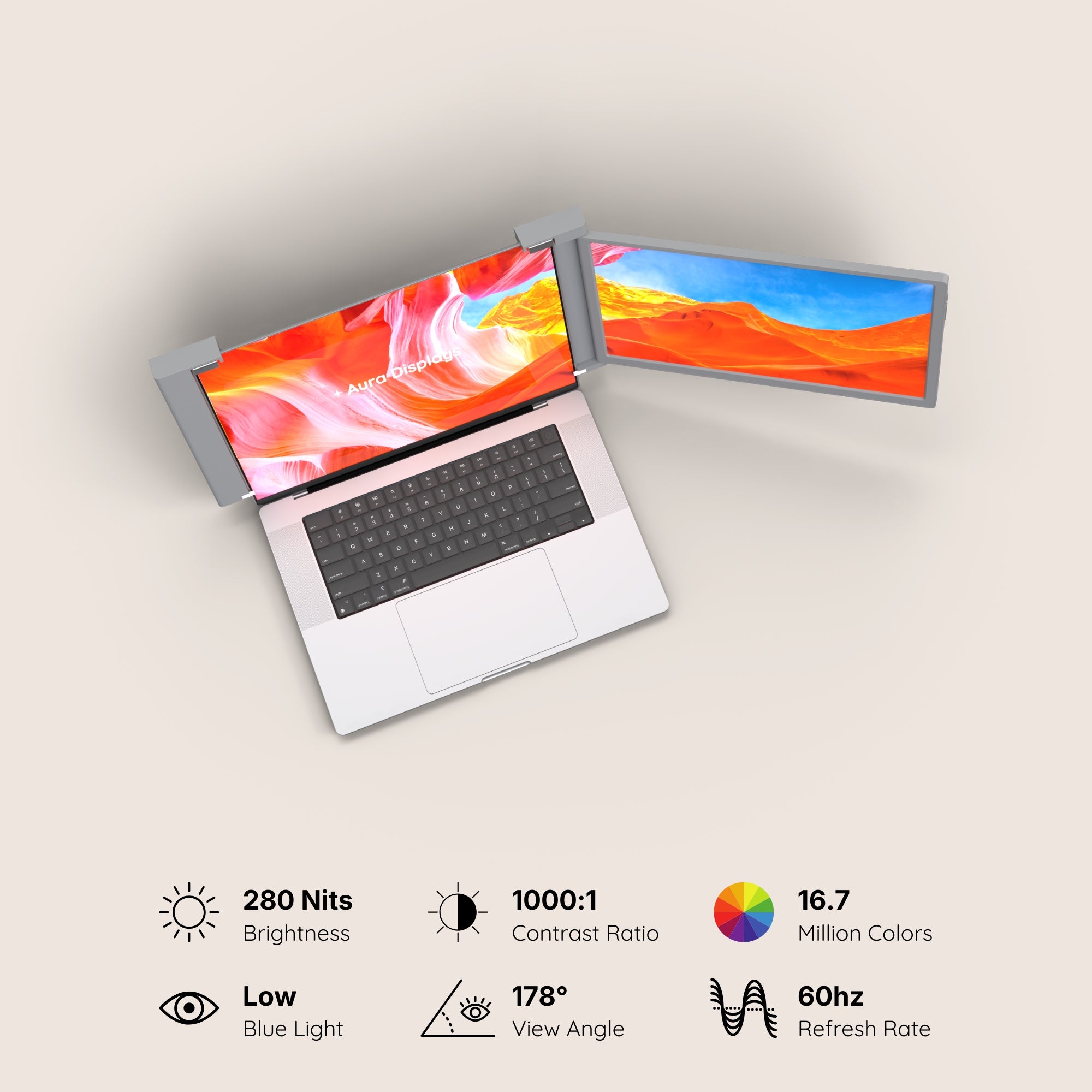
Portable monitors typically range between 13 to 17 inches. For sharpness and detail, 1080p resolution is the sweet spot for most portable screens. If you're into open-world games or graphics-heavy titles, a 2K or even 4K option may be worth the upgrade.
3. Connectivity Options
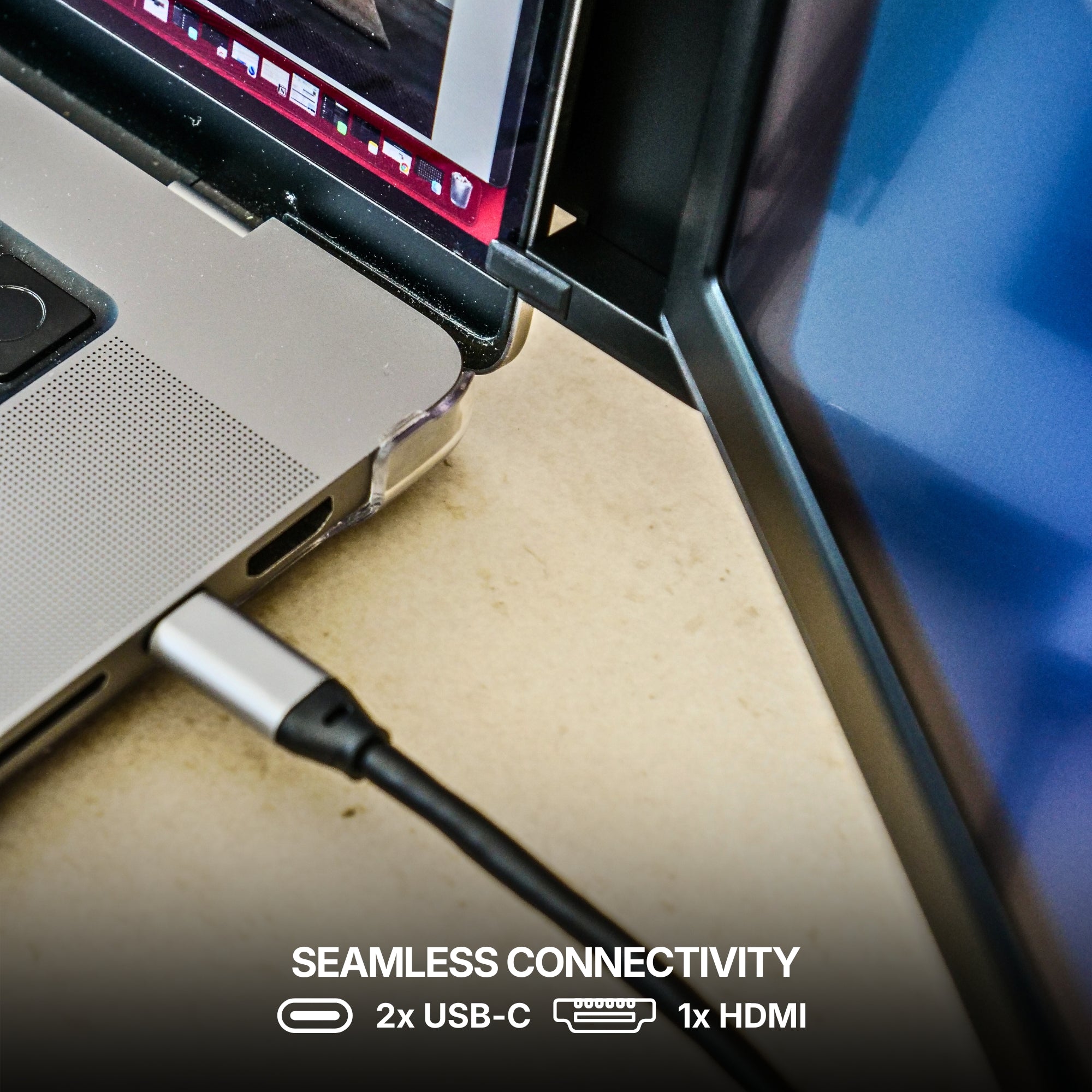
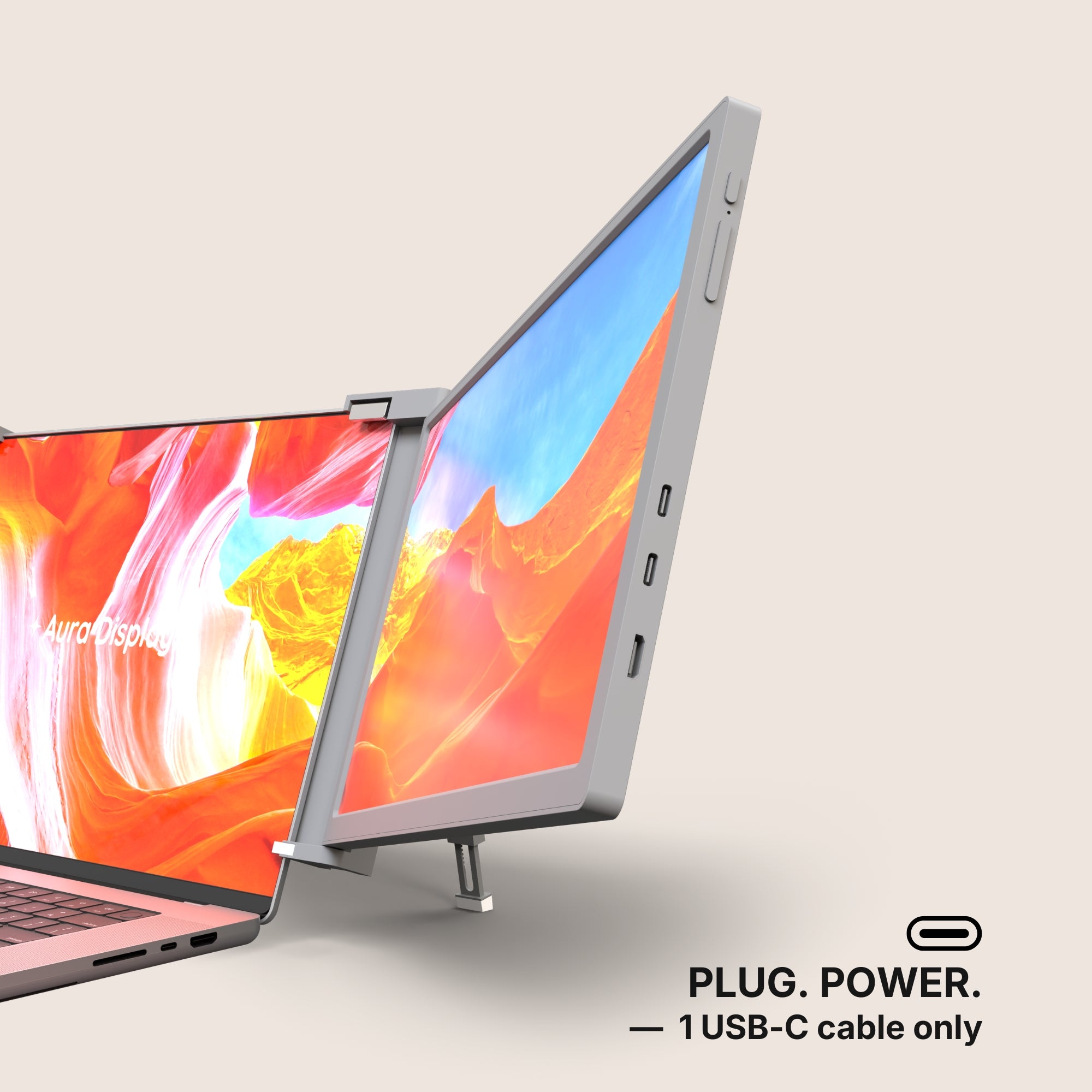
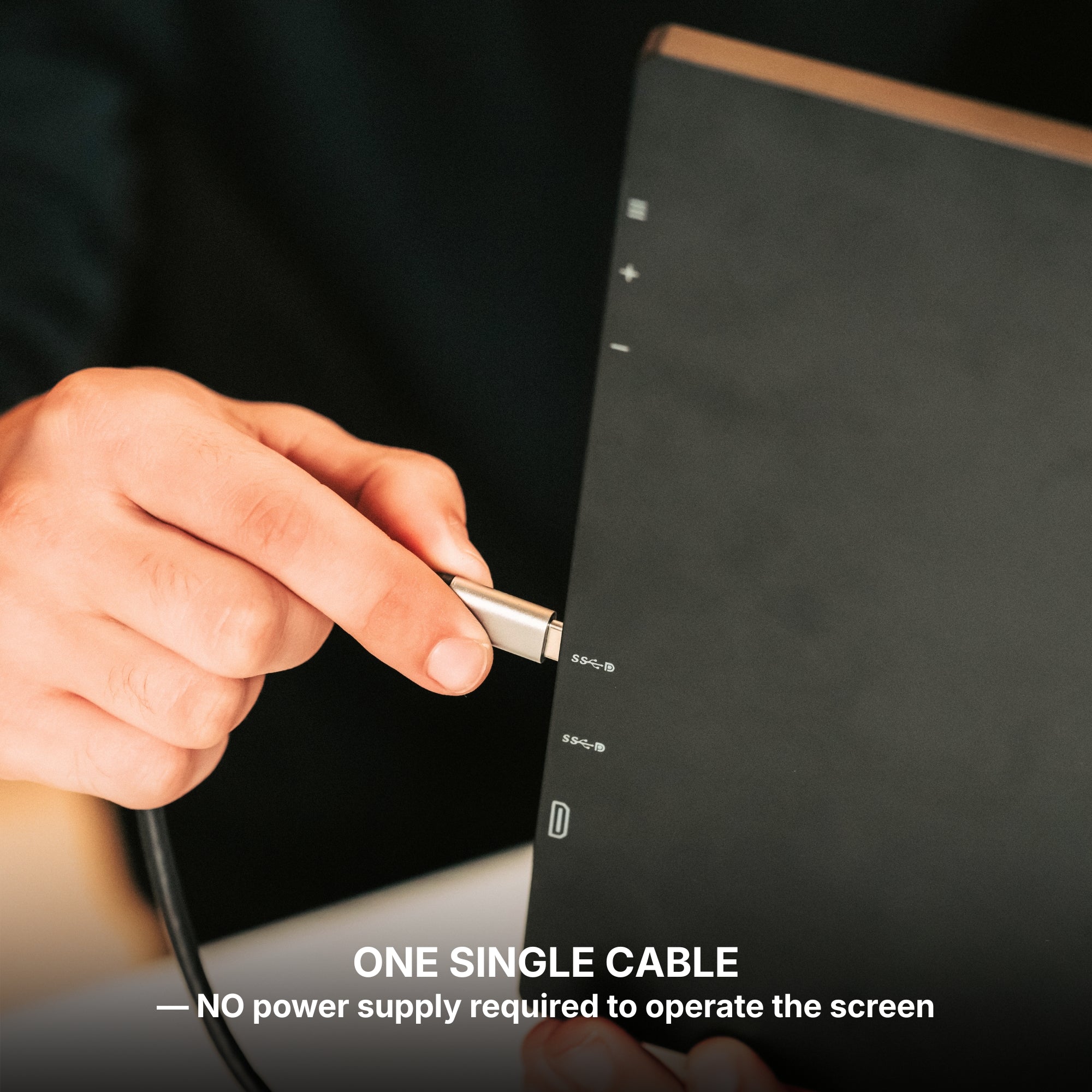
A high-quality gaming monitor should support USB-C, HDMI, and DisplayPort. USB-C with power delivery is especially important for portability since it can handle power and display output through a single cable.
4. Panel Type
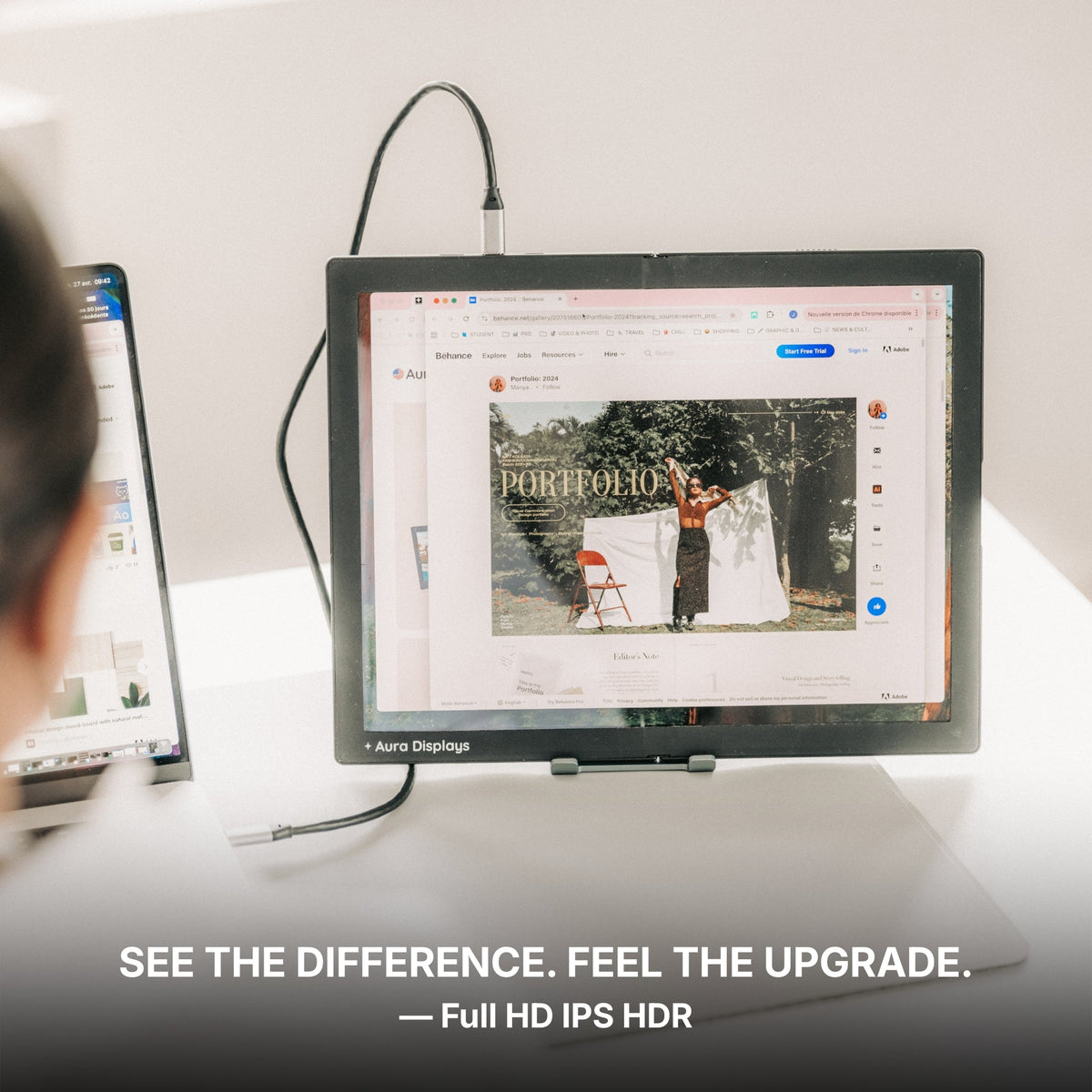
IPS panels are known for superior color reproduction and wide viewing angles, making them a top choice for gamers who also consume multimedia or edit content. TN panels are cheaper and have faster response times, but they often fall short in color quality.
5. Build Quality and Portability
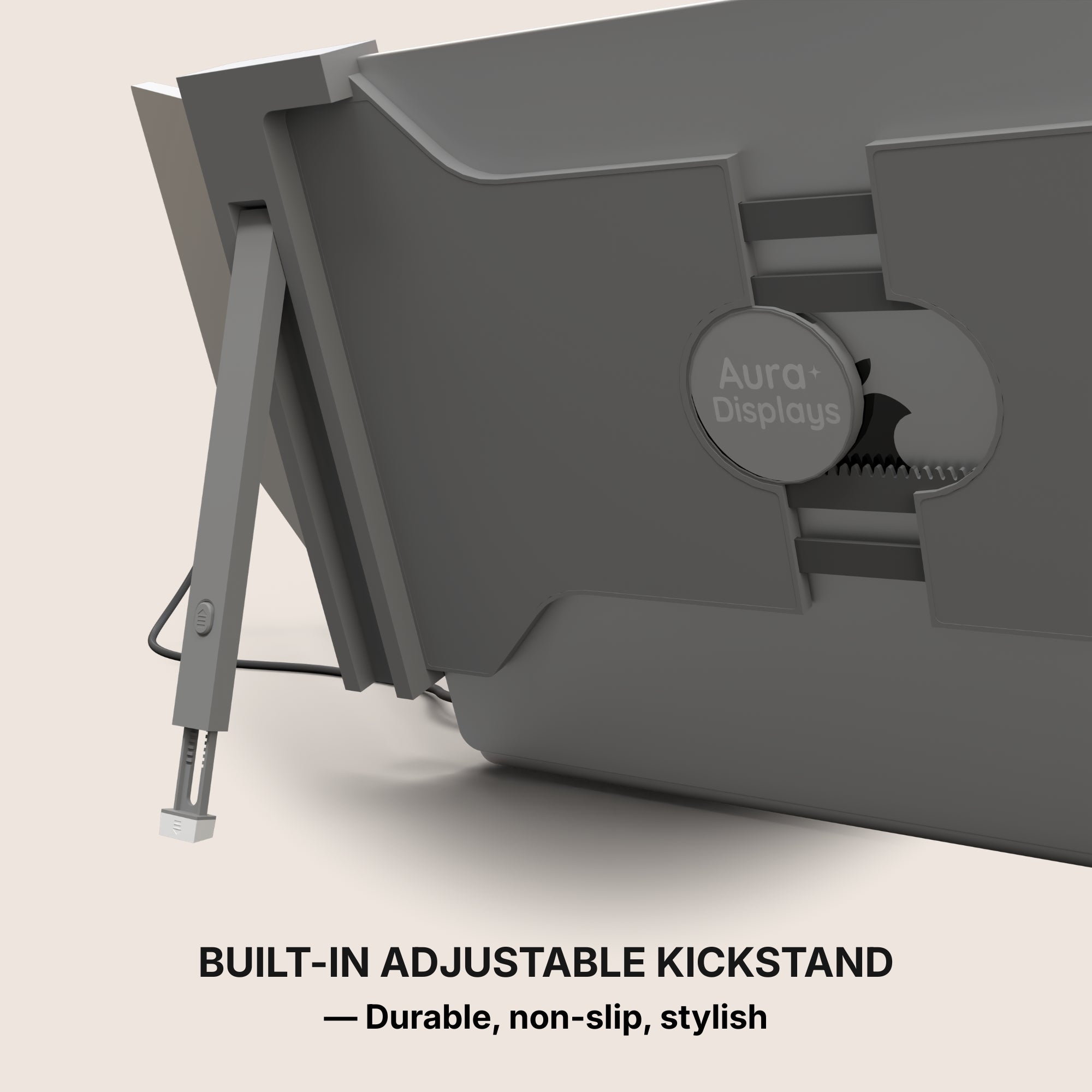
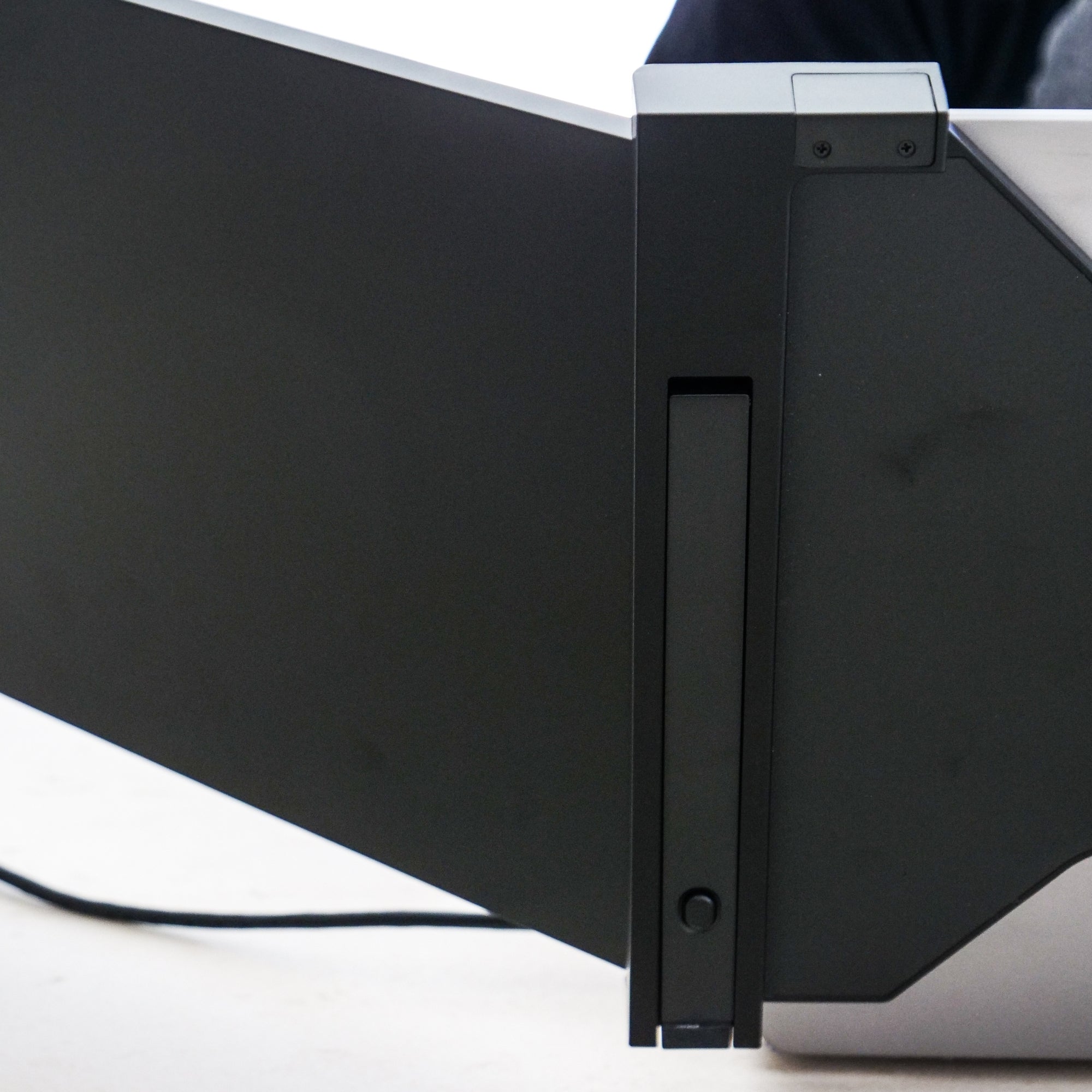
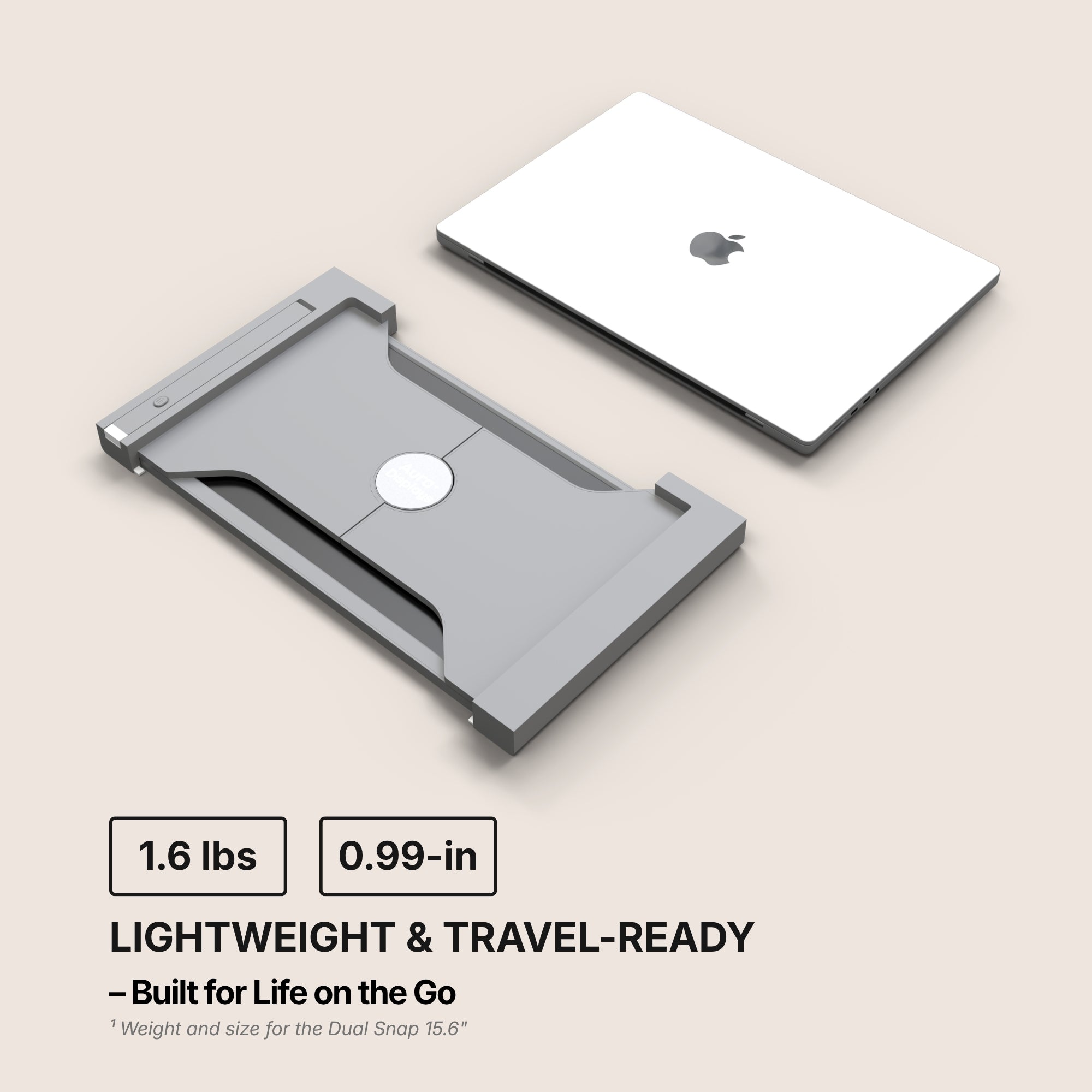
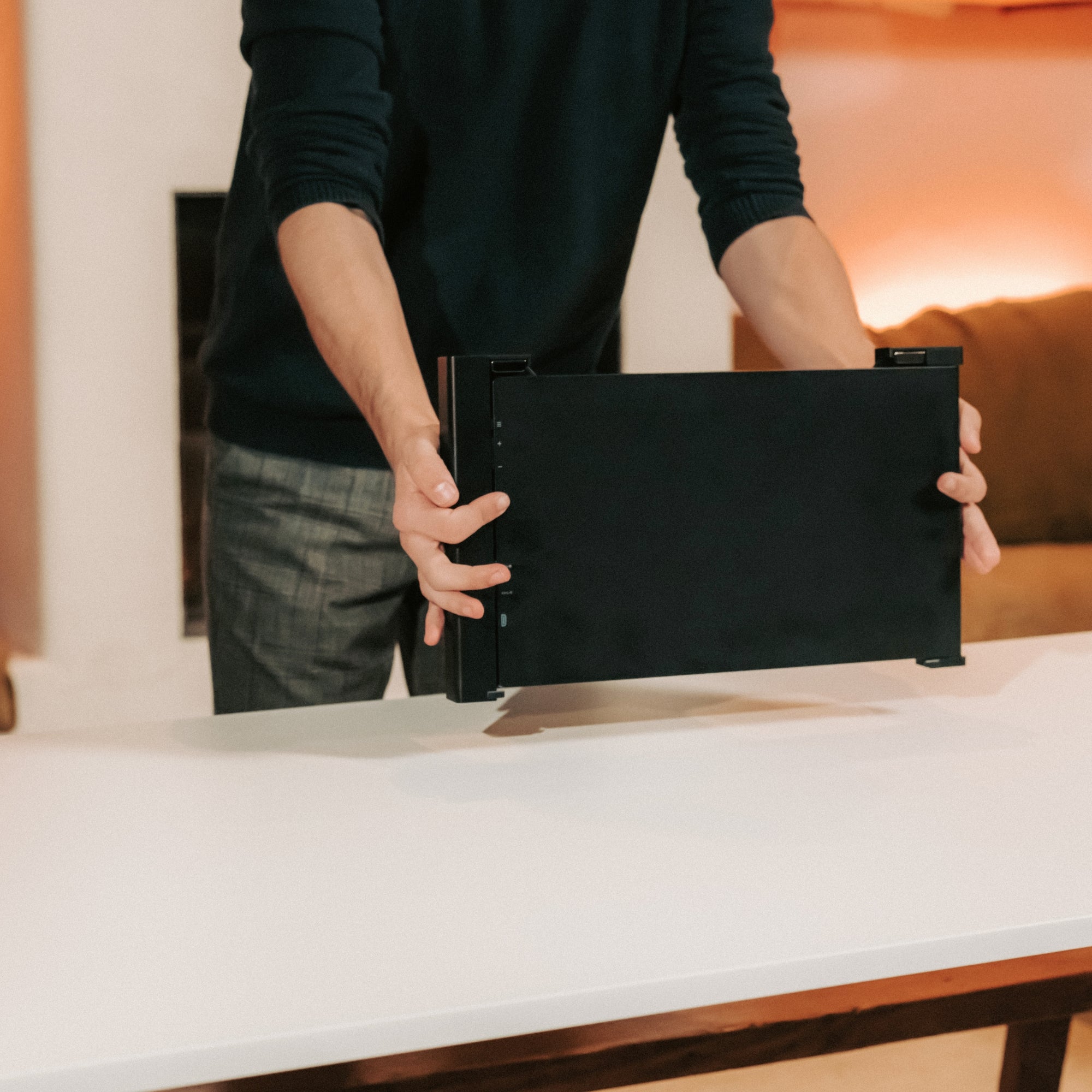
Look for slim, lightweight designs with built-in stands or magnetic covers that double as stands. If you're frequently on the move, durability is key—metal frames or reinforced plastics are worth considering.

Top Scenarios to Help You Choose
Choosing the best portable gaming monitor isn’t just about specs. Your lifestyle and gaming habits should guide your decision.
For the Mobile Gamer
If you travel frequently or game on your laptop while commuting or at coffee shops, portability is everything. Opt for:
-
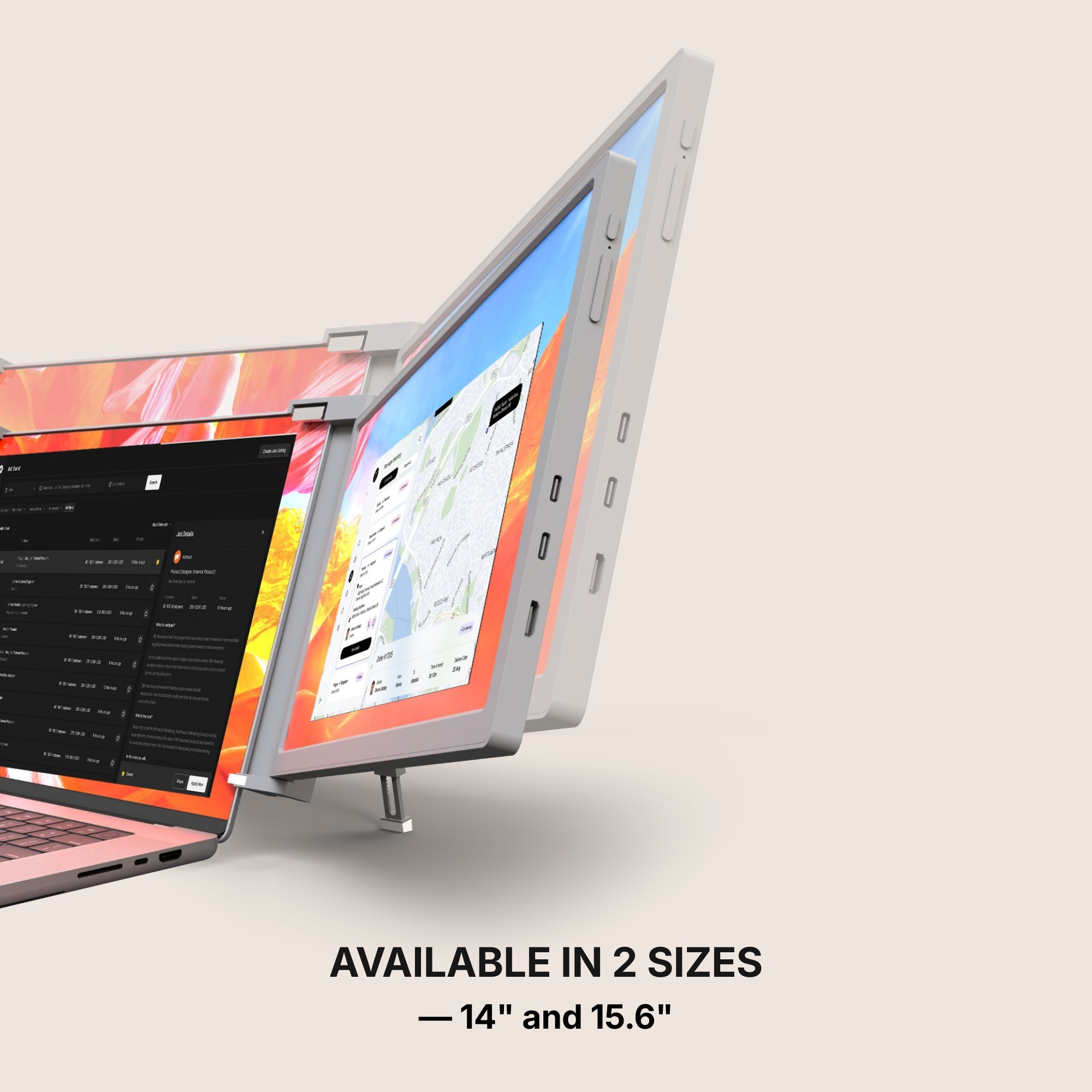
A 15.6-inch 1080p IPS display
-
Weight under 2 pounds
-
USB-C single cable connection
These features ensure you can set up quickly without lugging around extra gear.
For the Dual Screen Enthusiast
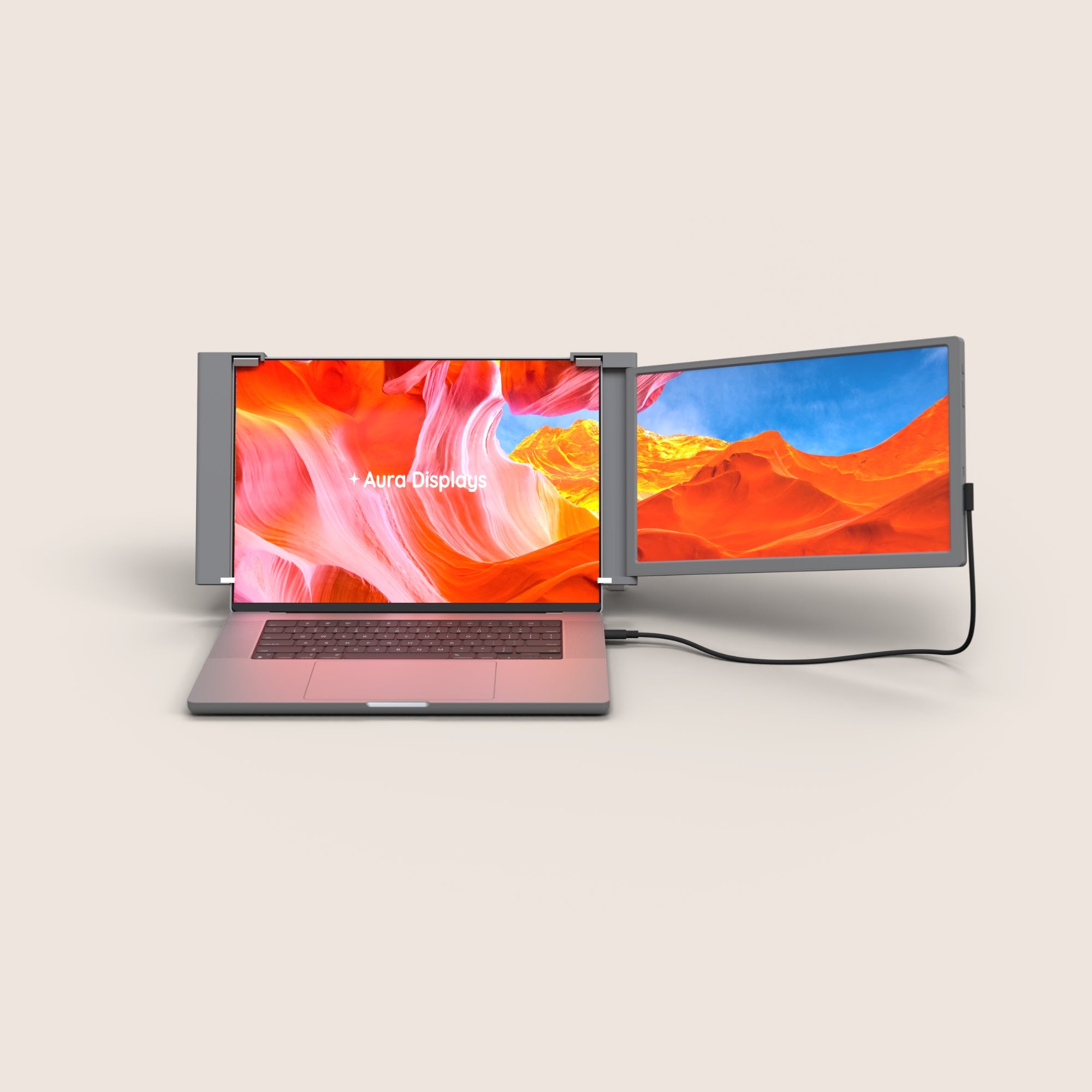
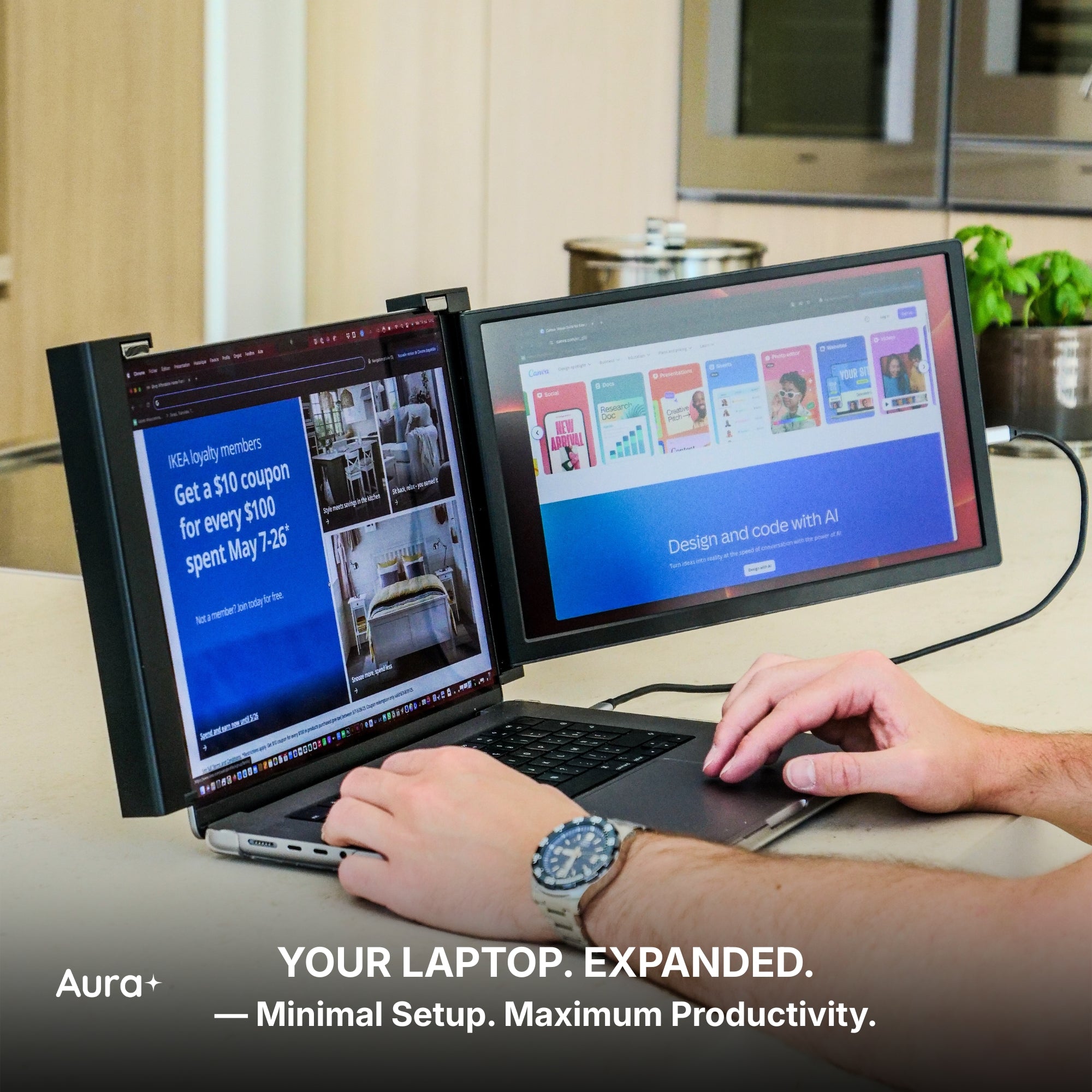
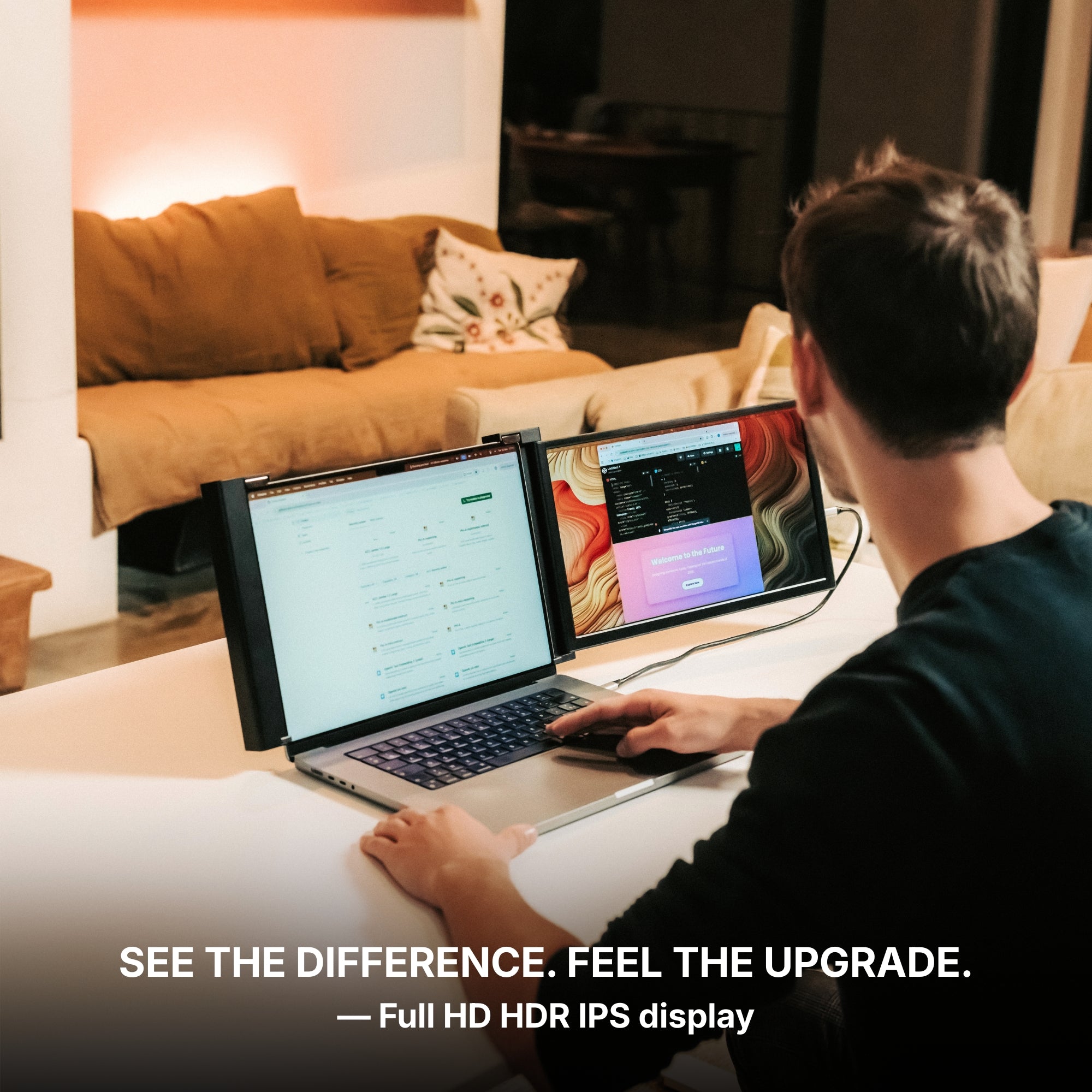
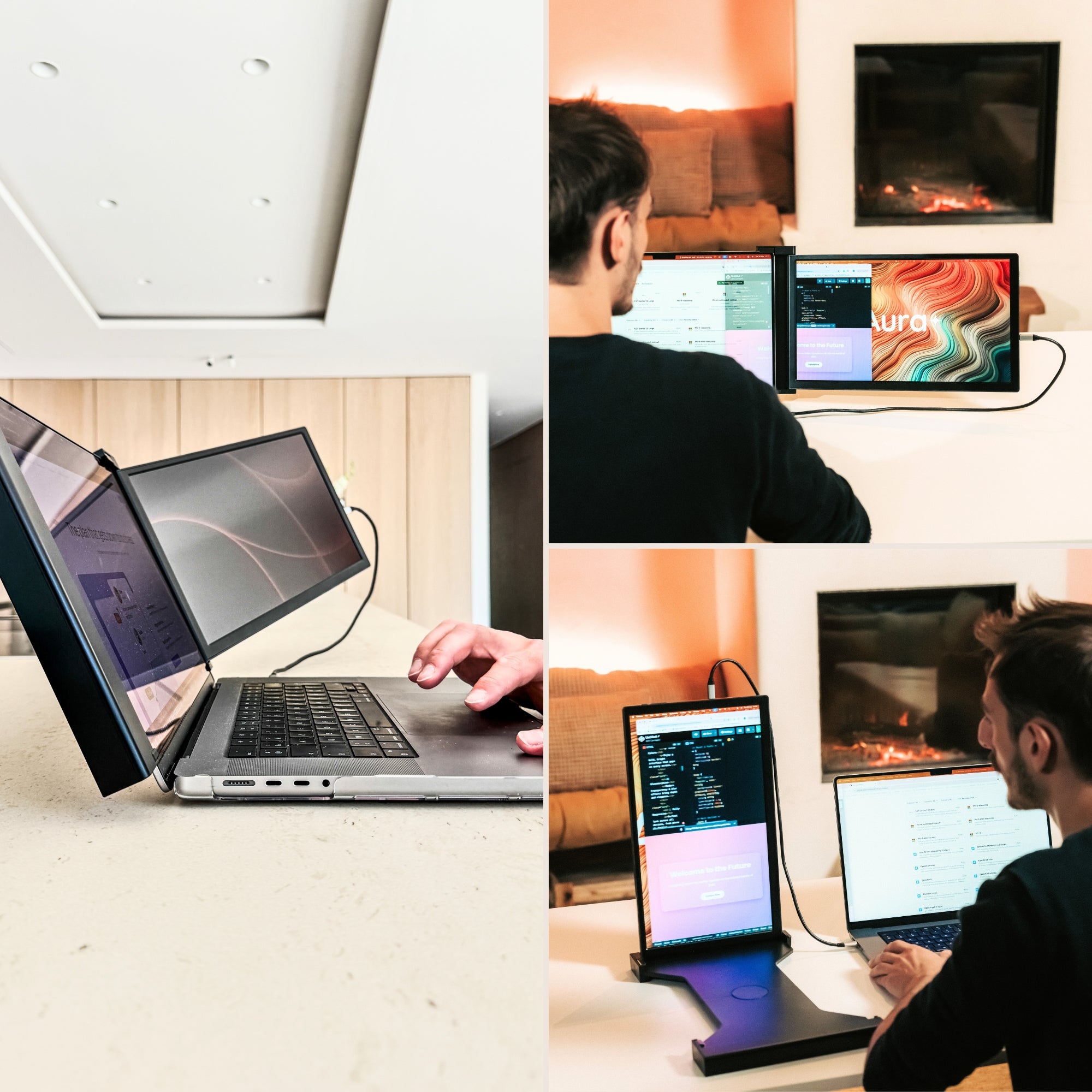
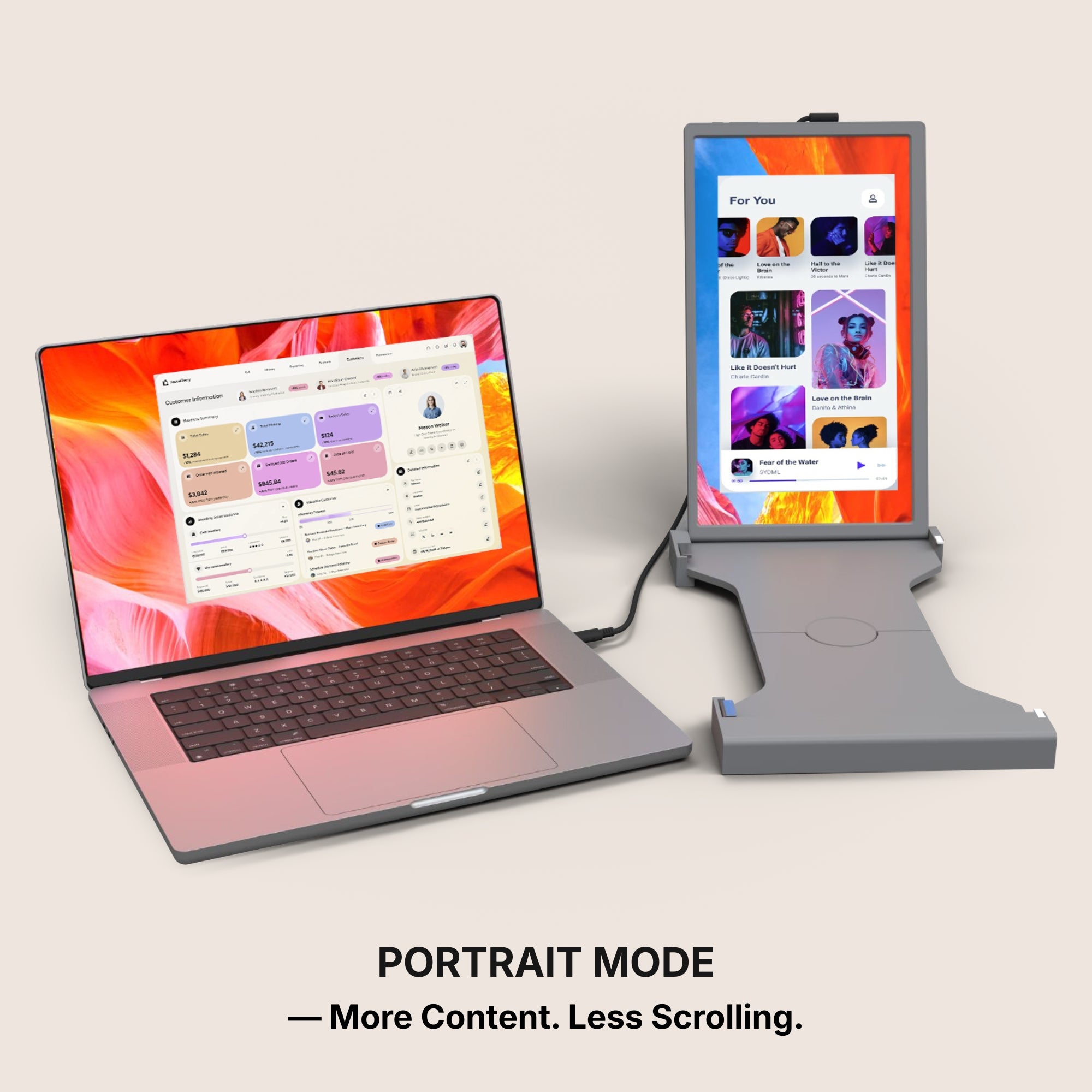
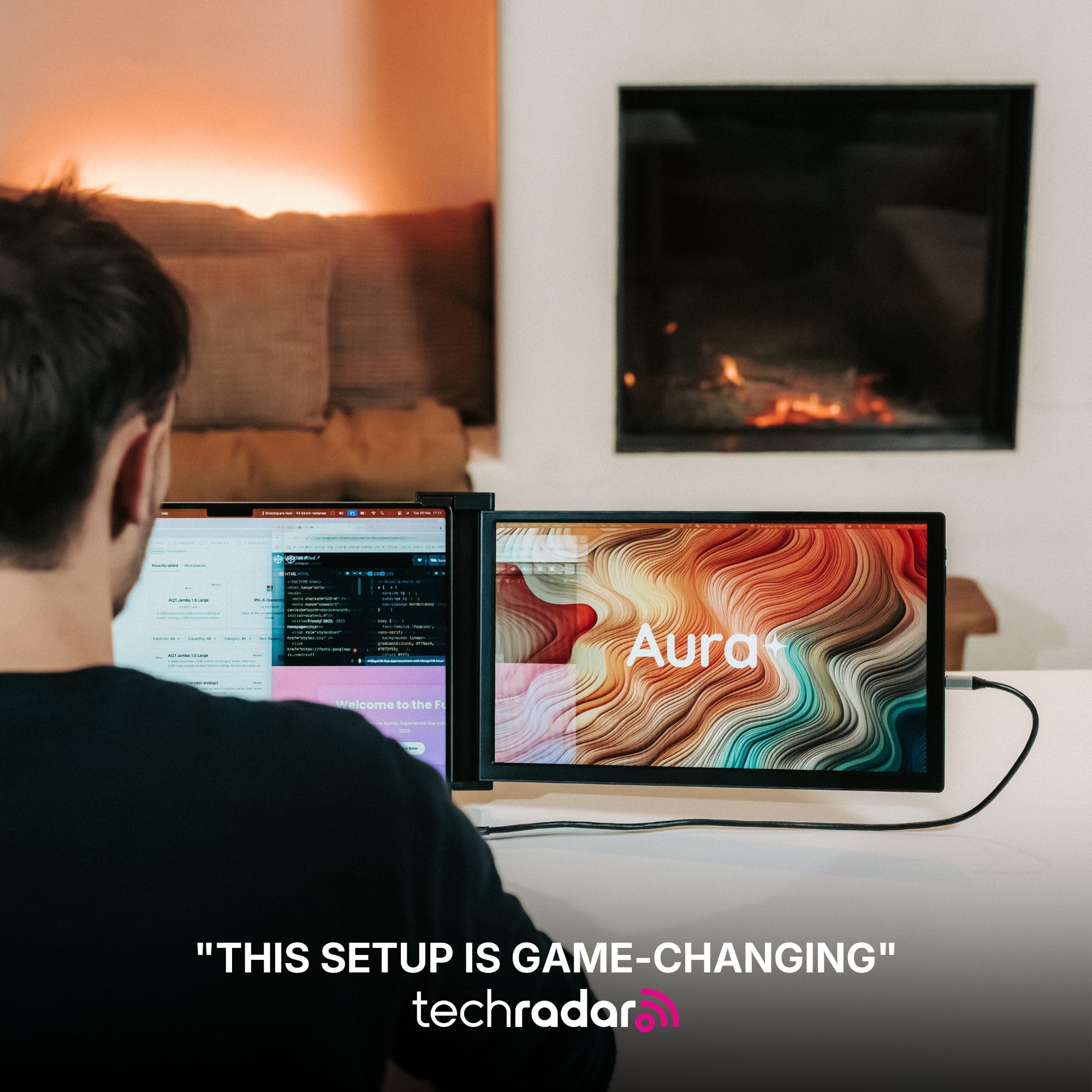
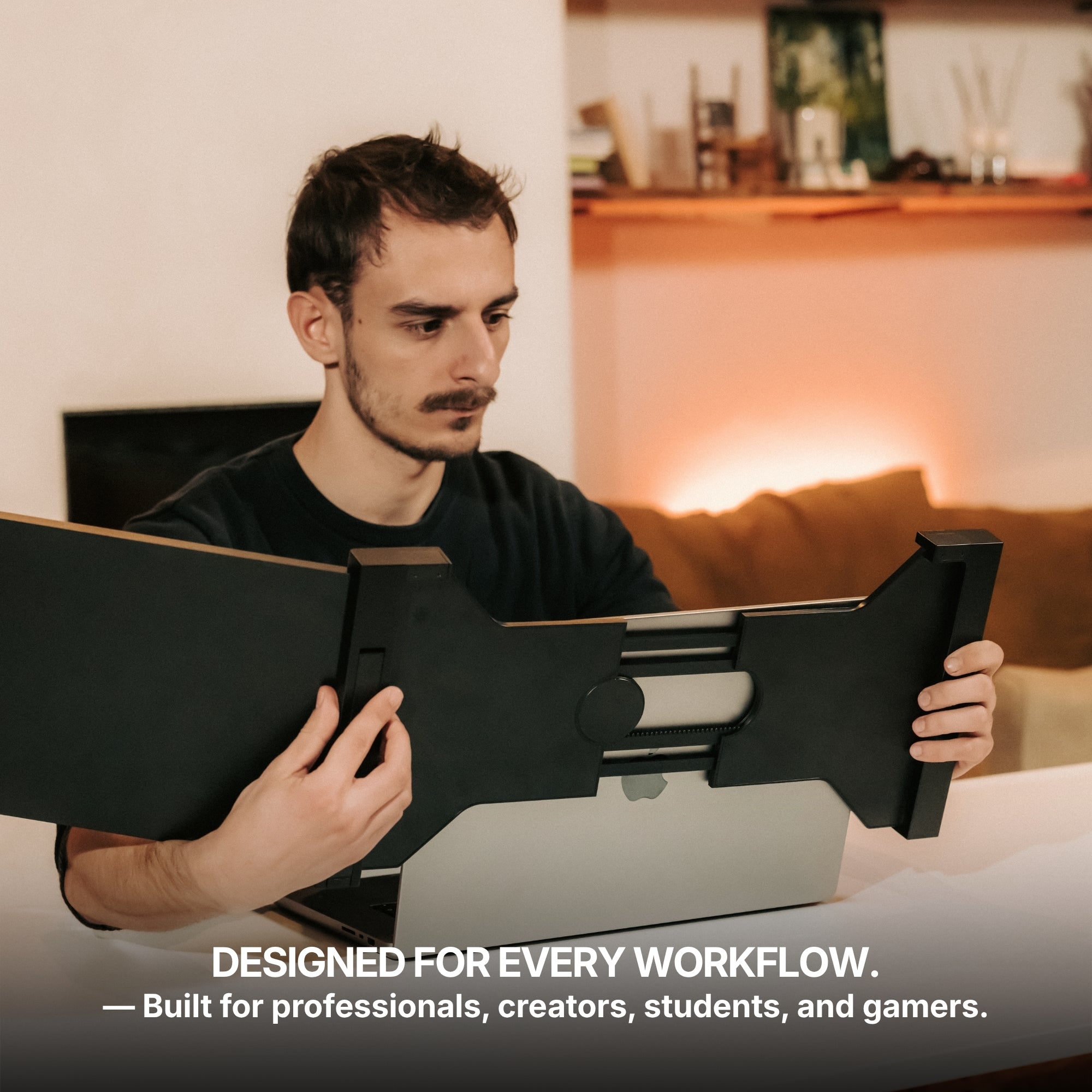
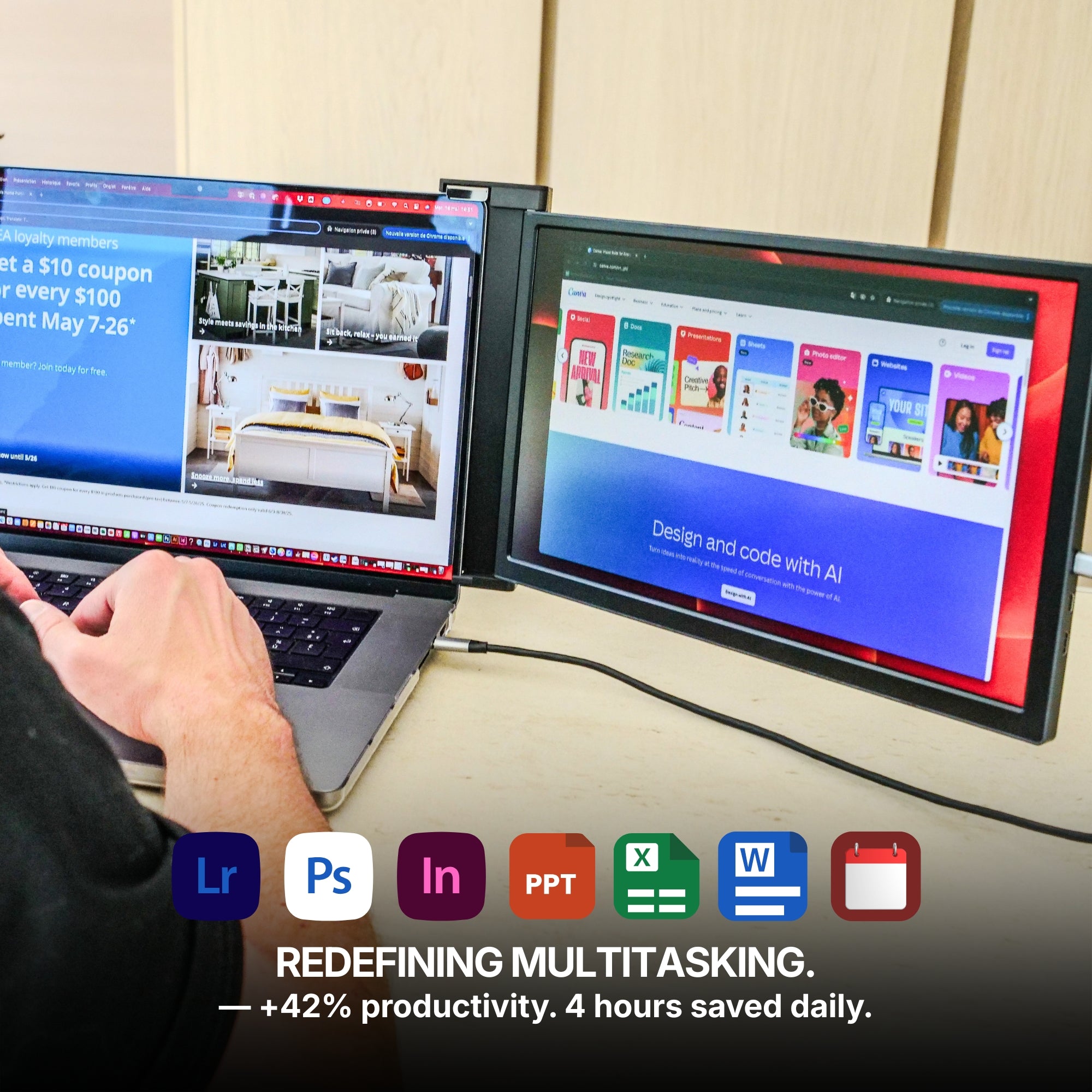
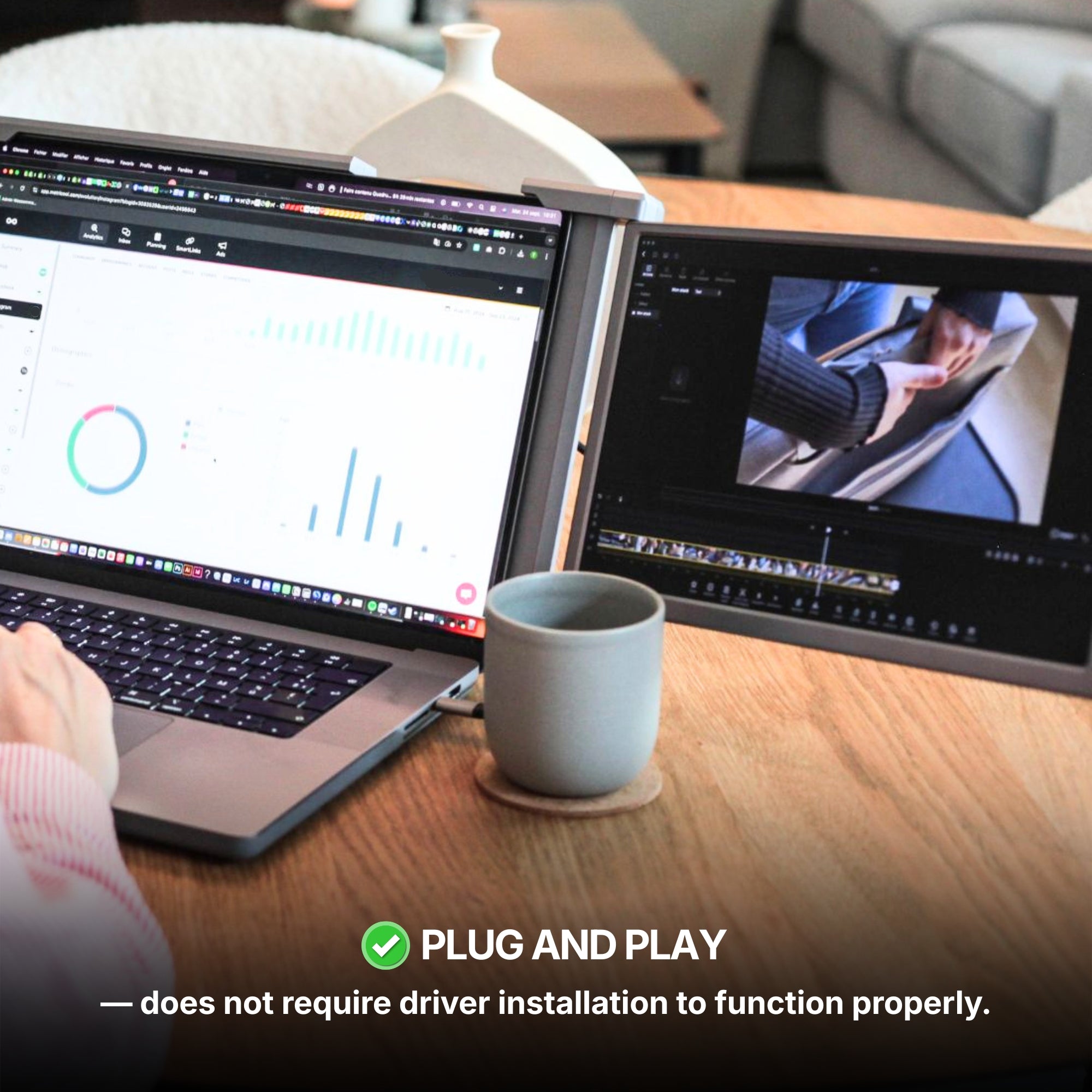
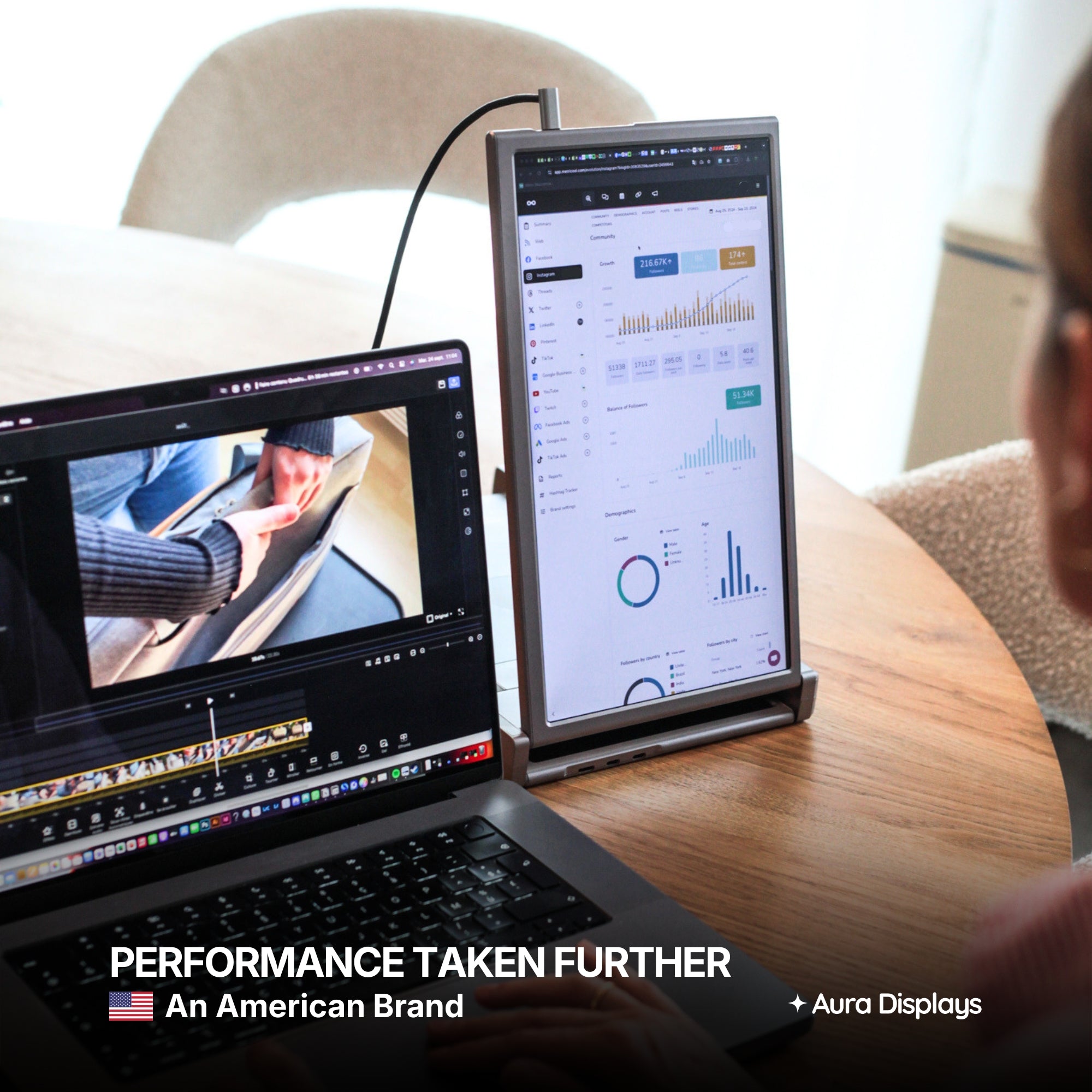
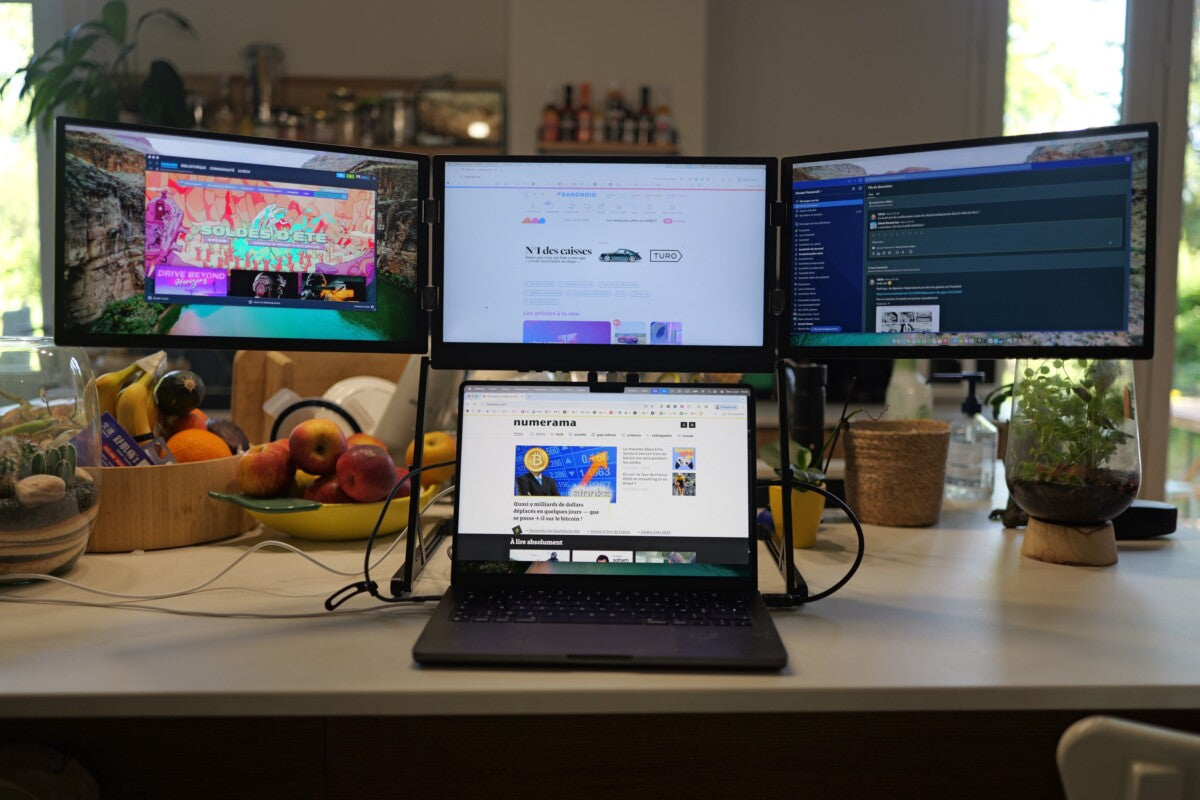
Running a Dual Screen Laptop setup can level up both gaming and multitasking. In this case, consider monitors with:
-
Seamless daisy-chaining
-
Easy folding stands or mounts
-
Slim bezels for near-edge-to-edge displays
Having a second screen that complements your laptop can improve your situational awareness in games and streamline your workflow.

For Competitive and FPS Gamers
Latency and frame rate are everything in fast-paced shooters. Your best bet:
-
144Hz refresh rate
-
1ms response time
-
G-Sync or FreeSync compatibility
These features reduce screen tearing and ghosting, giving you a performance edge.
For Console Gamers
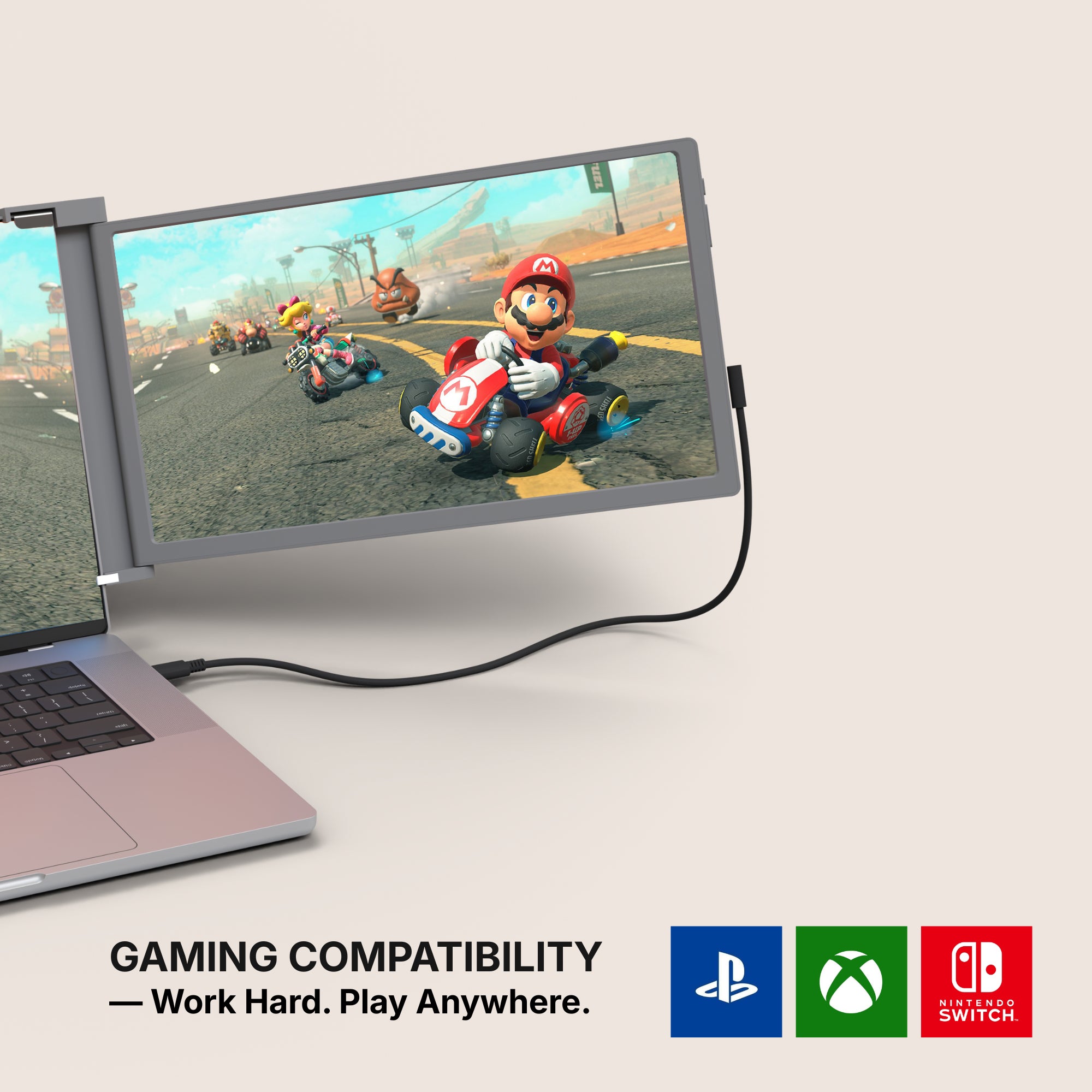
If you also own a PlayStation, Xbox, or Nintendo Switch, your monitor should support HDMI and preferably have built-in speakers. A 1080p resolution is perfect for most console gaming.
Real-World Example: Meet Rahul, a Traveling Pro Gamer
Rahul is a semi-professional esports player from Bengaluru who travels across India for tournaments. Carrying his 17-inch gaming laptop everywhere was cumbersome until he discovered a 15.6-inch portable monitor with USB-C and a 144Hz refresh rate. This became his travel companion, giving him the screen real estate he needed without extra baggage.
"I now warm up before matches in hotel rooms, plug-and-play style. It takes me 30 seconds to connect, and I'm in the zone," he shared. For more info Click here
Market Stats: The Rise of Portable Monitors
According to a 2024 report by Grand View Research, the portable monitor market is expected to grow at a CAGR of over 17% between 2023 and 2030. Gamers make up a significant slice of this pie, driven by:
-
Increased adoption of remote work
-
Growth of indie and AAA gaming
-
More powerful and compact laptops
This growing demand is pushing manufacturers to deliver premium features in smaller packages.

Best Brands to Watch
While Aura Displays offers some of the top-tier options, here are other notable mentions in the market:
-
ASUS ROG Strix
-
AOC 16T2
-
Lenovo ThinkVision M14
-
ViewSonic VG1655
Each of these brings unique strengths, but the models at Aura Displays are curated specifically for gamers seeking a mix of power, design, and affordability.
Bonus Tips for Better Portable Gaming
To get the most out of your setup:
-
Use a high-speed USB-C cable to reduce input lag
-
Turn off battery-saving modes while gaming for optimal performance
-
Carry a folding laptop stand to elevate both your laptop and monitor to eye level
-
Invest in a quality carrying case to protect your gear
These small upgrades can significantly enhance your gaming experience.
Final Takeaway
Finding the best portable gaming monitor depends heavily on your gaming needs, lifestyle, and tech preferences. Whether you prioritize performance, portability, or a perfect match with your laptop, there's a model that checks all the right boxes.
Explore high-performance options crafted for gamers at Aura Displays and upgrade your portable gaming setup with confidence.











Share: