


Fortune reported on July 5 on an analysis of Census Bureau Current Population Survey data by the Federal Reserve Bank of Minneapolis, and the headline finding was that almost nothing happened. About 22% of US workers did at least some work from home in 2025, down a single percentage point from 2024. In January 2026 the combined hybrid and remote share was 22.3%; in February it was 22%. Among people who work remotely at all, average hours spent working at home over the week drifted from roughly 27 to 26 across the year.
Four years of return-to-office announcements, and the line is flat. Whatever you think should happen next, the number to plan a desk around is the one that keeps not moving.
The tell: do you pack it away?
Before recommending anything, we would ask one question. At the end of the day, does your setup get folded, unplugged and put in a drawer?
If it does, and it does not then travel anywhere, you bought a portable product for a stationary job. That is a common mistake and we sell the products that cause it. A screen you disassemble every evening is a screen you stop setting up by November — not because it is bad, but because the friction outlives the enthusiasm.
Two honest questions
- How many hours a week does this desk actually get? If the honest answer is somewhere near 26 — the current national average for people who work remotely at all — that is more than half a working week at one surface. Buy for those hours.
- Does anything you own leave the house? If the laptop travels but the screens never do, they are not luggage. Thin panels, modest brightness, bus-powered USB-C, smaller sizes: those compromises exist to earn a place in a bag. If there is no bag, they are just compromises.
If the desk is where the work happens
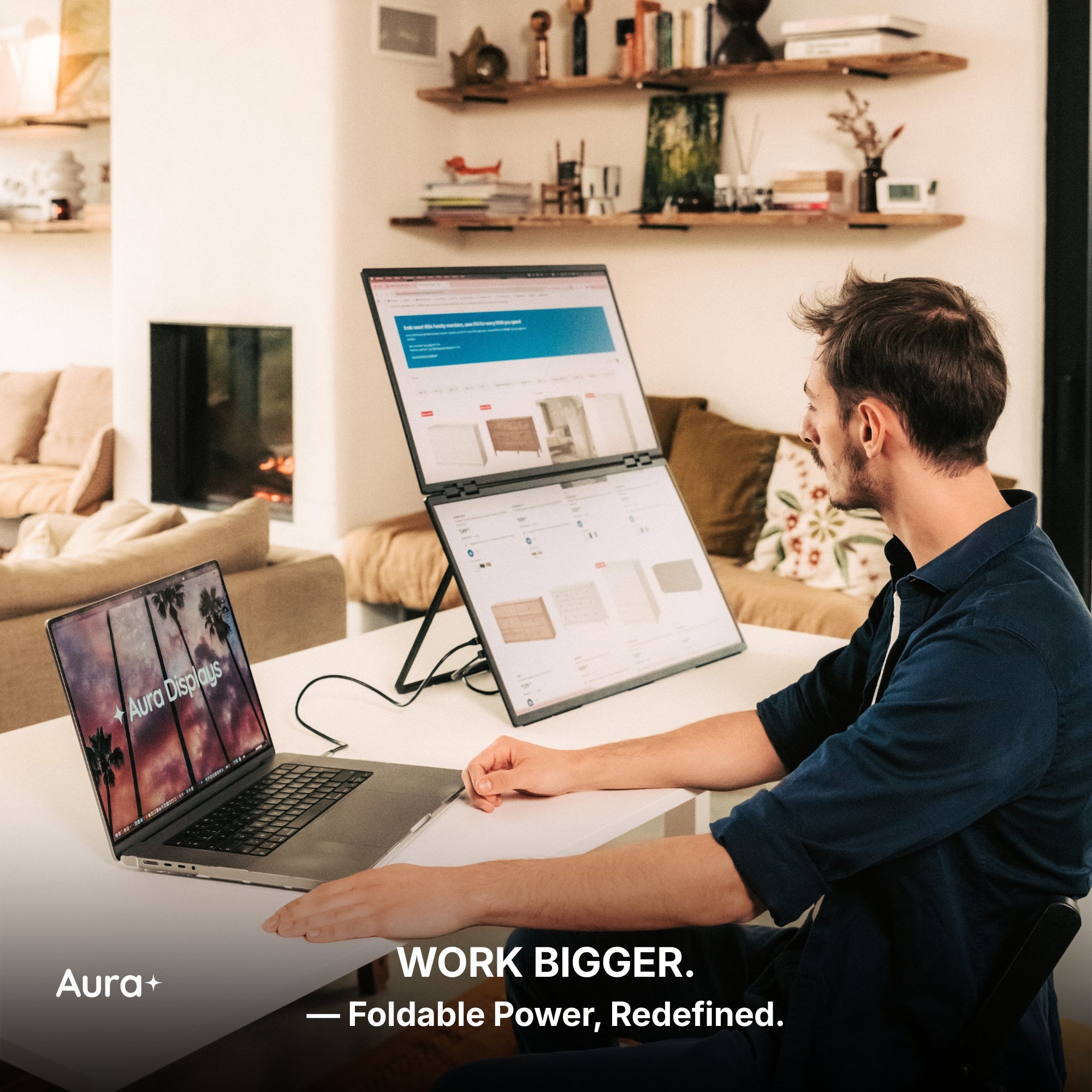
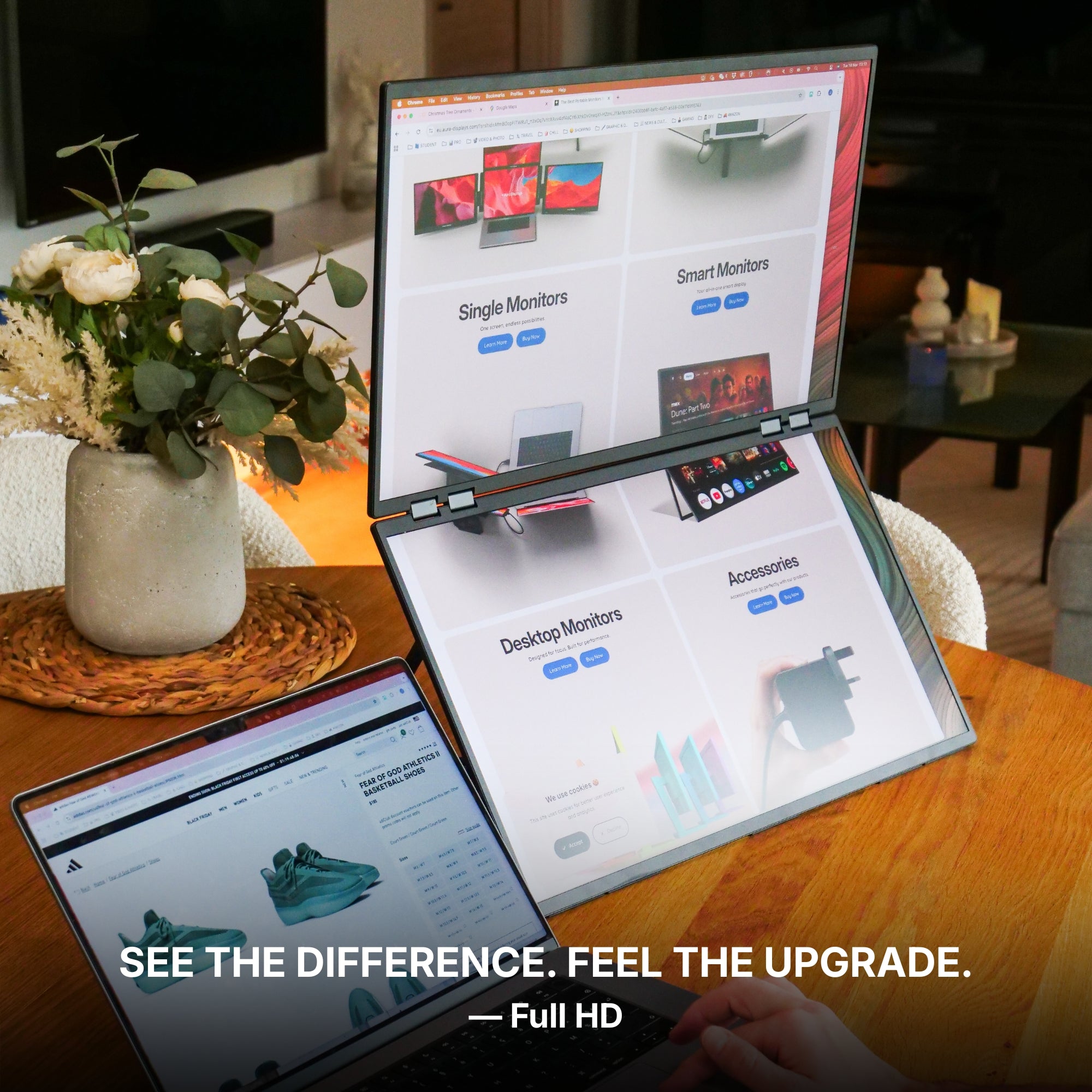
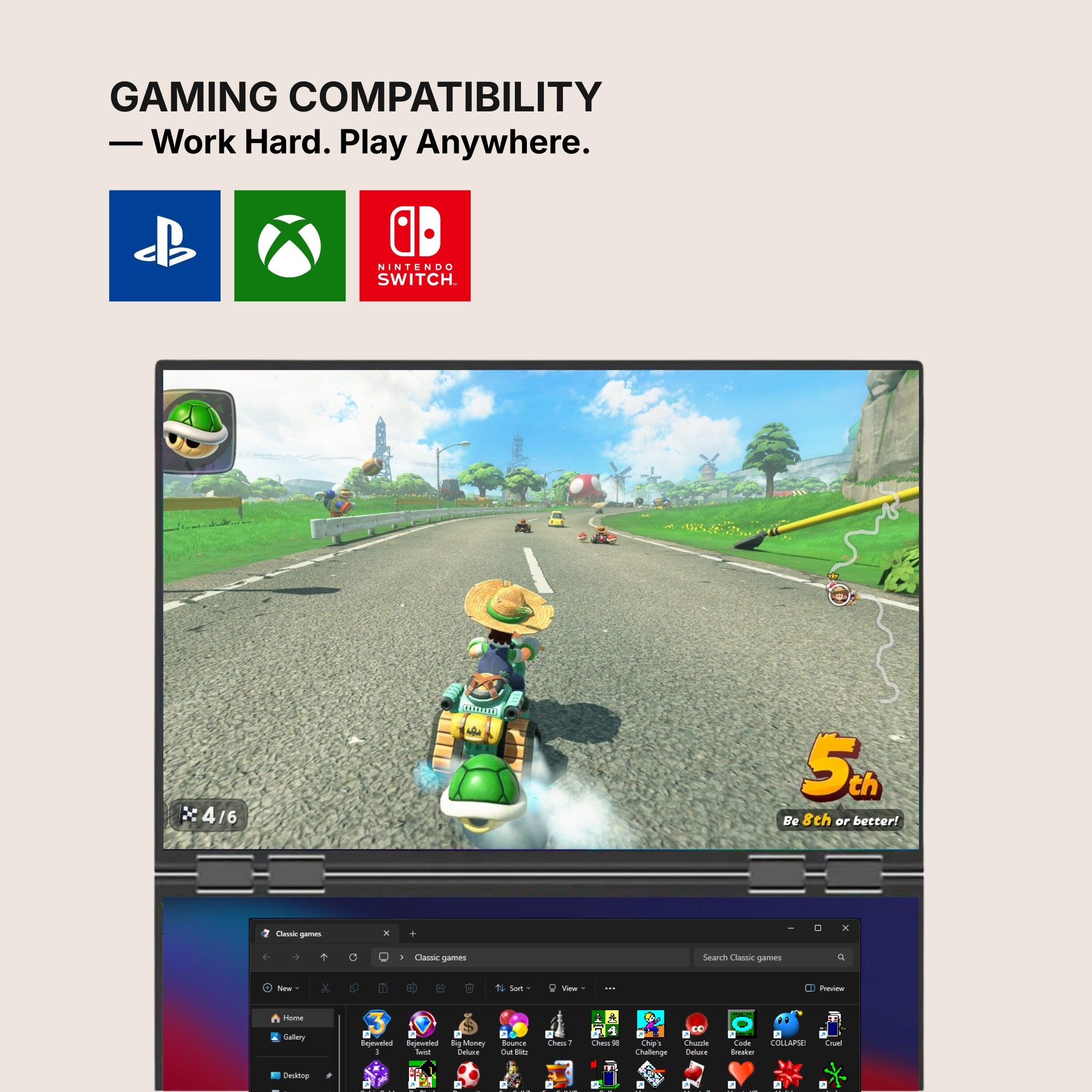
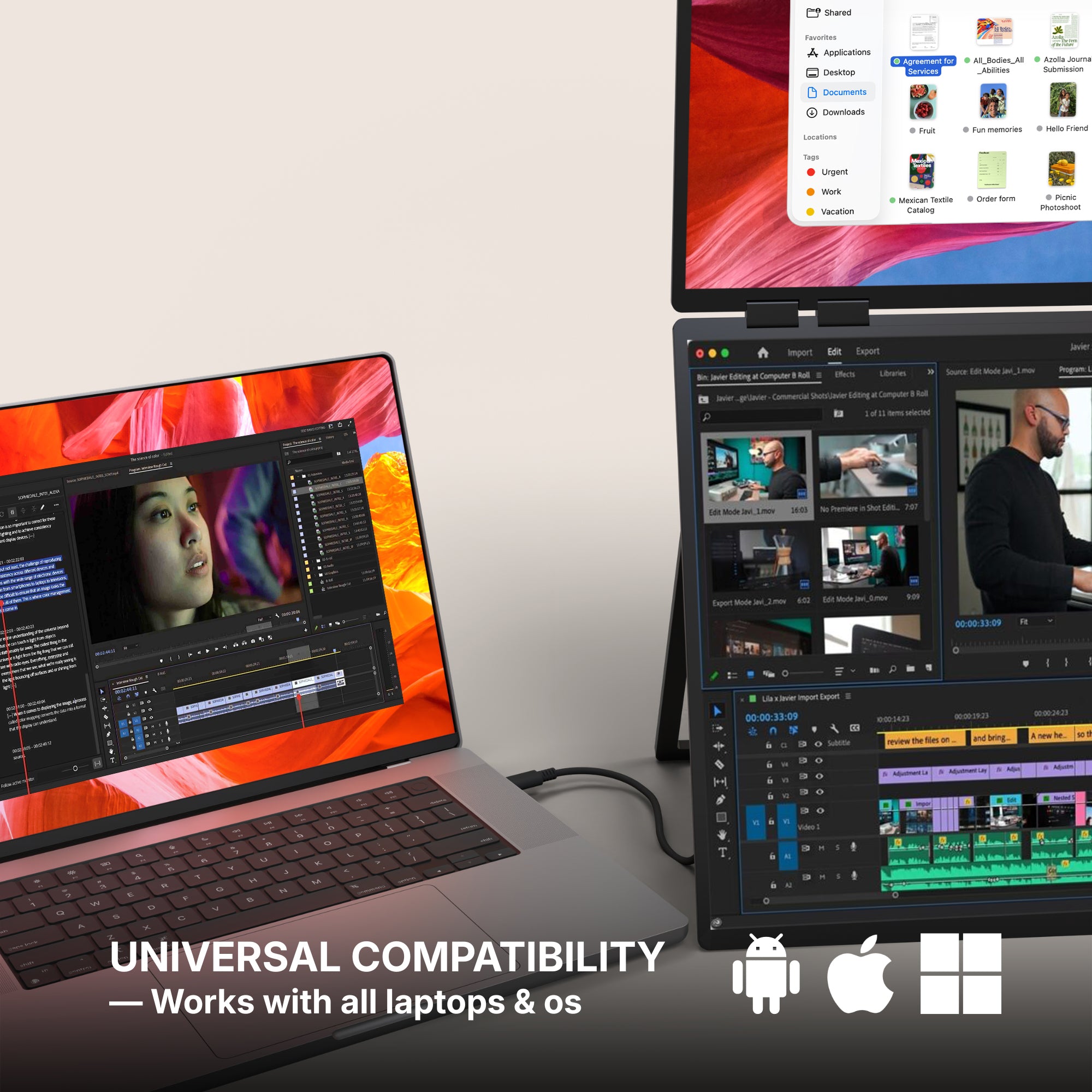
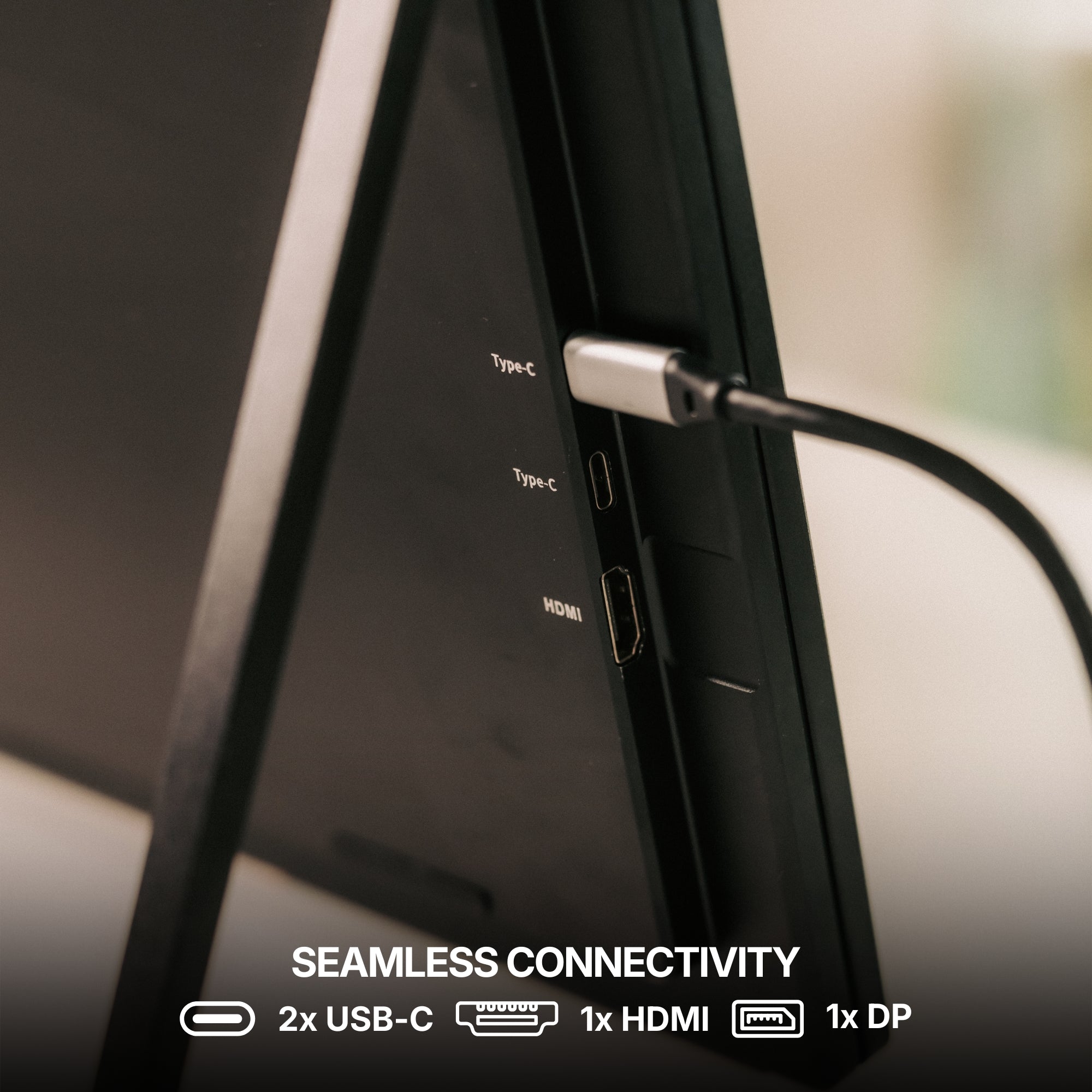
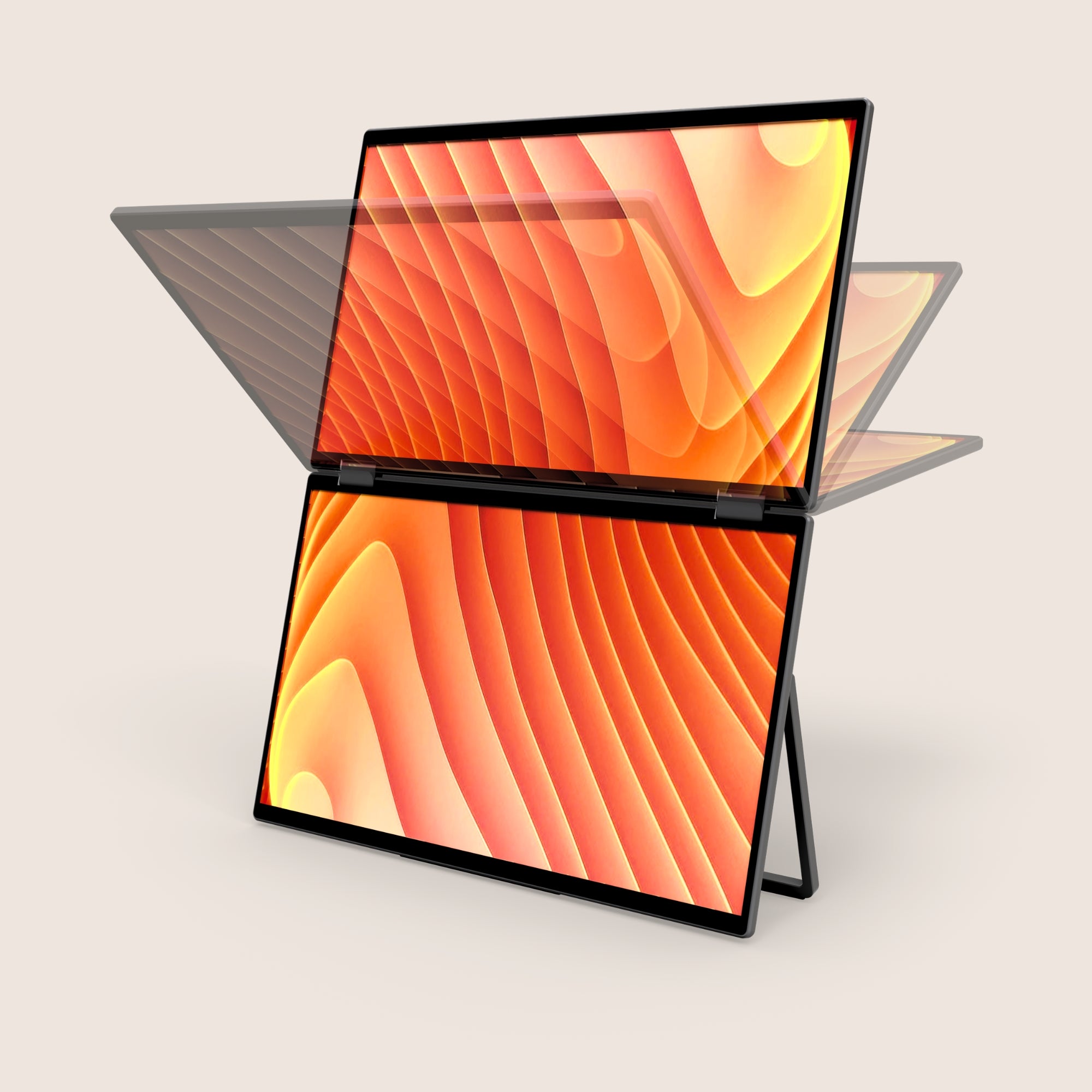
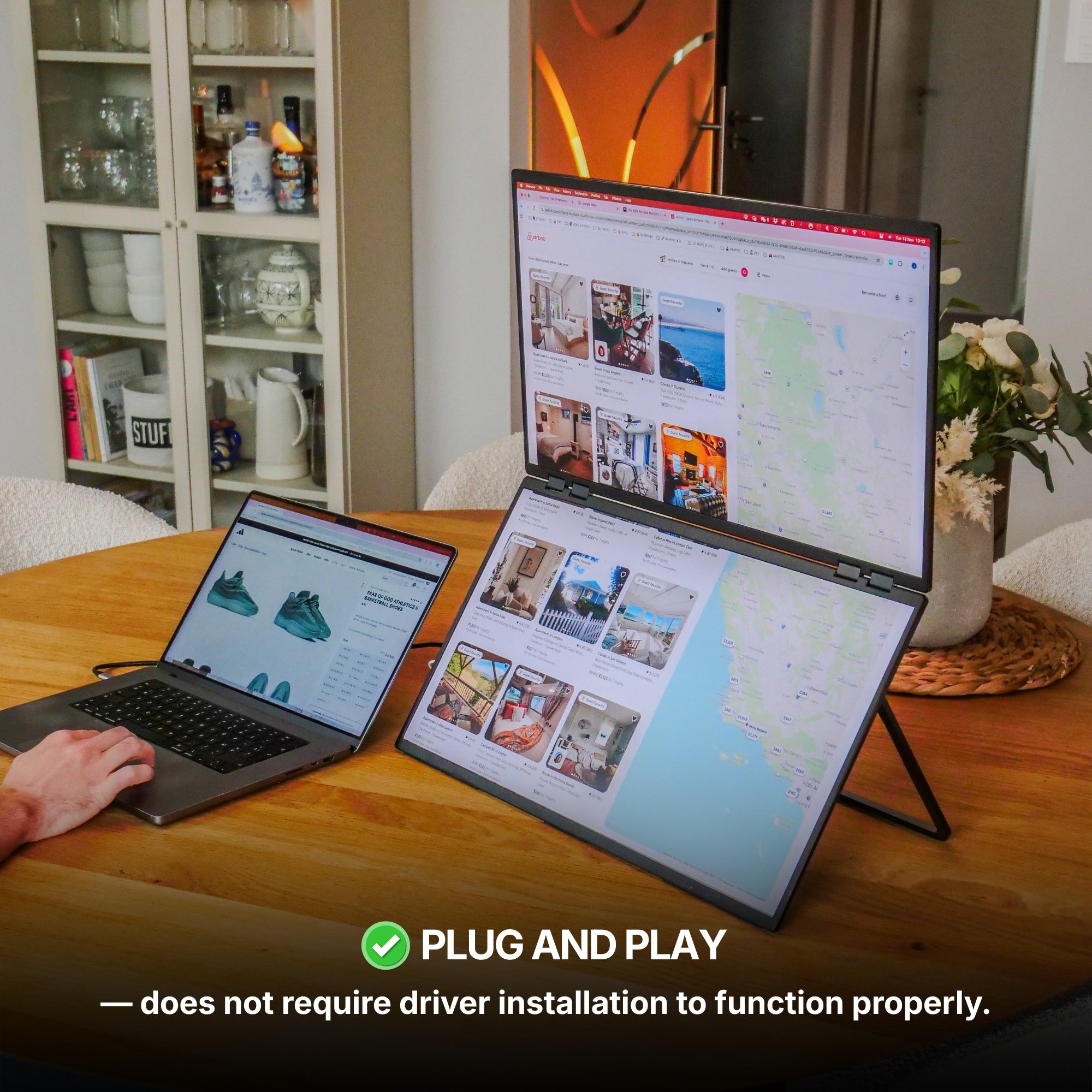
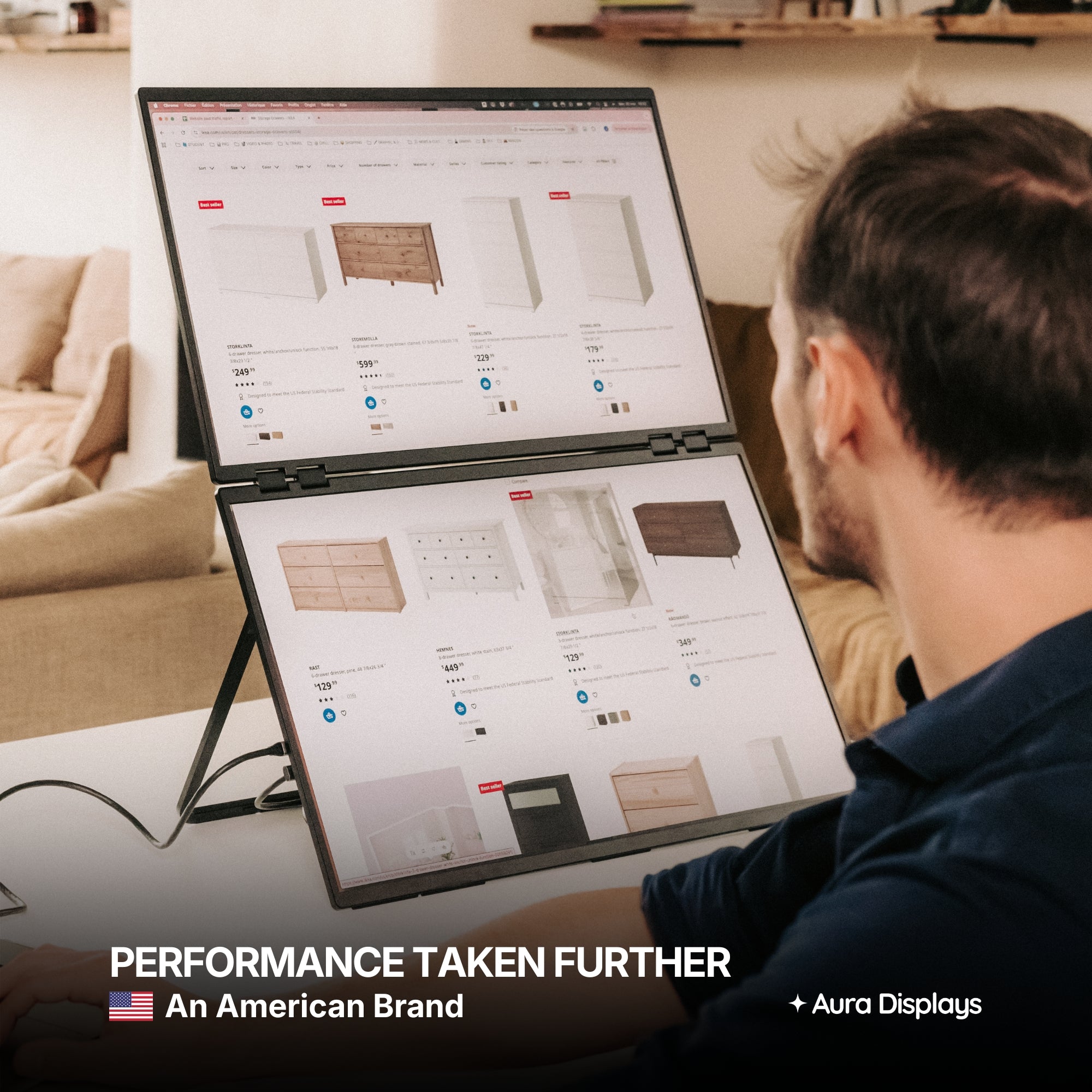
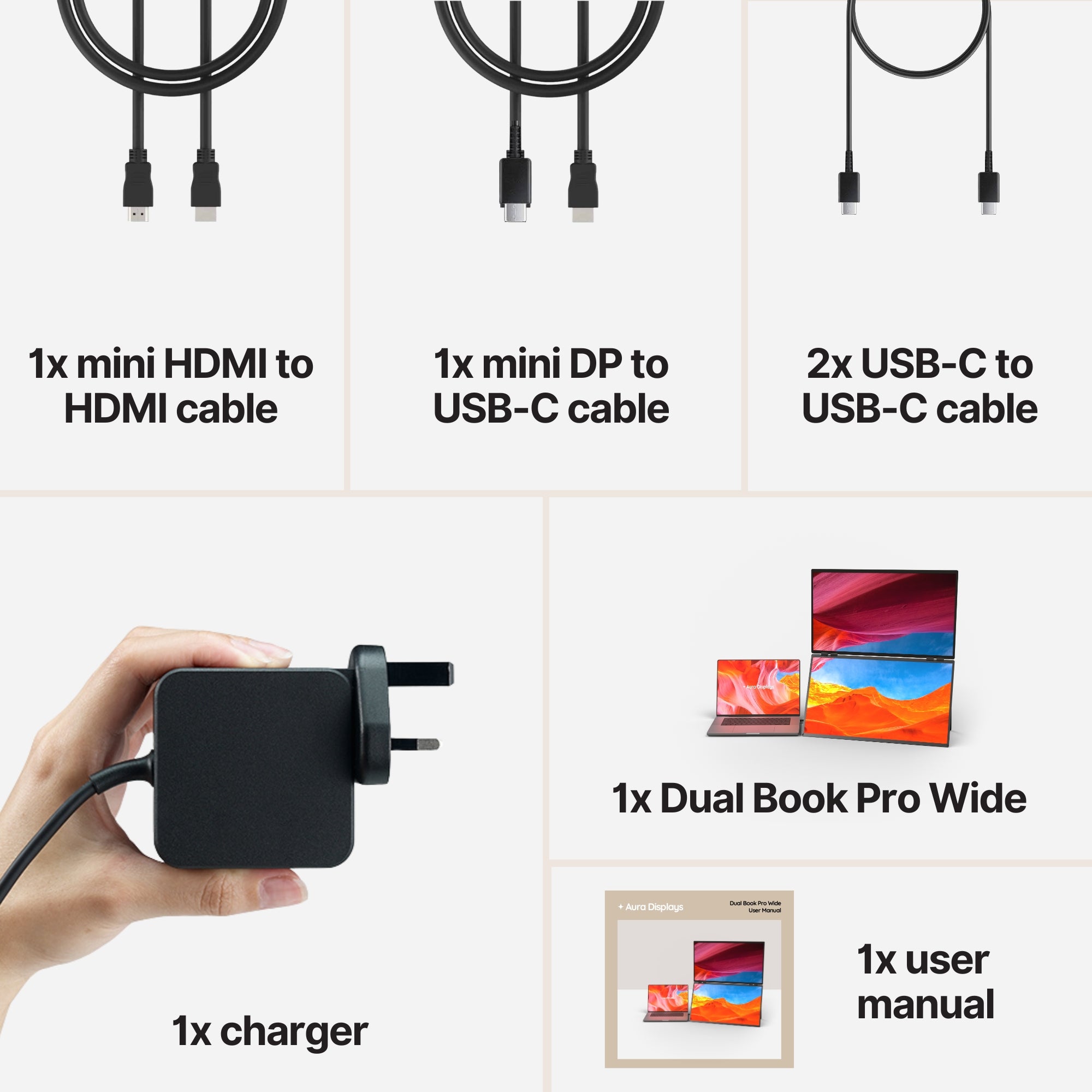
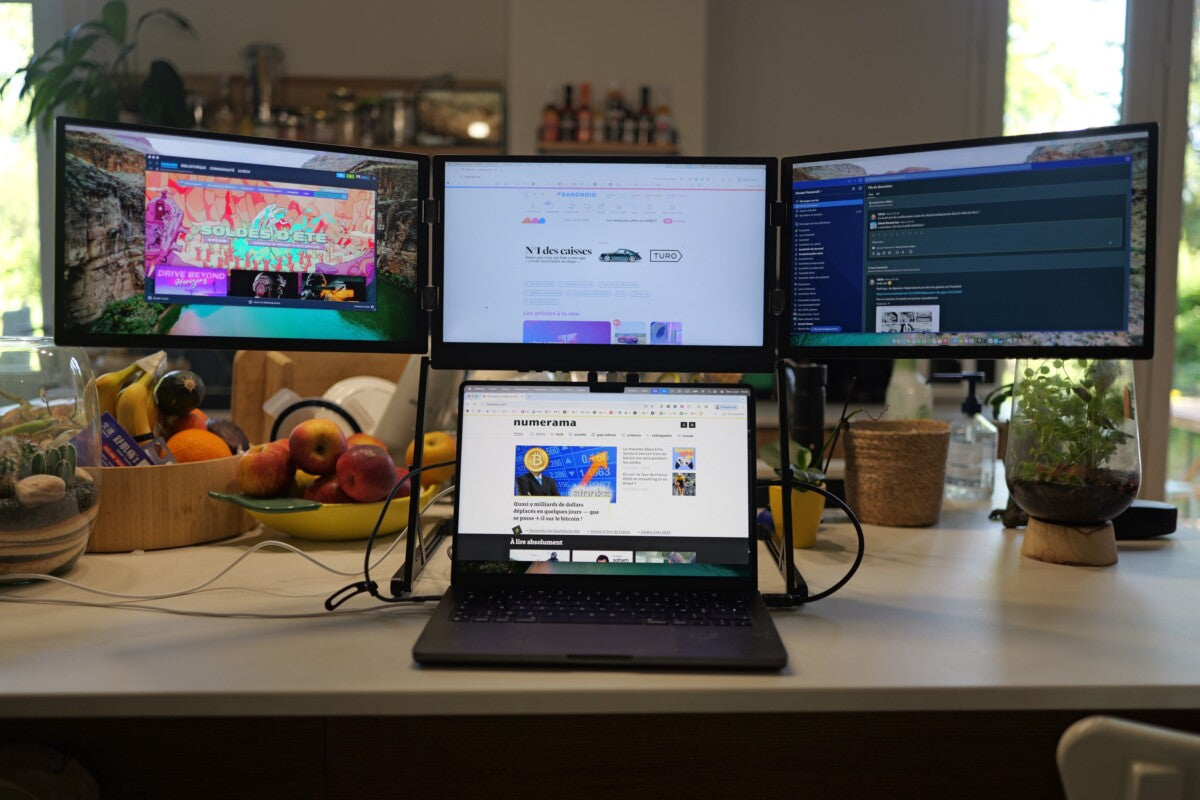
The Dual Book Pro Wide 48", $599, is what we would put on a permanent desk. Two 24-inch Full HD panels side by side, 48 inches of continuous width, and — the part that matters more than the size — nothing to install. It runs plug and play on macOS, Windows, Android, Chromebook, Linux, game consoles and USB-C iPads and iPhones, over USB-C, HDMI or DisplayPort. If your work machine is locked down by IT, that single fact is worth more than any spec on the page.
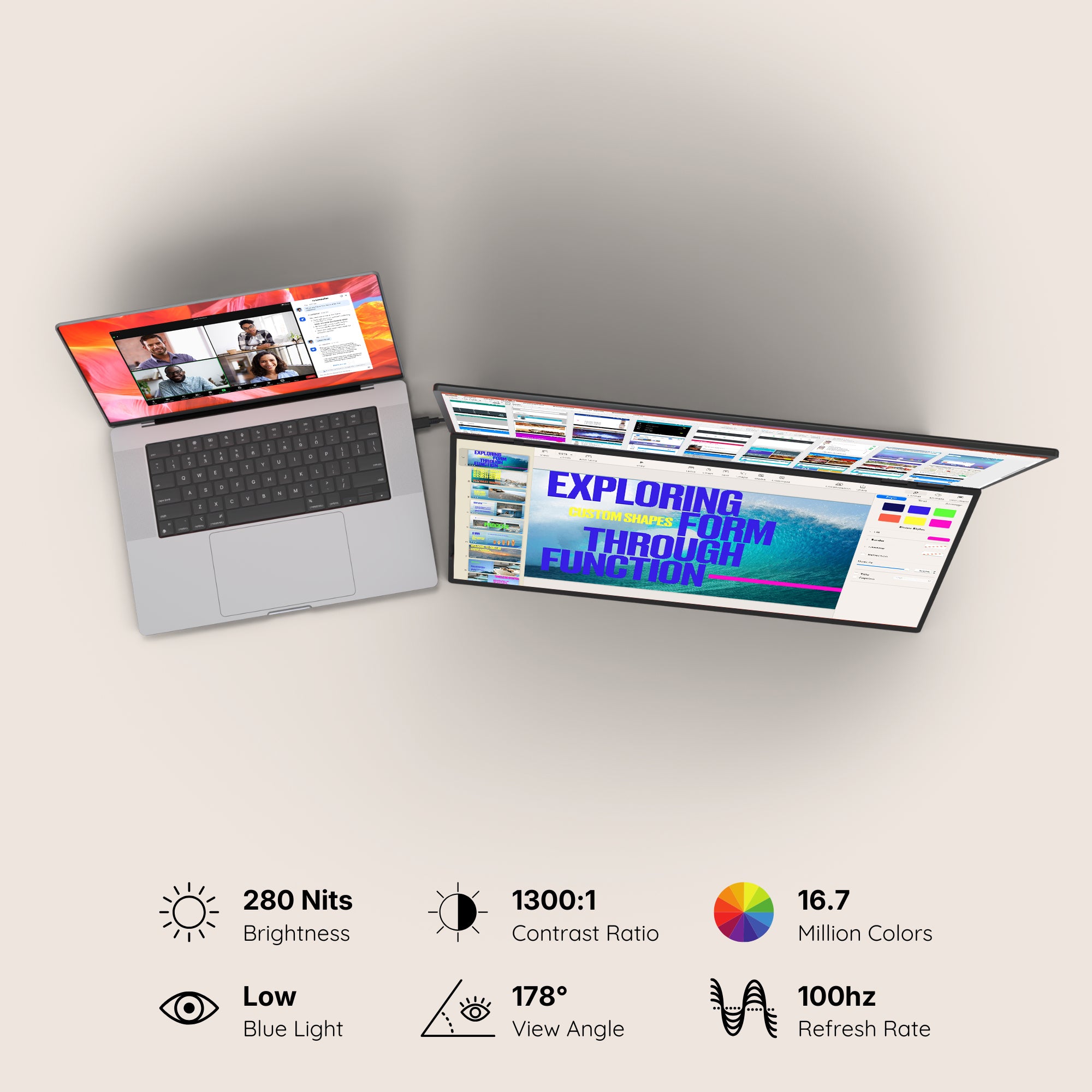
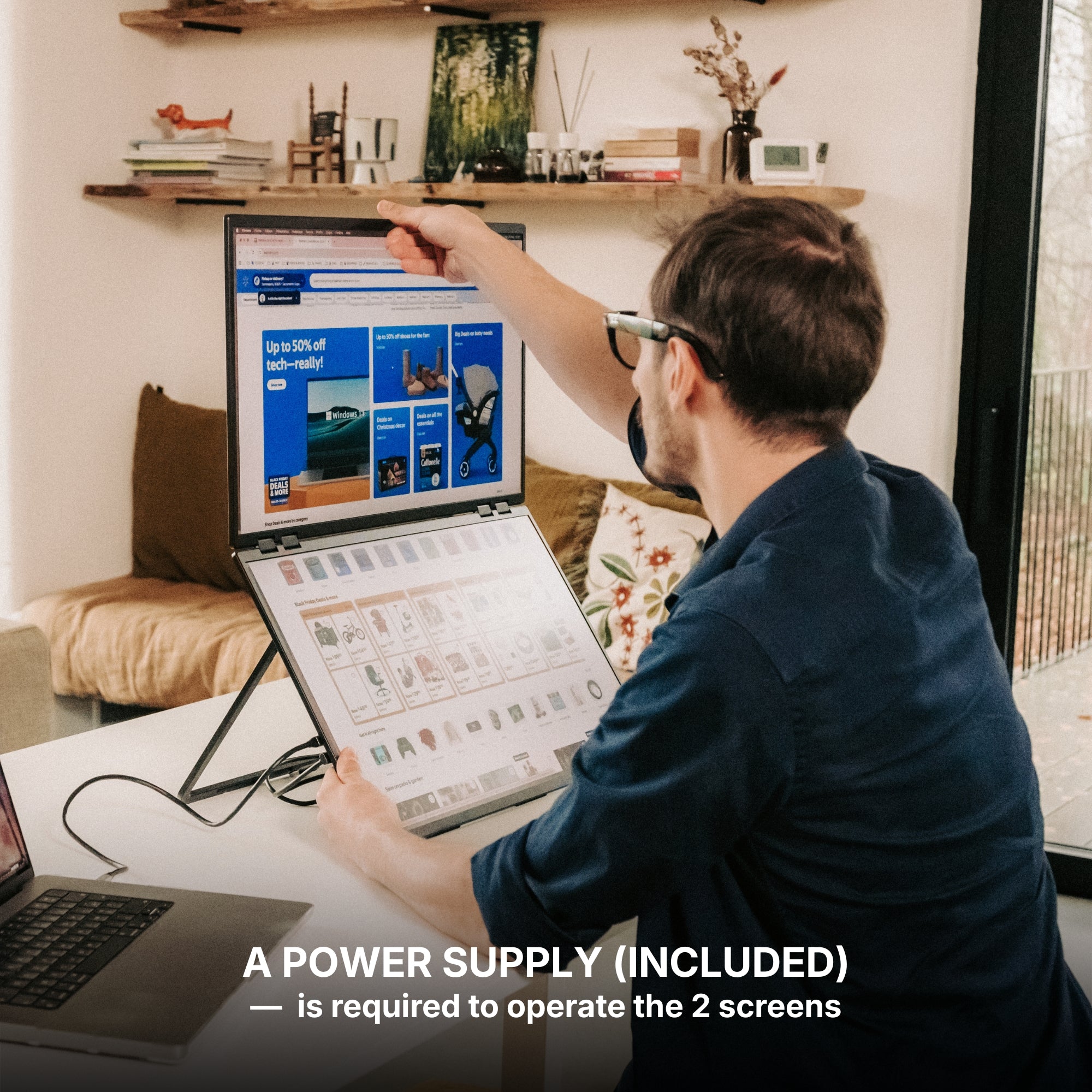
Three limits, in our own words. It needs a 65W power adapter and therefore a wall socket, so this is not a train product and we will not pretend otherwise. At 280 nits it is comfortable in a normal room and washed out facing a bright window — put it perpendicular to the light, not in front of it. And 48 inches of width is a real footprint: measure the desk before you order, because the size is what surprises people, not the price.
If you genuinely split your week
Plenty of people do, and for them the portable line is the right answer rather than a consolation prize.
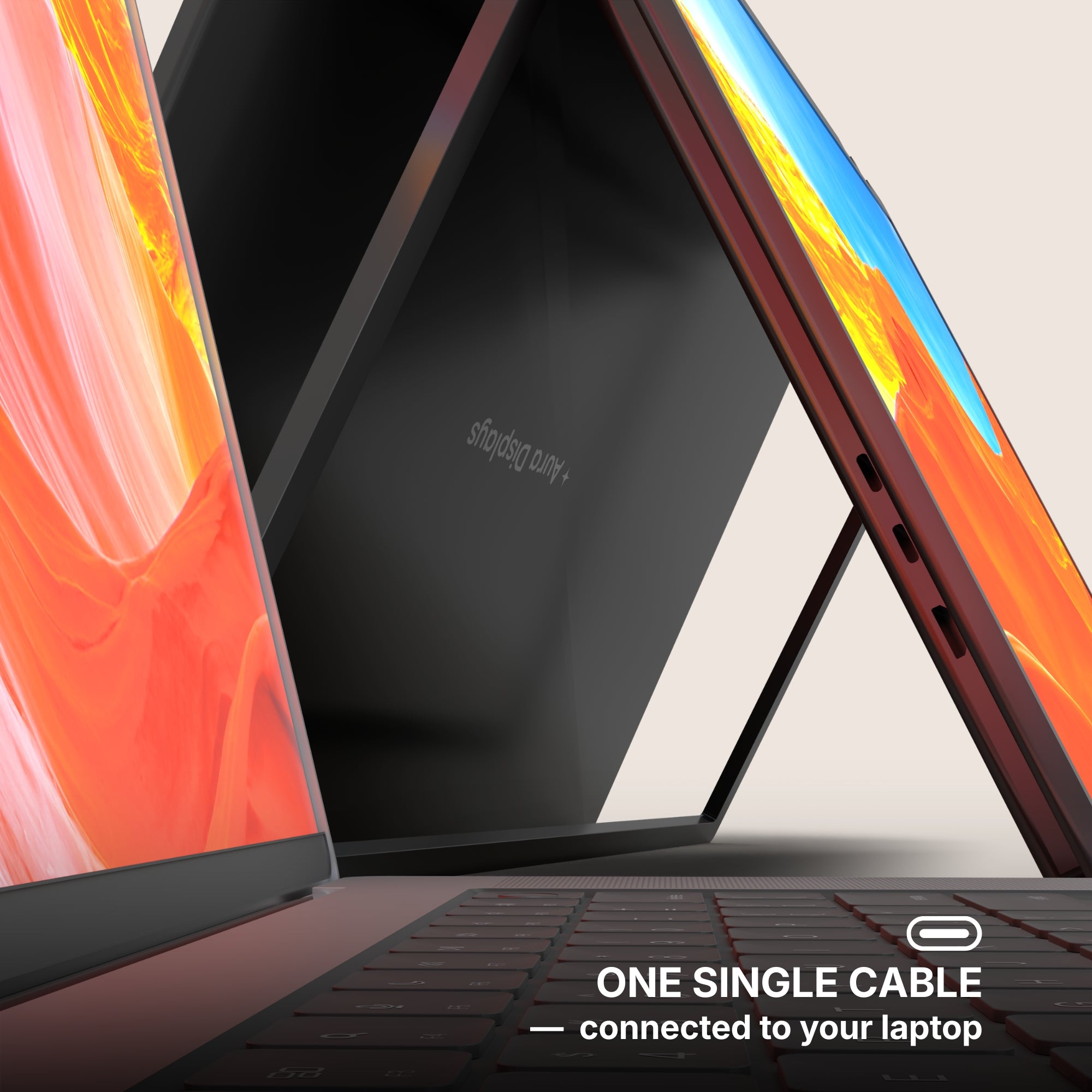
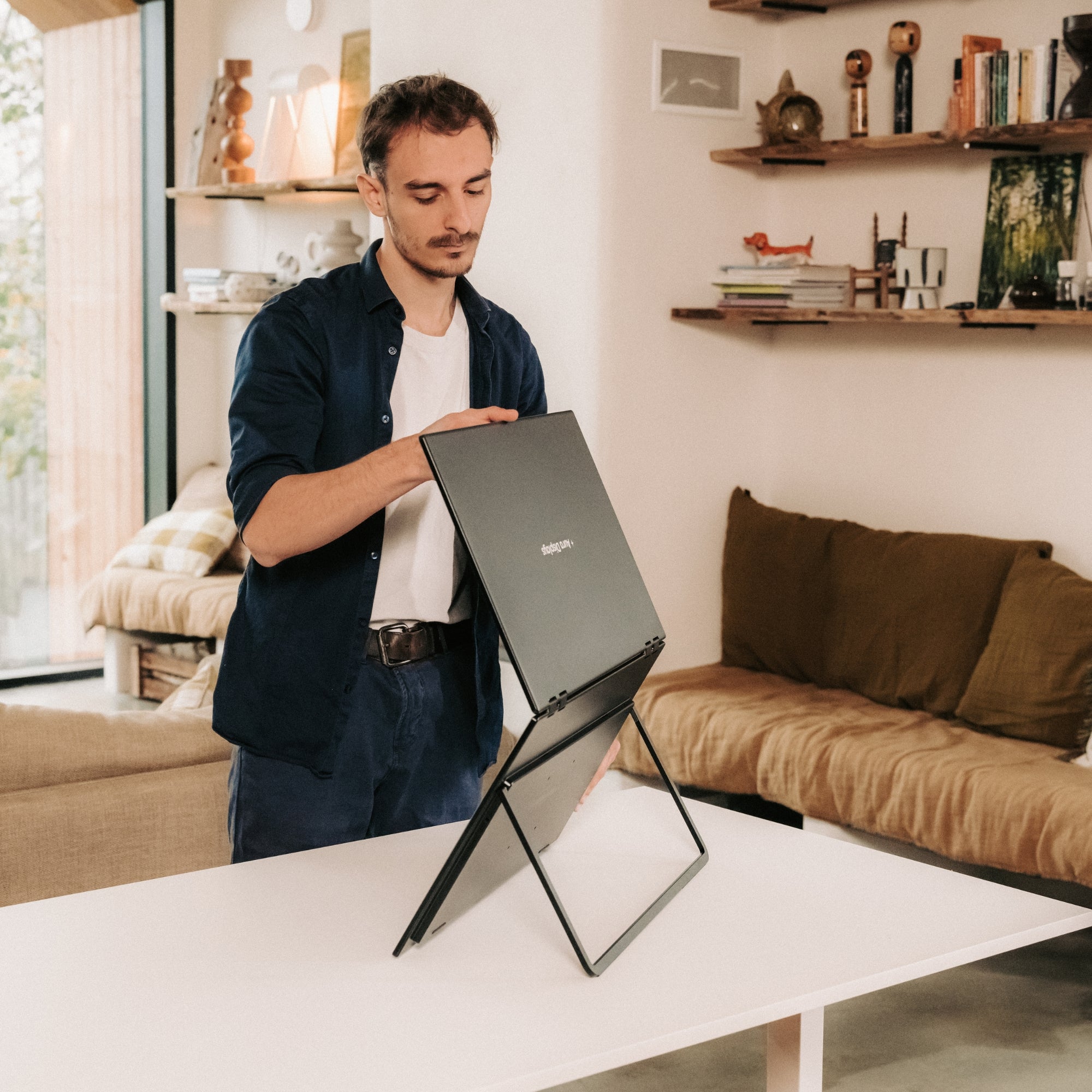
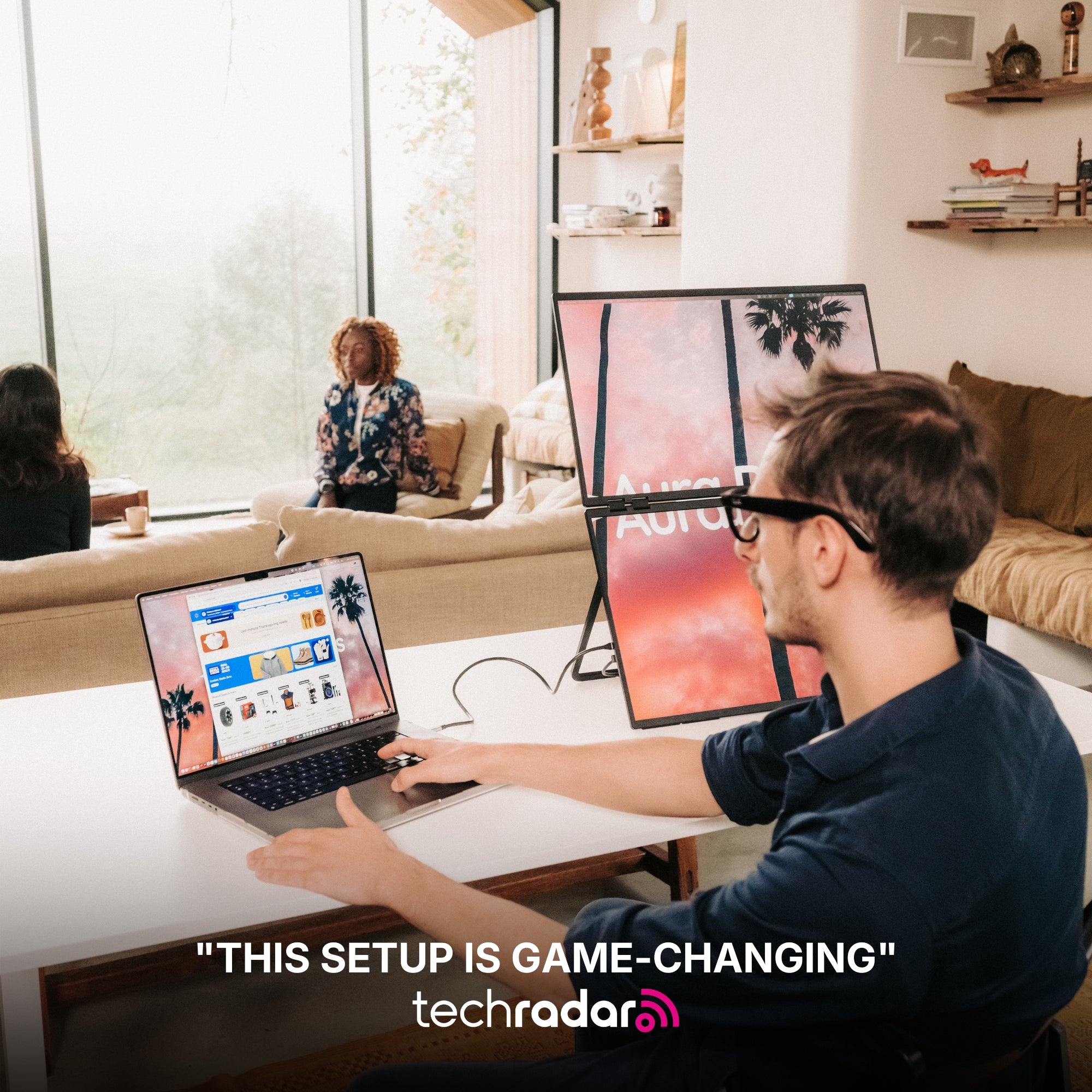
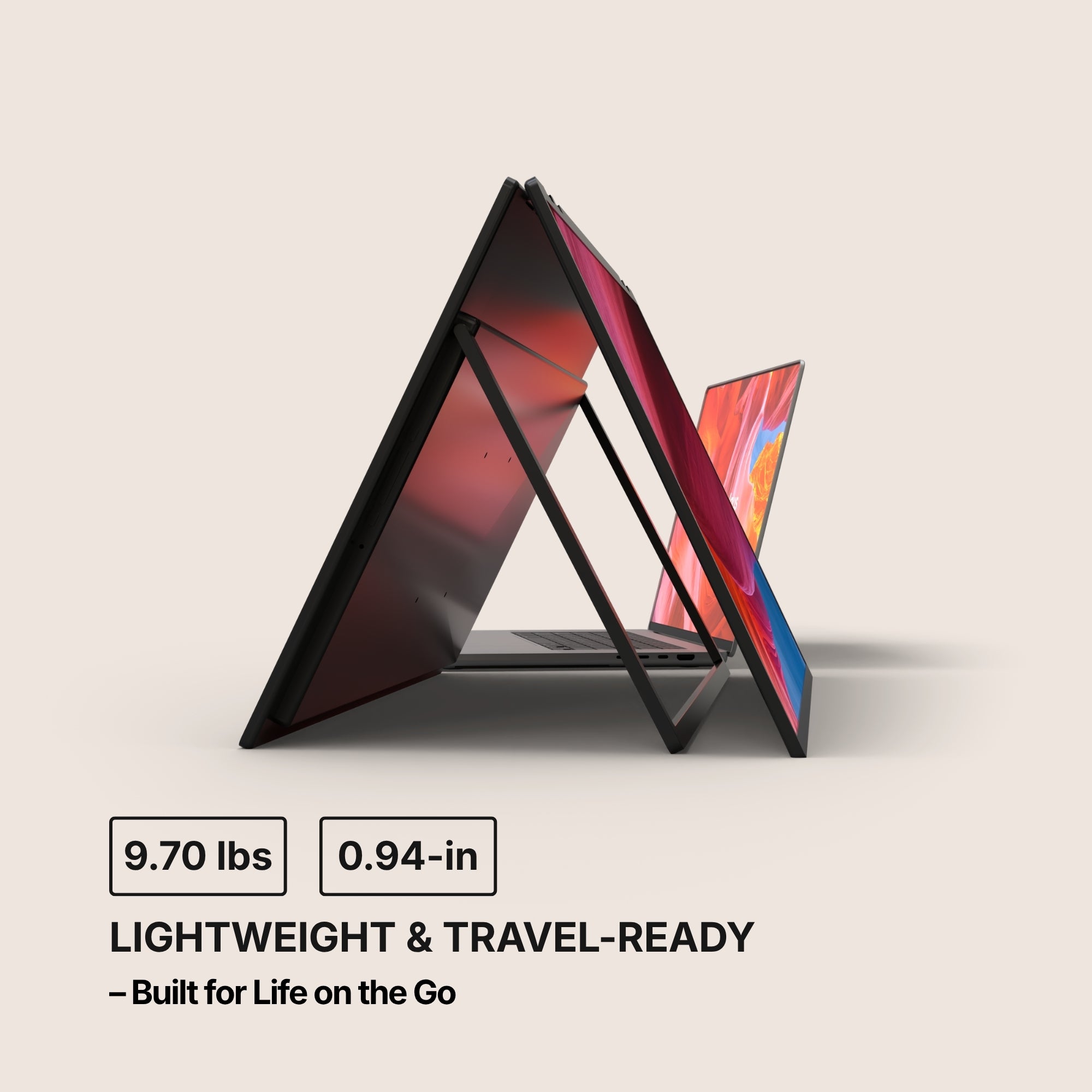
- Dual Boost Pro (Gen 4) — from $399. Two panels on the laptop lid, one USB-C cable, 14" or 15.6". It requires our software and runs on macOS, Windows, Android and Ubuntu, so check your machine allows installs before ordering.
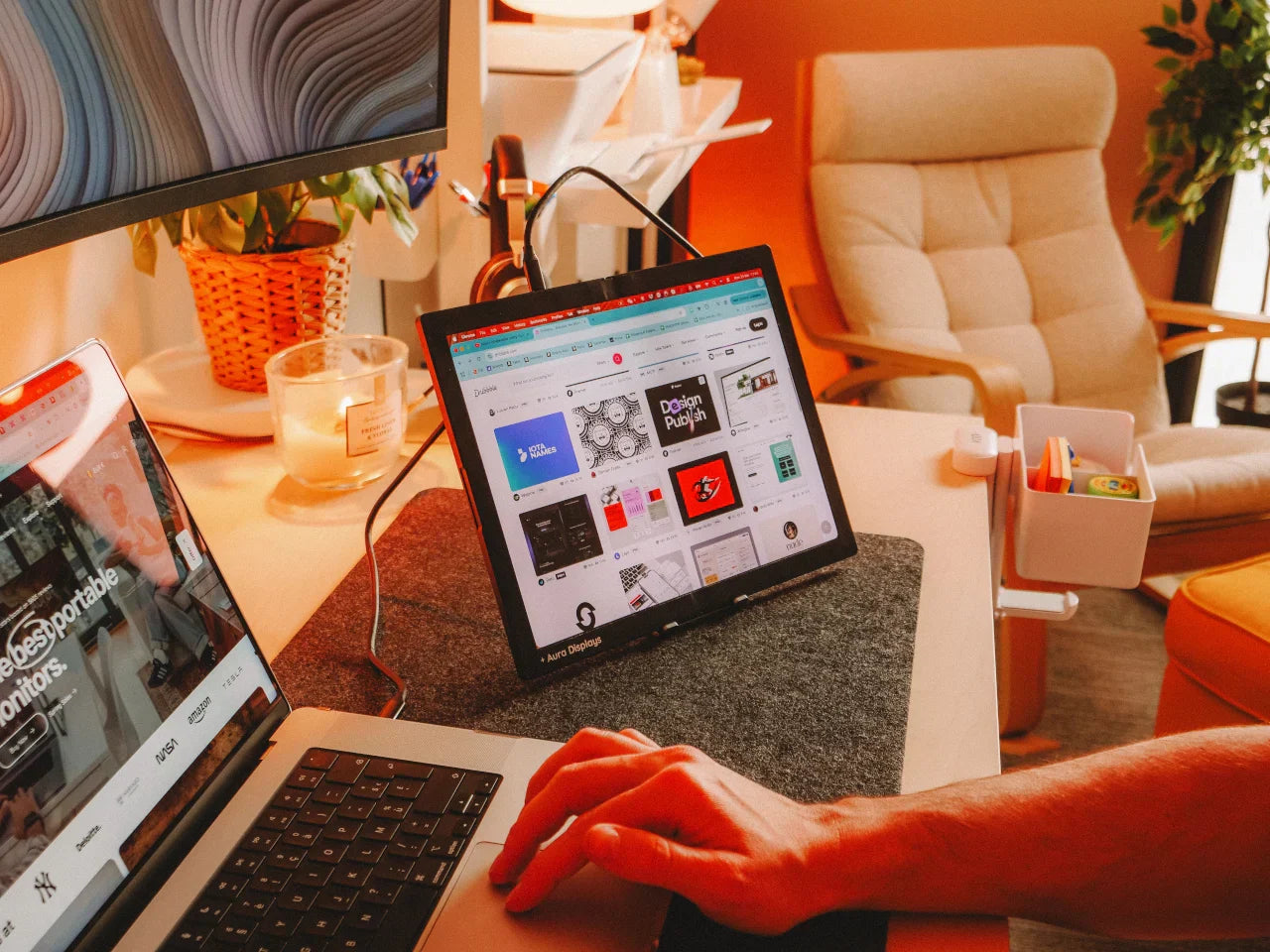
- Single Play — from $289. One panel, no driver, no software, works with almost anything. The lightest honest upgrade we sell.
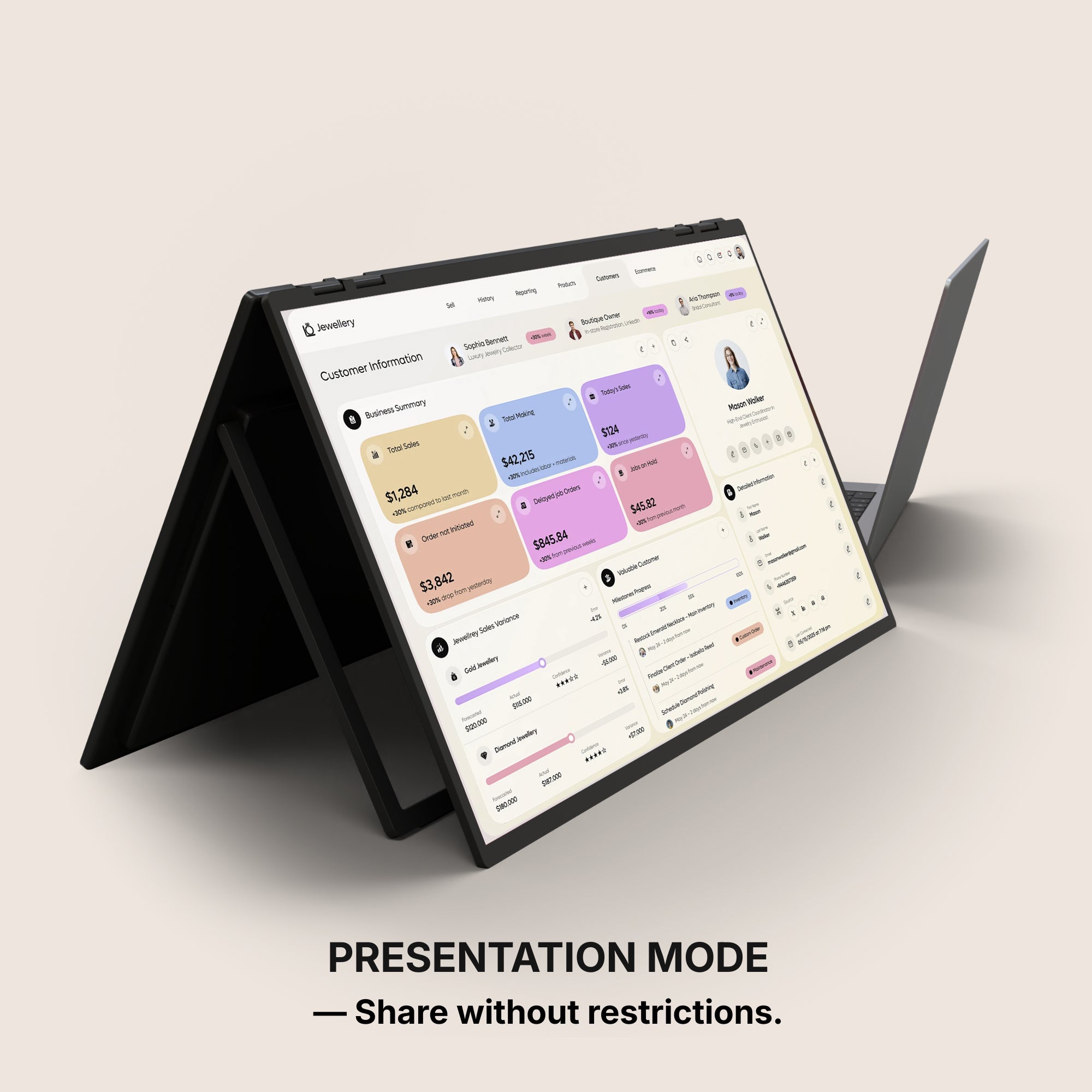
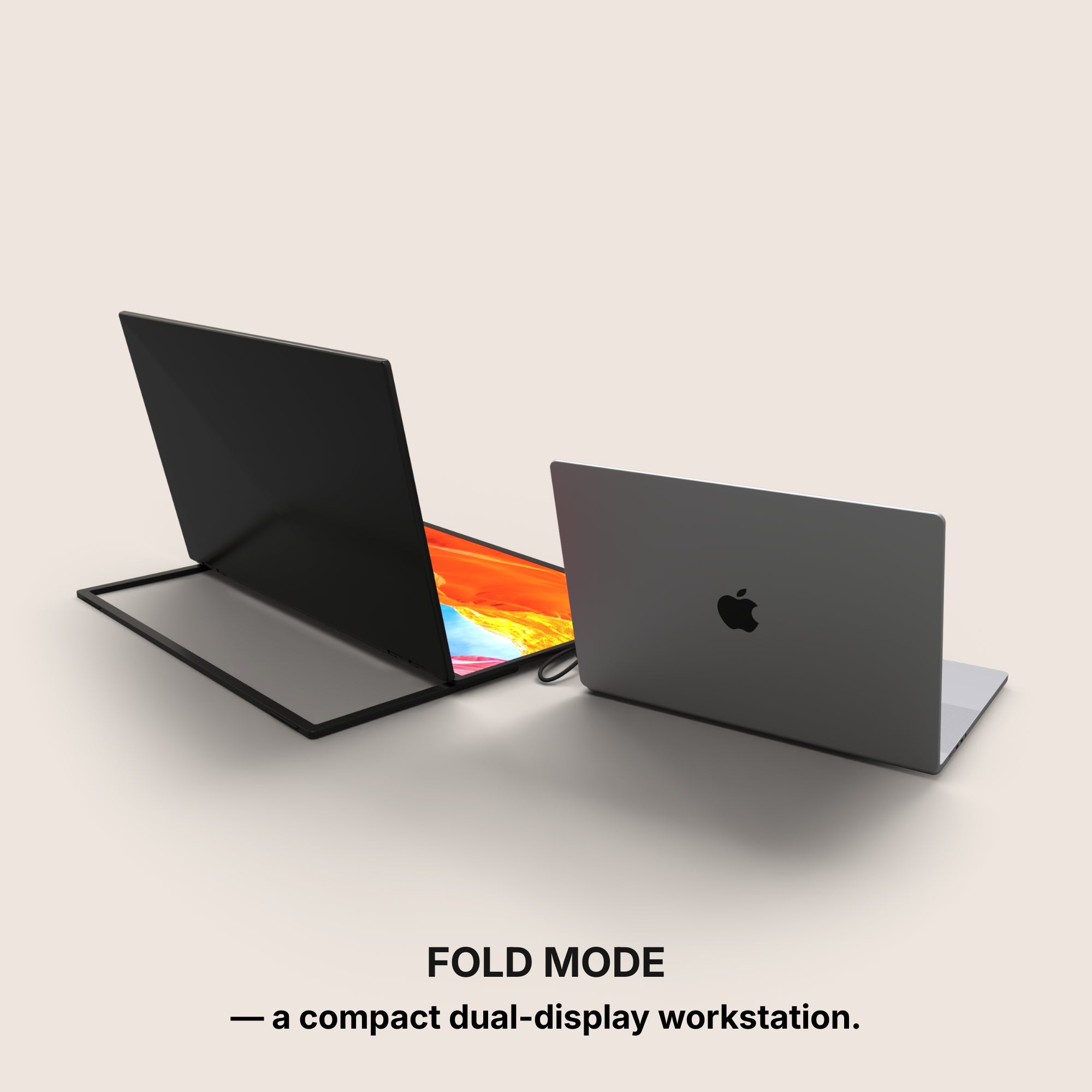
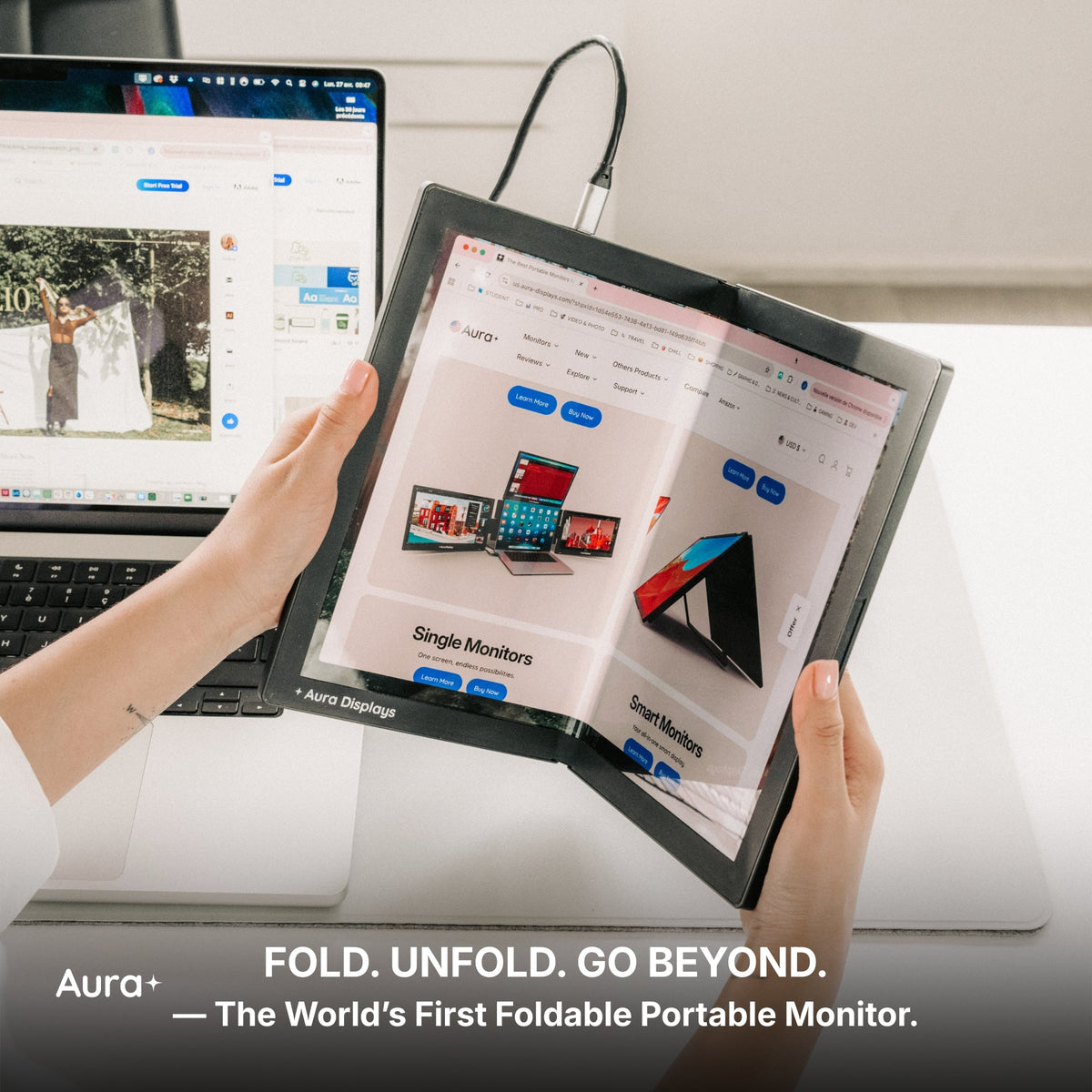
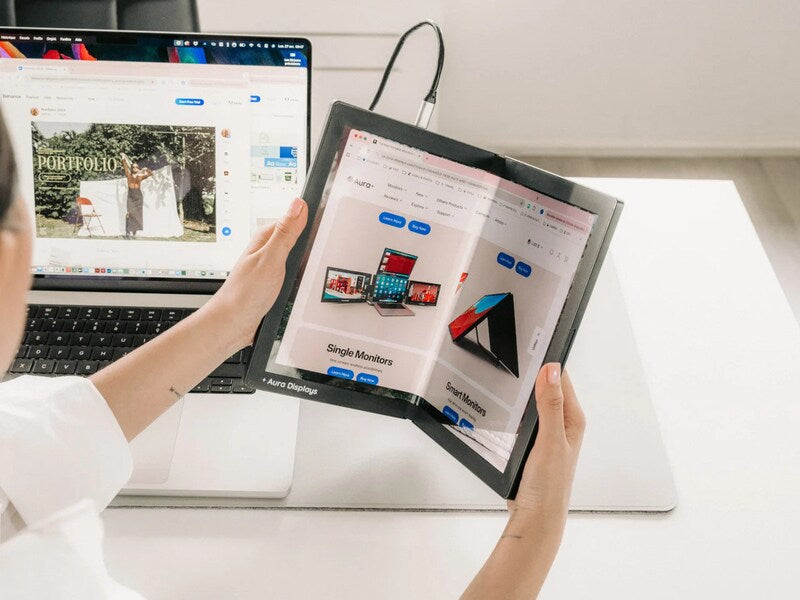
- Dual Book Pro — from $389. Folds shut like a book and survives a commute.
The measurement that settles it
Sit at the desk you would actually use and stretch an arm out. Your fingertips should land roughly where the middle of the screen will sit. Then measure the clear width in front of you. Under about 100 cm, a 48-inch pair will dominate the room and the portable dual is the better buy. Over about 120 cm, the wide setup will feel like the desk was built for it.
None of this is about one kind of screen being better. It is about buying for the desk you have, in the hours you actually spend at it. The remote share has not moved in two years. Yours probably will not either.















Share: