


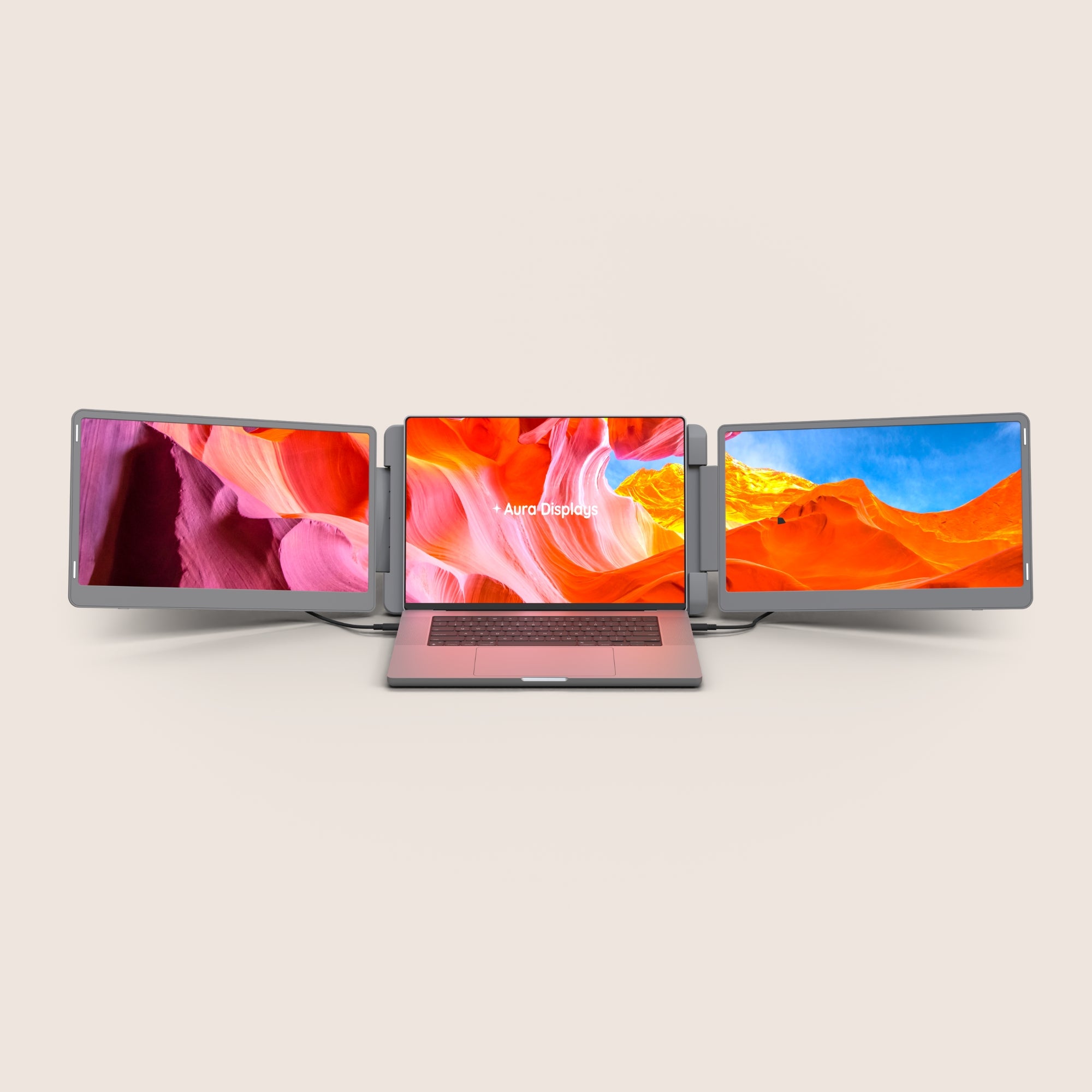
In today’s fast-paced work environment, efficiency is key. Whether you’re a remote worker, a business professional, or a creative designer, having the right tools can make all the difference. One of the best ways to improve multitasking and workflow is by using a portable dual monitor for laptop. This setup allows you to extend your screen space, work more efficiently, and stay organized, no matter where you are. But how do you choose the right one? Let’s dive into the essential features and benefits of these monitors.

Why Invest in a Portable Dual Monitor?
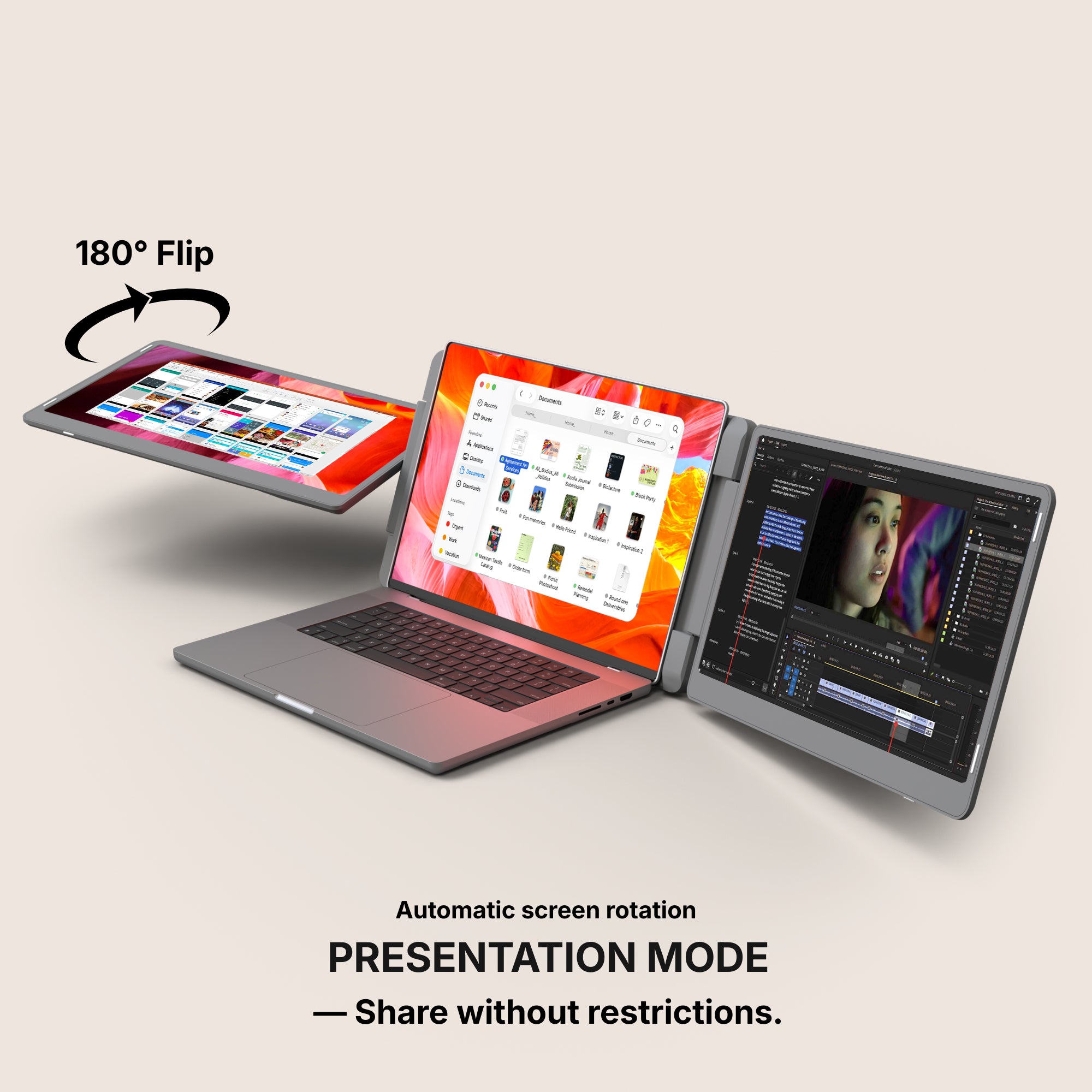
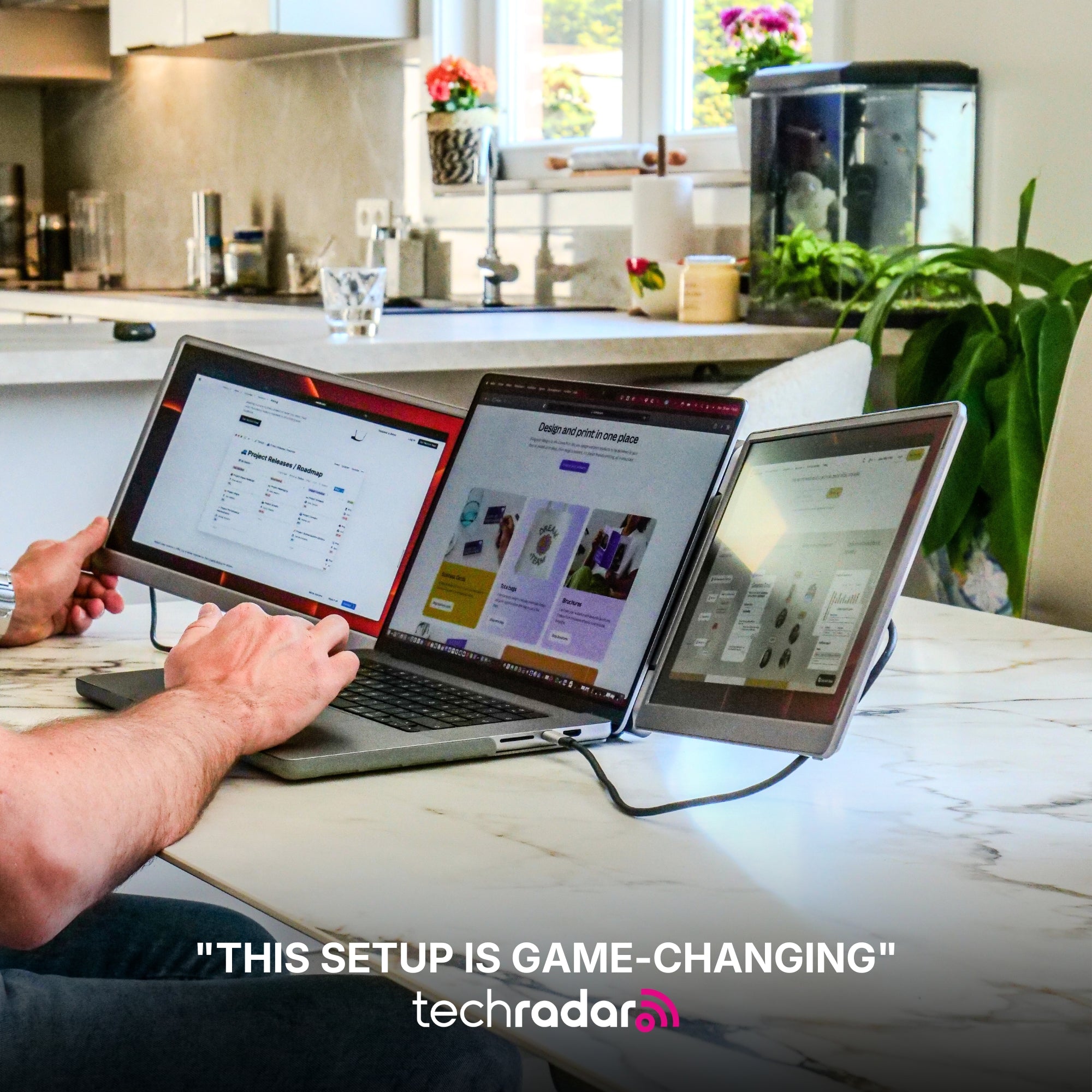
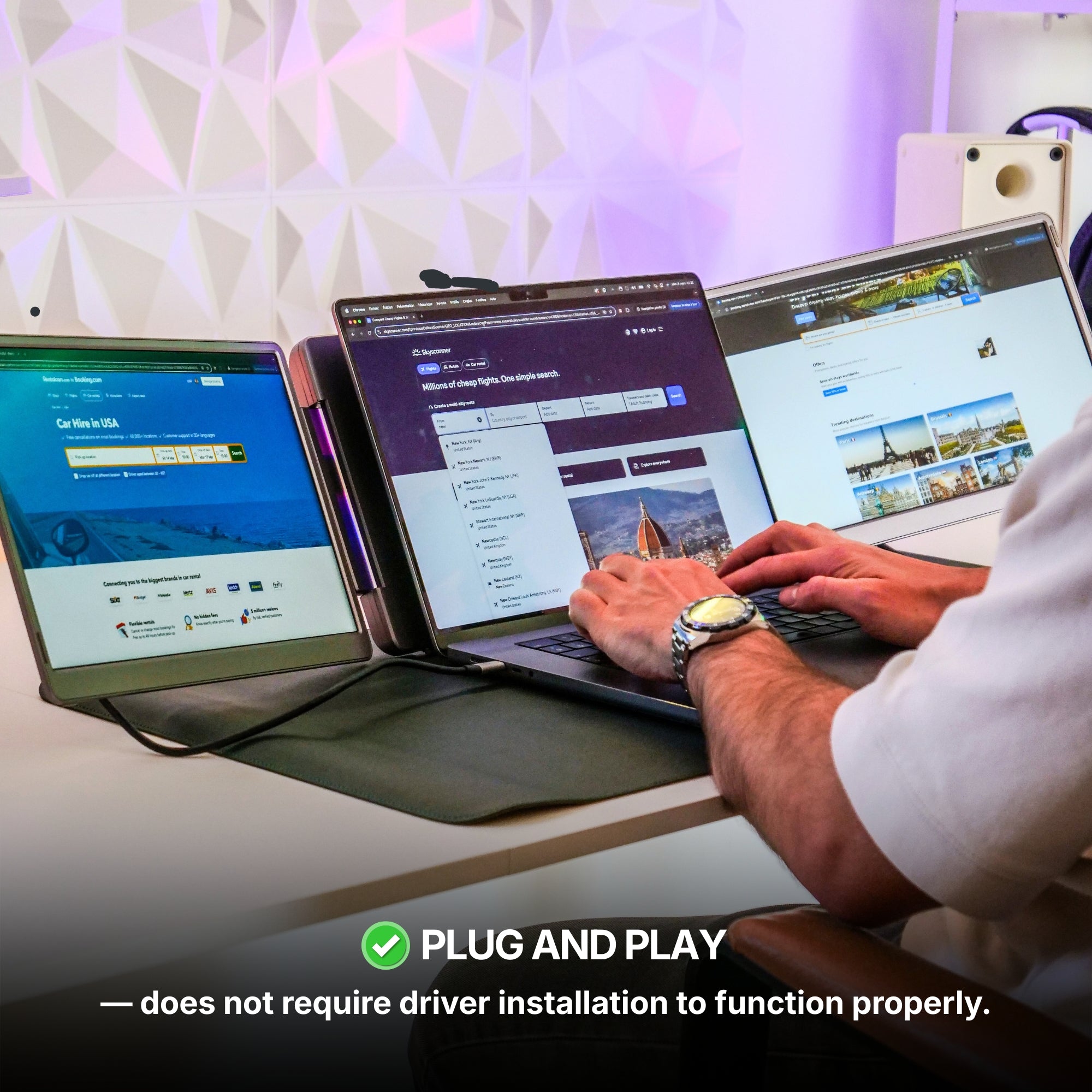
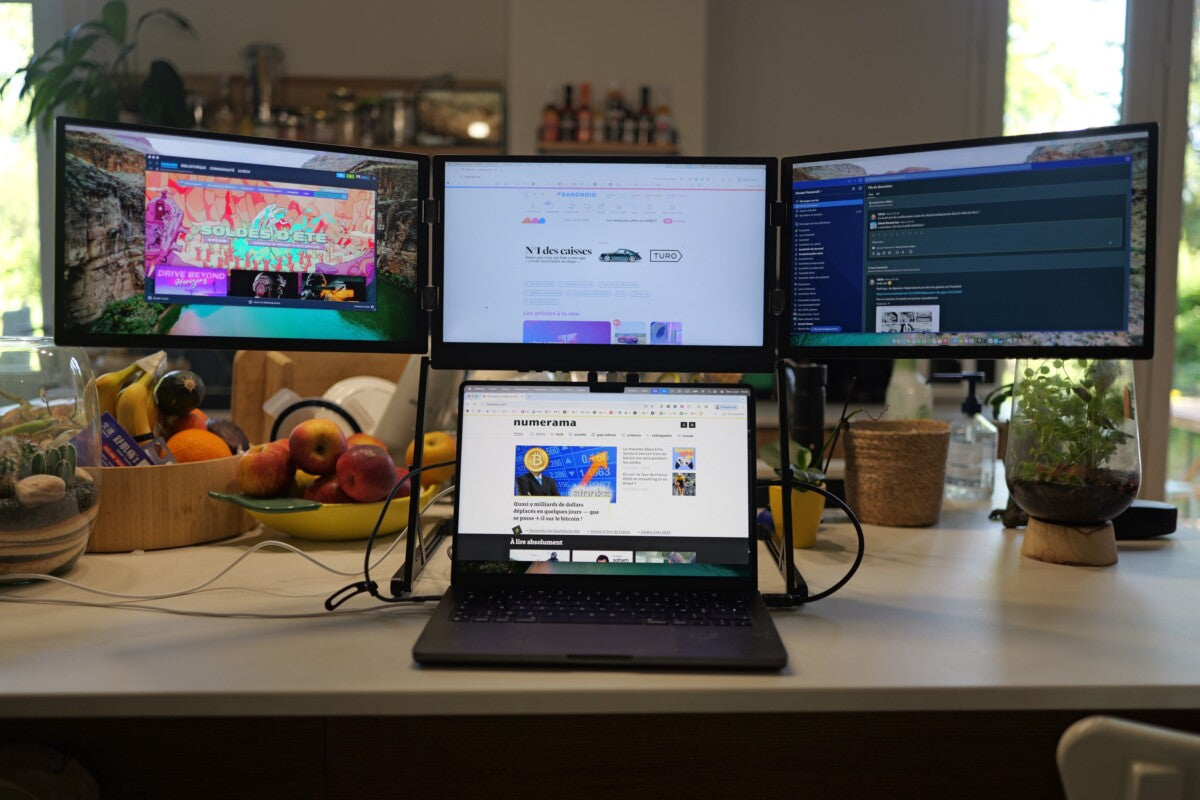
A dual-screen setup is not just for office desks anymore. With the growing demand for mobility and flexibility, professionals now require portable solutions that match their dynamic work lifestyles. A portable dual monitor allows you to:
-
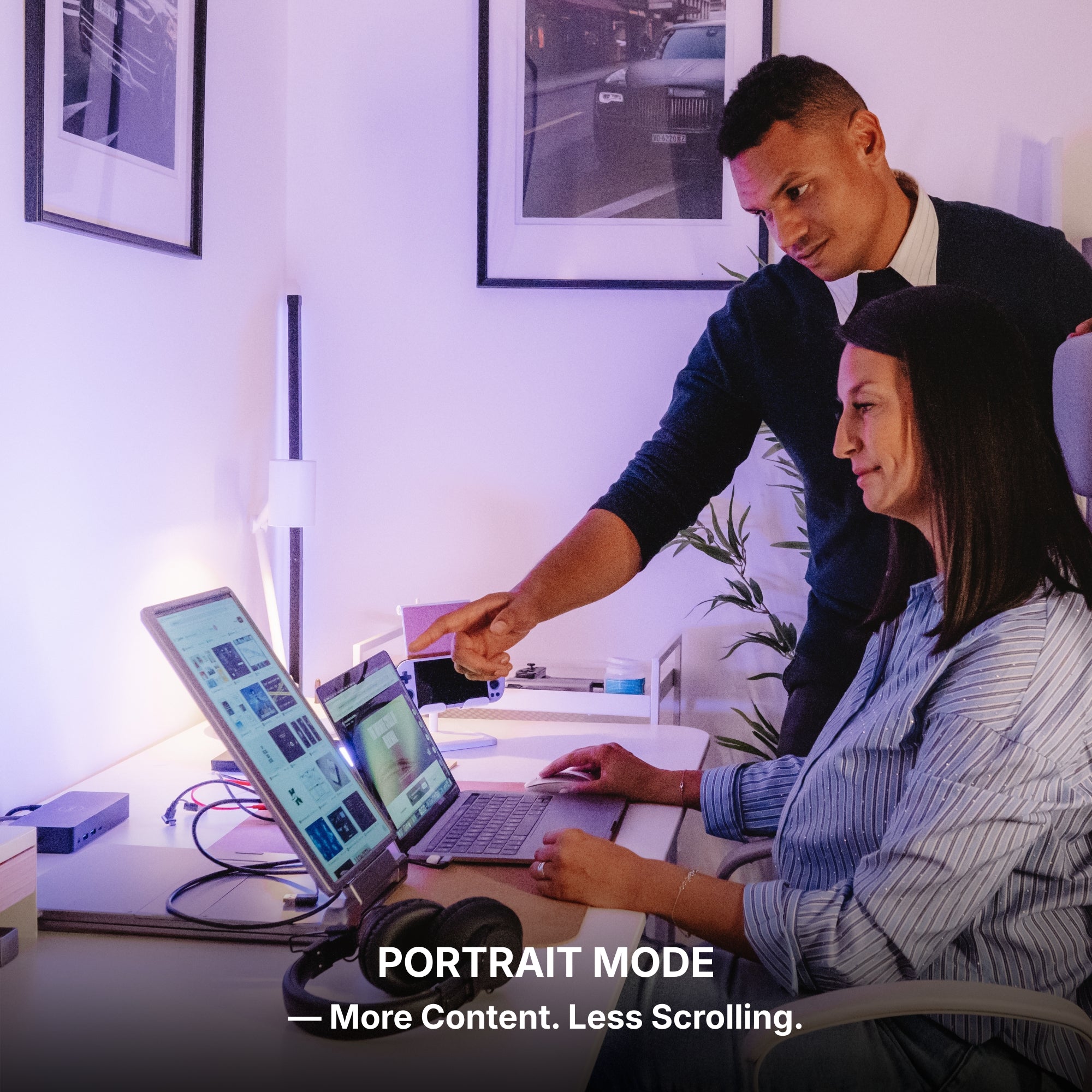
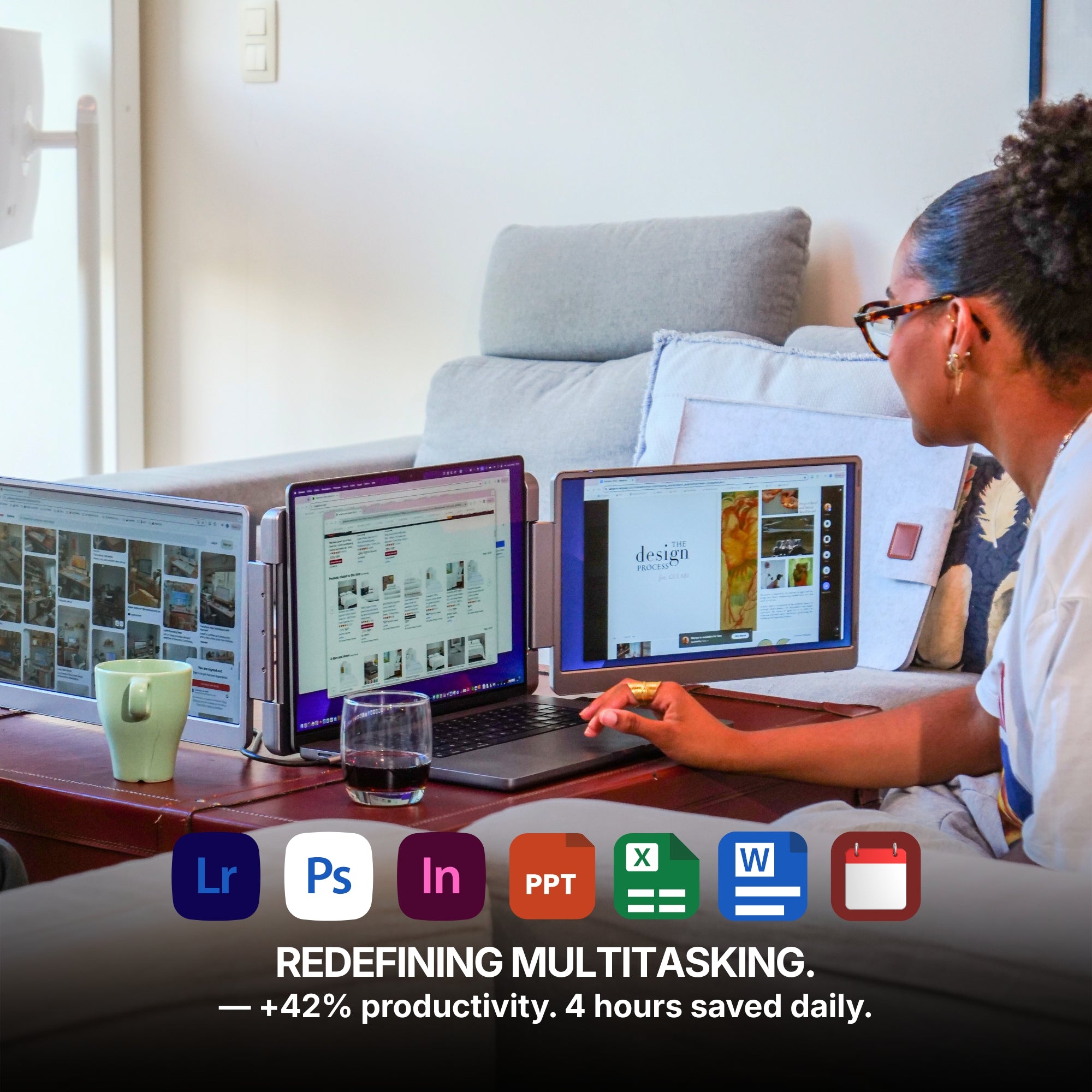
Boost Productivity – Work on multiple applications simultaneously without constantly switching tabs.
-
Improve Efficiency – Compare documents, edit media, or handle data-heavy tasks with ease.
-
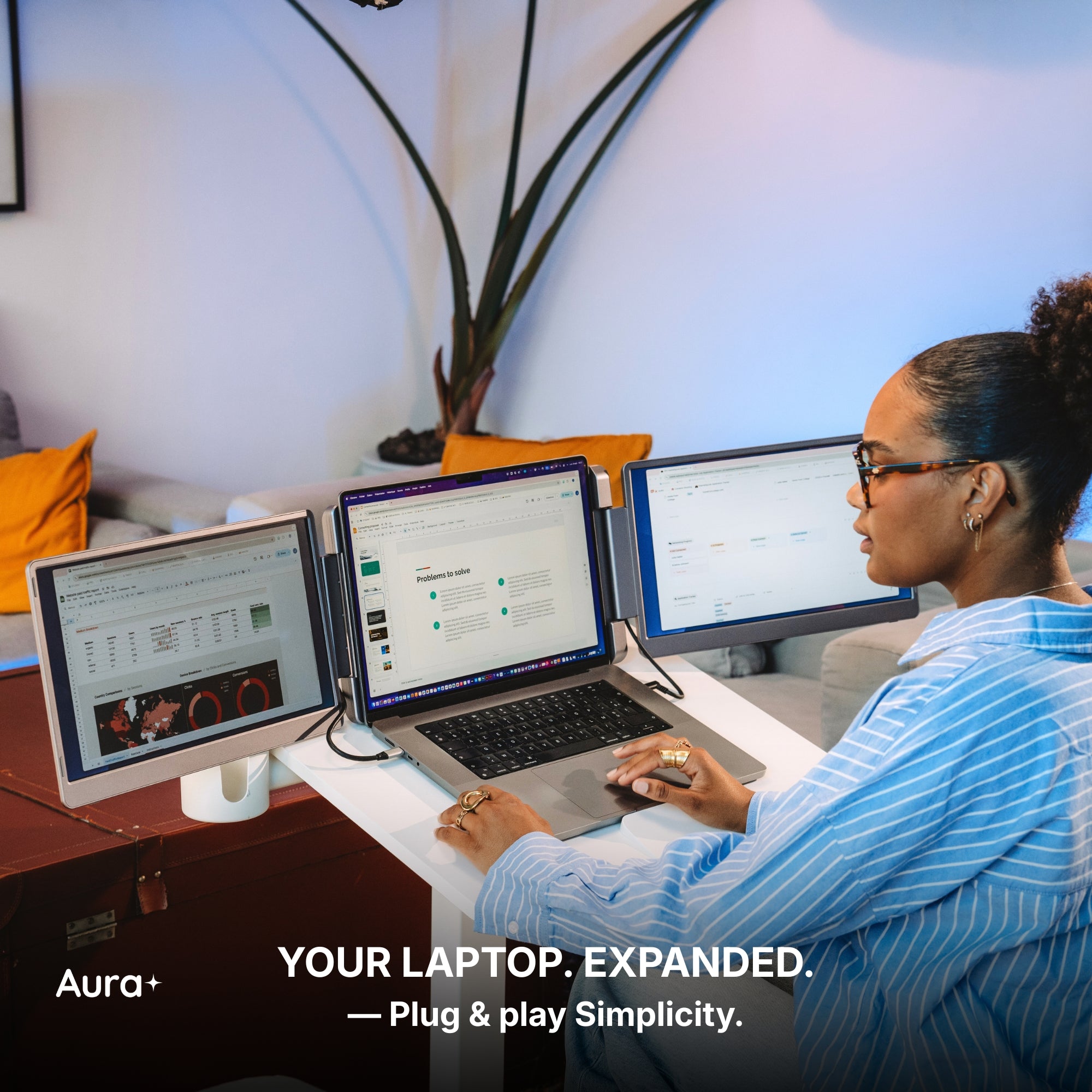
Enhance Remote Work – Whether working from home, a coffee shop, or while traveling, an extended screen setup keeps you organized.
-
Upgrade Your Gaming & Entertainment – Gamers and movie lovers can enjoy a larger, more immersive display.
Key Features to Consider
Selecting the best portable dual monitor requires understanding the features that match your needs. Here are some important aspects to keep in mind:
1. Screen Size and Resolution
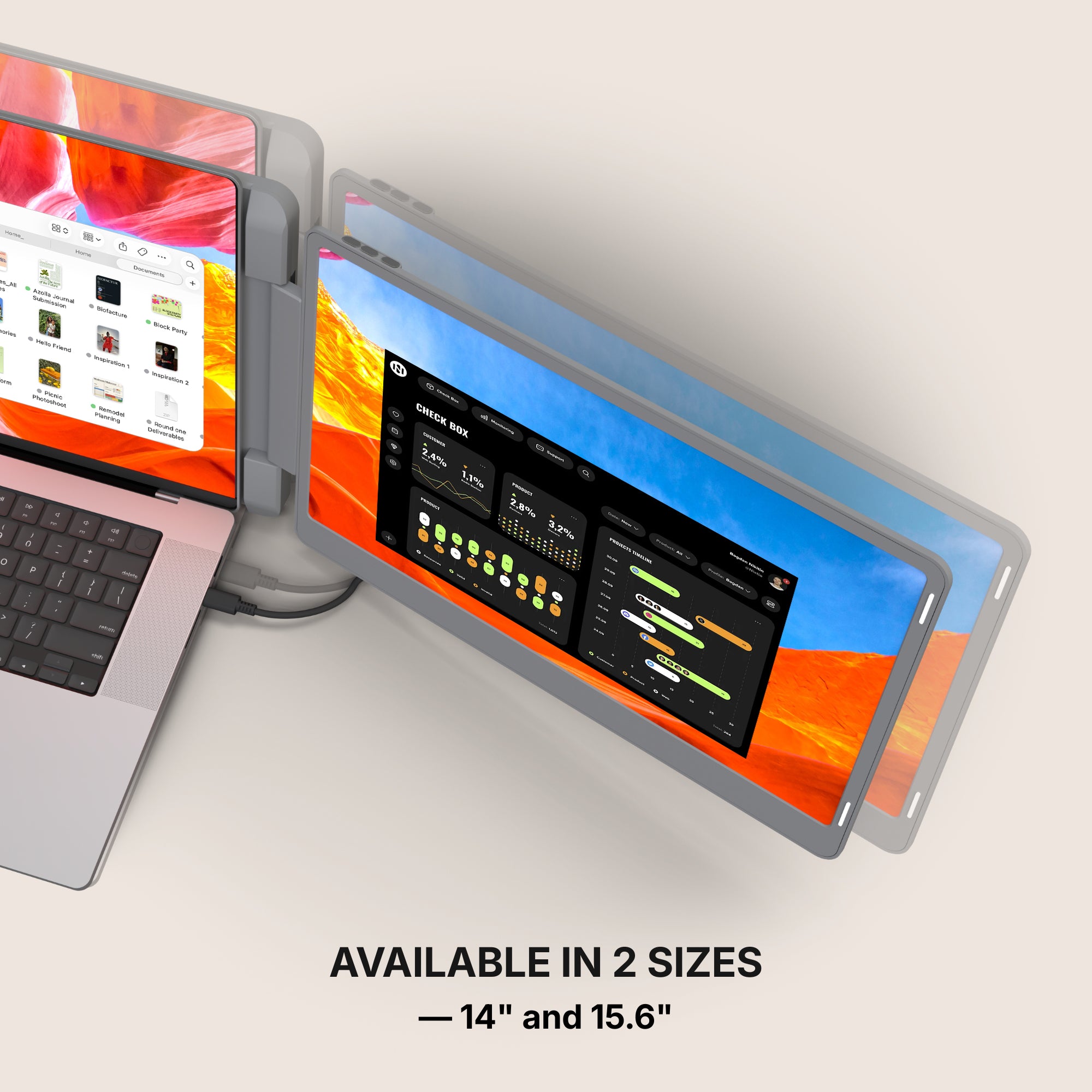
The ideal screen size depends on your work habits. A 15.6-inch display is a common choice because it offers a balance between portability and usability. However, those who need more screen space might prefer a 17-inch model.
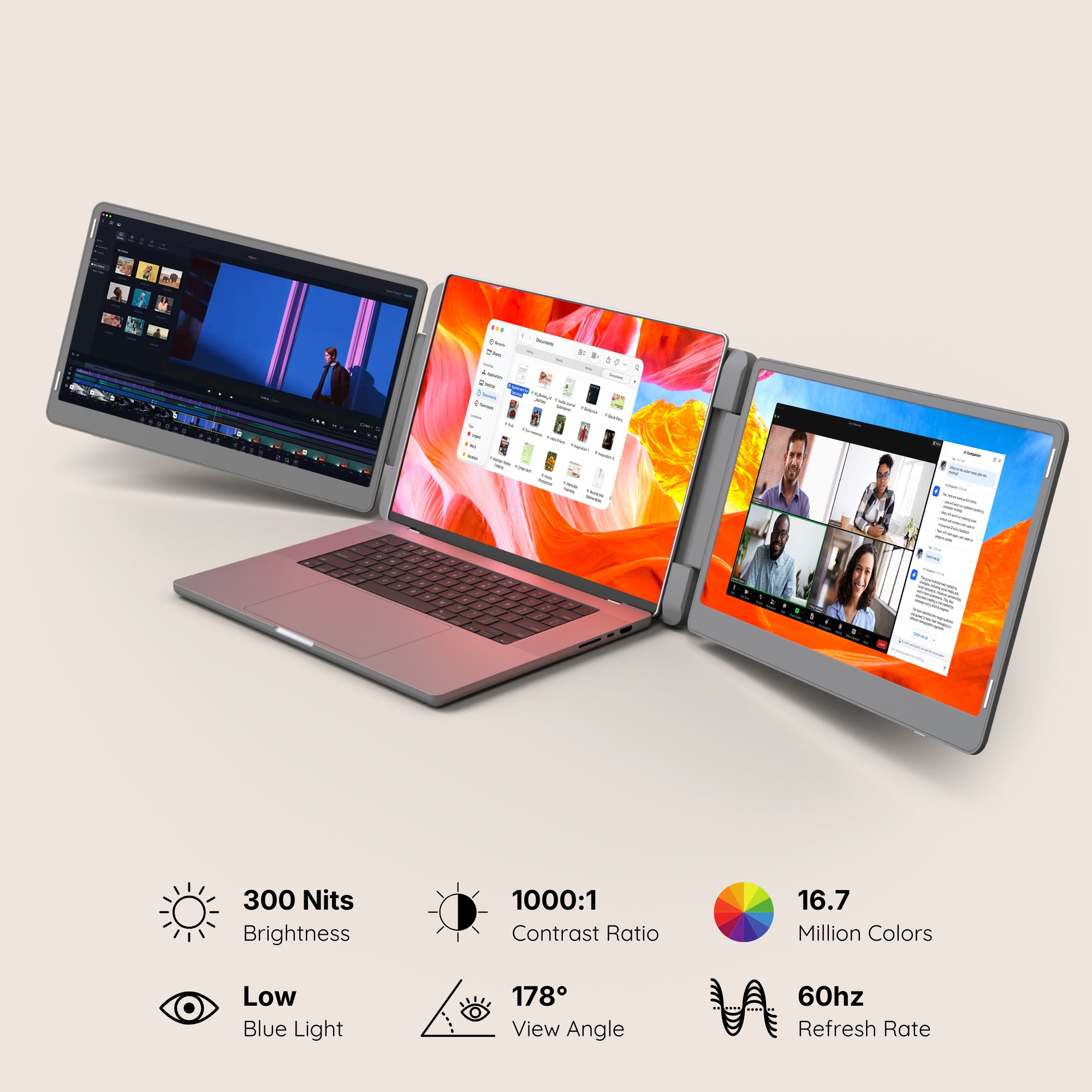
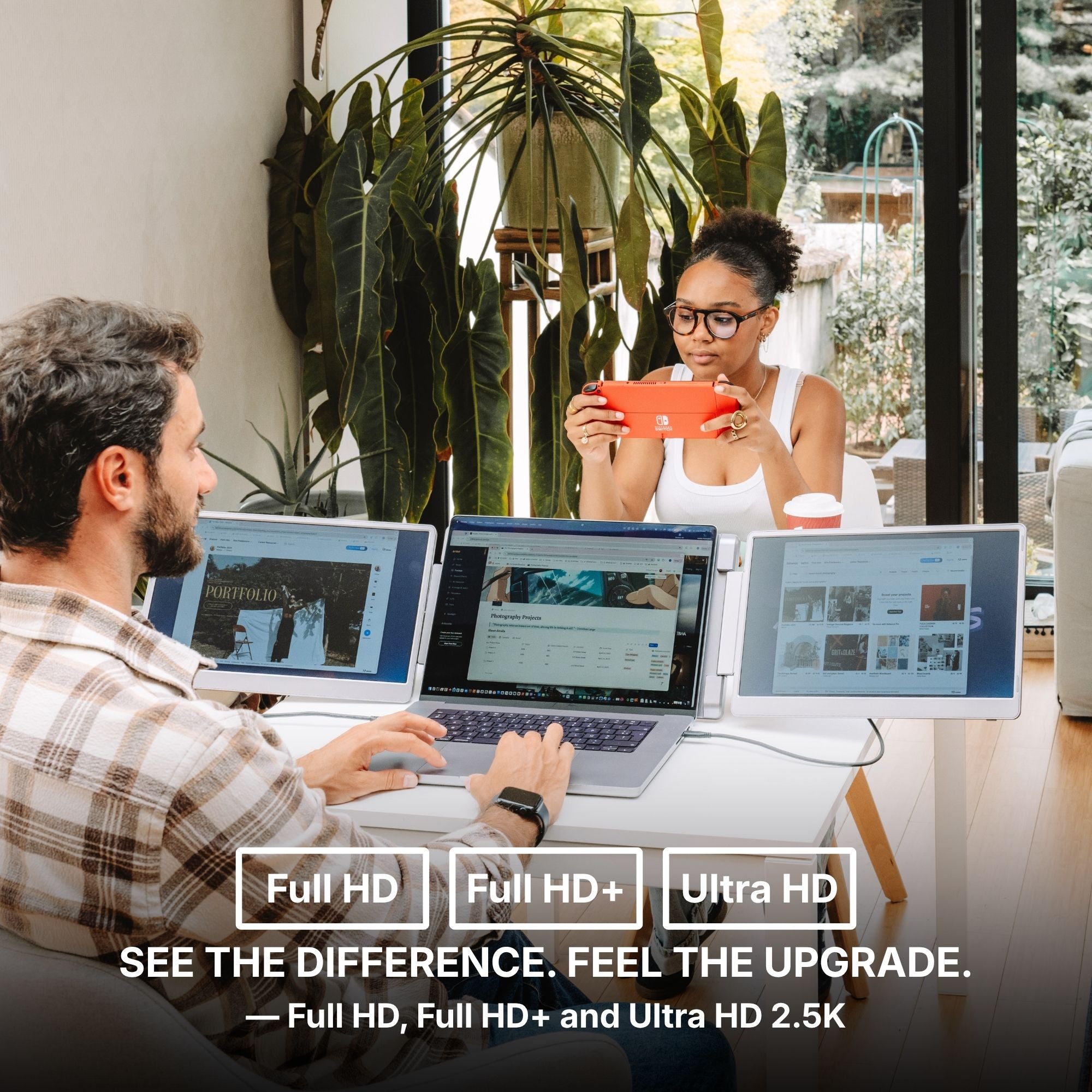
For resolution, Full HD (1920x1080) is the standard for sharp visuals, while 4K displays are ideal for professionals working with high-quality graphics and video editing.
2. Connectivity Options
Your portable monitor should easily connect to your laptop. The most common options include:
-
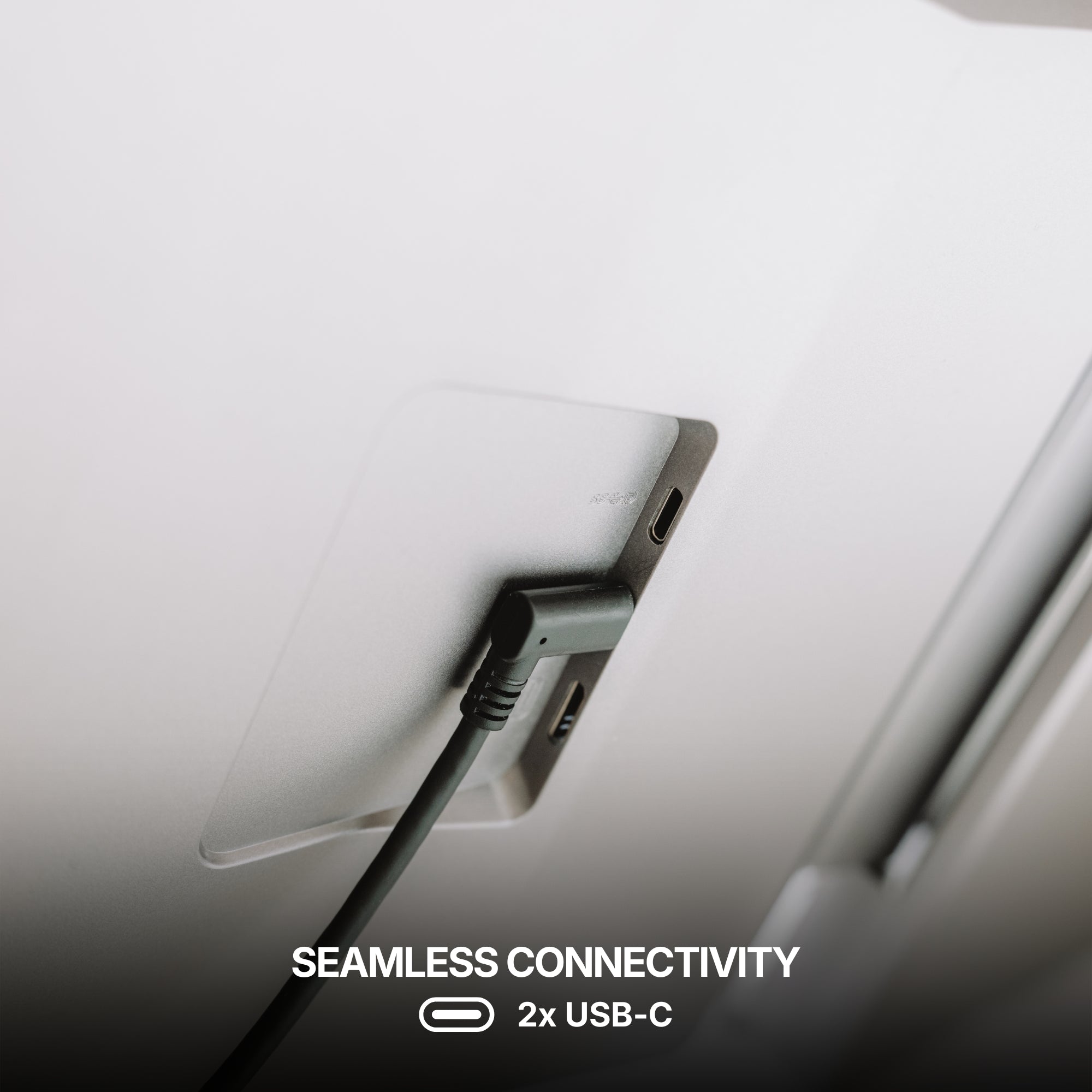
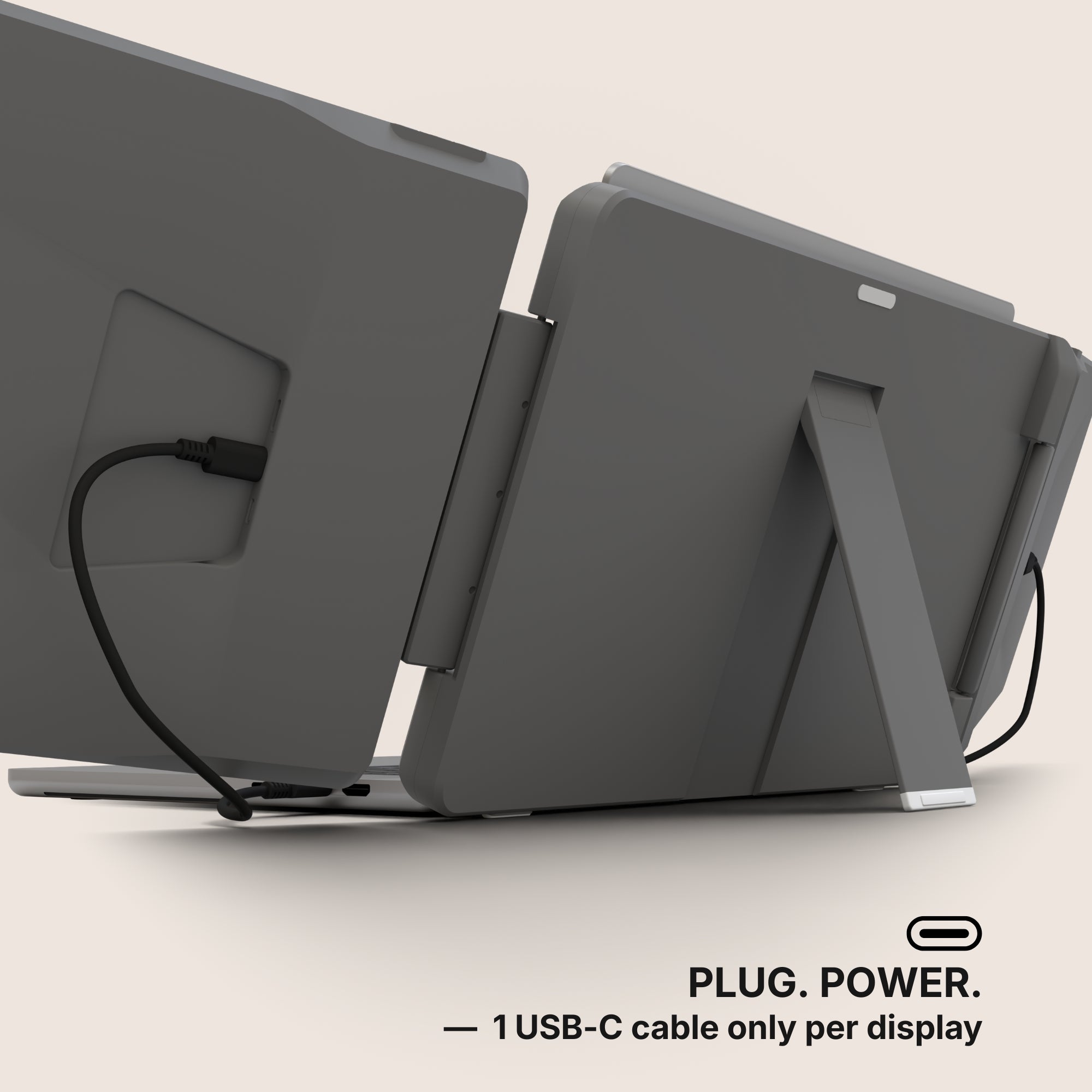
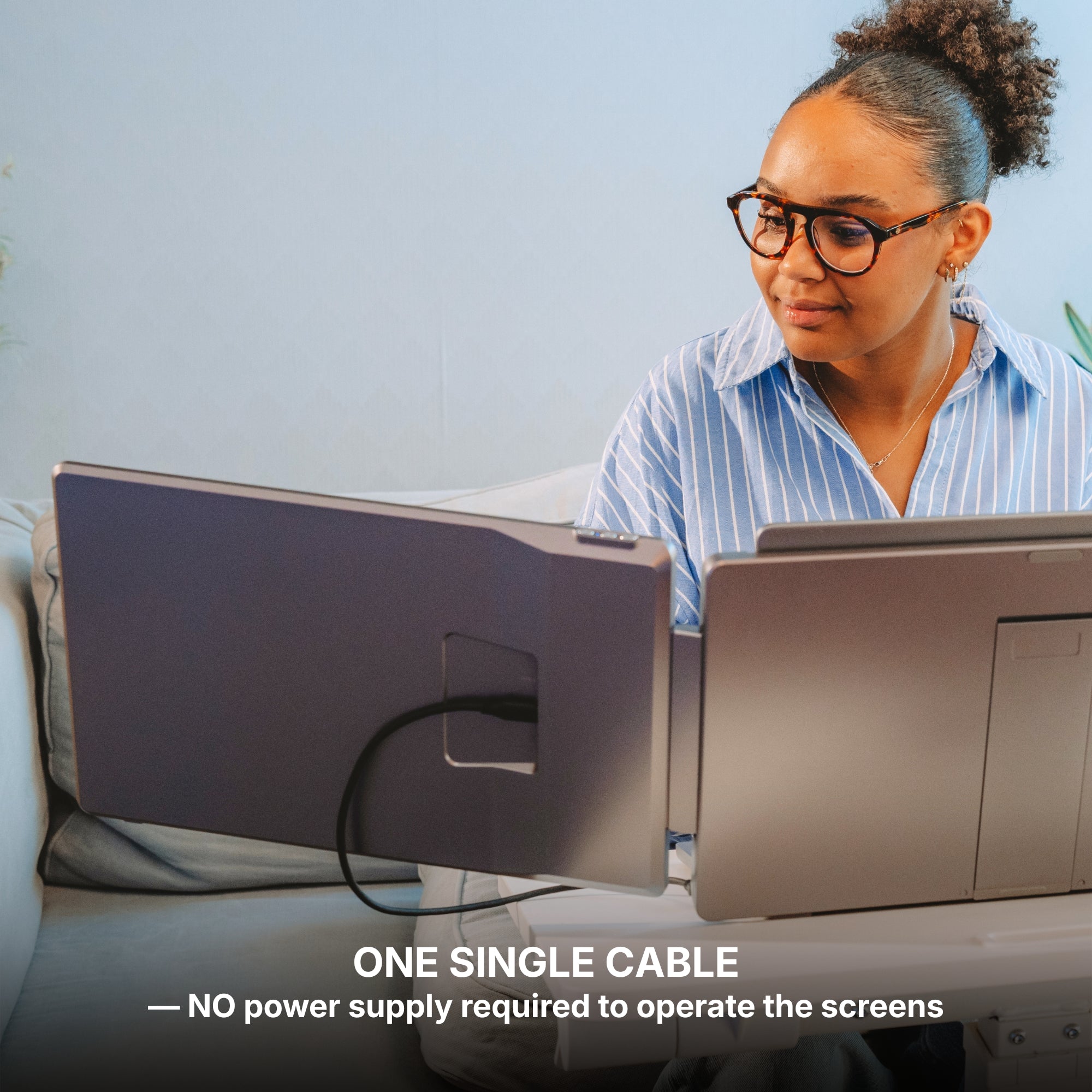
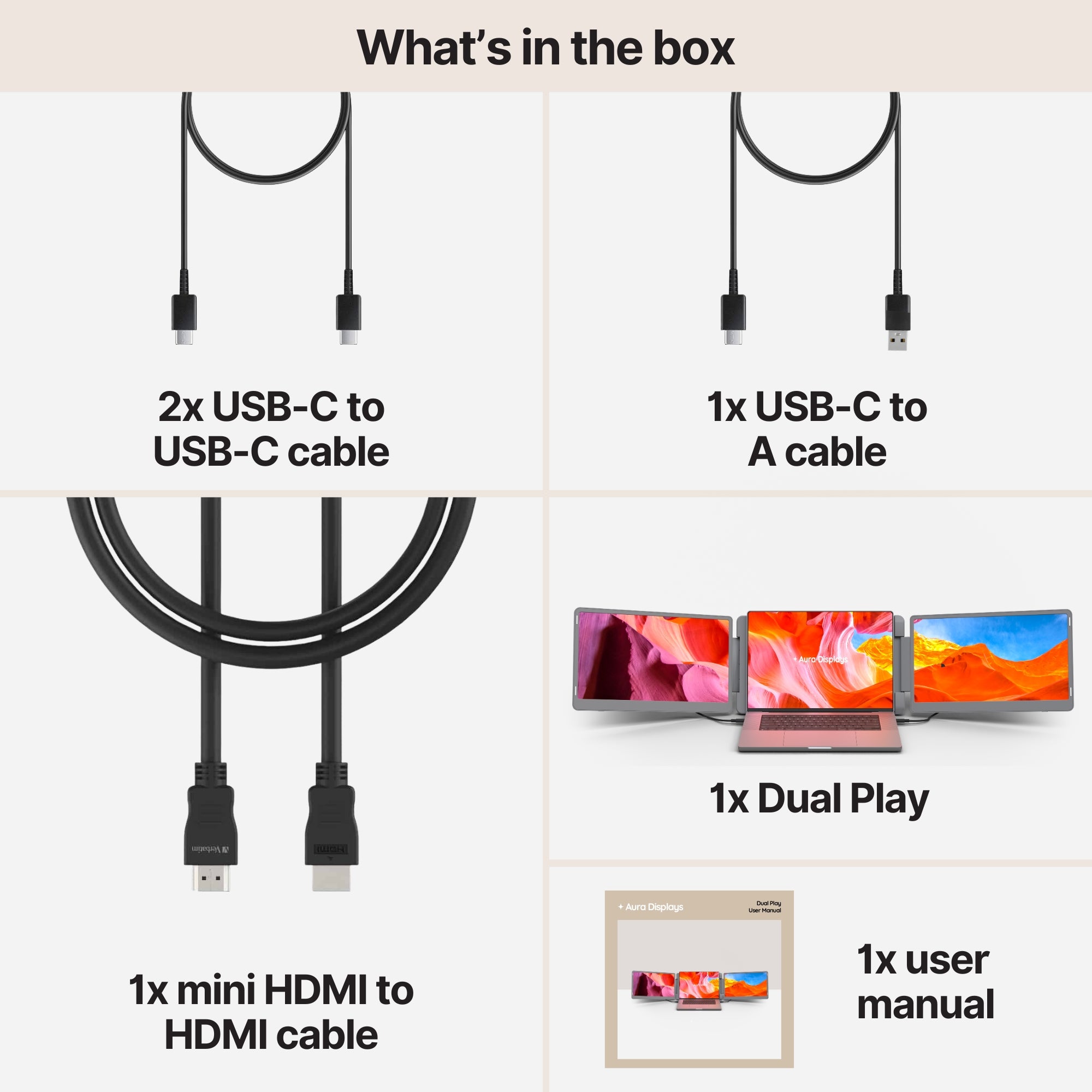
USB-C – A single cable handles both power and display output, making setup quick and simple.
-
HDMI – Ensures high-quality video but may require an external power source.
-
Wireless Connectivity – Some models support screen mirroring via Wi-Fi for a cable-free experience.
3. Portability and Build Quality
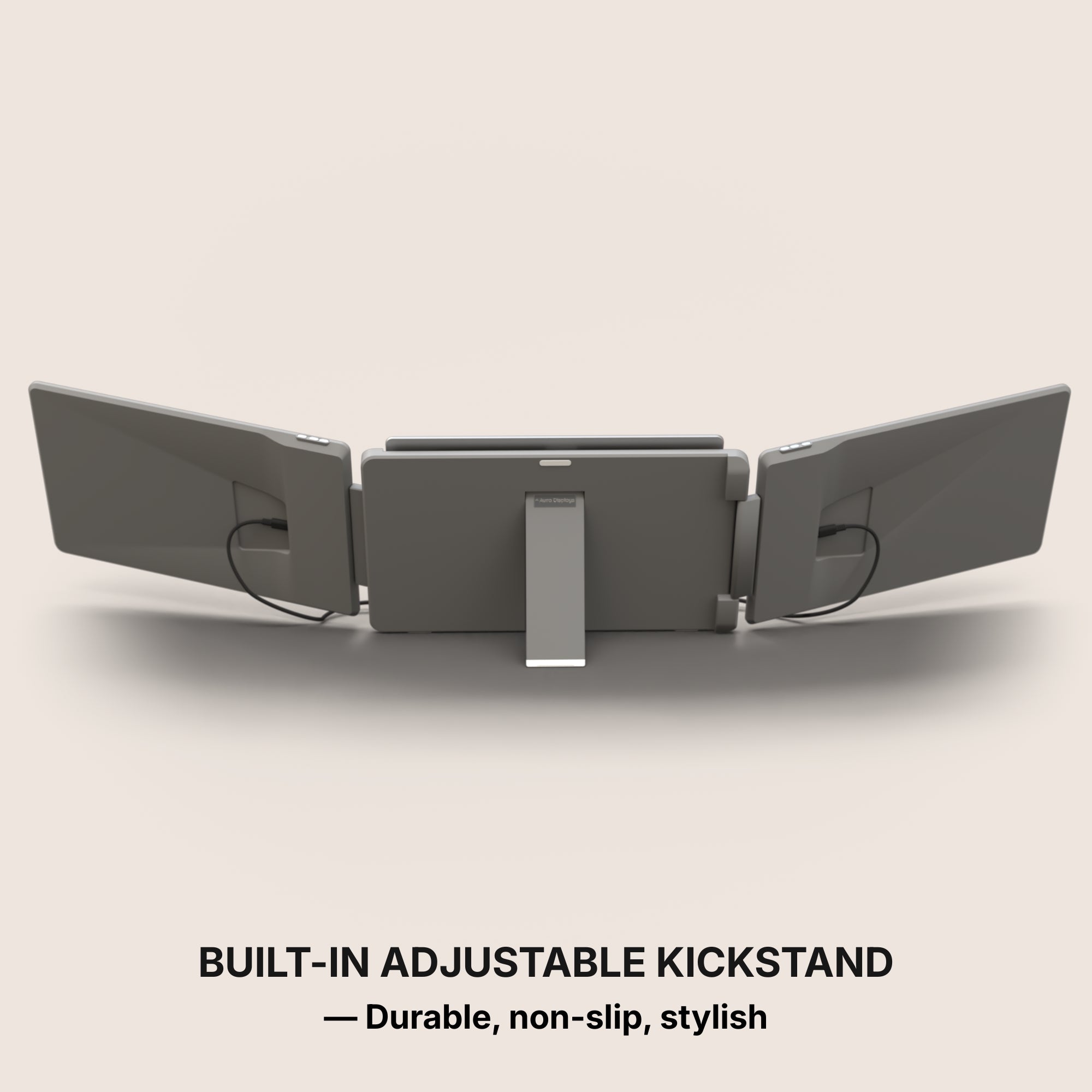
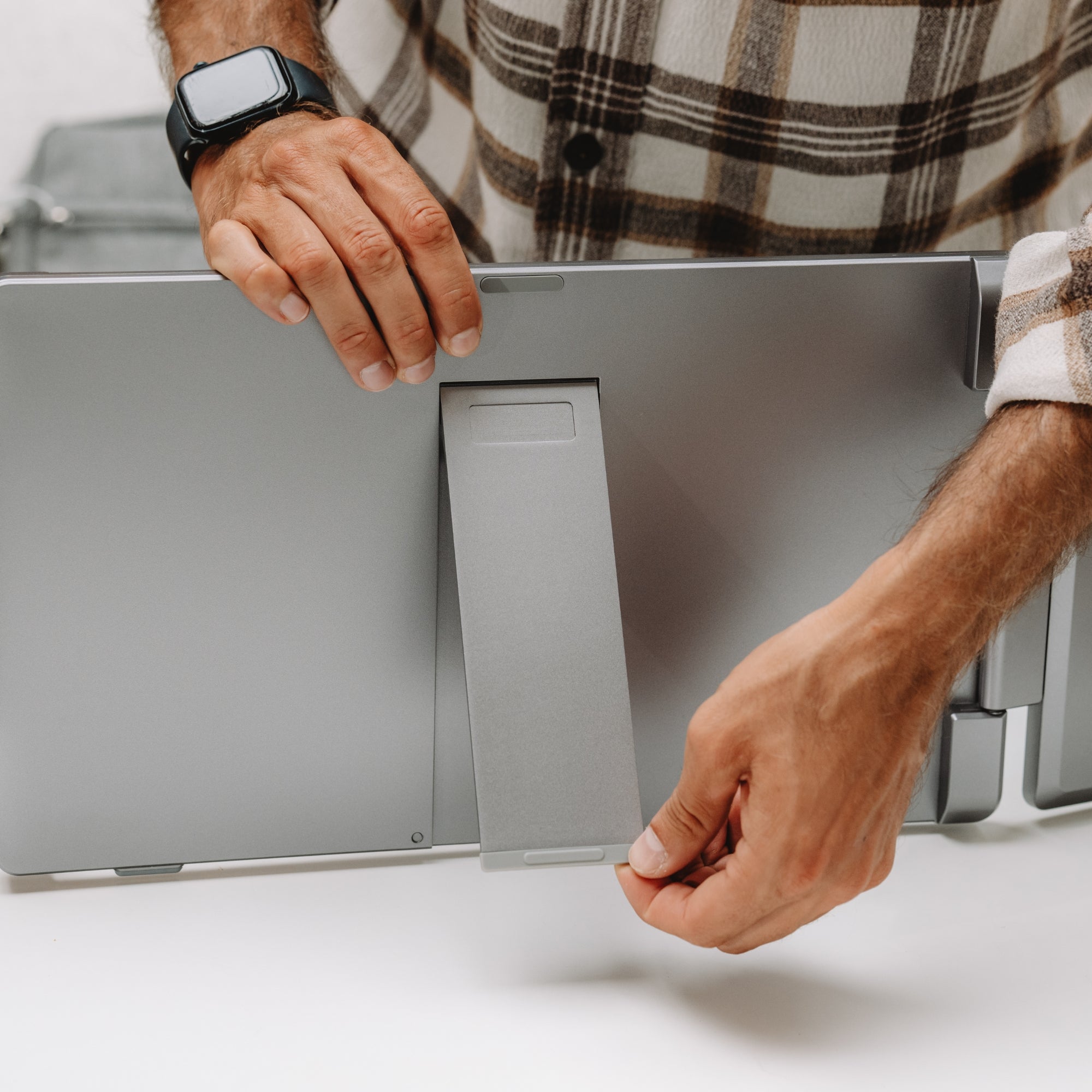
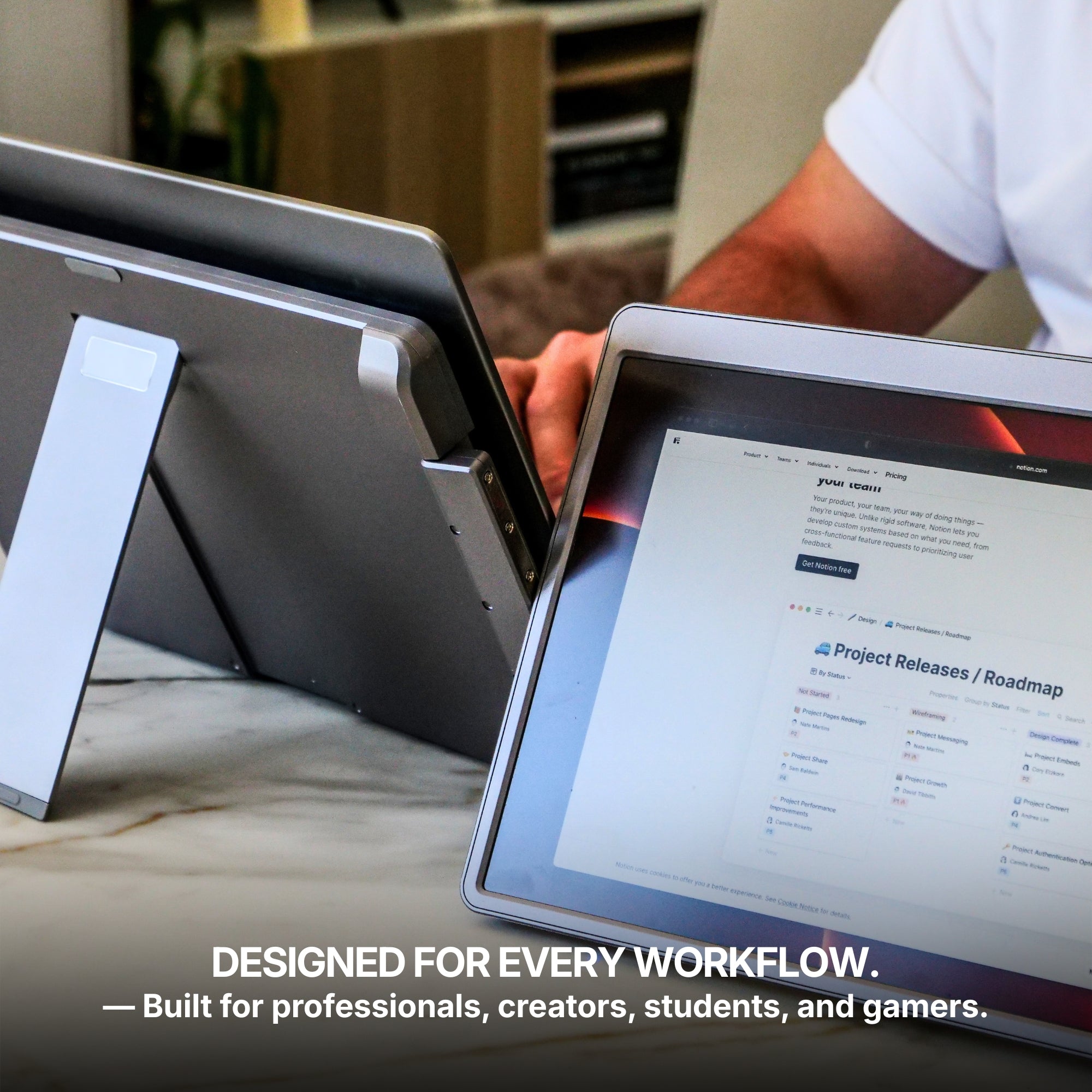
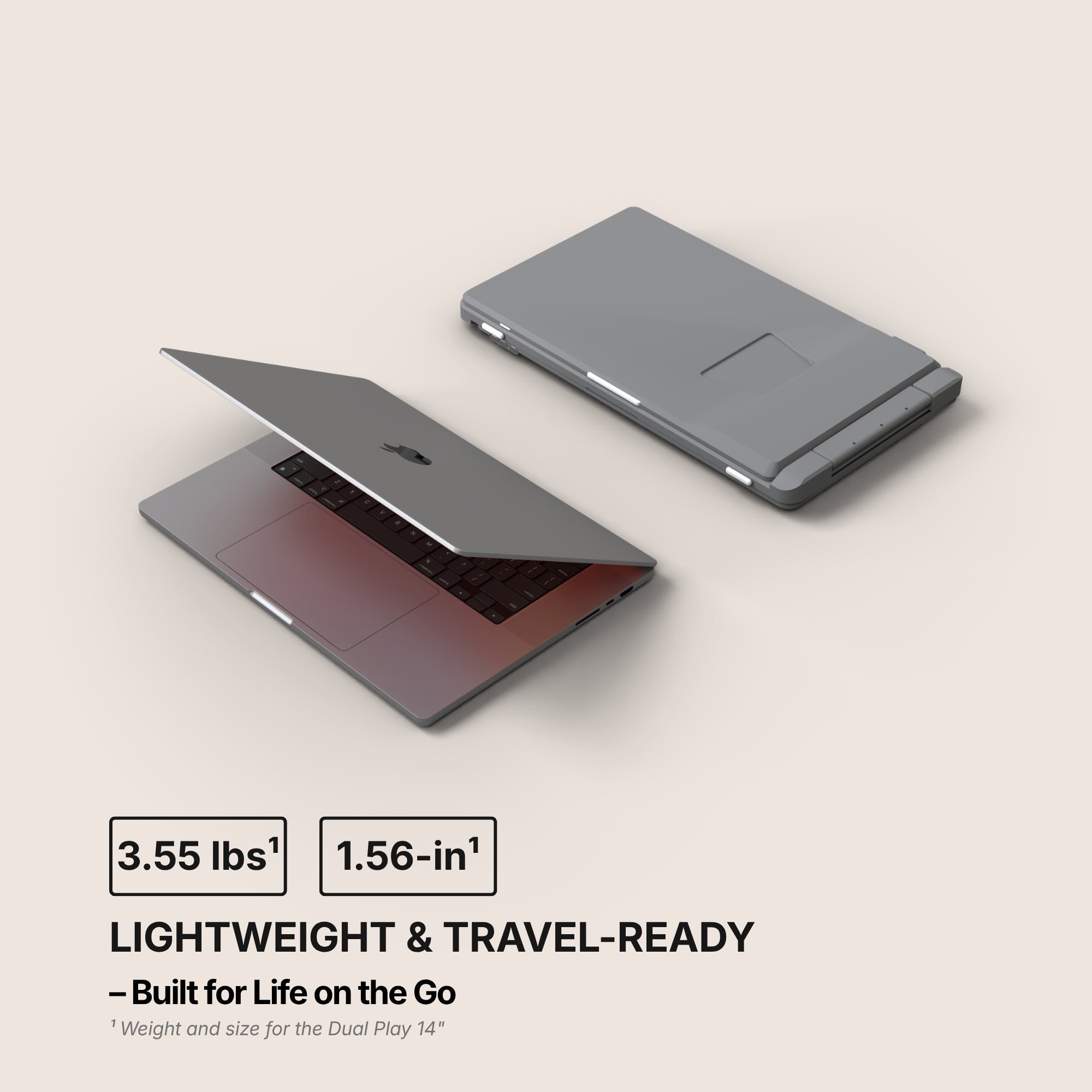
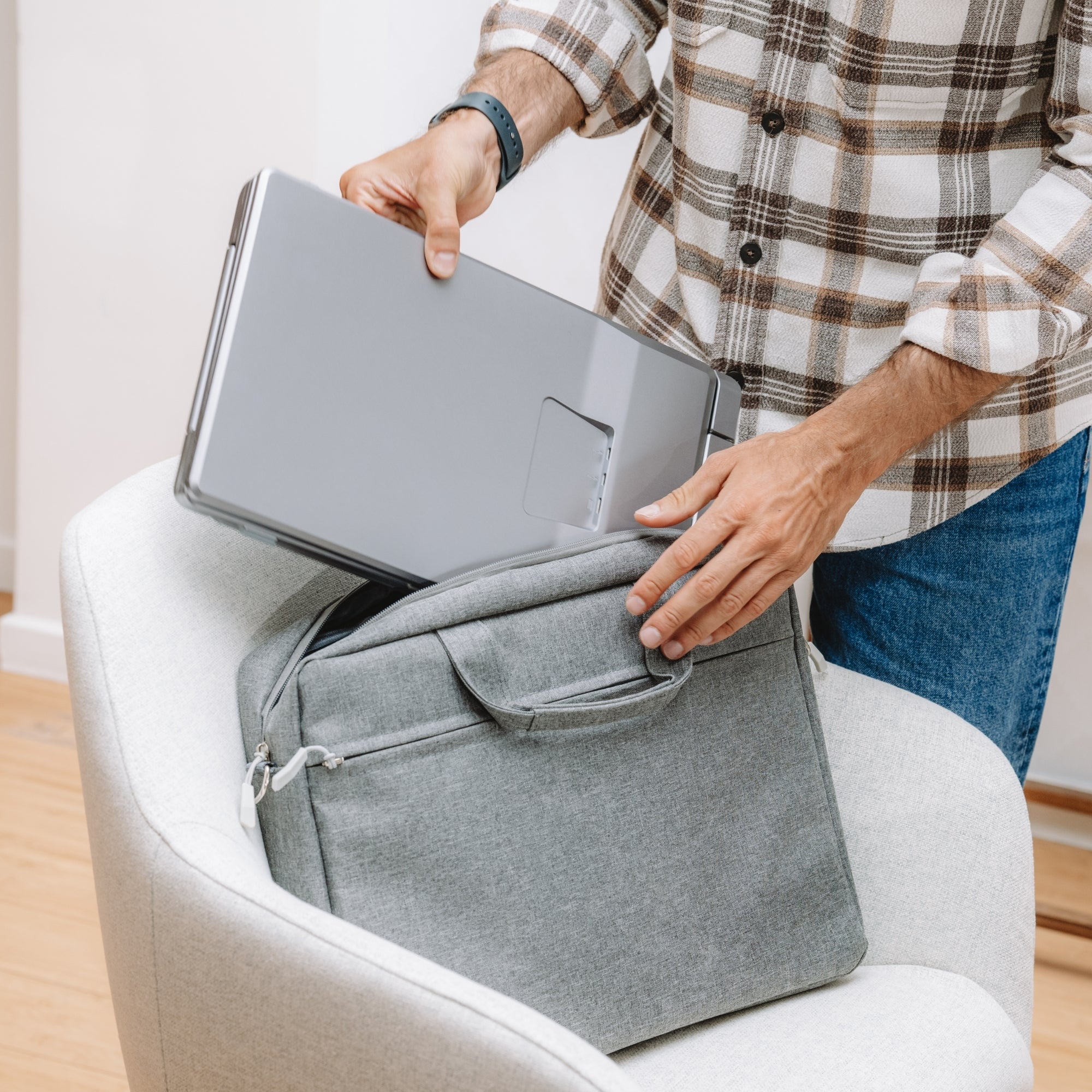
Since portability is a major factor, look for a lightweight and slim design that fits easily into your laptop bag. Many models come with a foldable stand or a protective case that doubles as a stand, offering better convenience while on the move.
4. Refresh Rate and Performance
For general office tasks, a 60Hz refresh rate works well. However, if you are a gamer or video editor, a 120Hz or higher refresh rate with a low response time provides a smoother experience.
5. Additional Features to Look For
Depending on your specific needs, consider extra features such as:
-
Touchscreen Functionality – Great for interactive applications and creative professionals.
-
Built-in Speakers – Useful for video calls and entertainment.
-
Adjustable Brightness – Helps reduce eye strain, especially during long hours of work.

Who Can Benefit from a Portable Dual Monitor?
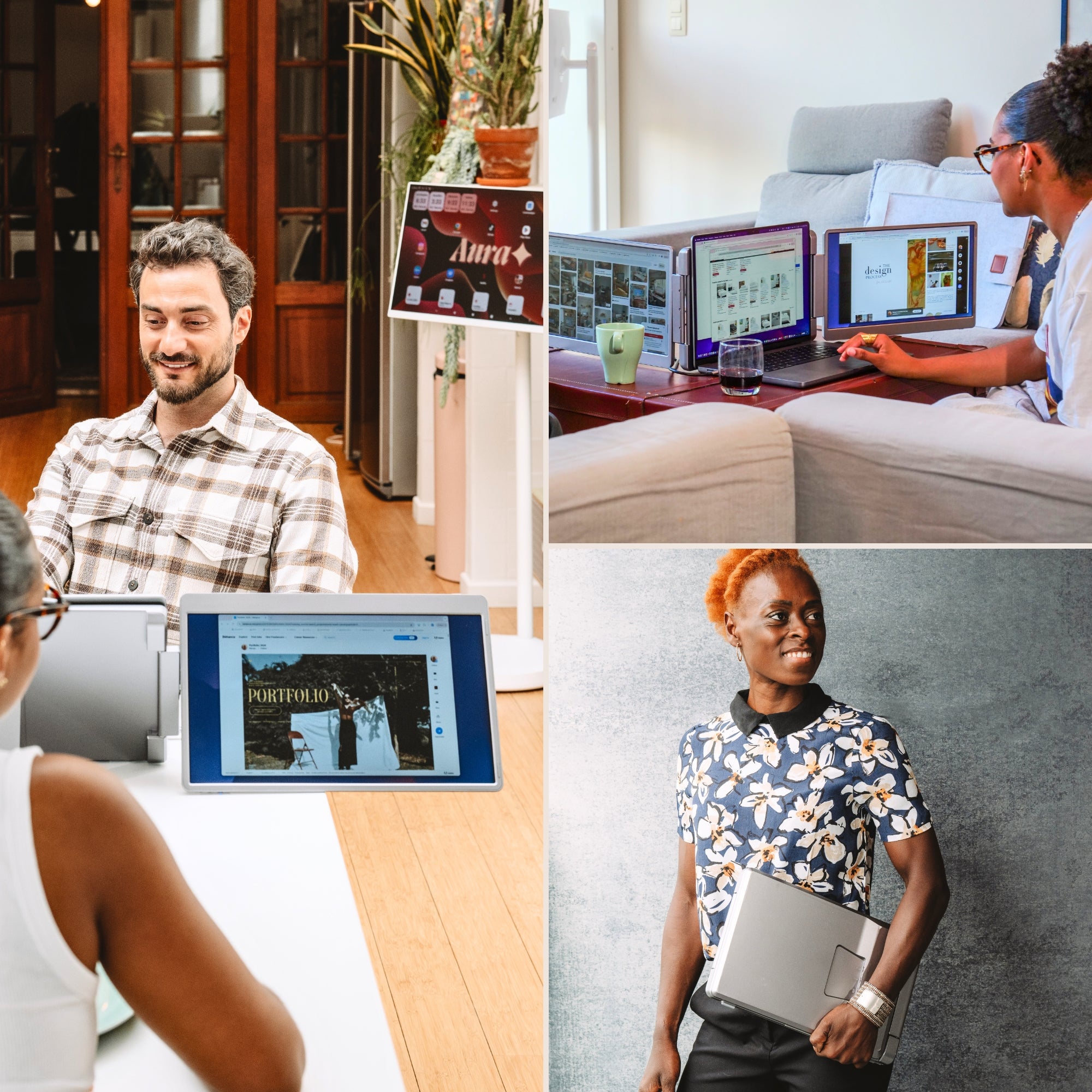
A portable dual-screen setup is useful for:
-
Remote professionals who need a more efficient workspace on the go.
-
Content creators and designers working with images, videos, and layouts.
-
Data analysts and programmers who need multiple screens for coding and data visualization.
-
Gamers looking for a more immersive experience.
-
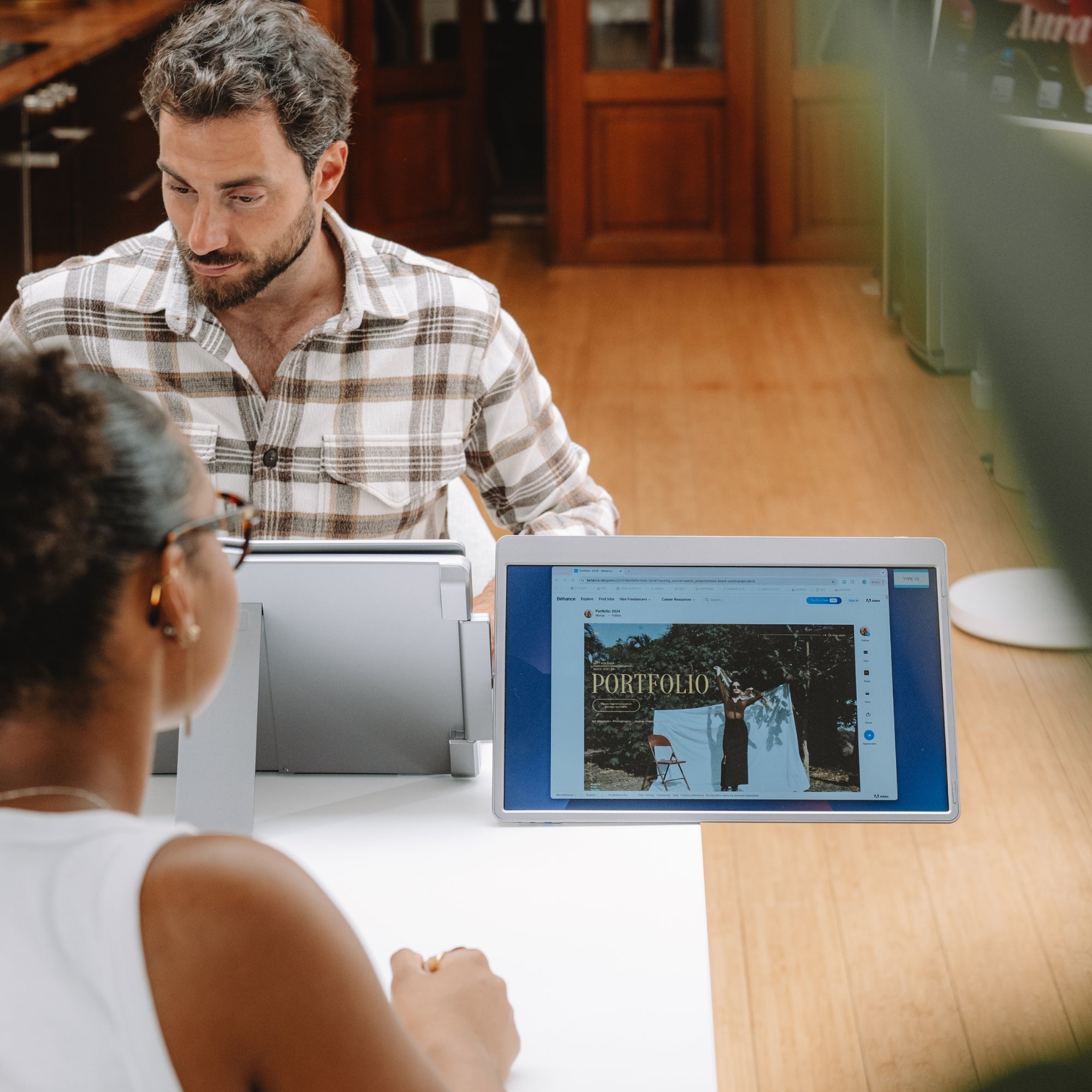
Business travelers conducting presentations or managing multiple tasks at once.
Find the Best Portable Dual Monitor for Your Laptop
Choosing the right portable dual monitor for a laptop depends on your needs—whether for work, entertainment, or gaming. If you're looking for high-quality and feature-rich options, explore the latest models at Aura Displays and discover the perfect solution to upgrade your workflow. For more info Click here













Share: