


The National Retail Federation reported on August 4 that electronics have moved from nice-to-have to must-pack for the 2026 back-to-class season: roughly a third of K-12 spending and a quarter of college spending now goes to devices and gear, with a particularly large jump this year in the share of college shoppers buying electronics. Notably, laptop purchases themselves are declining — people are keeping the machine and spending on what surrounds it.
That is our category, so we should be honest about what it costs you. Not in dollars. In carrying.
The bag test
Almost every portable monitor review is written from a stationary desk. The reviewer sets it up once, uses it for a fortnight, and reports on the picture. That is a fine test of a screen and a poor test of a portable screen, because the thing that decides whether you still use one in November is not image quality. It is whether it survives the trip between your two desks.
So before the specs, three questions.
1. Do you carry it every day, or does it live on one desk?
This single answer eliminates more of our catalogue than any other. If your setup lives on one desk and you carry the laptop alone, weight is irrelevant and you should buy the biggest, brightest panels you can justify — the Dual Boost Pro Max 15.6" at $469 is the one we would point you at, and its 15.6-inch panels are worth the difference if you work near a window or in a bright room.
If you carry it daily, every ounce is a tax you pay twice a day, and you should be shopping for how it folds, not how large it opens.
2. What is the setup-and-pack-down time?
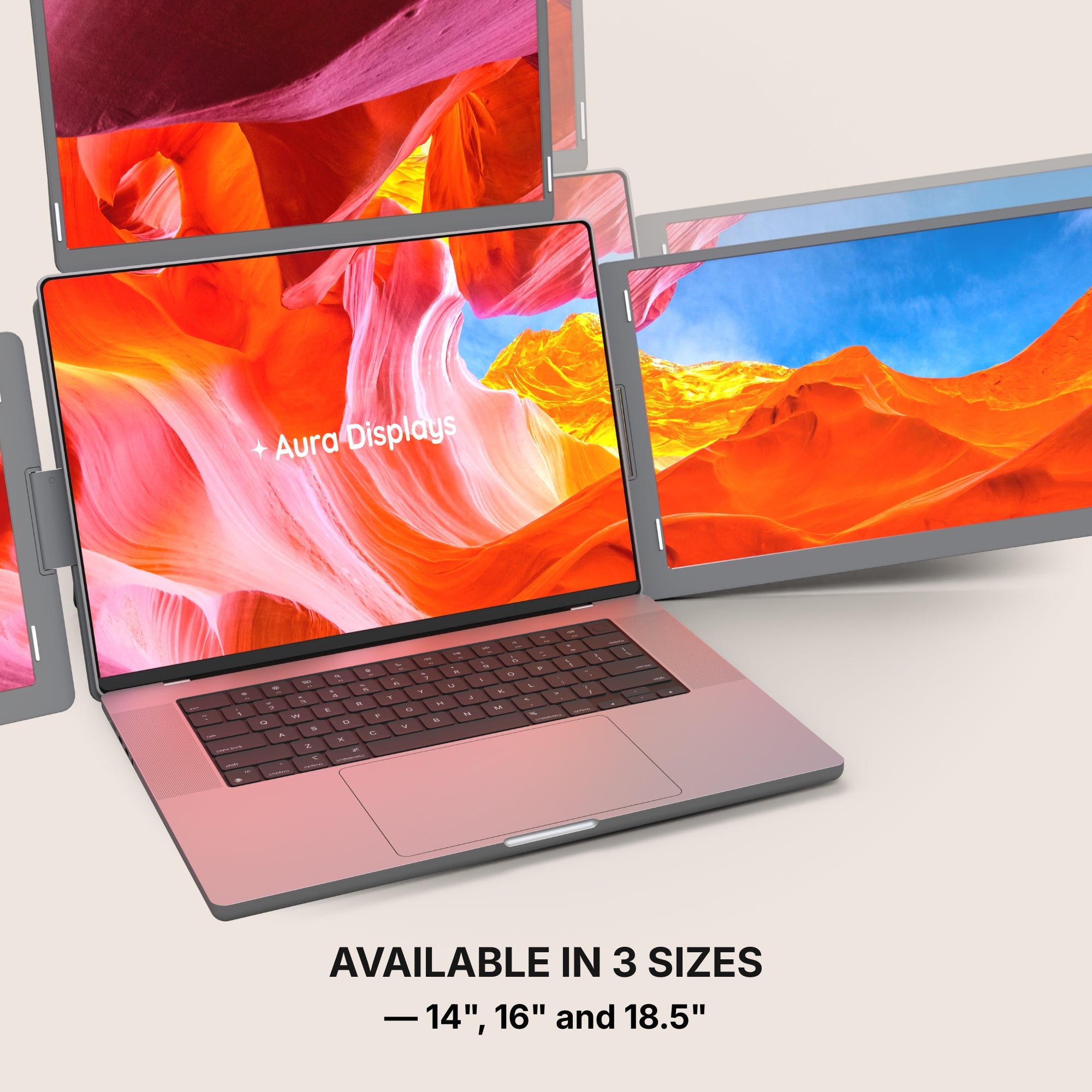
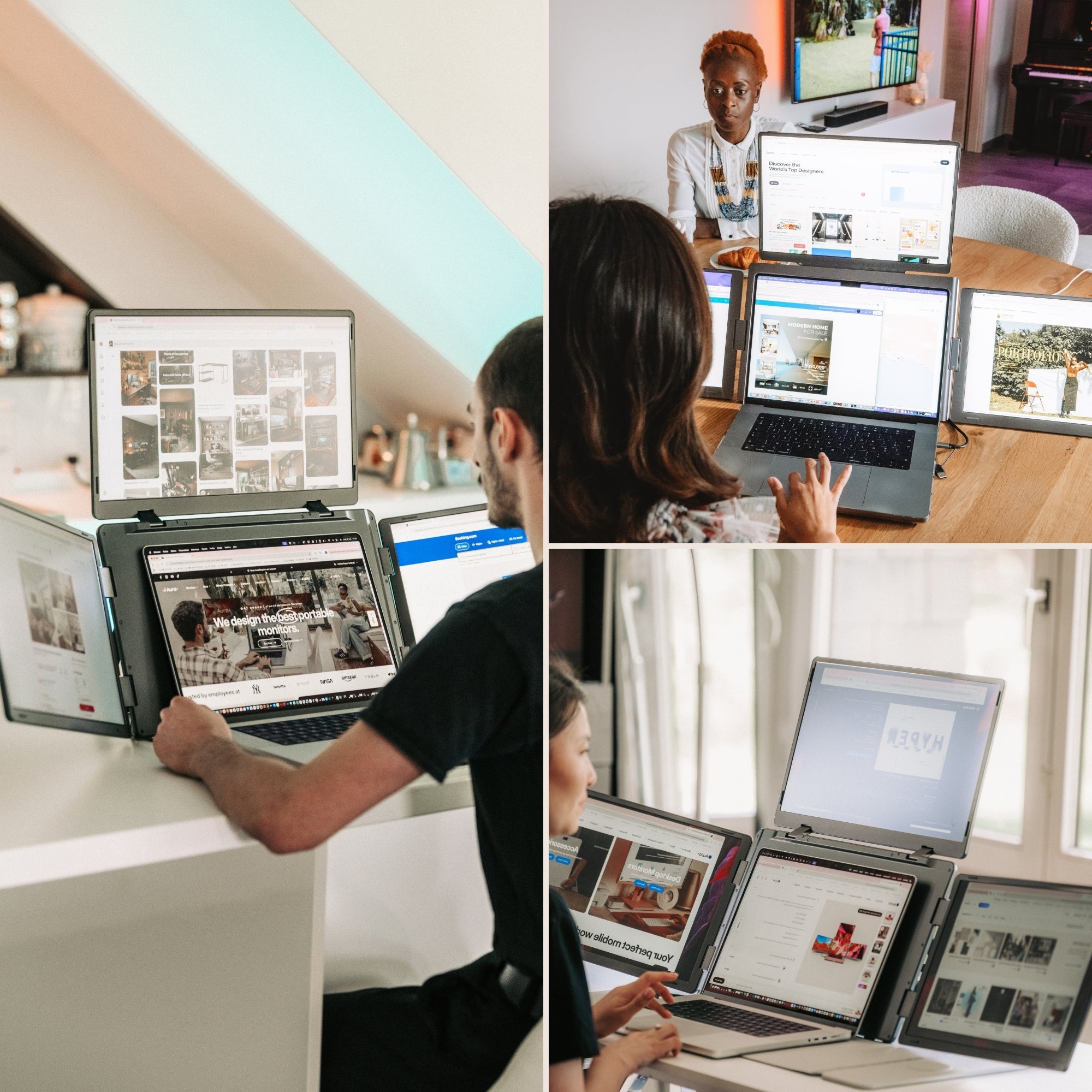
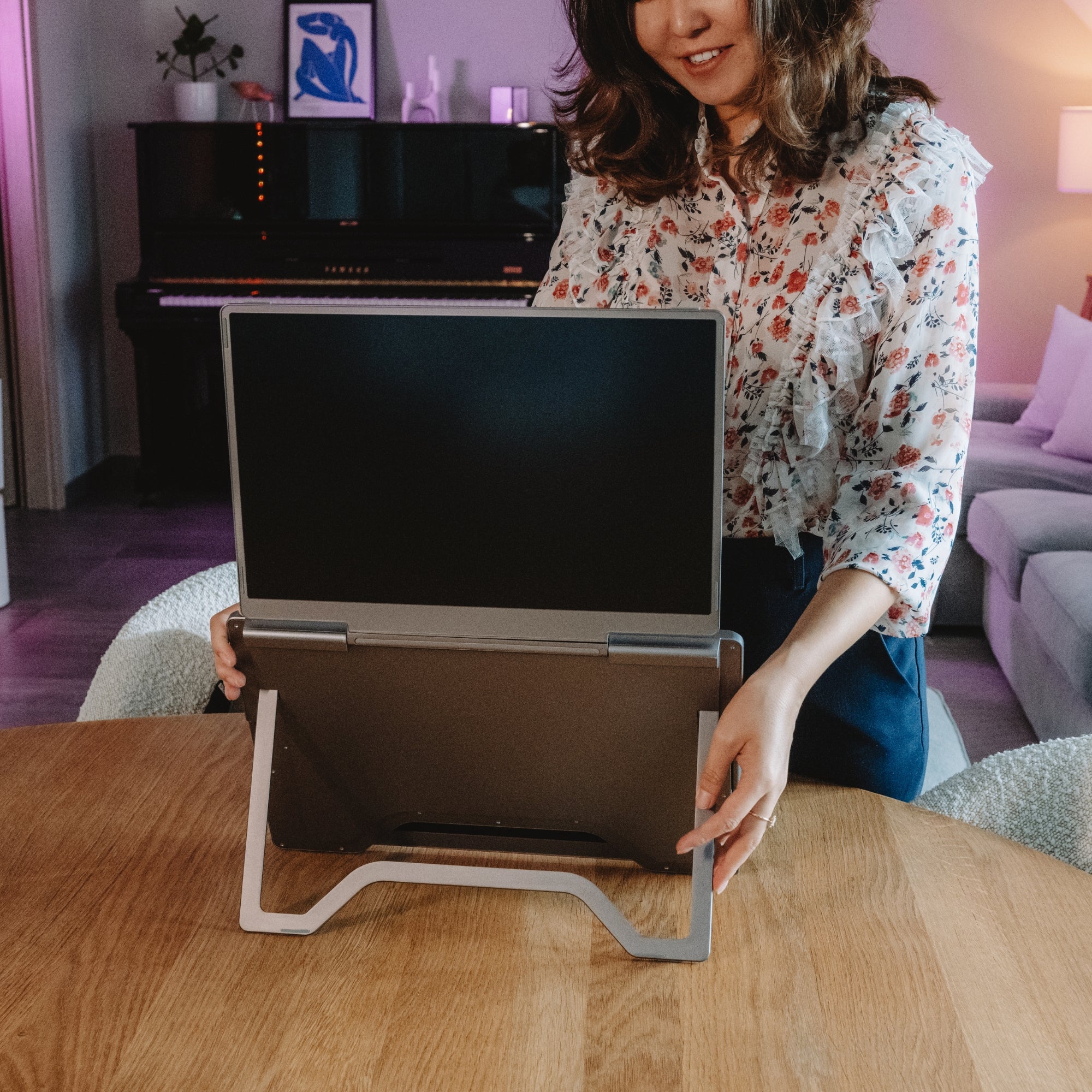
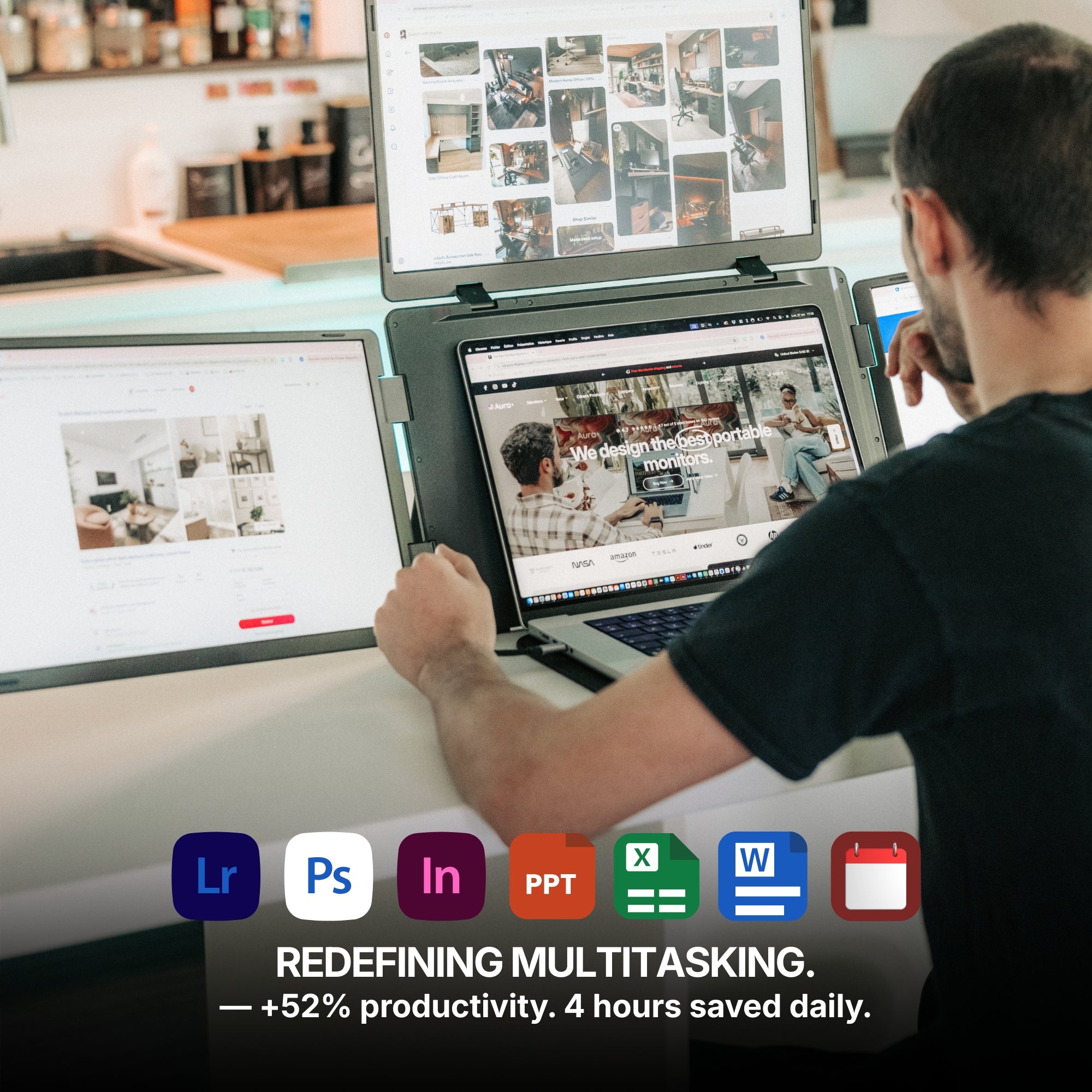
Thirty seconds is a habit. Three minutes is a thing you stop doing. If attaching your screens involves aligning brackets, seating a stand and running two cables, you will do it enthusiastically for a fortnight and then leave the whole assembly at home. Multi-panel extenders that mount directly to the laptop lid win here, not because they are technically superior, but because the friction is low enough that you actually bother.
3. Where is the outlet?
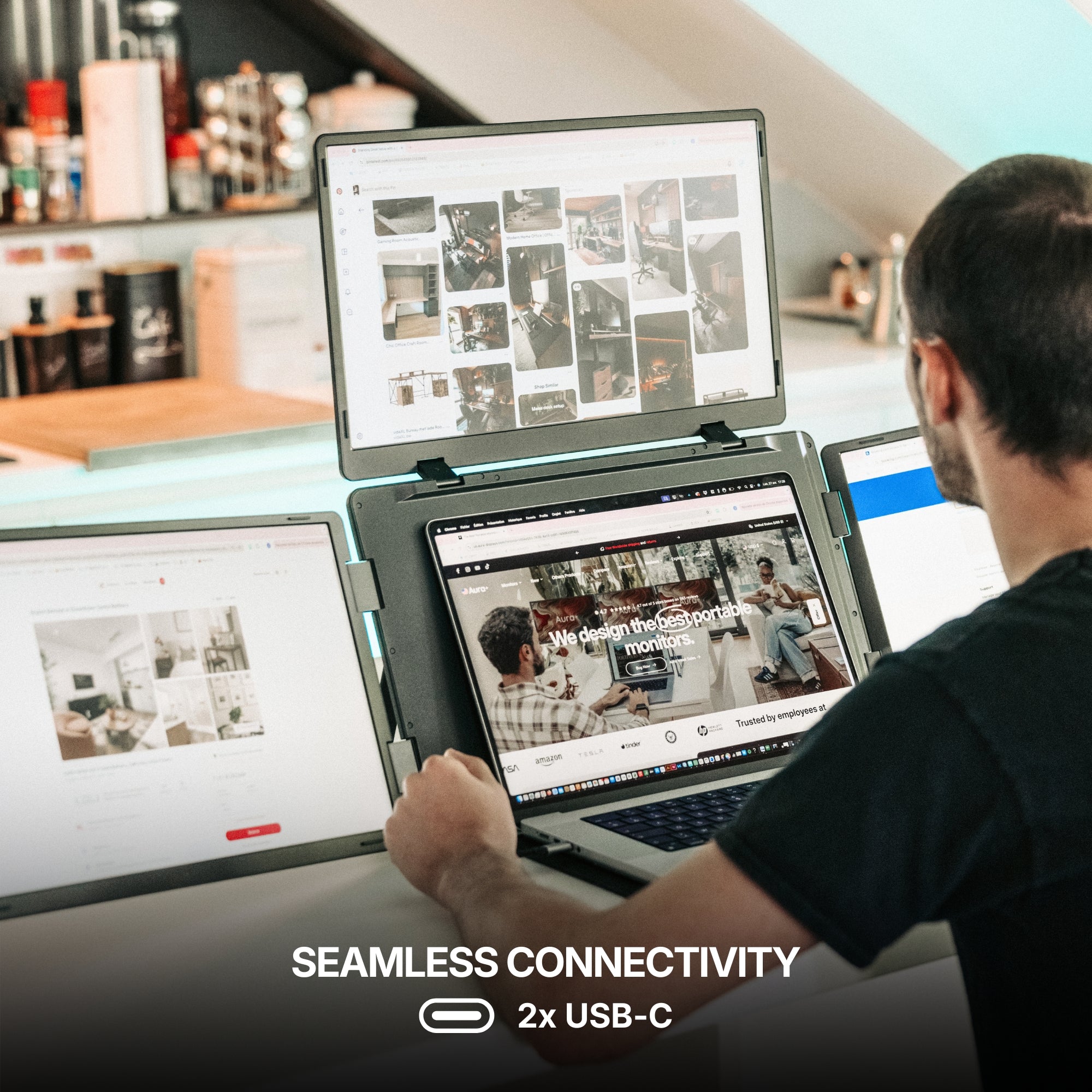
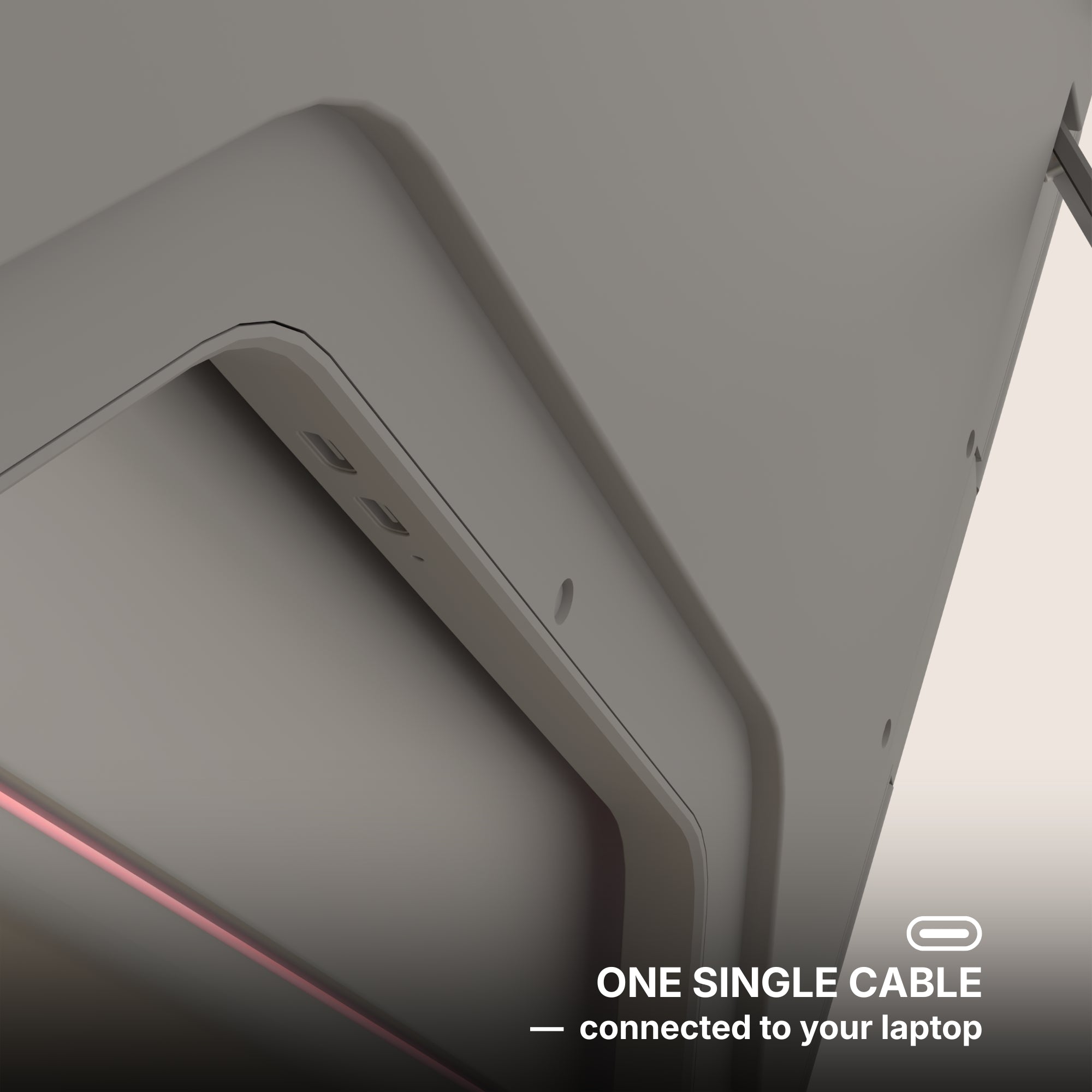
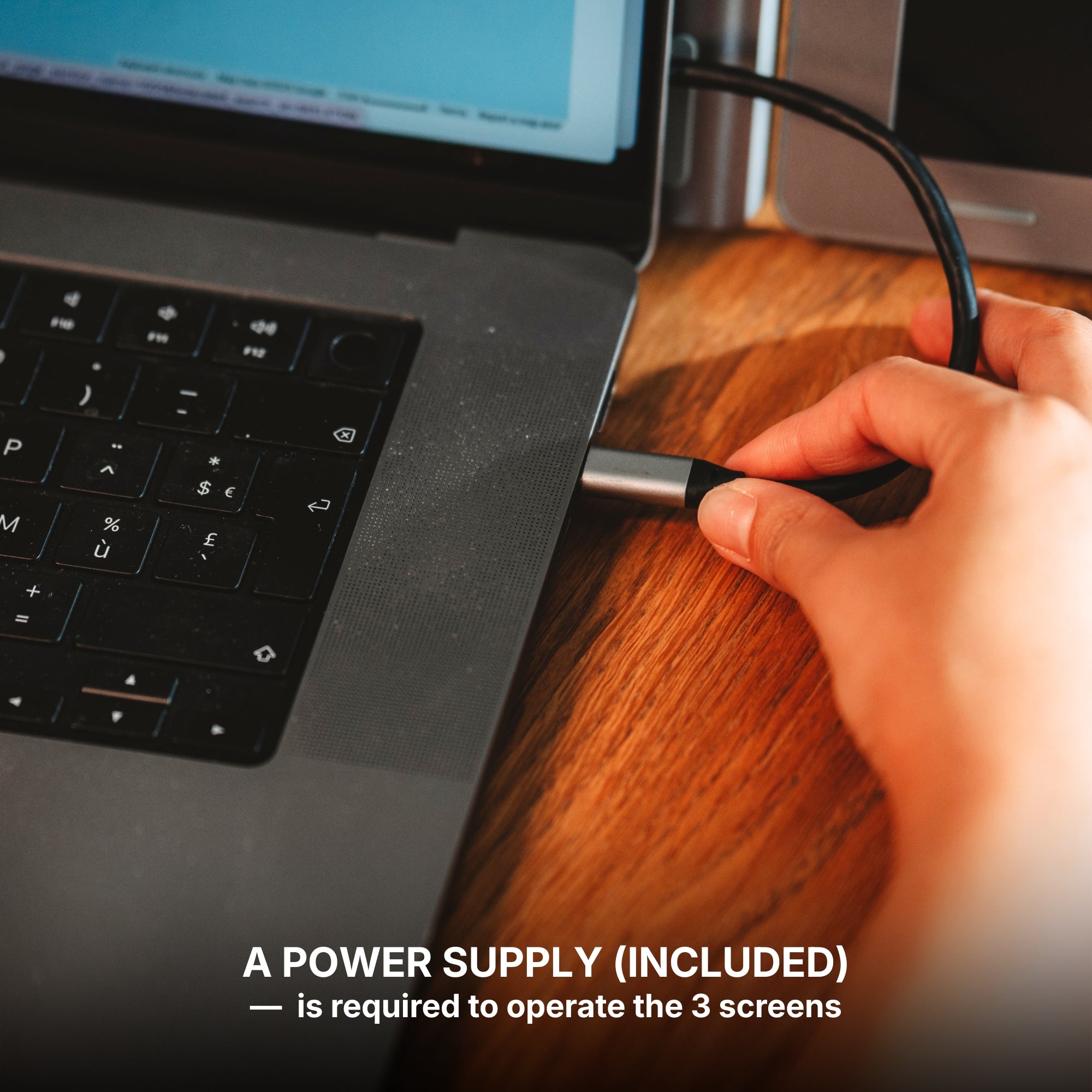
This is the limitation we are least comfortable with and the one we get asked about most after the fact. Panels drawing power over USB-C shorten your laptop's unplugged runtime, and not marginally. On a train, in a lecture hall, in an airport gate area with every socket taken, a multi-panel setup is a compromise rather than an upgrade. Plan your day around it, or plan on a power bank.
What we would actually carry
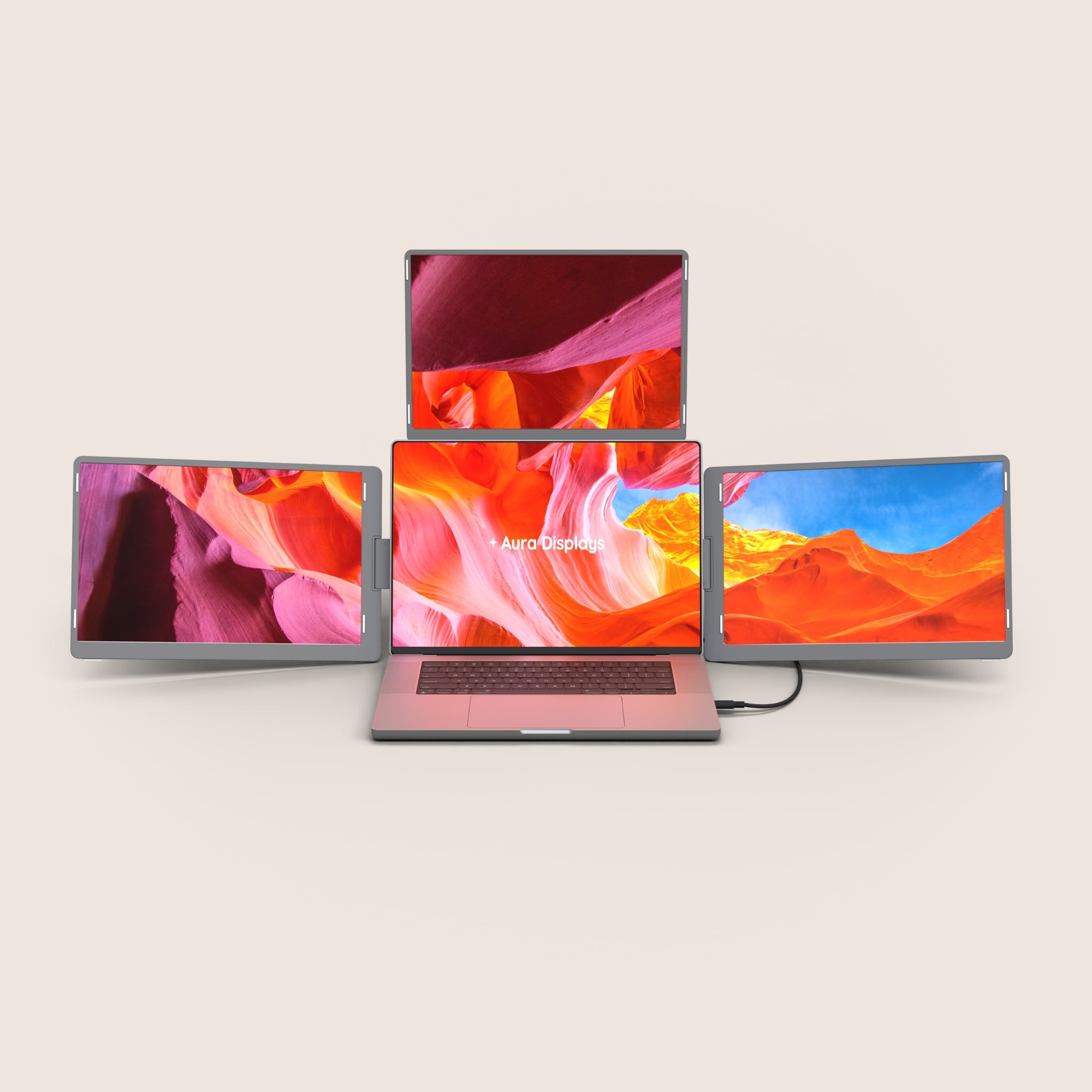
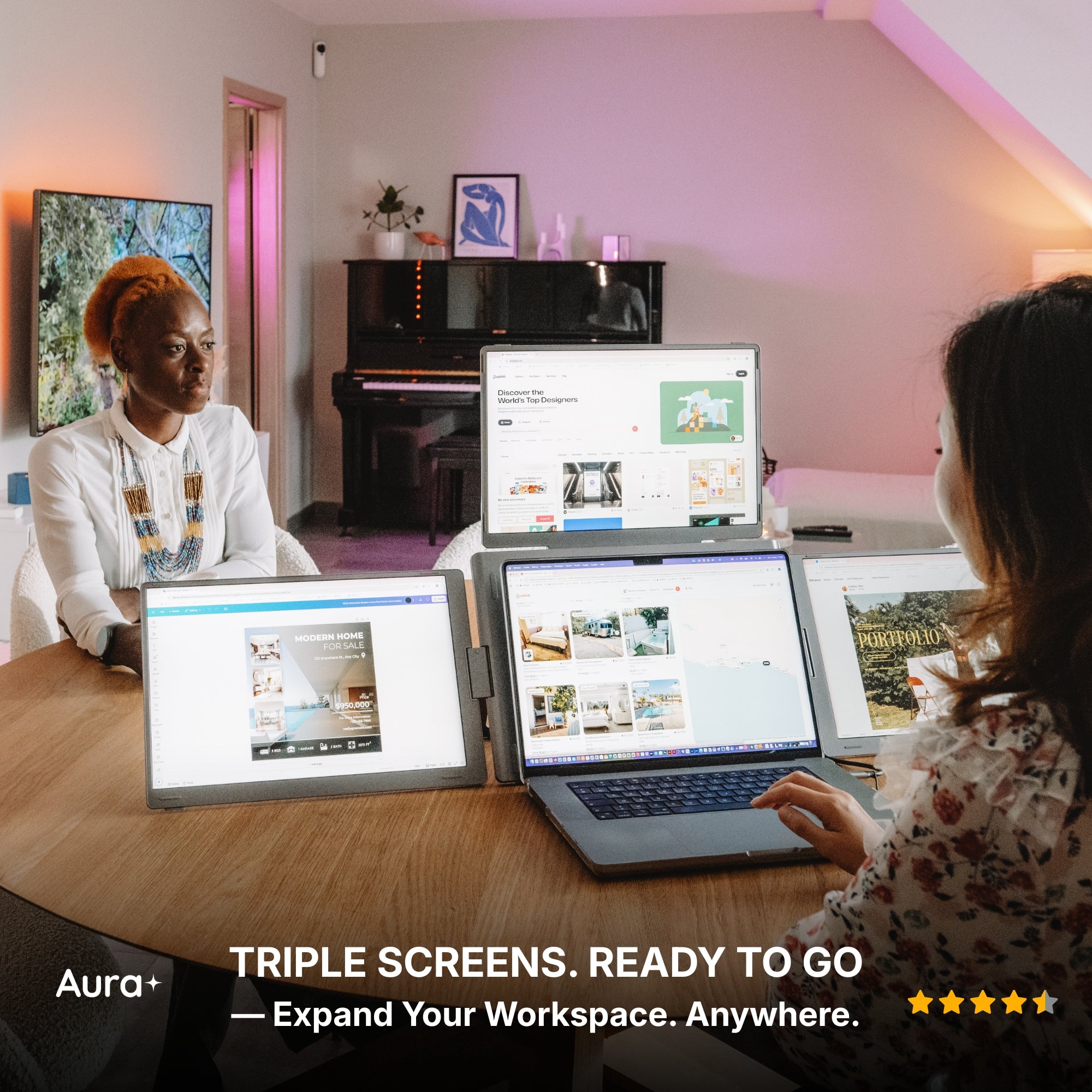
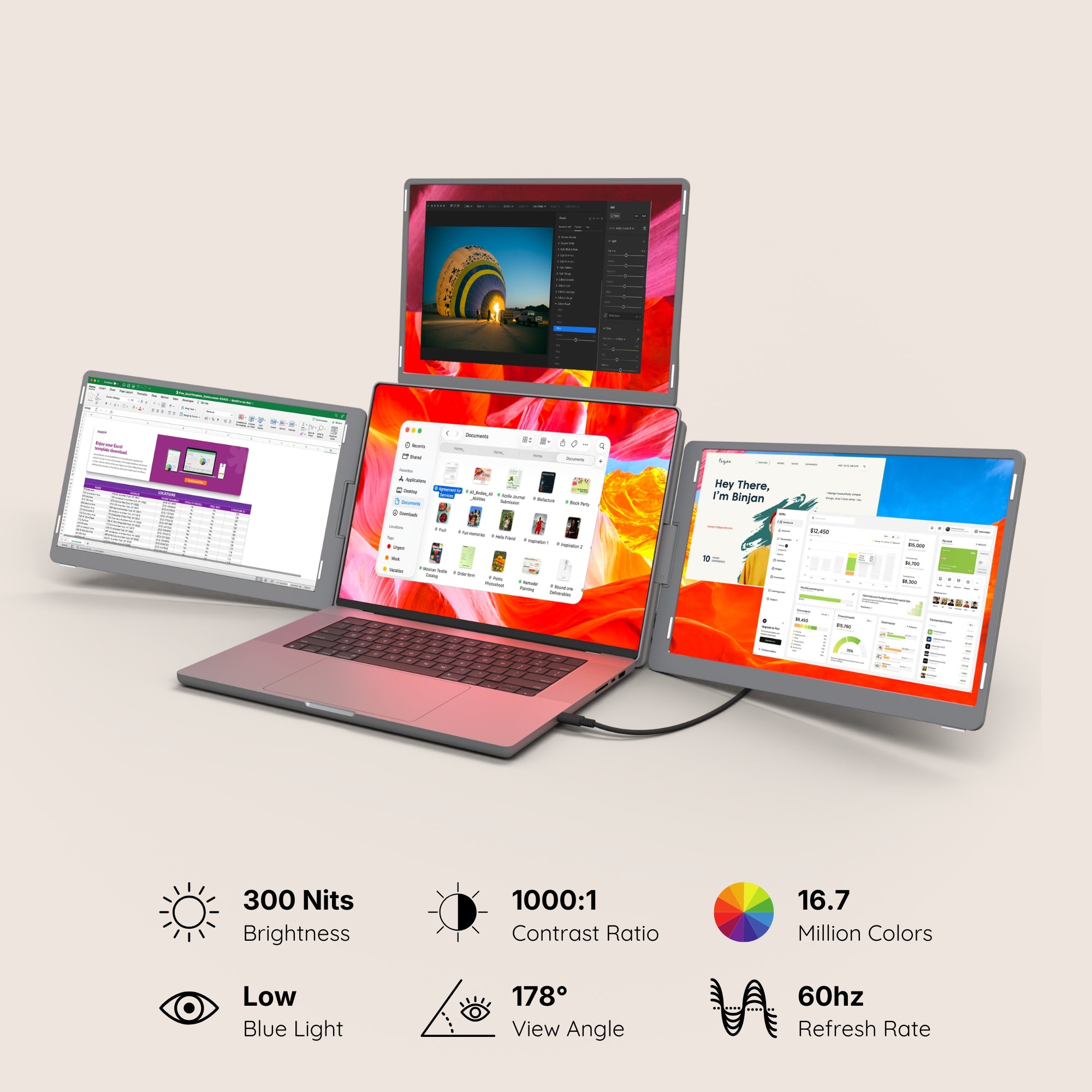
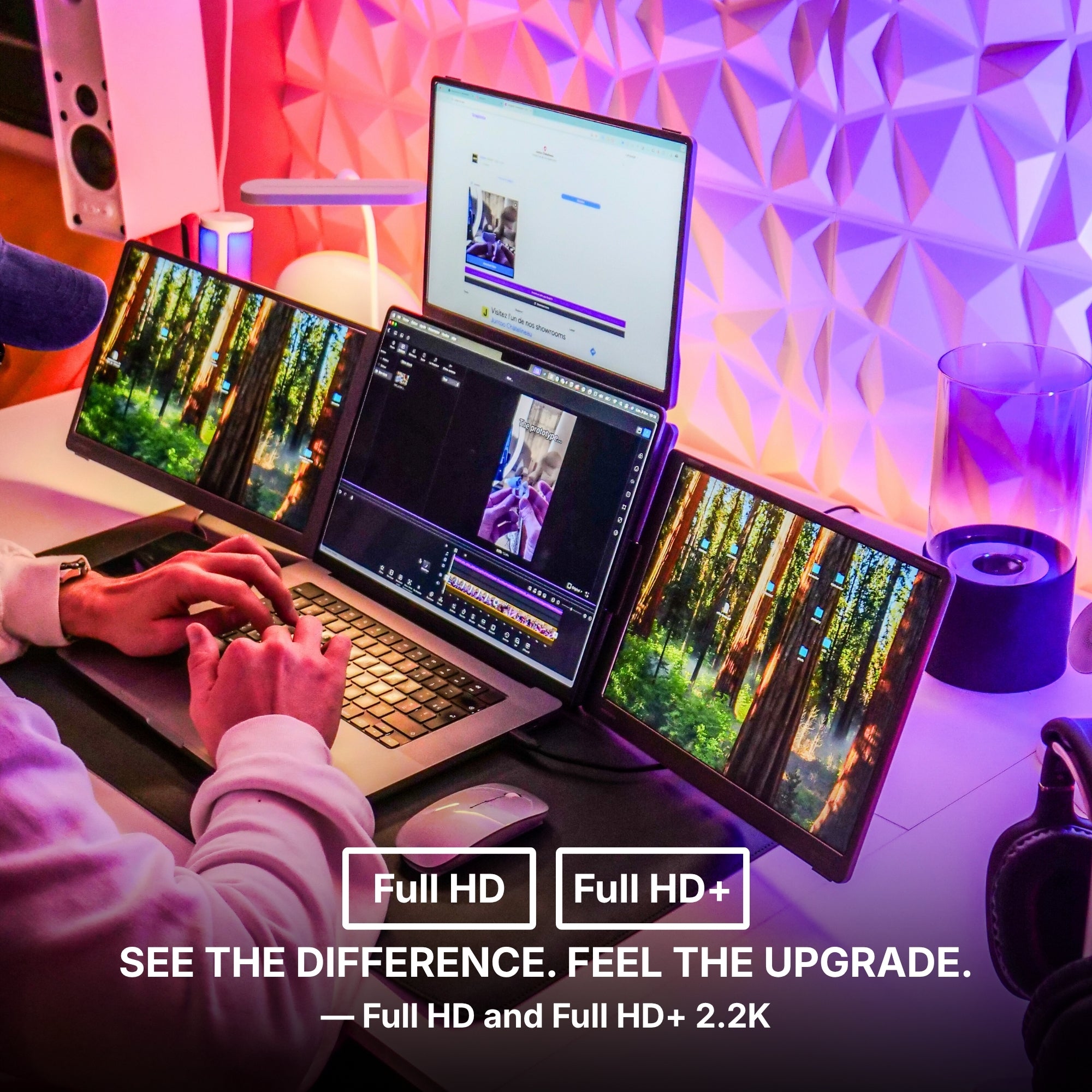
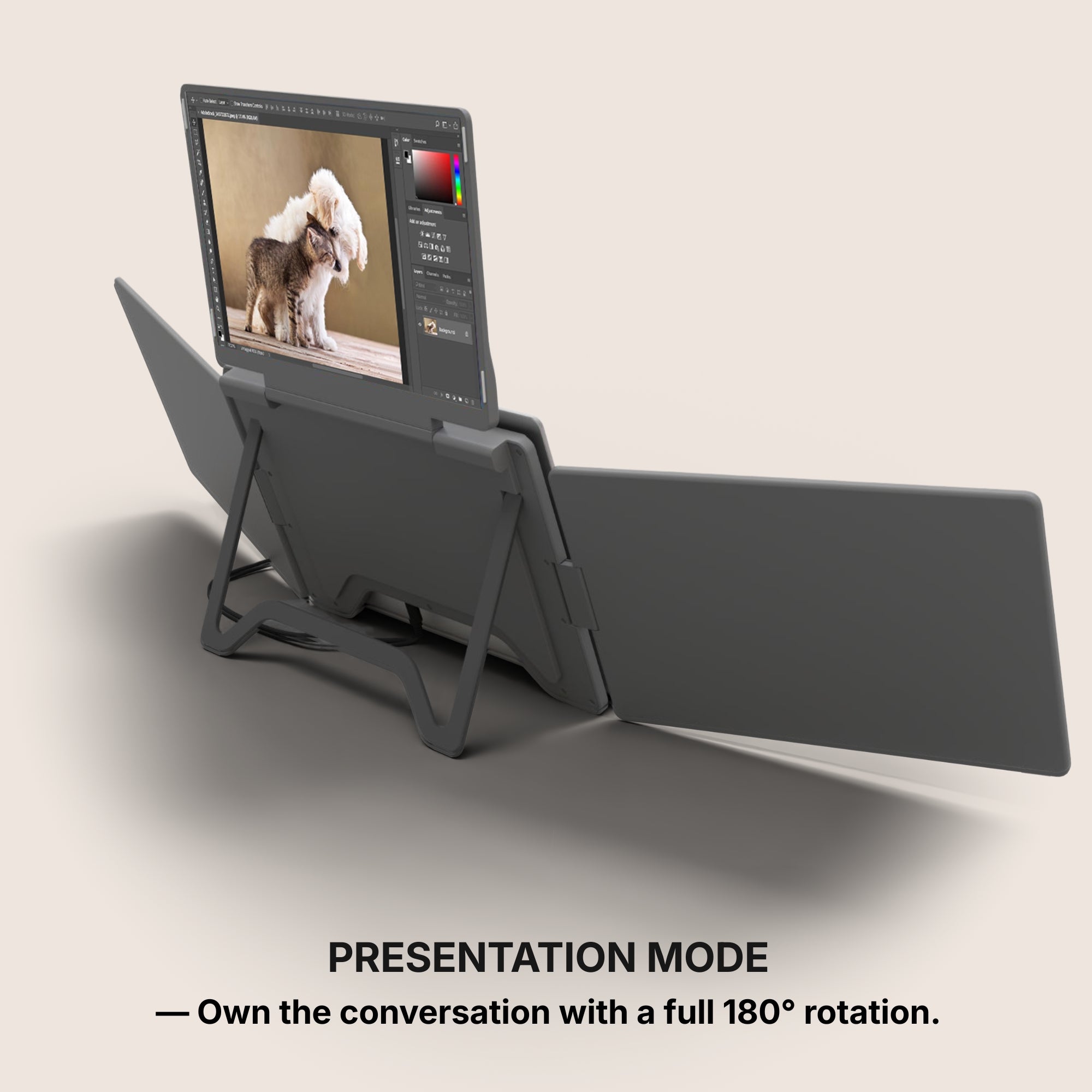
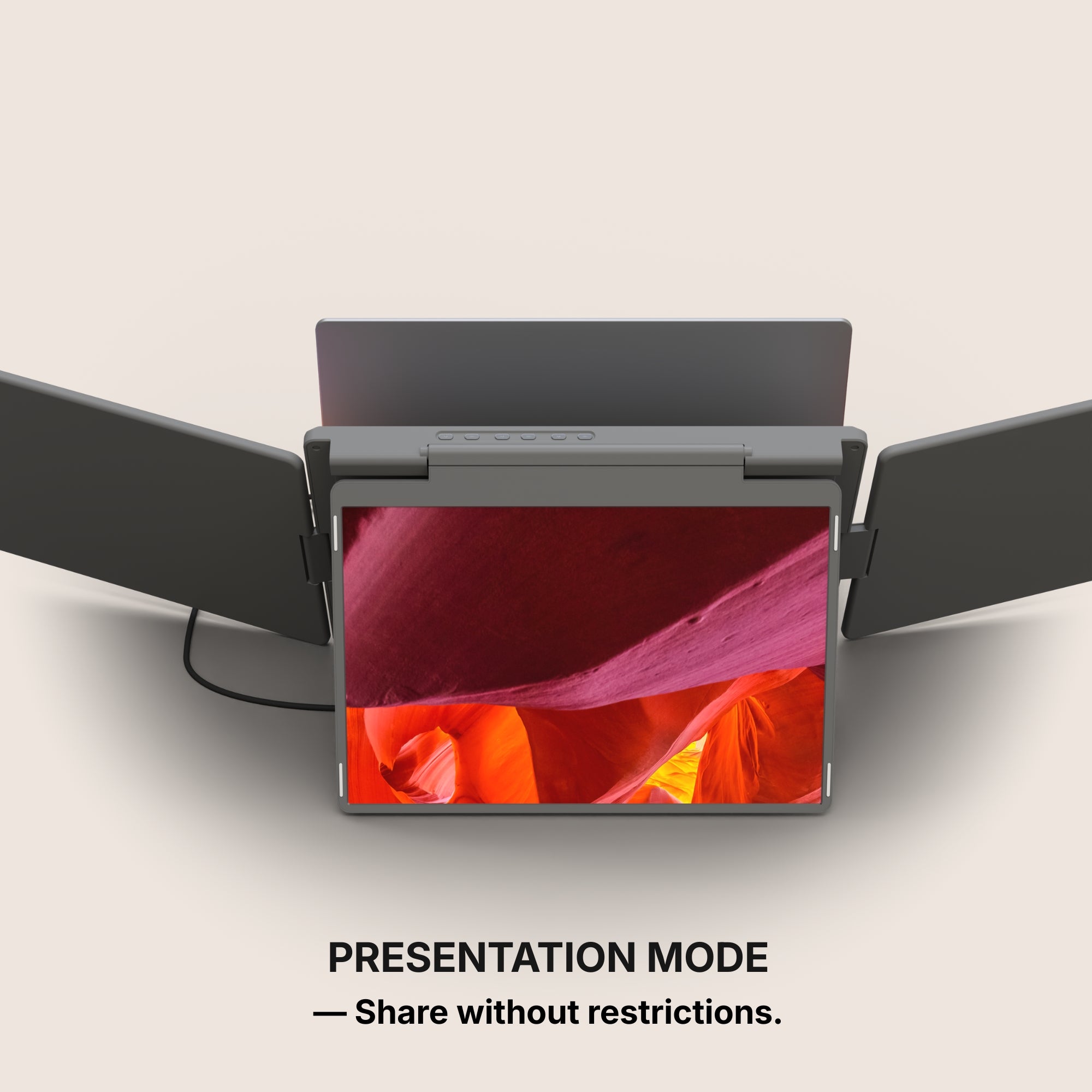
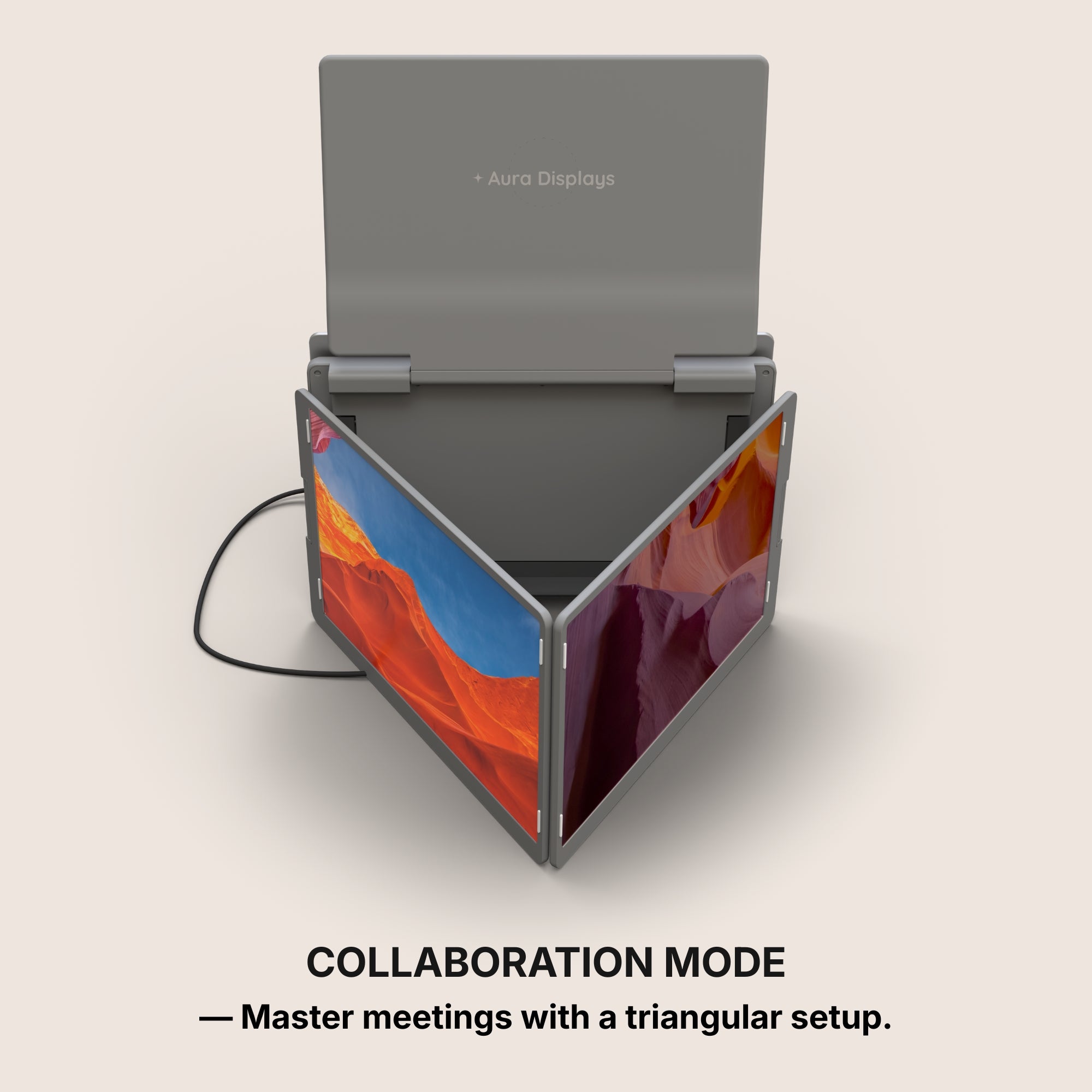
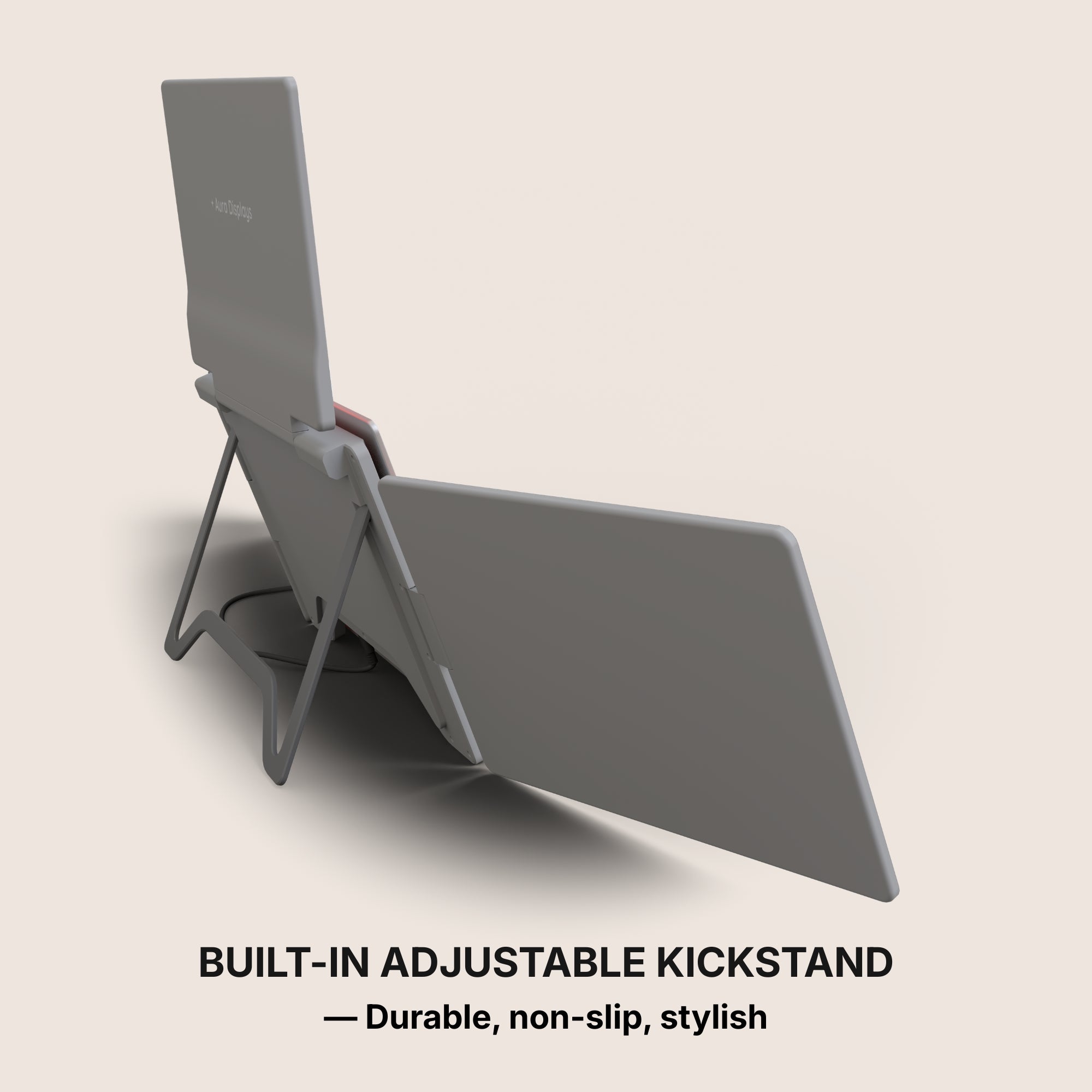
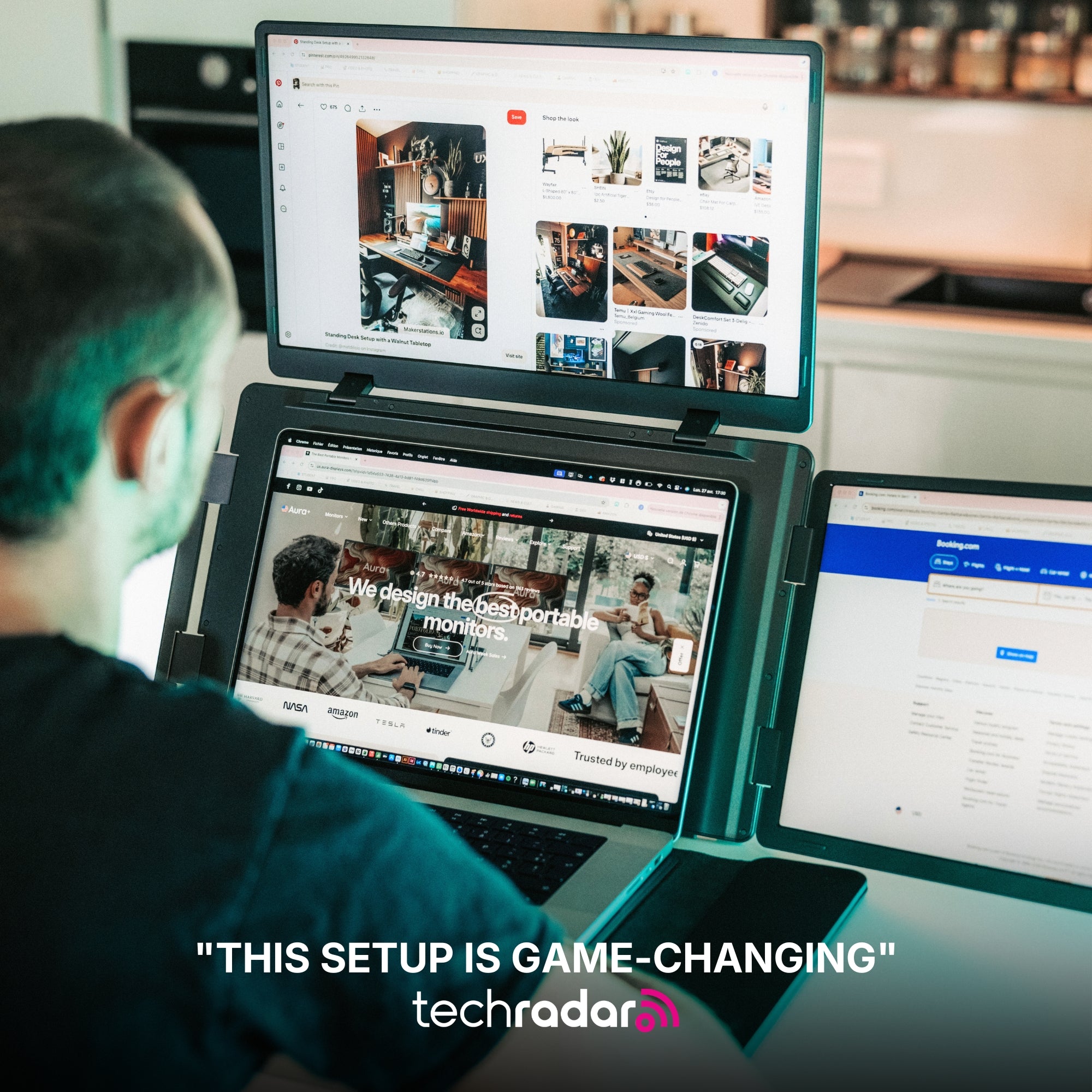
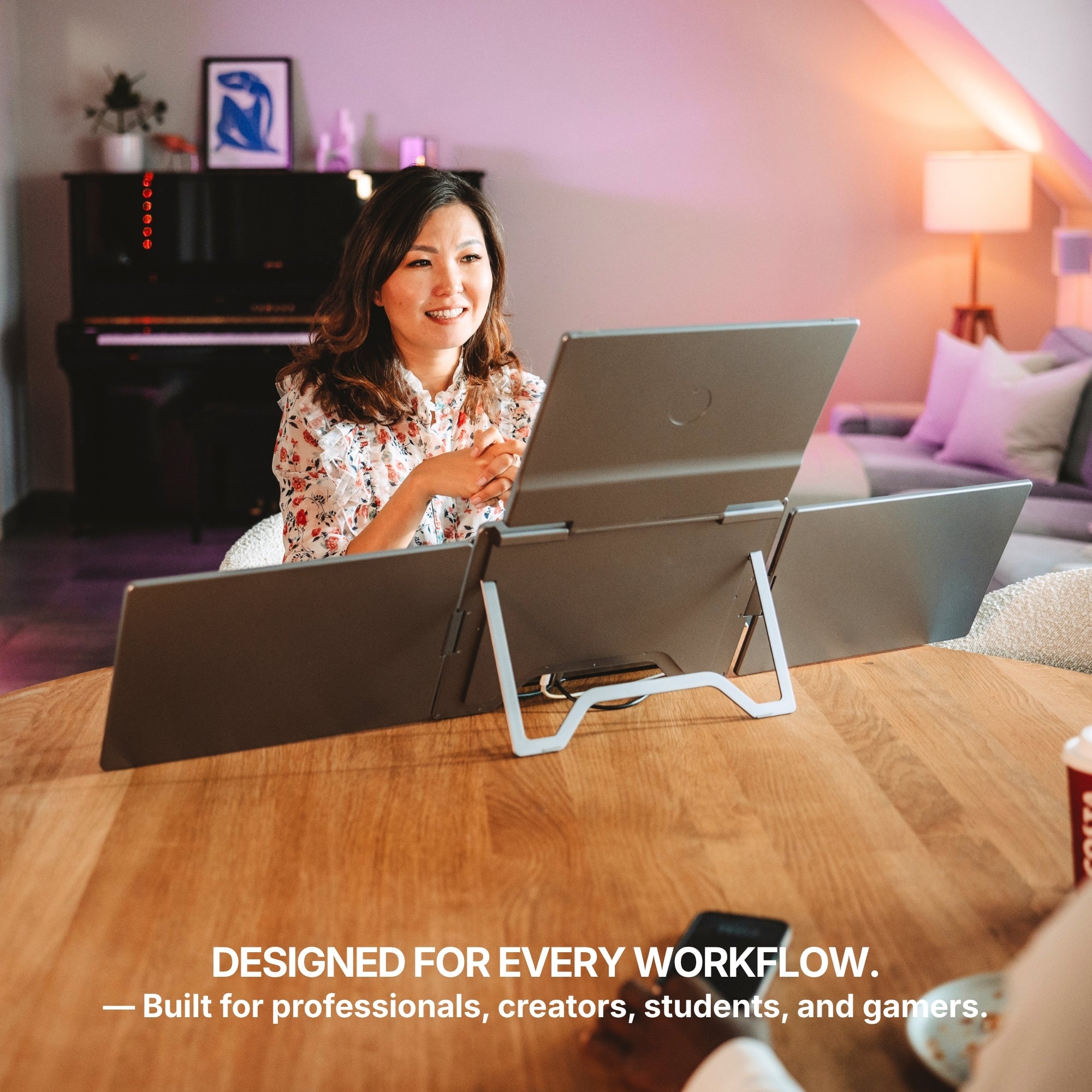
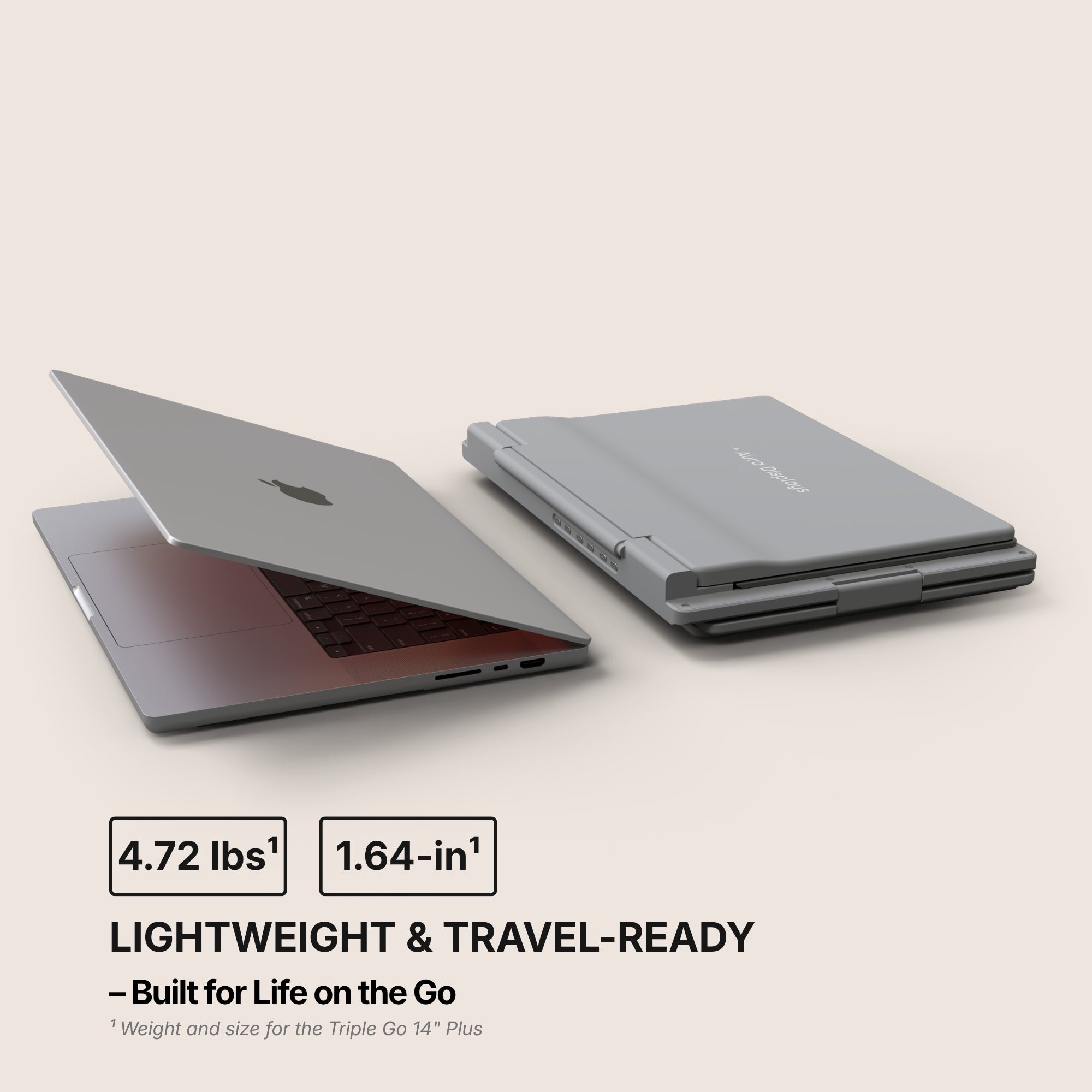
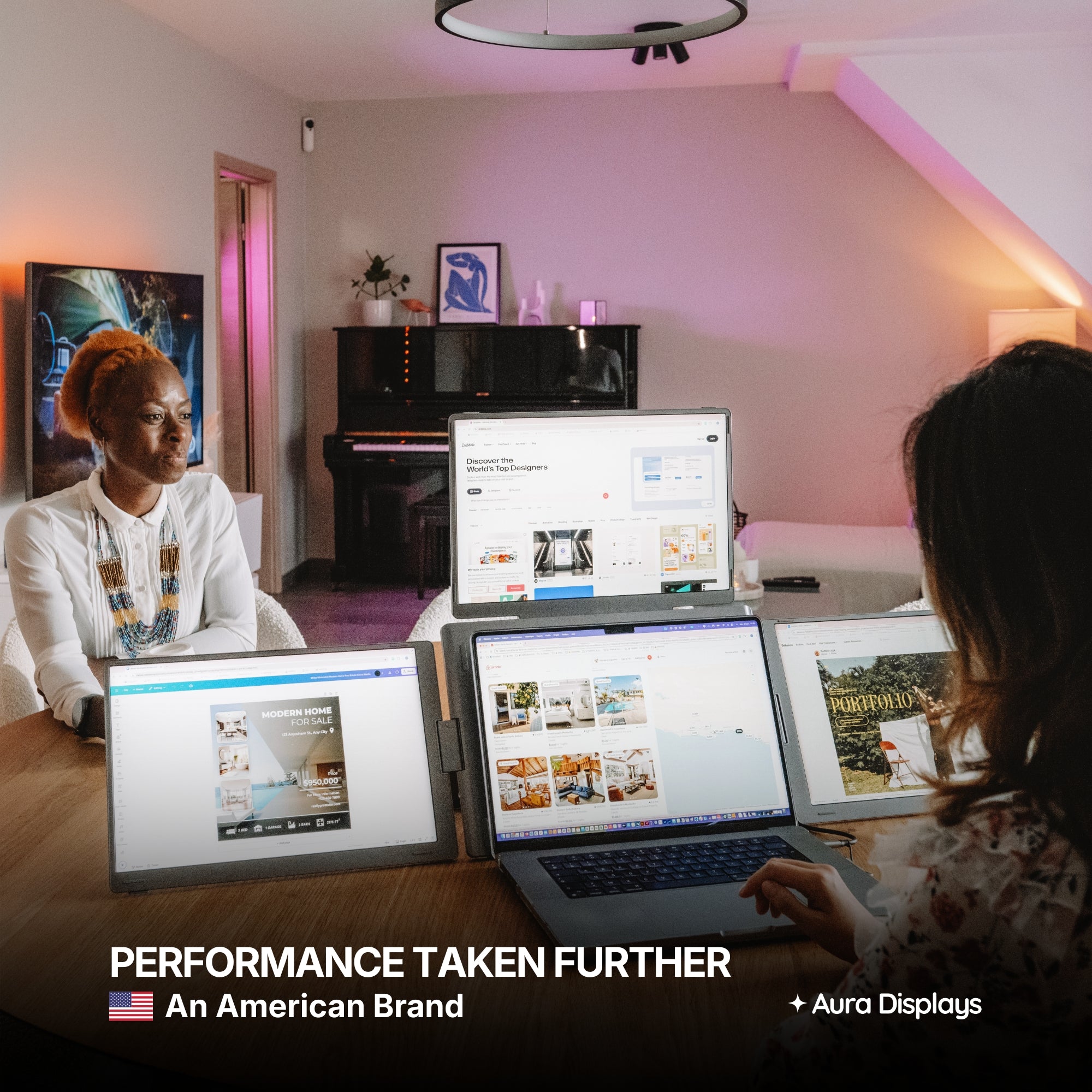
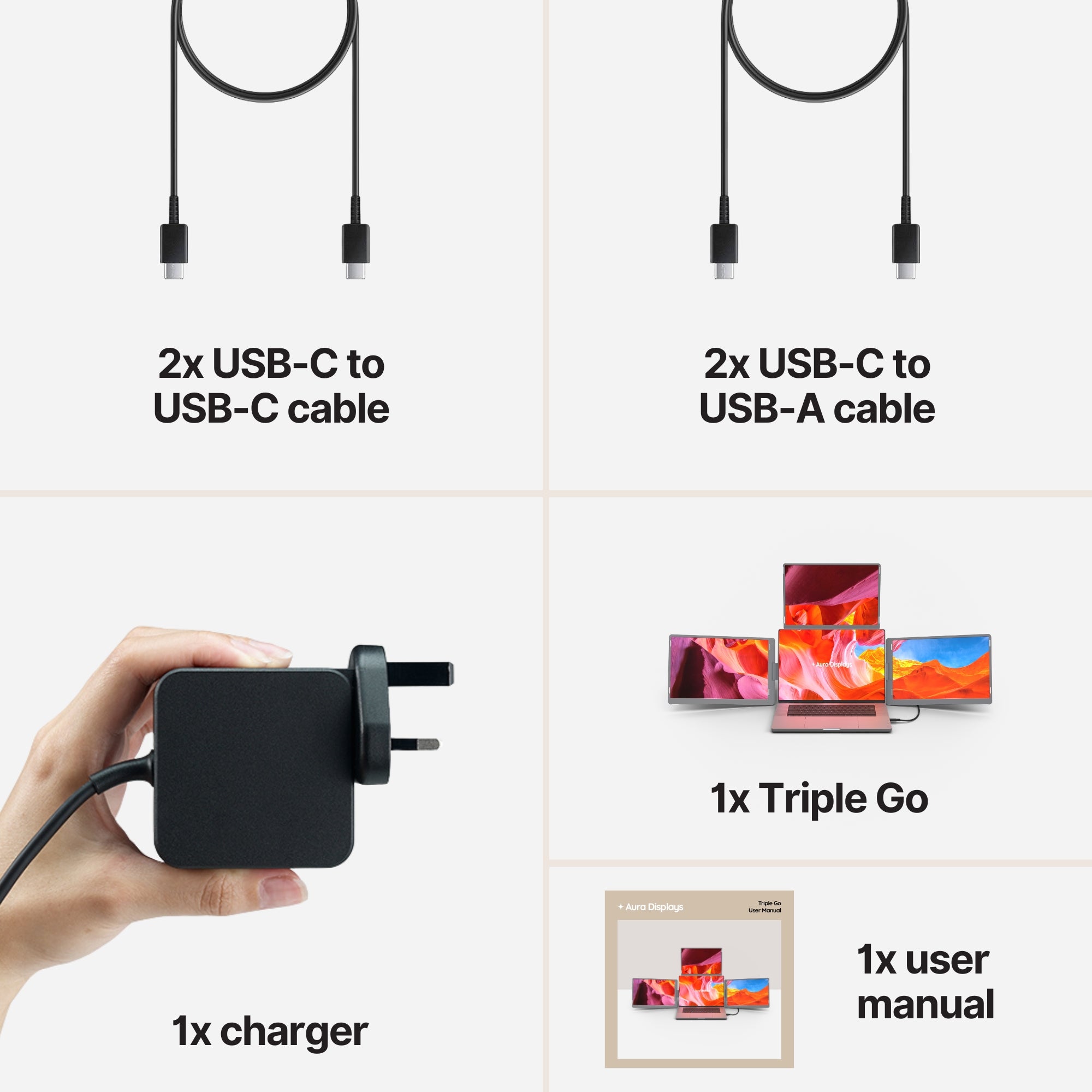
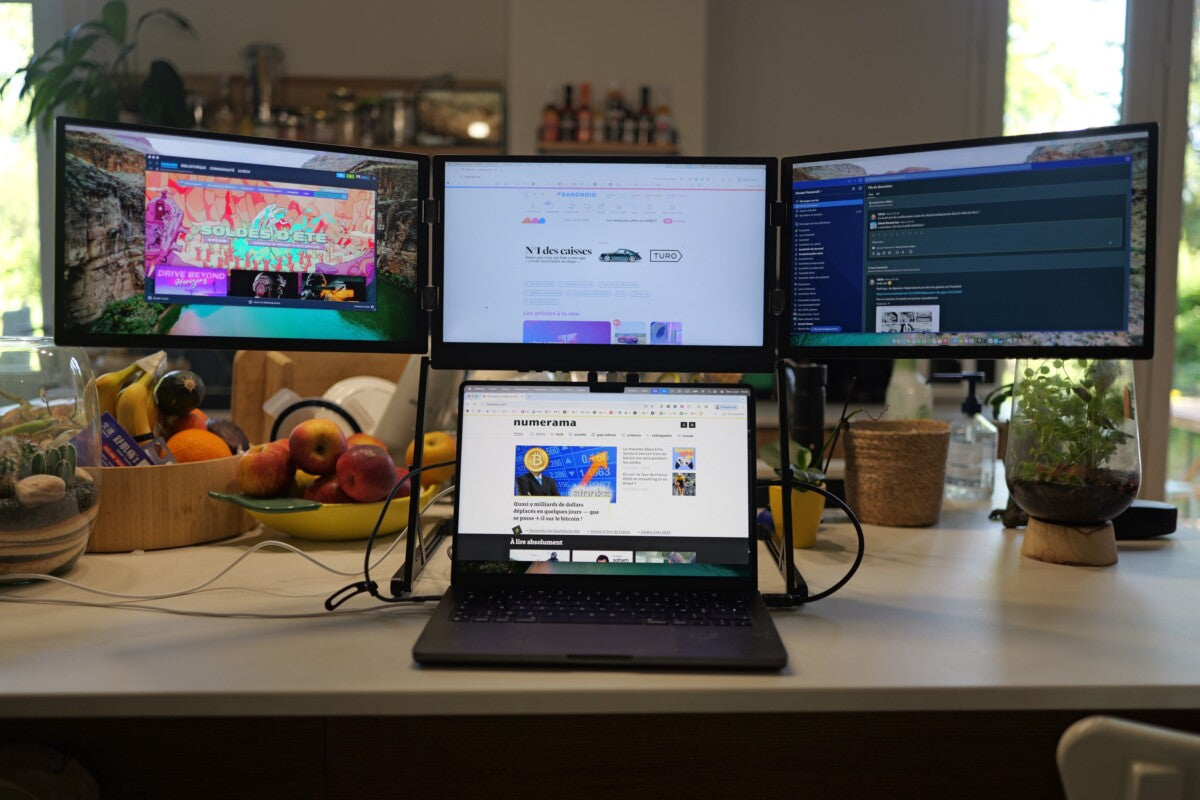
The Triple Go, from $549, is the one we would put in a bag. Three panels sounds like the least portable option on the page and in practice is not: it folds flatter than most of our dual extenders, which is the dimension that decides whether something slides into a laptop compartment or fights you at the zip. If your week genuinely splits between two workspaces and neither has a monitor waiting, this is the setup that shows up at both of them.
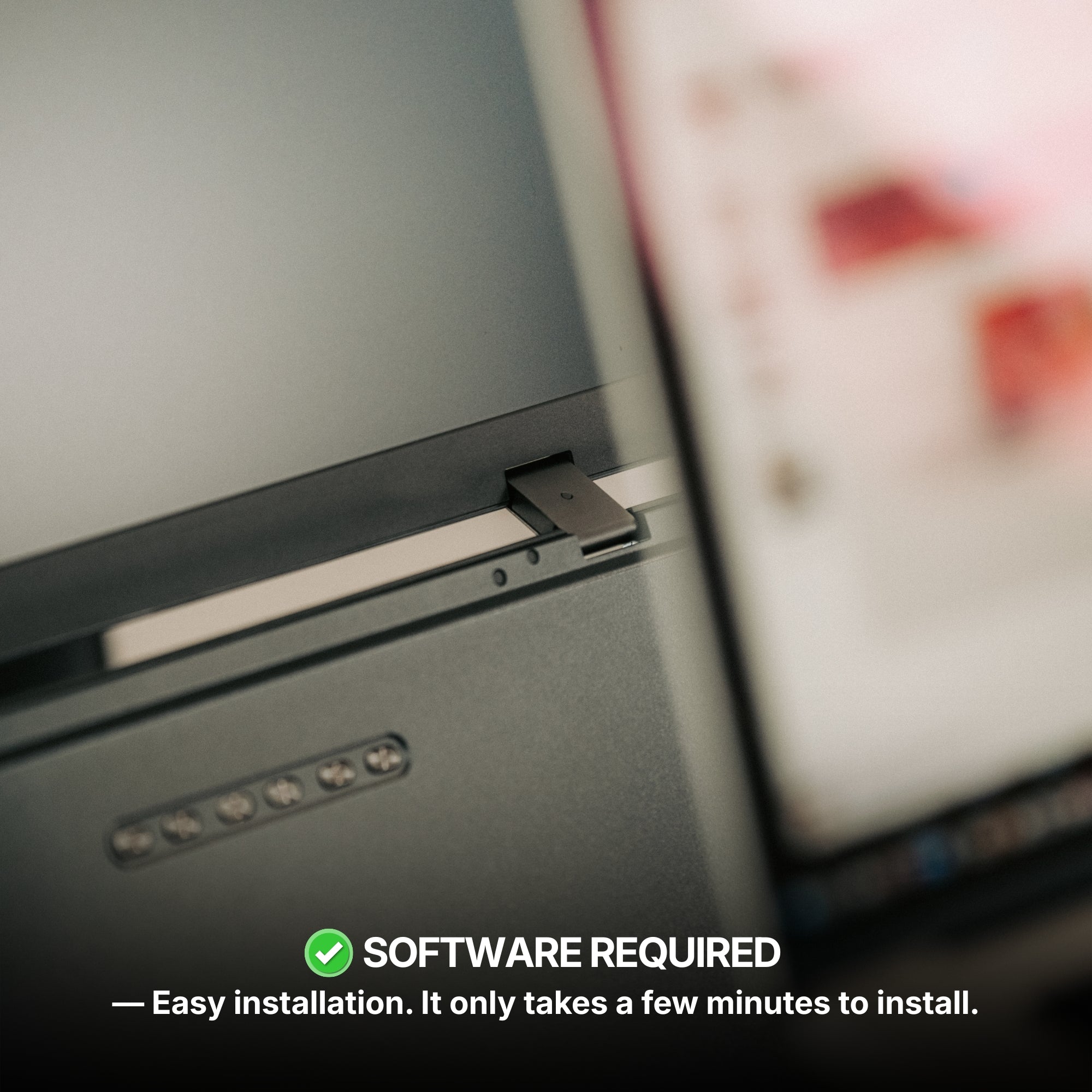
Two caveats we would rather you heard from us. It runs on macOS and Windows and requires our software; if your laptop is issued by an employer or a school and locked against installing anything, this is not your product. And it is a triple, which means it is the heaviest thing in the bag after the laptop itself.
If either caveat rules it out
- Single Play — from $289. Plug and play across macOS, Windows, Android, Chromebook, Linux and consoles, no driver, no software. This is the answer for locked-down machines, and the lightest way to add a second surface.
- Dual Play — from $369. Two panels, moderate weight, the middle of the road in the good sense.
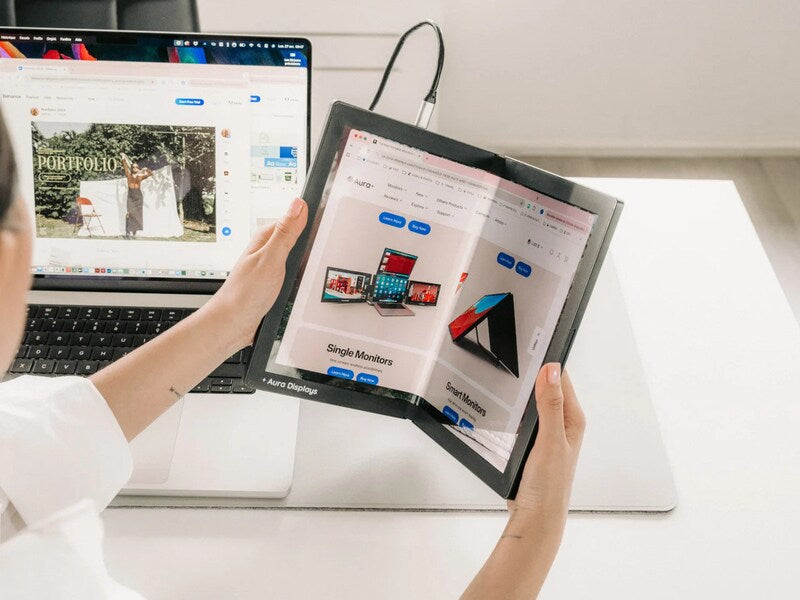
- Dual Book Pro — from $389. Folds shut like a book, which is the single best predictor of whether a portable screen survives a commute intact.
- Triple Aero Pro Max — from $549. The better screen if you have the desk and the shoulder for it. It is also the display we find hardest to keep in stock, so if it is what you want, do not build a plan around it being there in three weeks.
The uncomfortable arithmetic
A portable monitor that stays home is worse than no portable monitor, because you paid for it. When we hear from someone six months in who has stopped using theirs, the reason is almost never the picture. It is the weight, the setup time, or one afternoon in a room with no outlet that turned into a habit of leaving it behind.
None of those are solved by buying a better screen. They are solved by buying a screen sized to how you actually move. If your honest answer to question one is "it lives on one desk," buy big. If it is "I carry it," buy for the fold. And if you are somewhere in between, buy the smaller one — the setup you use every day beats the setup you admire on a shelf.


















Share: