


Adobe Analytics called the timing on July 17: online back-to-school spending would peak in the first two weeks of August, running roughly twice the level of early July, after a late-July ramp of about 1.5x. That window has now closed. If you are shopping for a laptop screen setup in the back half of August, you are shopping after the rush — and the discounts you see from here are a different animal from the ones you saw two weeks ago.
Here is the part most stores would rather not say out loud: a discount tells you about inventory, not about quality.
What a late-August markdown actually signals
When a retailer cuts a price after peak week, it is almost never because the product got better. It is because the stock did not move when demand was at its highest, and now it has to. That is not a scandal. It is just arithmetic, and it works in your favour as long as you read it correctly.
Read it incorrectly and you end up with the classic post-peak purchase: the thing that was discounted, bought because it was discounted, sitting in a drawer by October. The useful question is never "how much is off?" It is "would I have bought this at full price if it fit my desk?"
Our own hand, since we are asking you to trust the logic
We are running a 20% Back to School code, BTS20, in the U.S., U.K. and Germany, on four setups: the Single Play, the Dual Play, the Dual Book Pro and the Dual Snap. All four are products we hold deep stock on. That is the entire reason they are in the promotion.
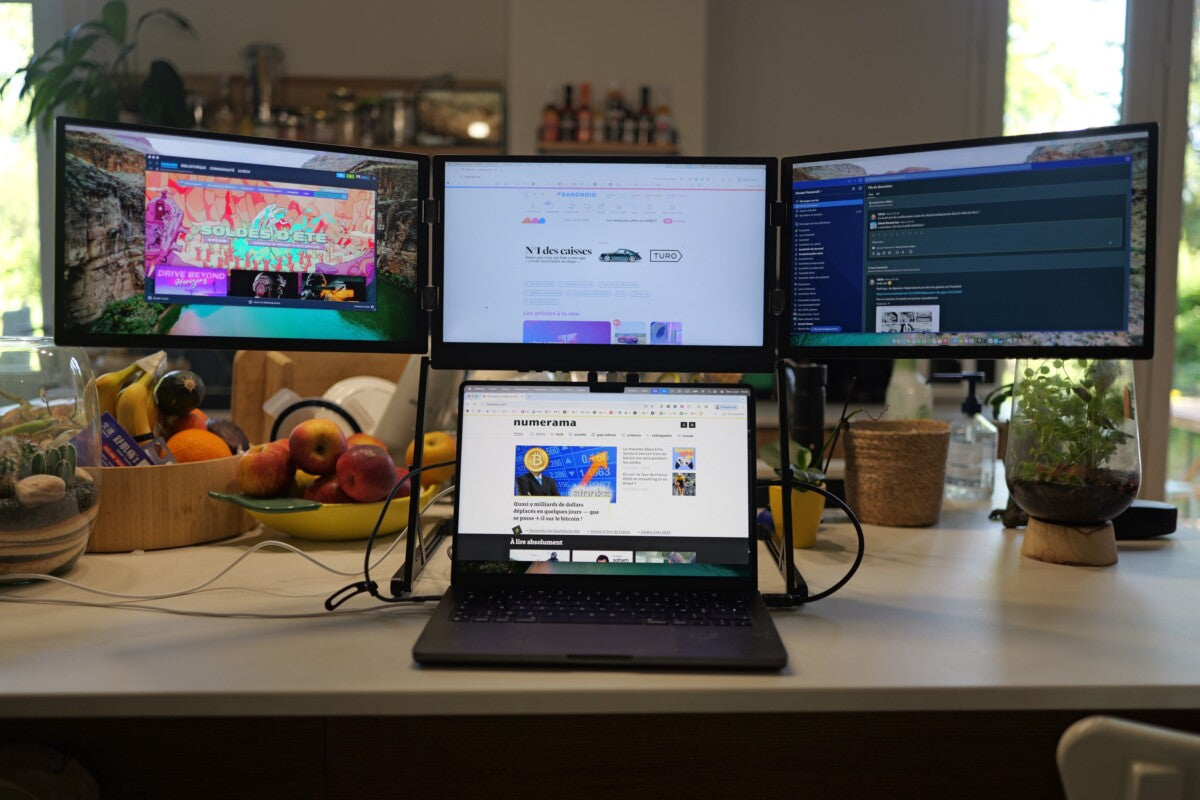
The Triple Aero Pro Max is not in it, and will not be. It is the display we sell fastest and the one we find hardest to keep in stock. Cutting the price on something we can barely keep on the shelf is not a deal, it is a waiting list with extra steps. It stays at $549 through the season, and if it is the right setup for you, buying it at full price today is a better outcome than waiting for a discount that is not coming.
Discounted does not mean second-rate
None of the four in the promotion are clearance products. They sell steadily all year; we simply ordered for a peak that spreads its volume differently than a single hero SKU does. A 20% cut on a display that suits your workflow is straightforwardly good. A 20% cut on one that does not is a 100% waste, and that maths does not change with the discount depth.
Which of the four is for whom
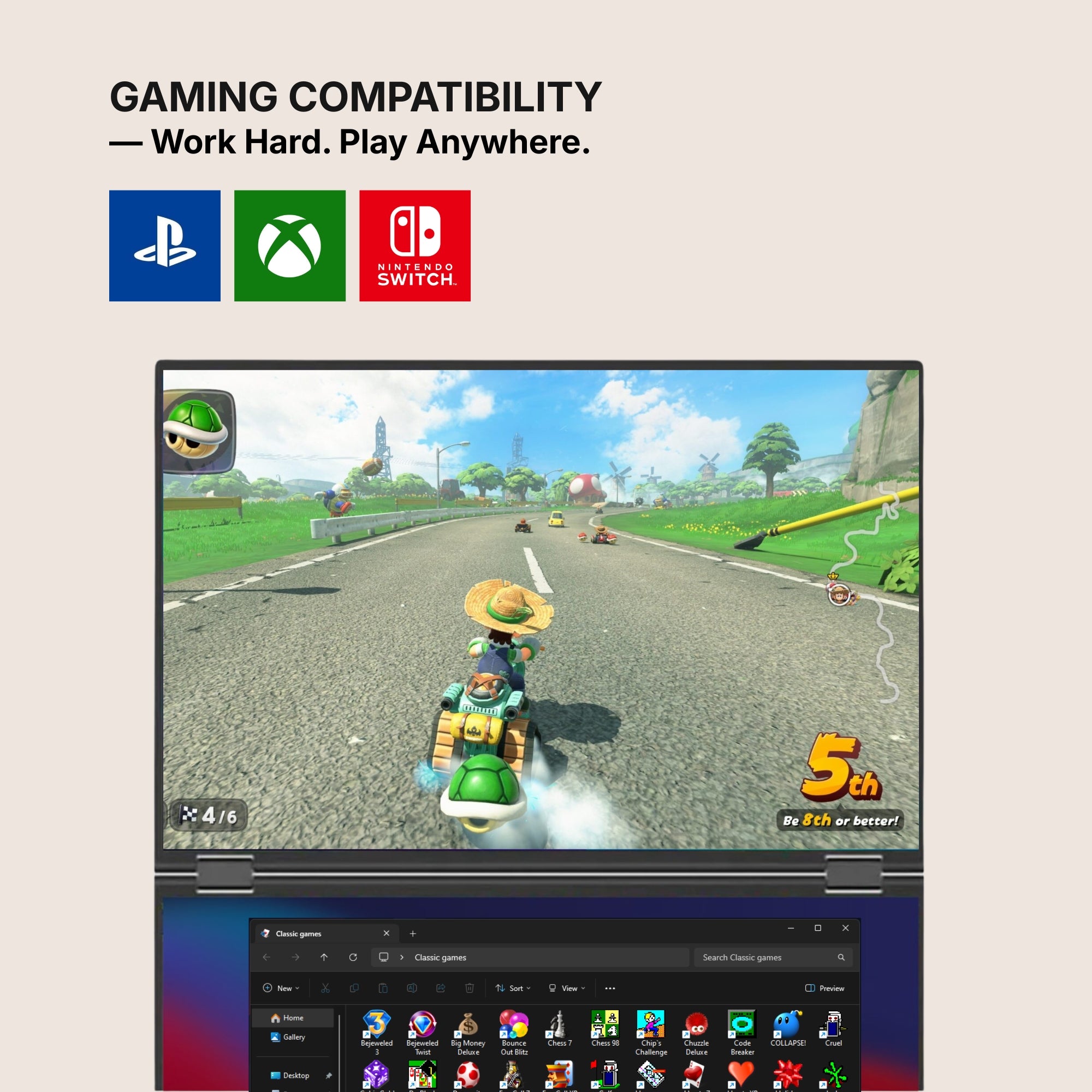
- Single Play — $289. One extra panel, plug and play across macOS, Windows, Android, Chromebook, Linux and consoles. If you have never worked on more than one screen and are not sure it suits you, this is the cheapest way to find out. It is also the honest answer if your laptop is locked down by an employer or a school and you cannot install software on it.
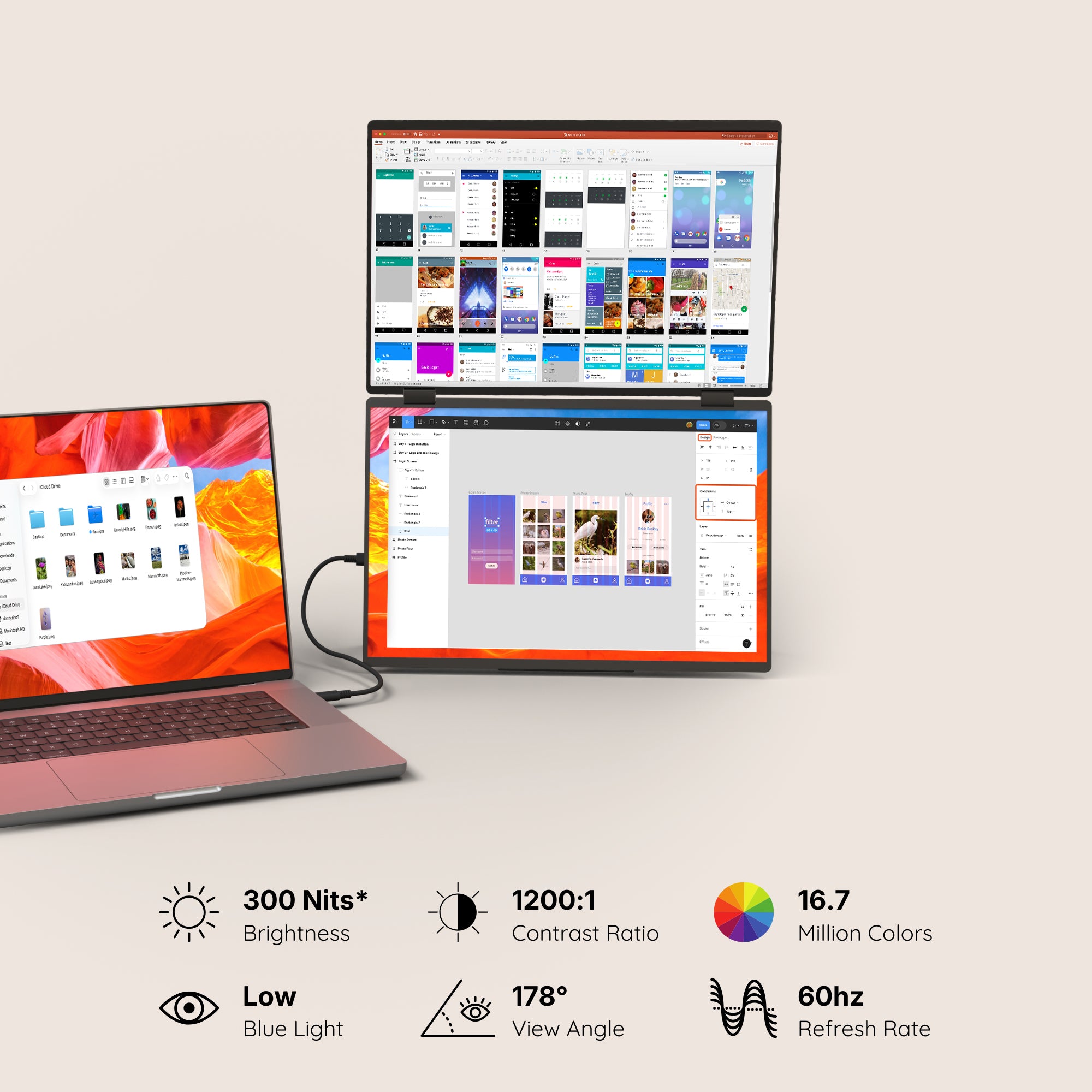
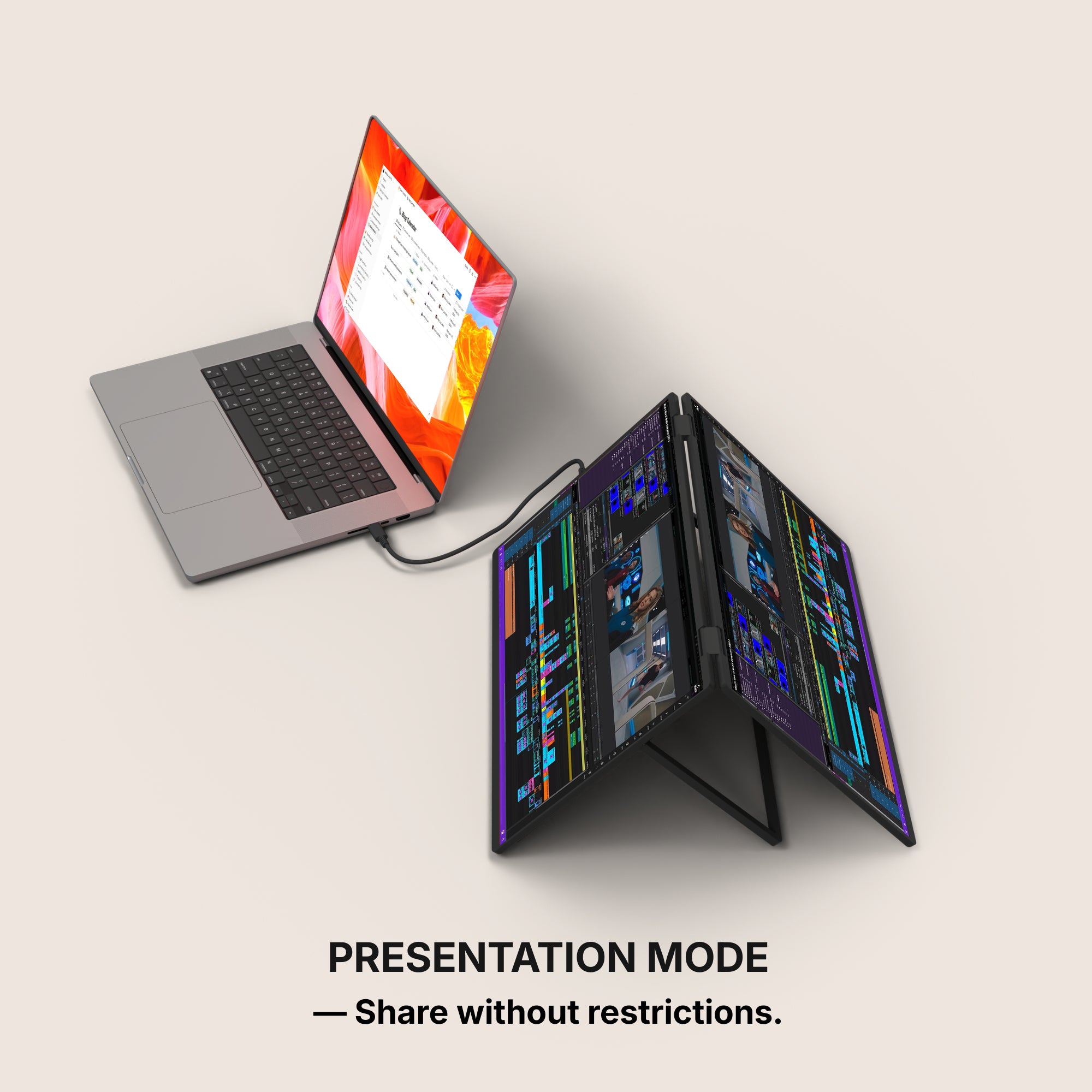
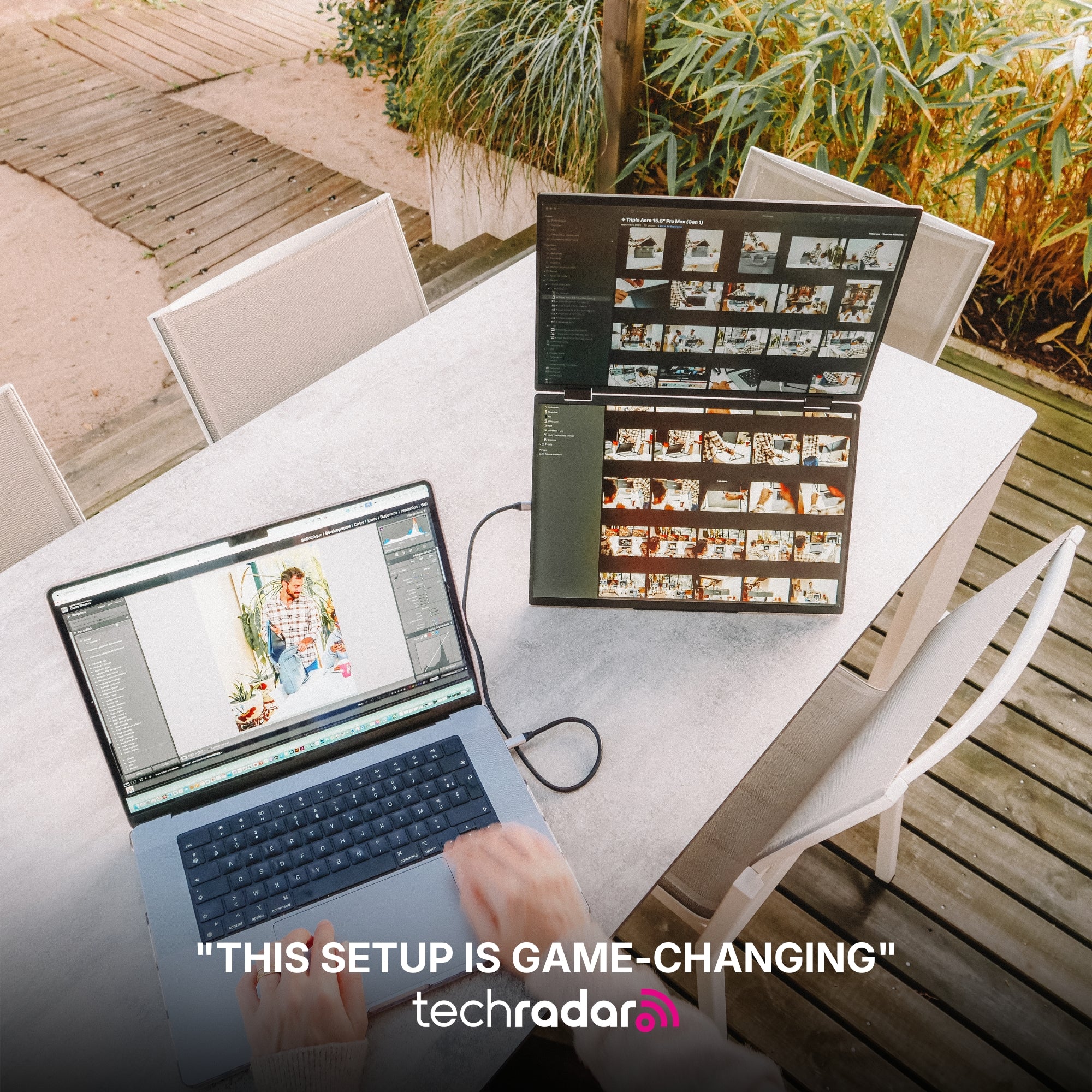
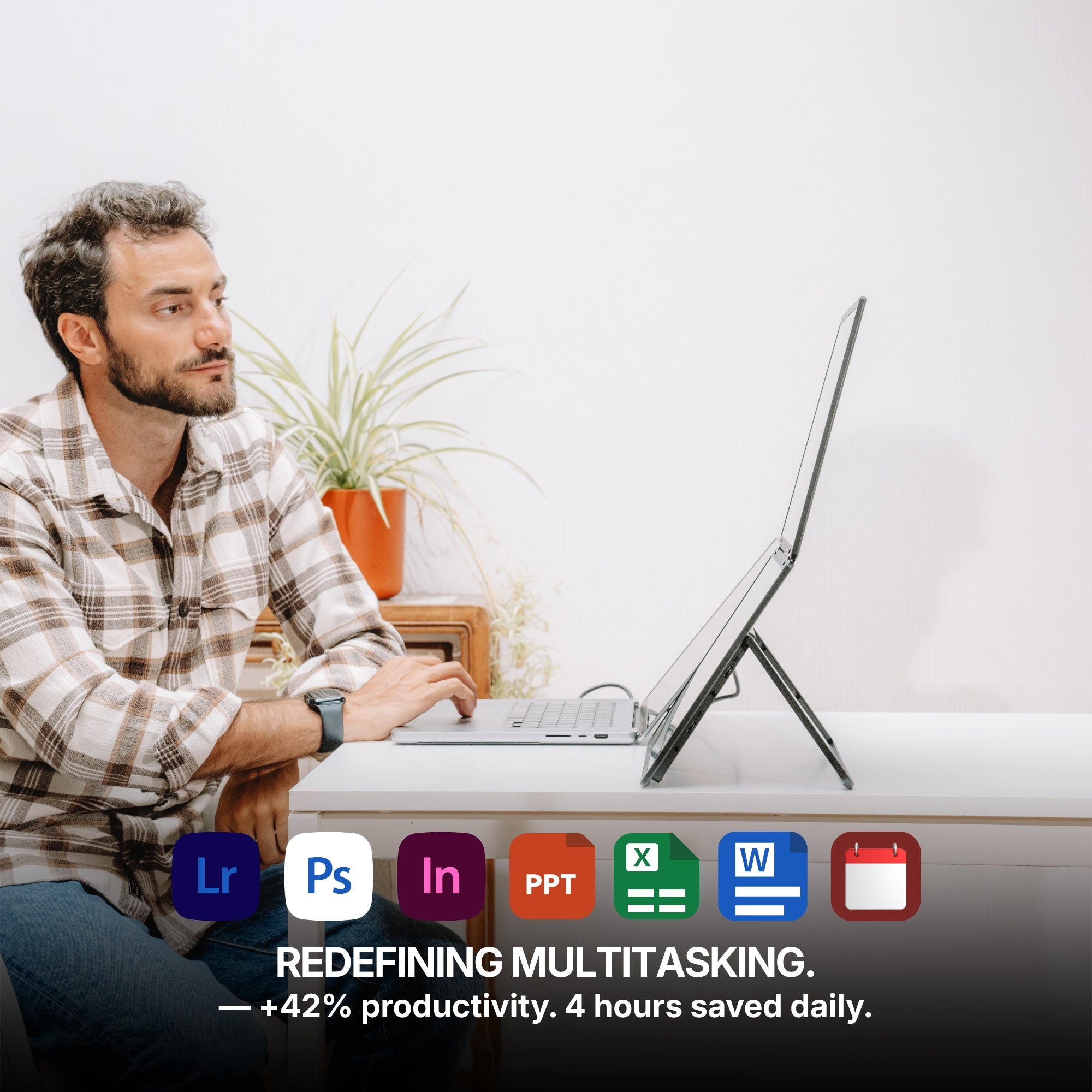
- Dual Play — from $369. Two panels, sensible weight, no ceremony. The default recommendation for most students.
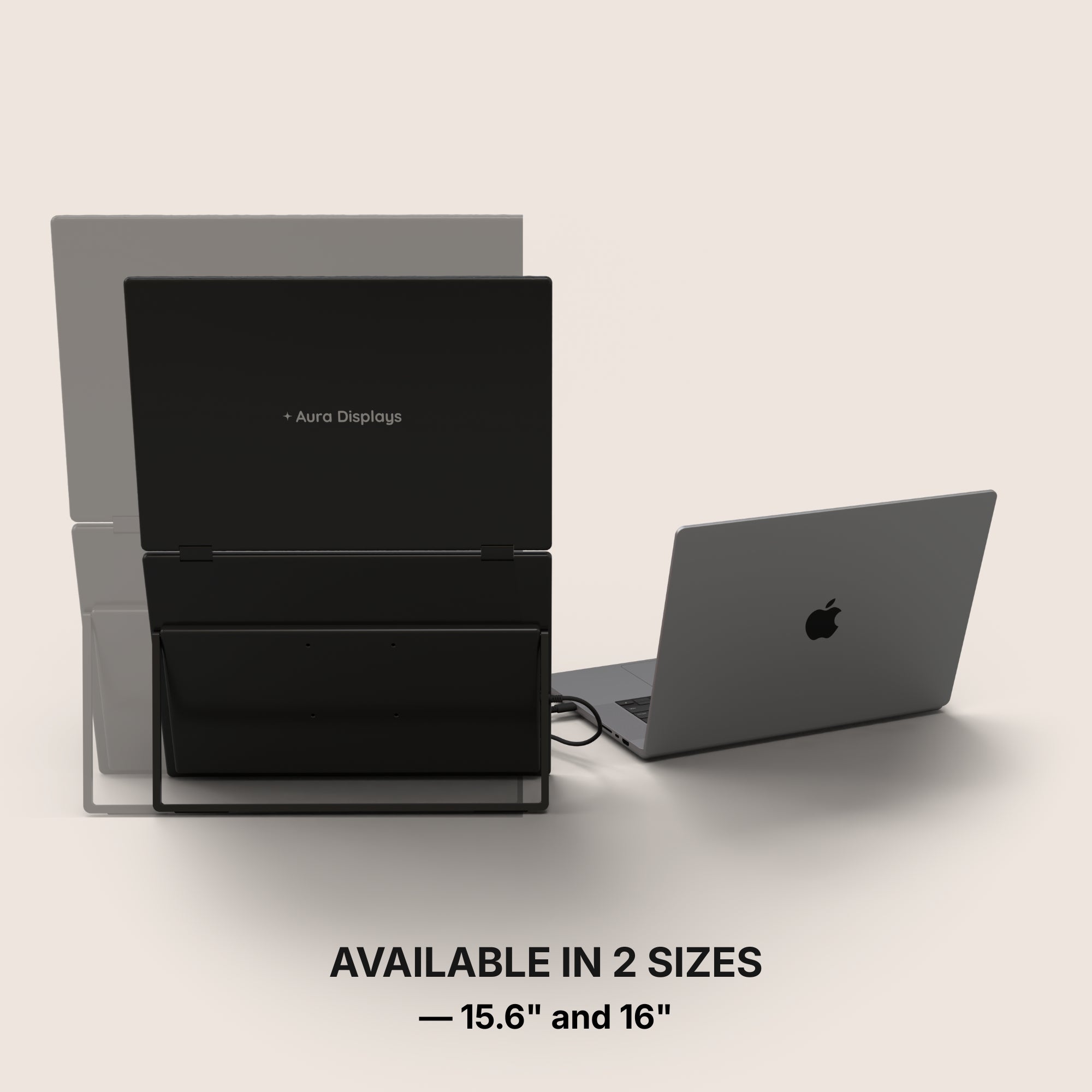
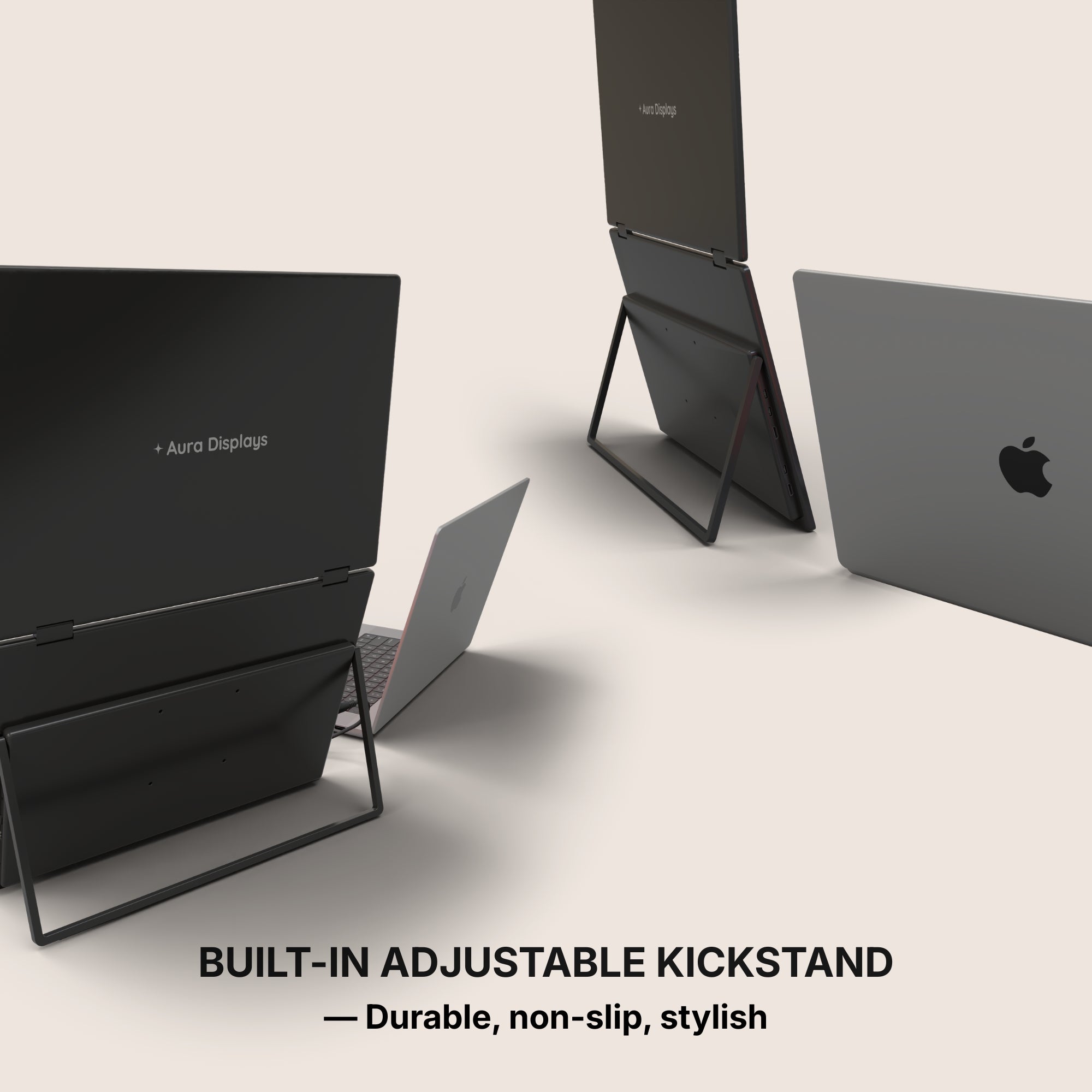
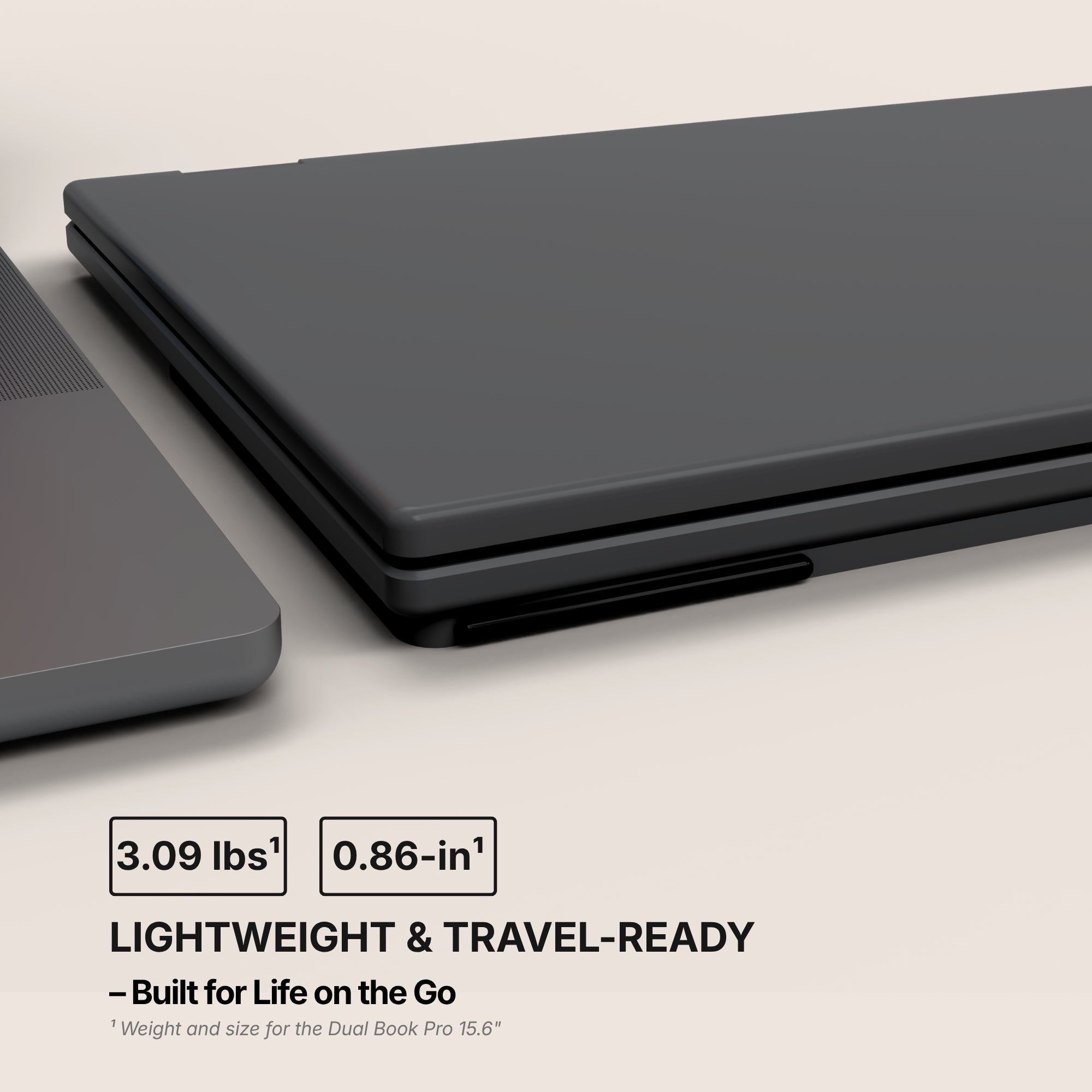
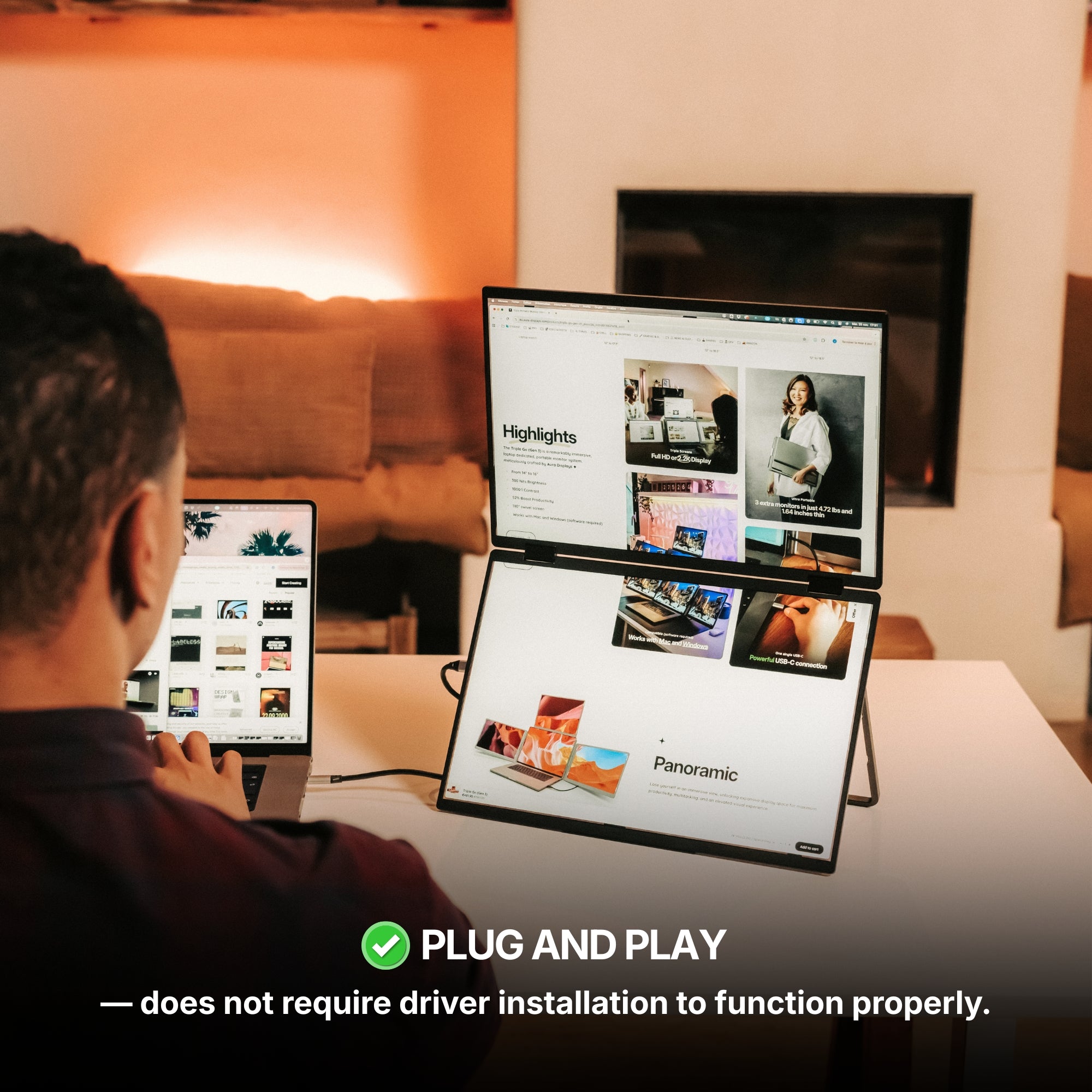
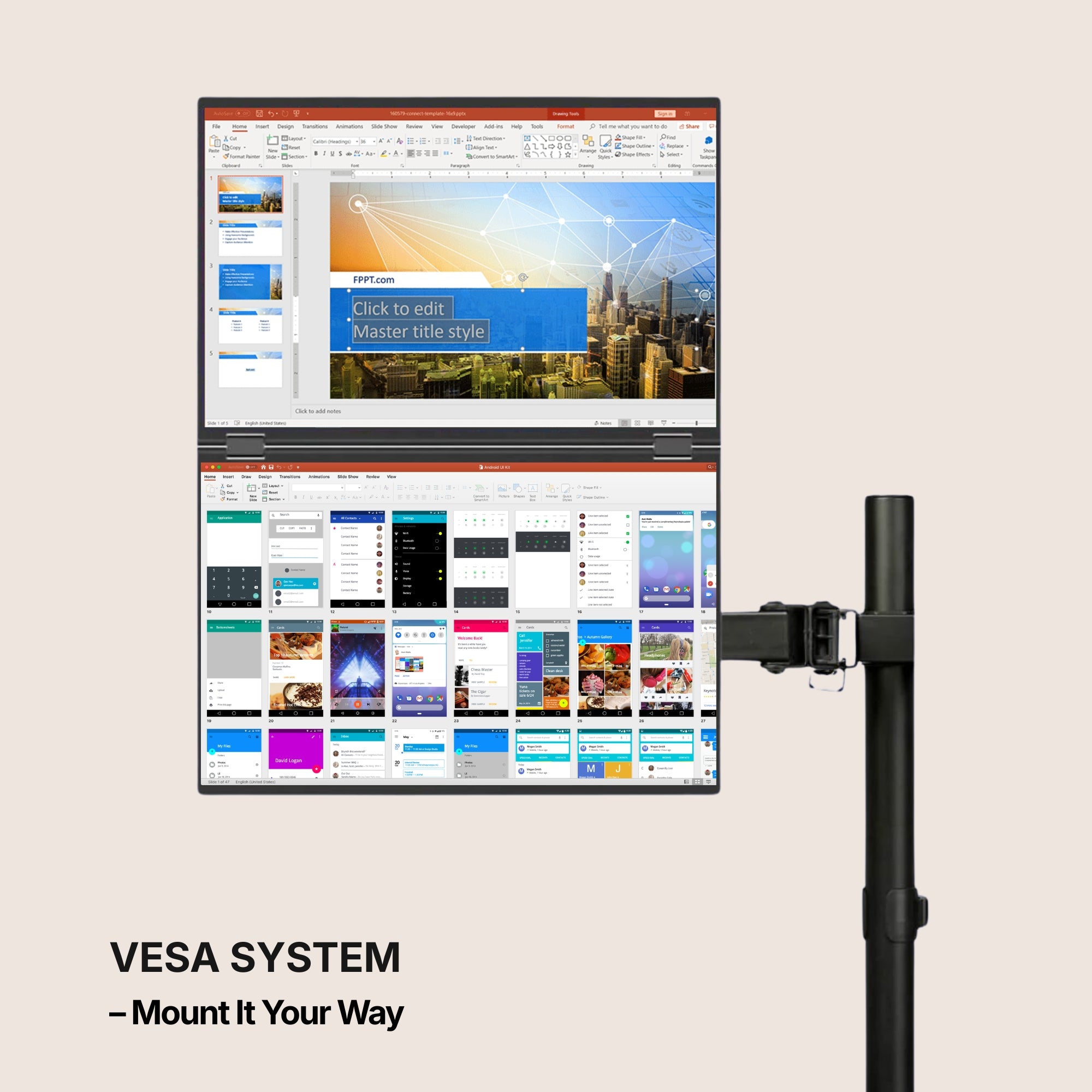
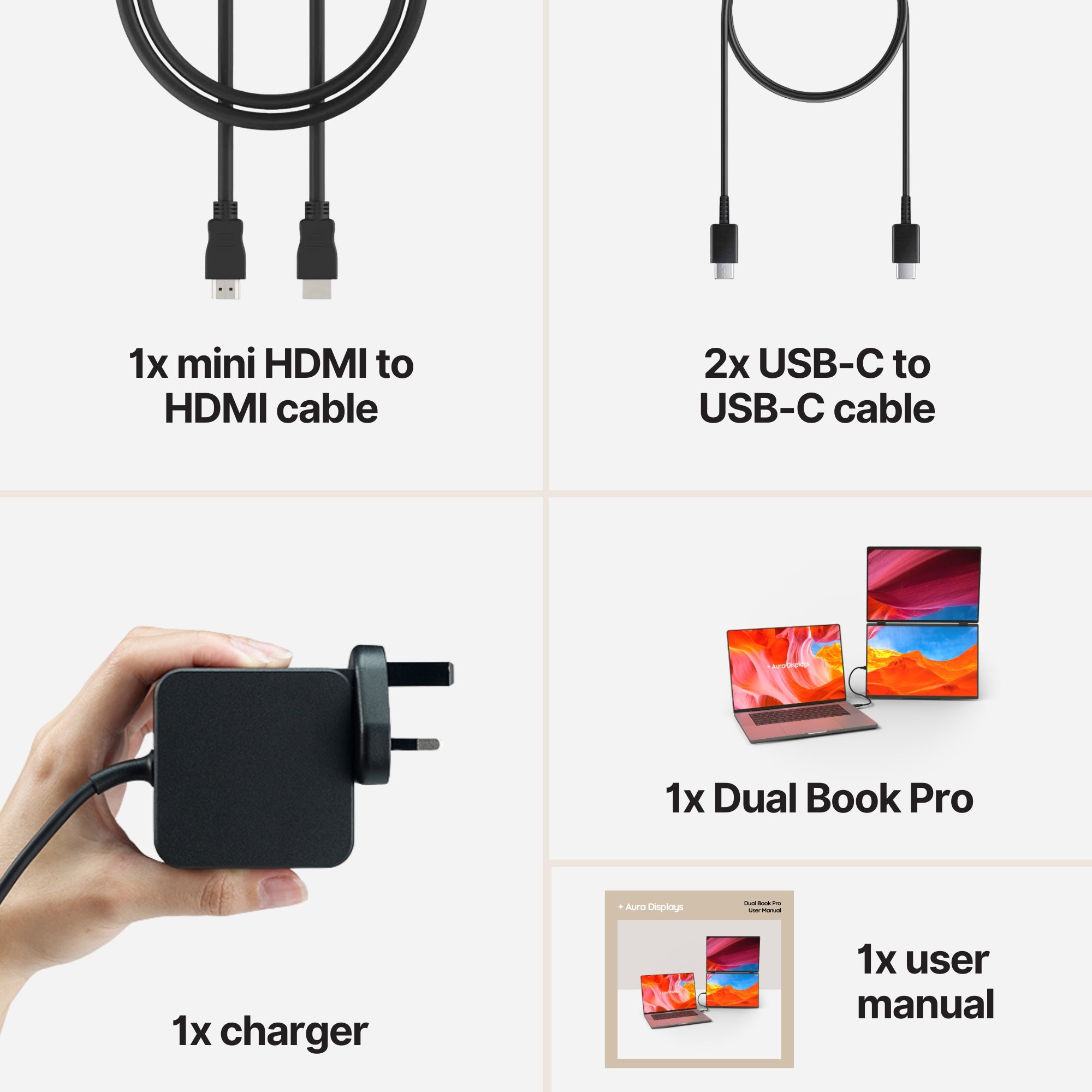
- Dual Book Pro — from $389. The one we would pick from the four. It folds shut like a book rather than sliding out sideways, which means it survives a bag better than most dual extenders and opens on a narrower desk. The 16-inch Plus panel at $399 is the version to get if you read documents for hours rather than glancing at dashboards.
- Dual Snap — from $409. Magnetic mounting, quickest to attach and detach. Worth the premium only if you genuinely set up and pack down every day; if your laptop mostly lives on one desk, you are paying for a convenience you will use twice a week.
Three checks that matter more than the discount
- Desk depth. Measure from the front edge to the wall. Under about 24 inches, a side-mounted second panel puts your eyes uncomfortably close to it for a full working day. Fix the desk first, or buy a single larger panel to sit behind the laptop instead of beside it.
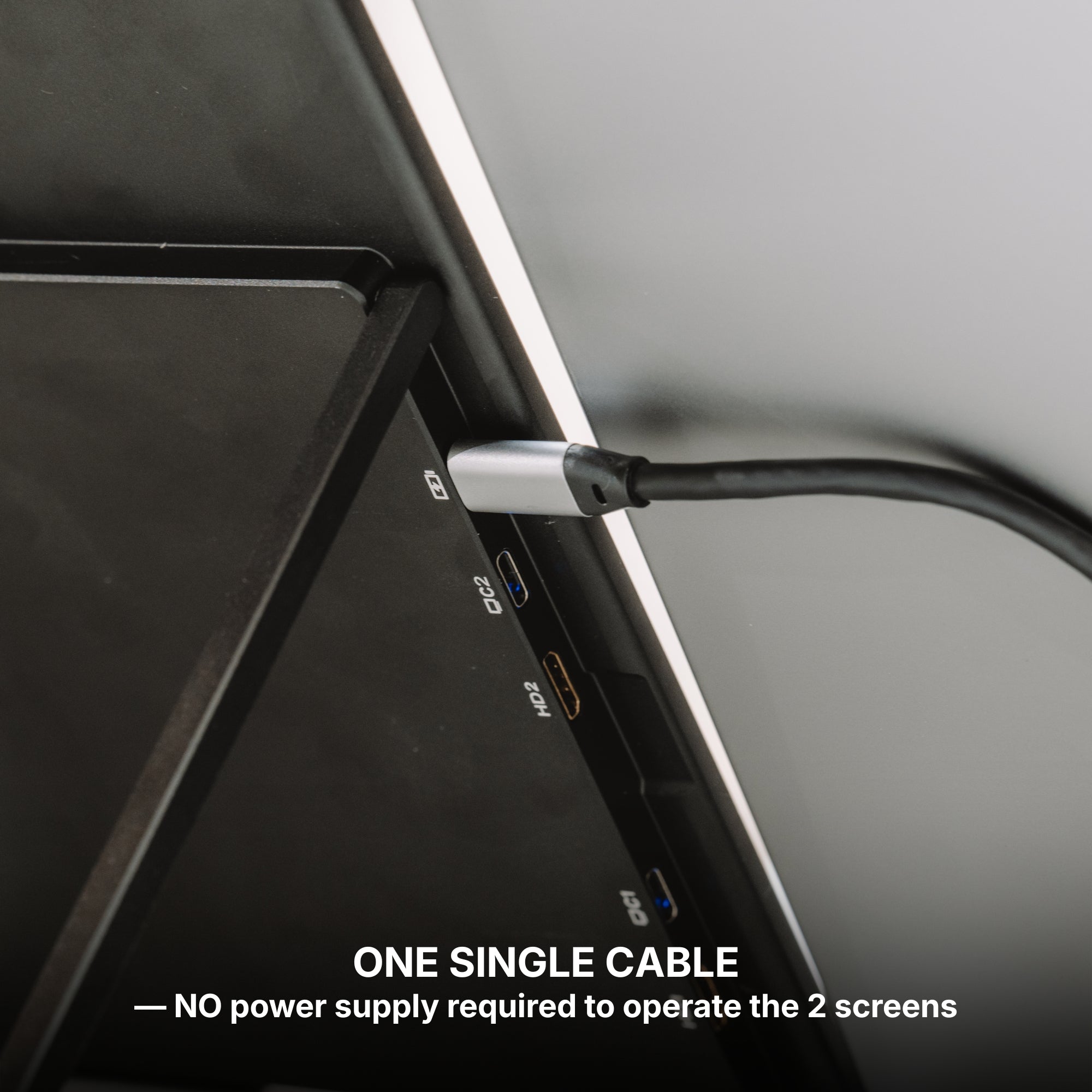
- Usable USB-C ports. If you have one and it is doing your charging, budget for a hub and one more cable on the desk.
- Whether you can install a driver. Some Windows configurations need a DisplayLink driver before a multi-panel extender behaves, and managed laptops are frequently locked against exactly that. Confirm before you order, not after.
The honest close
Peak week is behind us, and the discounting from here is about our warehouse, not about your desk. Use it if the product was already right. Ignore it if it was not. And if the setup you actually want happens to be the one we are not discounting, that is not us being difficult — it is the same inventory arithmetic, pointing the other way.
































Share: