This site uses cookies for better user experience and analytics.
Veterans Day Deals until
November 11, 2026
Veterans Day Deals until
November 11, 2026
Veterans Day Deals until
November 11, 2026
Veterans Day Deals until
November 11, 2026
Veterans Day Deals until
November 11, 2026
Veterans Day Deals until
November 11, 2026
Veterans Day Deals until
November 11, 2026
Veterans Day Deals until
November 11, 2026
Veterans Day Deals until
November 11, 2026
Veterans Day Deals until
November 11, 2026
Veterans Day Deals until
November 11, 2026
Veterans Day Deals until
November 11, 2026
Veterans Day Deals until
November 11, 2026
Veterans Day Deals until
November 11, 2026
Veterans Day Deals until
November 11, 2026
Veterans Day Deals until
November 11, 2026
Veterans Day Deals until
November 11, 2026
Veterans Day Deals until
November 11, 2026
Veterans Day Deals until
November 11, 2026
Veterans Day Deals until
November 11, 2026
Veterans Day Deals until
November 11, 2026
Veterans Day Deals until
November 11, 2026
Veterans Day Deals until
November 11, 2026
Veterans Day Deals until
November 11, 2026
Veterans Day Deals until
November 11, 2026
Veterans Day Deals until
November 11, 2026
Veterans Day Deals until
November 11, 2026
Veterans Day Deals until
November 11, 2026
Veterans Day Deals until
November 11, 2026
In stock, ready to ship
Excellent 4.6|154 trusted reviews
Dual Book Pro (Gen 2)
Plug & Play
€357,95
Estimated Shipping Widget will be displayed here!
EMPTY DOM REMOVE PROTECTOR
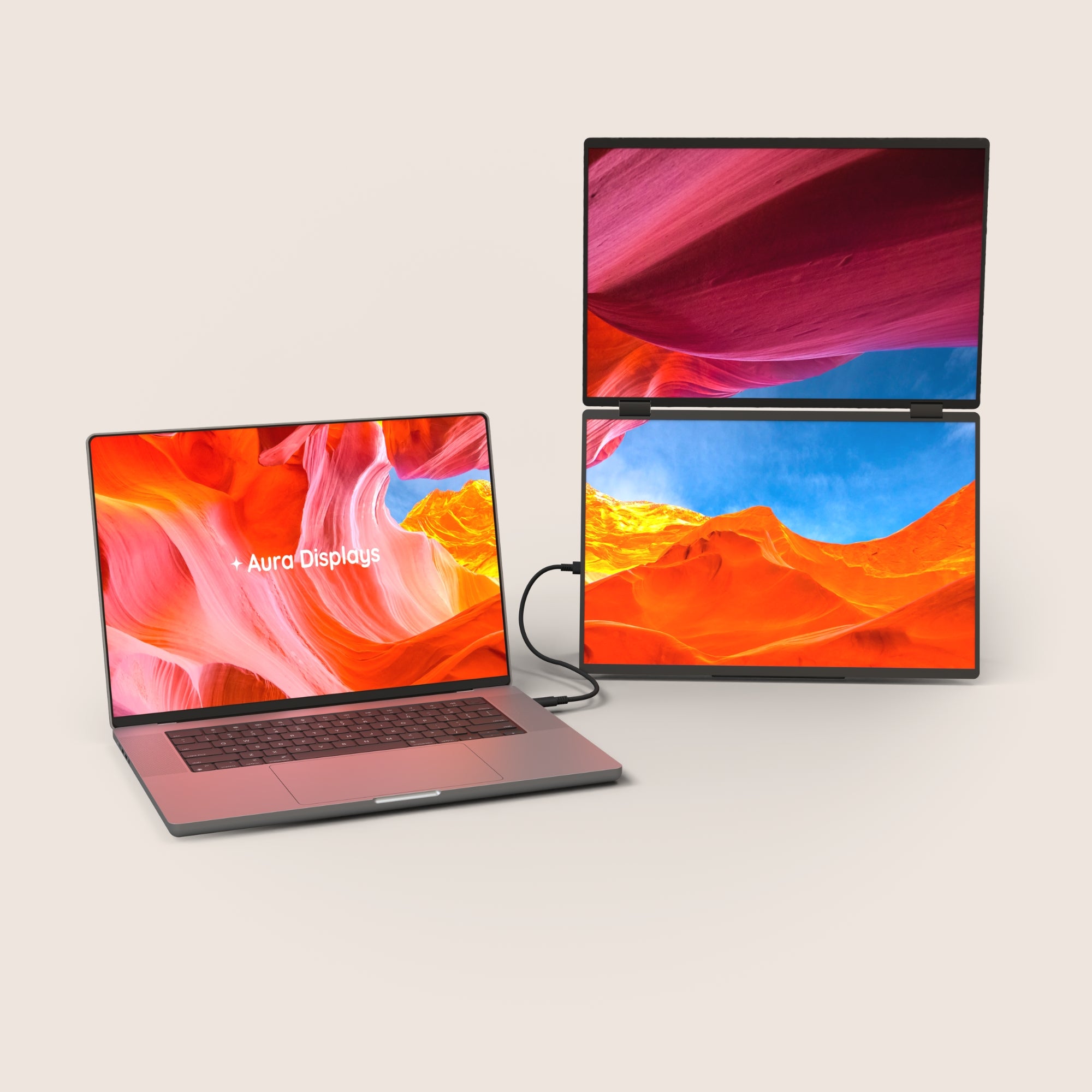
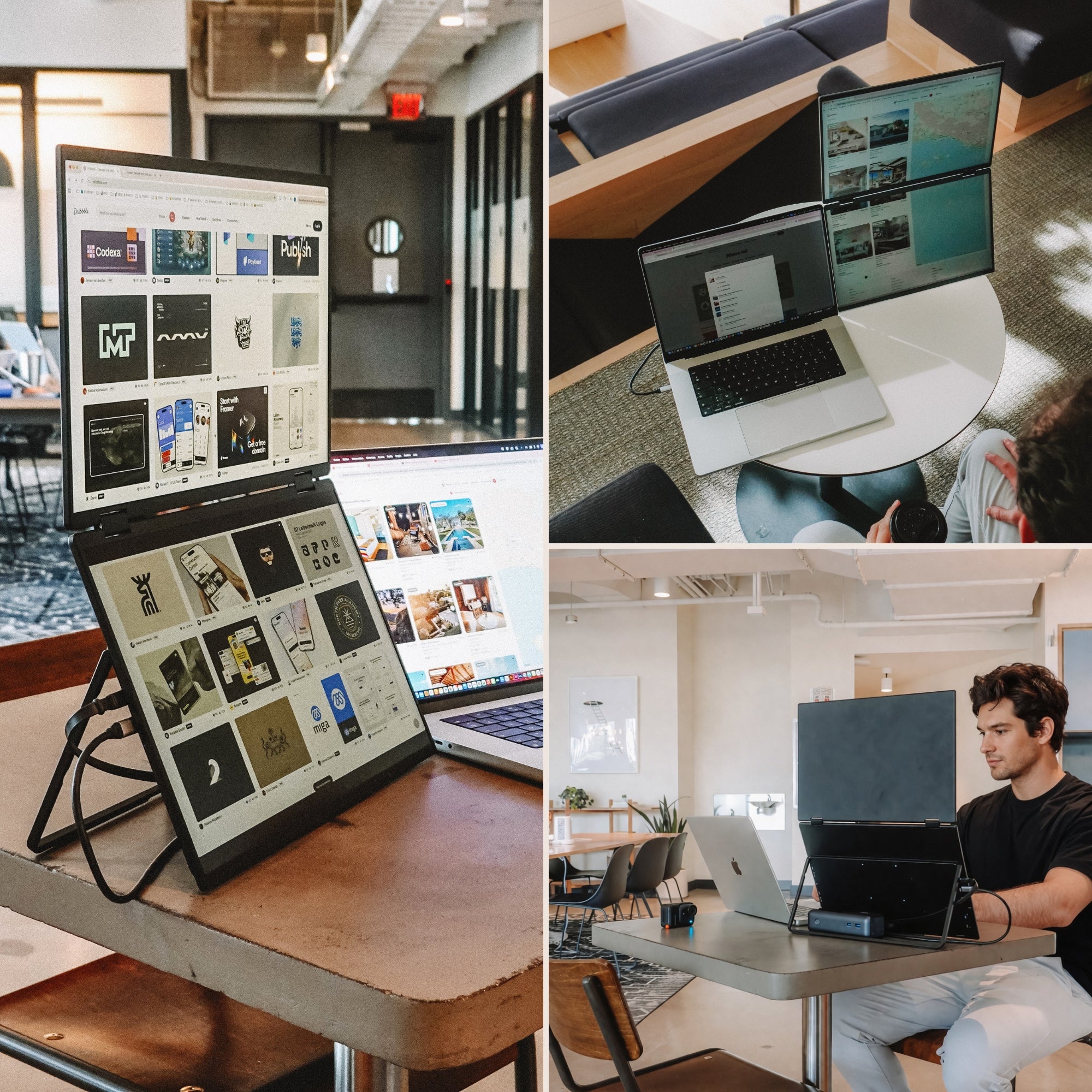
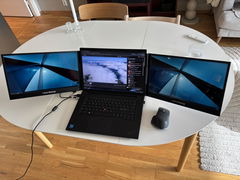
Introducing the Dual Book Pro, the most innovative dual screen extender ever built. Made with premium materials, it features two stunning anti-glare monitors that open with a book-style mechanism, unfolding into a 24-inch workspace. Plug and play with no drivers required, and with a single USB-C connection, it’s the perfect companion to elevate your productivity, wherever you go.
Display
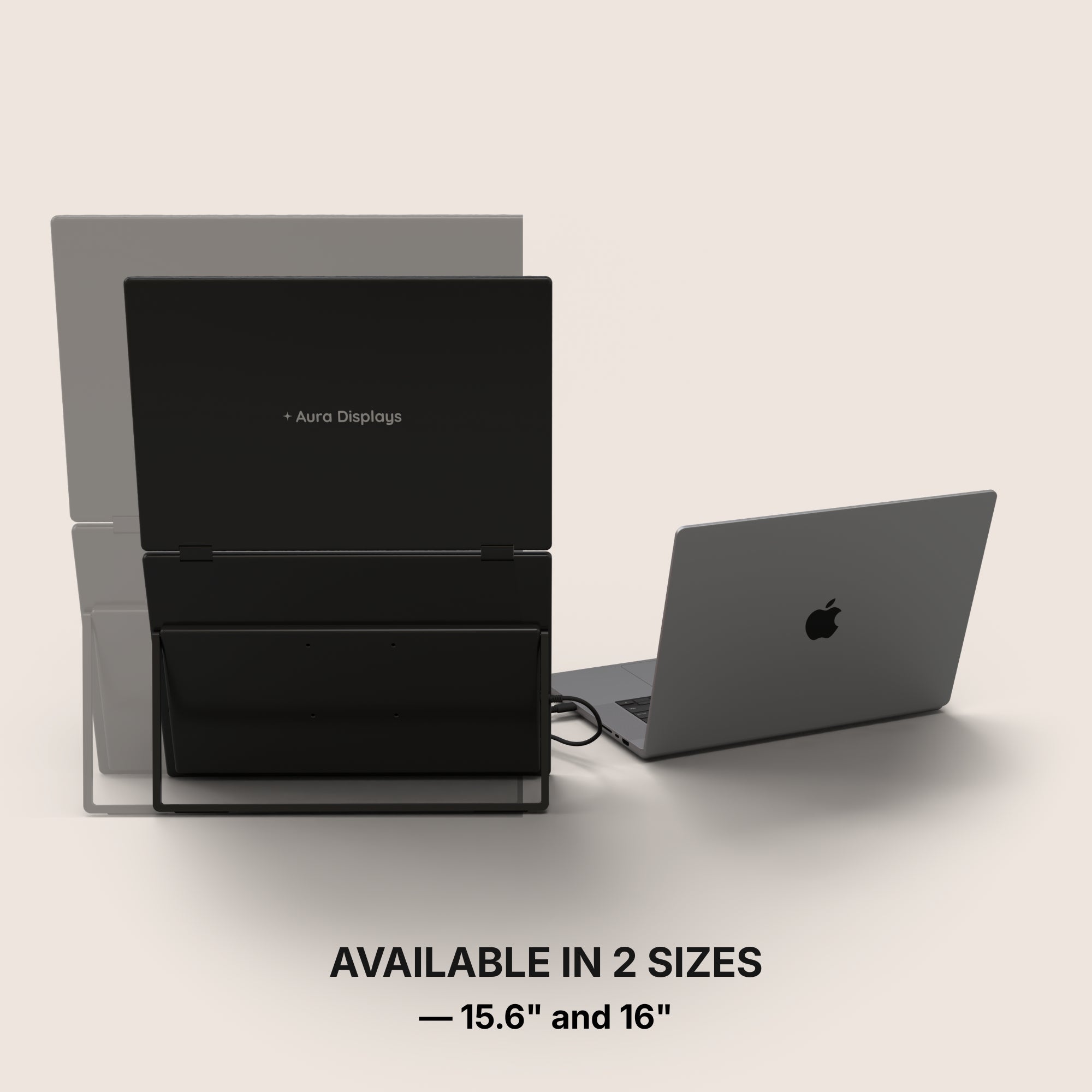
Screen size: 2x 15.6" or 2x 16"
Resolution: 1920 x 1080 Full HD or 1920 x 1200 Full HD+
Aspect ratio: 16:9 or 16:10
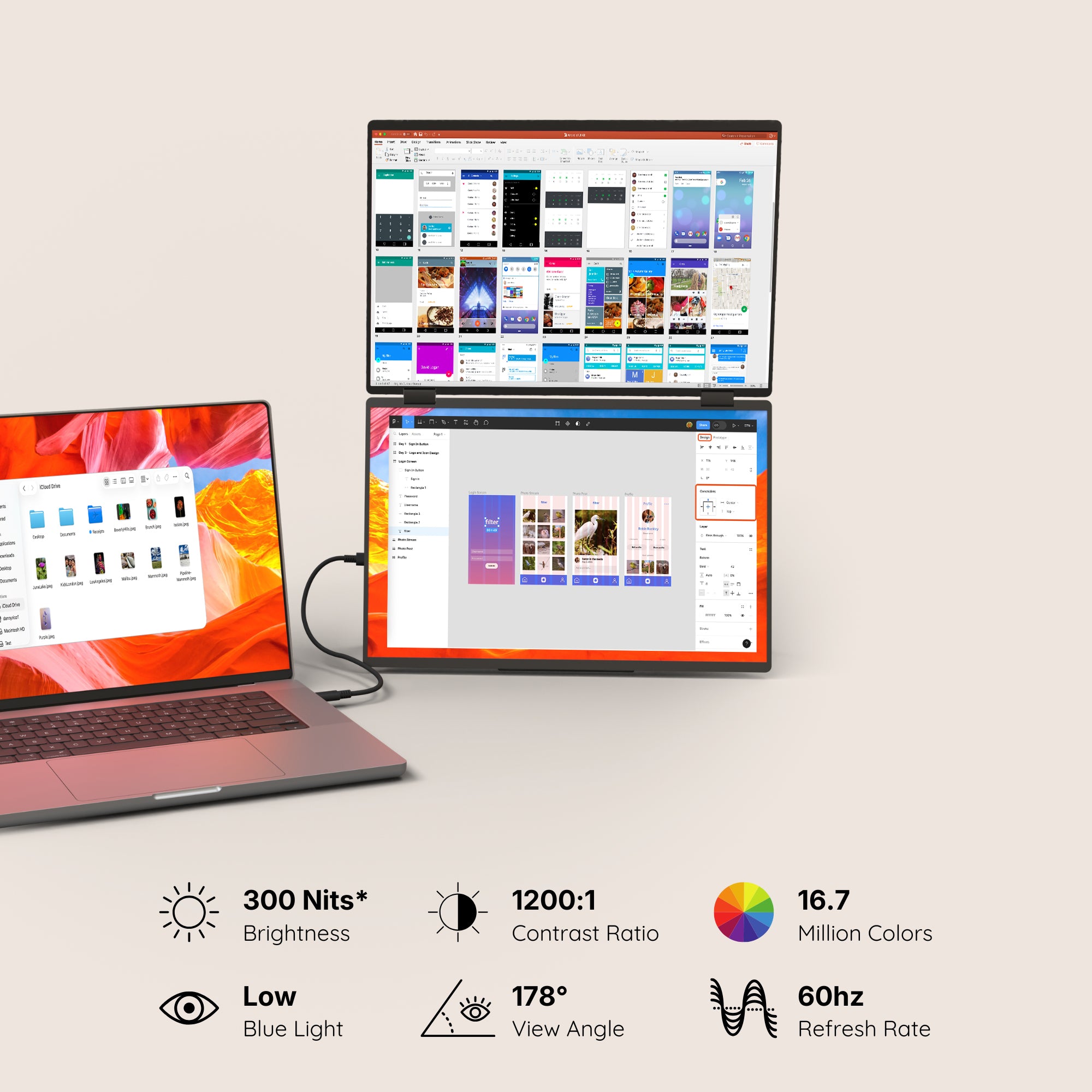
Brightness: 280 Nits or 300 Nits
Contrast: 1200:1
Technology: LED IPS Matte
Colors: 16.7 millions colors 99% NTSC
Refresh Rate: 60hz
All technical specifications can be found at the bottom of the page or here.
Connectivity & Compatibility
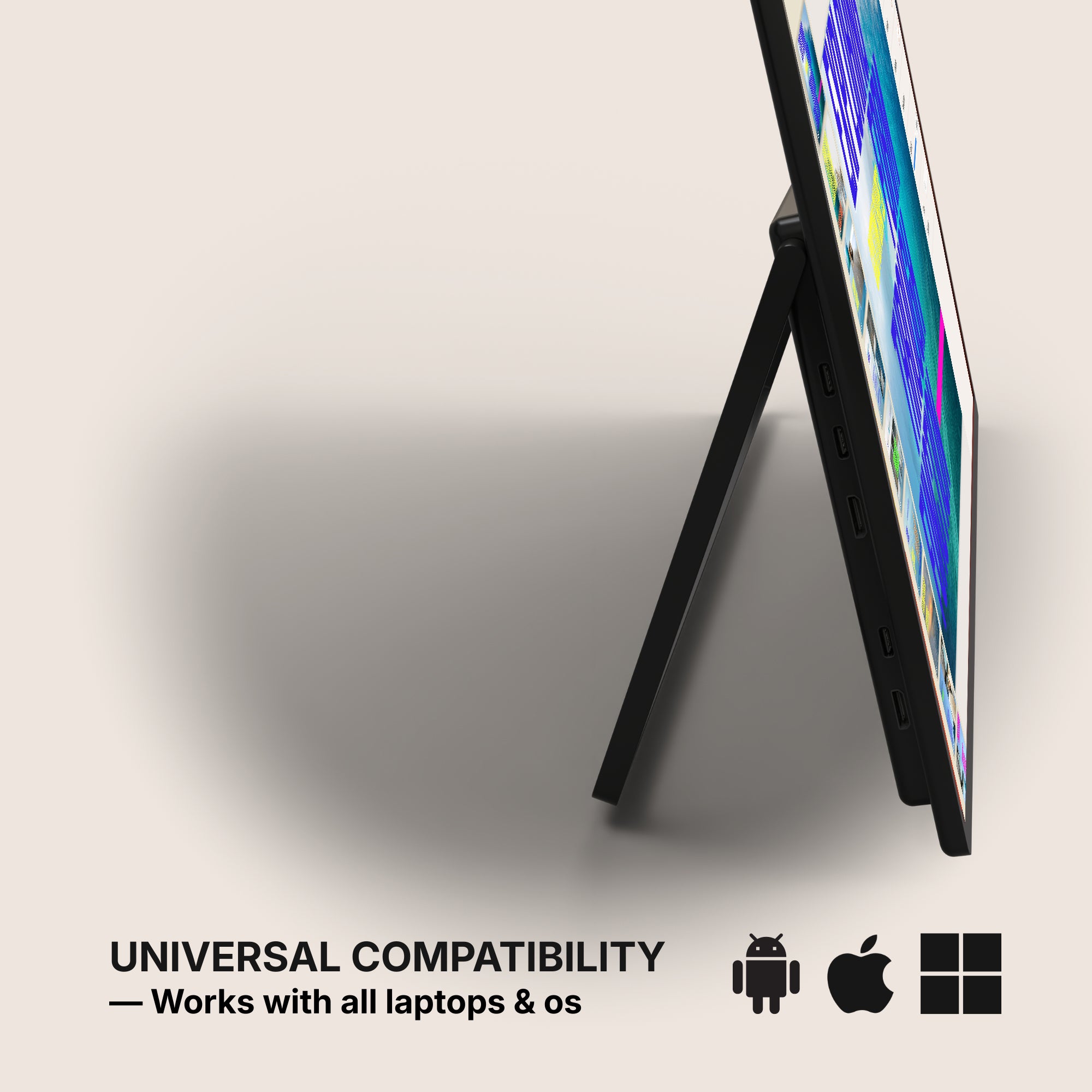
This portable monitor is compatible with virtually any laptop that has a USB port and he does not require driver installation to function properly.
Connectivity:
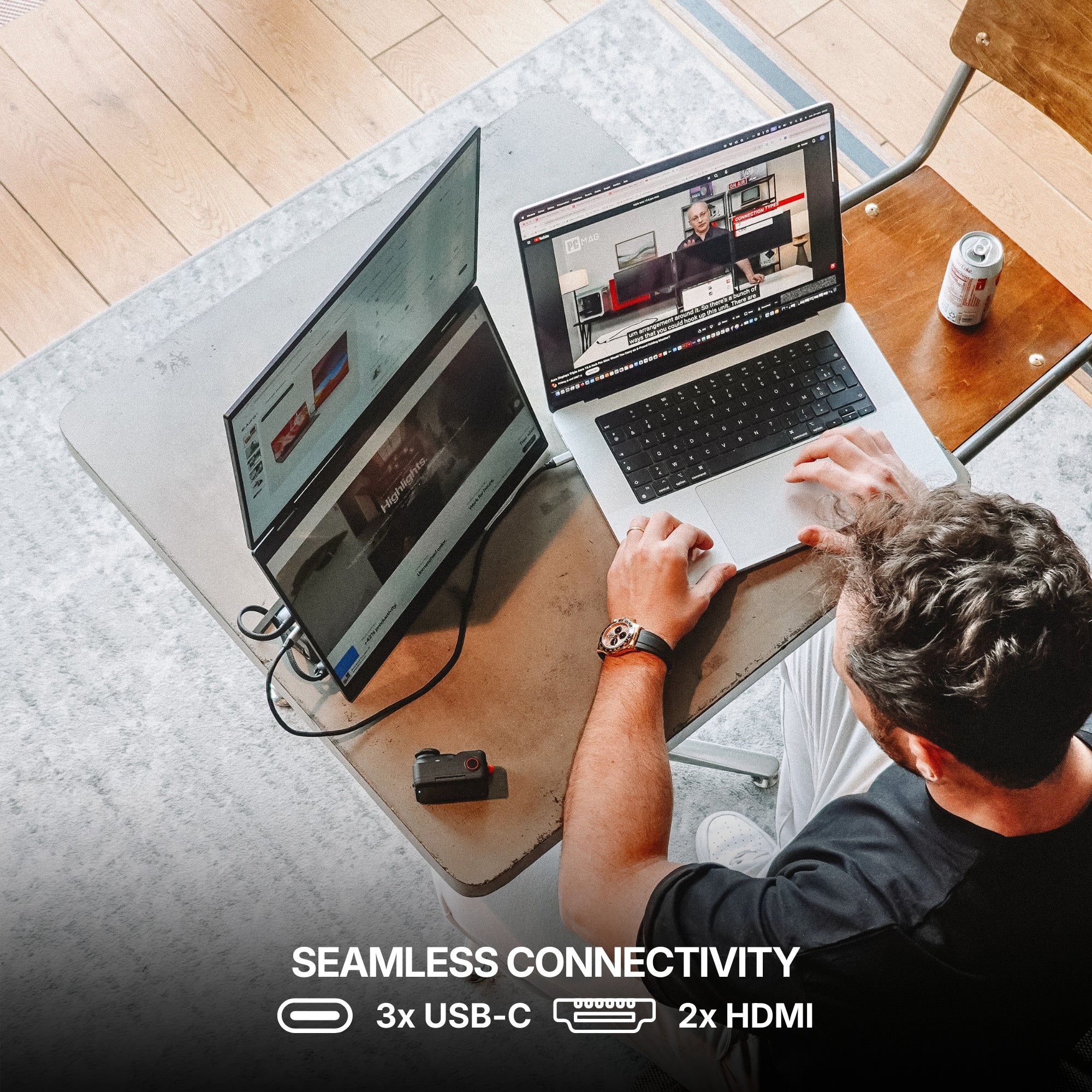
3x USB-C
2x mini HDMI
1x Jack 3.5mm
Only one USB-C port required
Operating systems:
MacOS
Windows
Linux
Android
ChromeBook
Surface
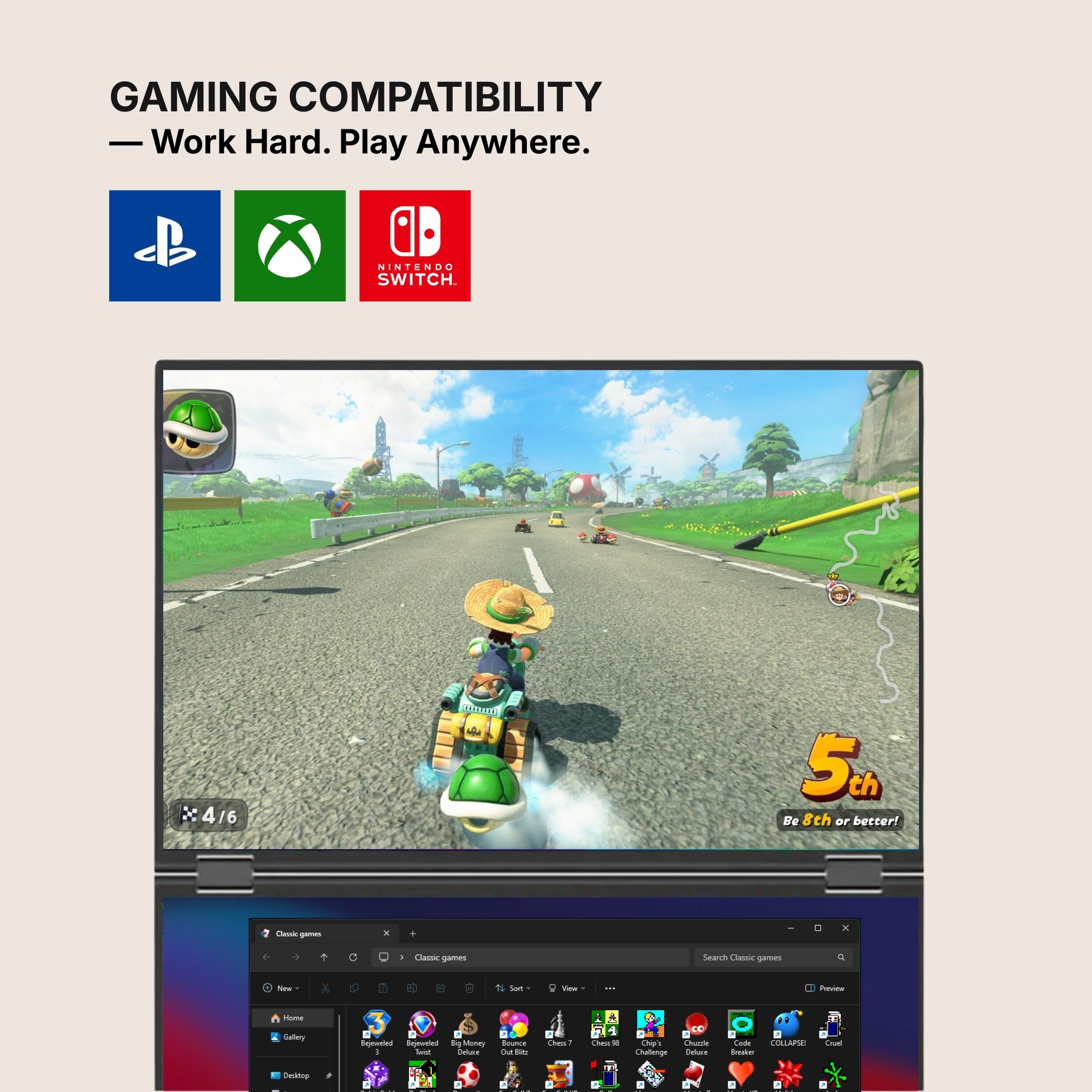
Game consoles
iPhone ( with USB-C )
iPad ( with USB-C )
Apple processor
Intel Processor
M1 / M1 PRO / M1 MAX
M2 / M2 PRO / M2 MAX
M3 / M3 PRO / M3 MAX
M4 / M4 PRO / M4 MAX
M5 / M5 PRO / M5 MAX
and above
Windows version
Windows 11 and above
Windows 10
Windows 8.1
Windows 7
All technical specifications can be found at the bottom of the page or here.
Product Guide and Download
Learn how to to set up, use, and care for Dual Book Pro (Gen 2), and get a comprehensive look at all the product’s features.
Dual Book Pro (Gen 2) does not require driver installation to function properly.
All technical specifications can be found at the bottom of the page or here.
Pairs well with
Also available in our Refurbished Program
Our refurbished products are fully inspected, tested, and repackaged to perfection by our technical team, ensuring the same performance and reliability as a brand-new unit.
Enjoy up to 15% off while contributing to a more sustainable tech industry — because extending product life means reducing waste and protecting our planet.
Have questions? Our support team is ready to assist. Contact us anytime, and we’ll respond promptly. Chat available weekdays, 9am to 5pm (CET).
Shipping Information
We proudly ship worldwide to over 100 countries. Enjoy free shipping on orders over $100 during our current promotion.
Delivery typically takes 3-6 days. We partner with trusted carriers like DHL, FedEx, and UPS for a secure, tracked delivery experience.
Track my order
Once your order is dispatched, you’ll receive an email with a tracking number and link. You can track your package directly on the courier's website (DHL, FedEx, UPS, etc.). You’ll also receive a notification once your shipment is out for delivery. If you don’t see tracking details in your inbox, please check your spam folder.
Returns
For purchases made directly through our website, we offer a 14-day return policy from the delivery date. Accessories that come with your portable monitor can be returned, but separately purchased accessories are not included in this policy. If you purchased from another retailer, please contact them for return instructions.
If you decide the product is not for you, we’ll provide a full refund within 14 days, provided the product is unsealed and returned with all items from the original order. Refunds will be processed to the original payment method. Please note, our free return policy does not cover compatibility or driver issues if these were not verified prior to purchase.
Warranty
Every product we offer is backed by a one-year warranty, covering any manufacturing defects. Should you experience any issues within this period, simply reach out to our customer support team, and we’ll assist you with a repair or replacement.
Contact us
Have a question? Reach out via email through our contact form or chat directly with one of our agents.
Excellent 4.6|154 trusted reviews
Highlights.
The Dual Book Pro (Gen 2) is a remarkably immersive, laptop dedicated, portable monitor system, meticulously crafted by Aura Displays ✦
Discover the Dual Book Pro (Gen 2) series, the monitor engineered to deliver productivity wherever you go.
One product,
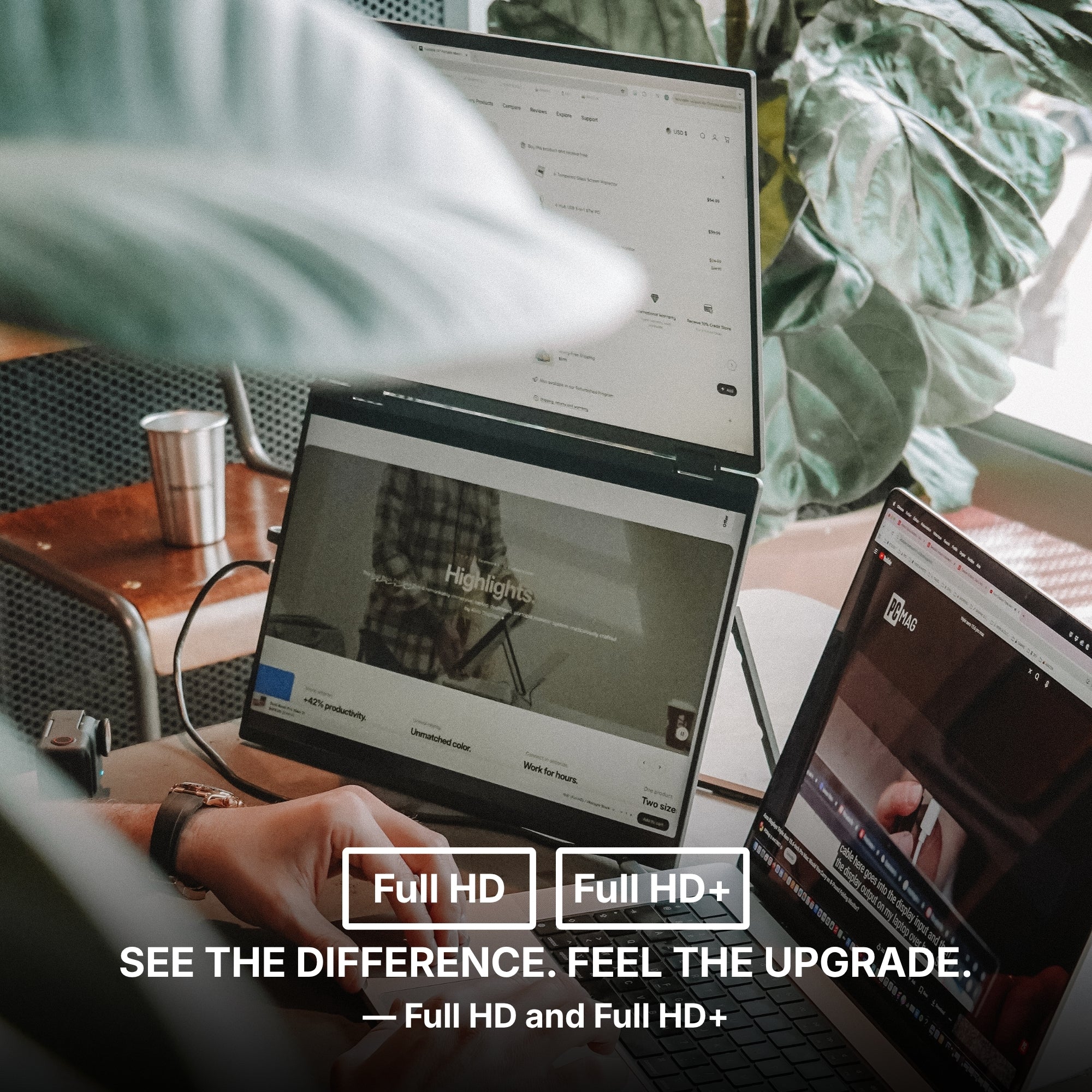
Two models.
Discover the Dual Book Pro (Gen 2) series, the monitor engineered to deliver productivity wherever you go.
NEW: Pro 16" Plus
NEW: Pro 16" Plus
Screen Size: 16"
Resolution: Full HD+
Brightness: 300 nits
Aspect Ratio: 16:10
Laptop Match: All laptop sizes
Only one USB-C port required to your laptop. No external power source required.
Pro 15.6"
Pro 15.6"
Screen Size: 15.6"
Resolution: Full HD
Brightness: 280 nits
Aspect Ratio: 16:9
Laptop Match: All laptop sizes
Only one USB-C port required to your laptop. No external power source required.
Built to elevate your productivity
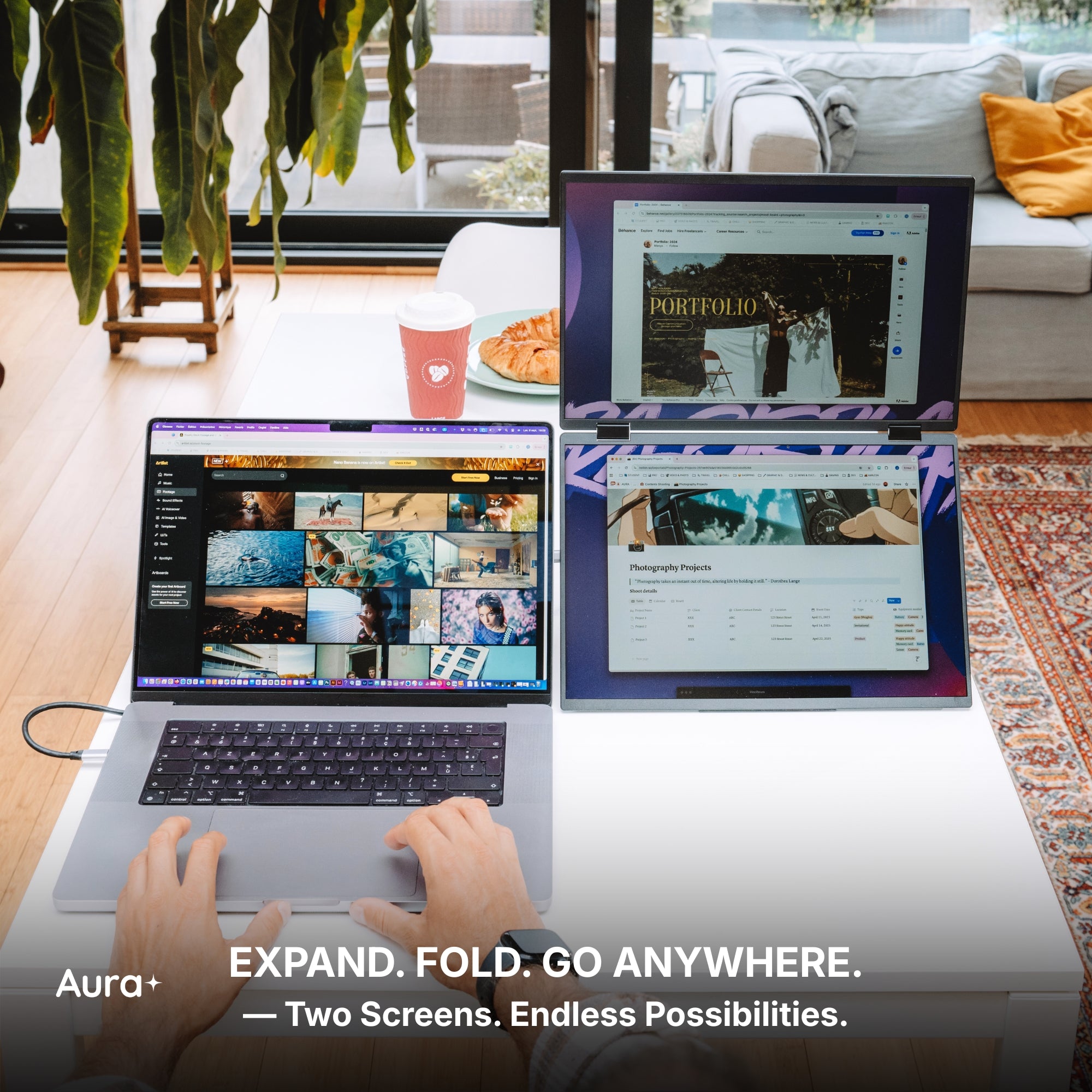
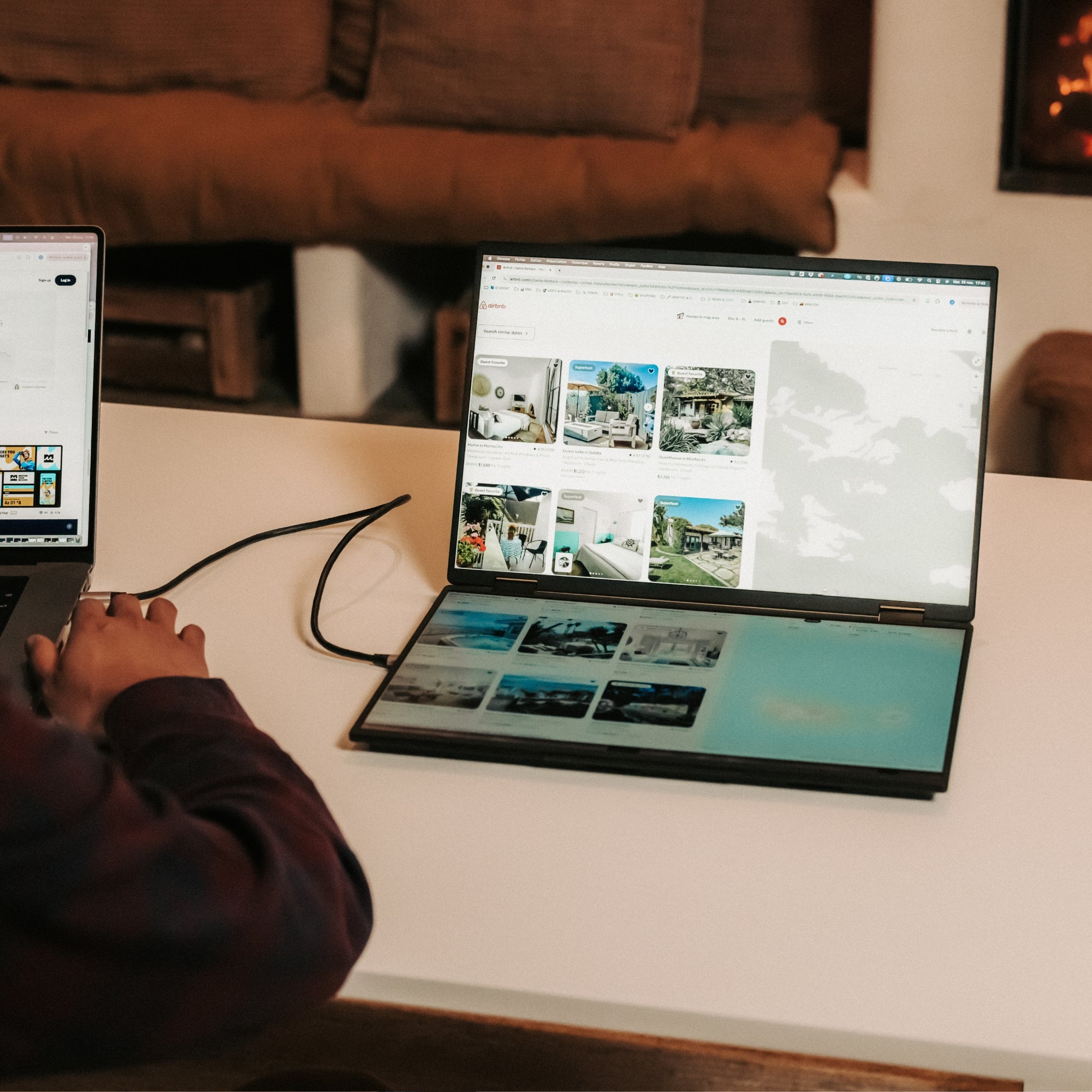
Landscape mode
Lose yourself in an immersive view, unlocking expansive display space for maximum productivity, multitasking, and an elevated visual experience.
Share without restrictions.
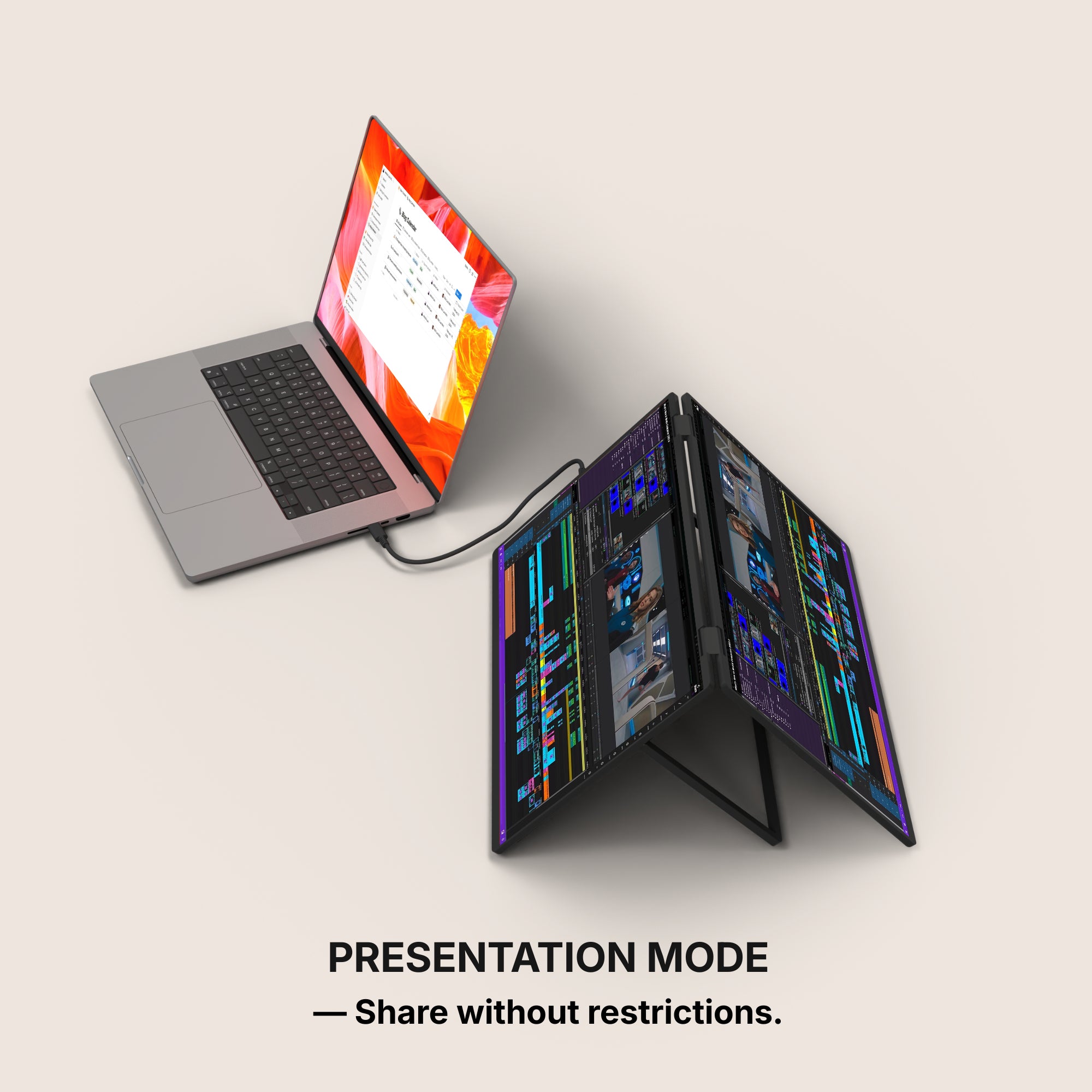
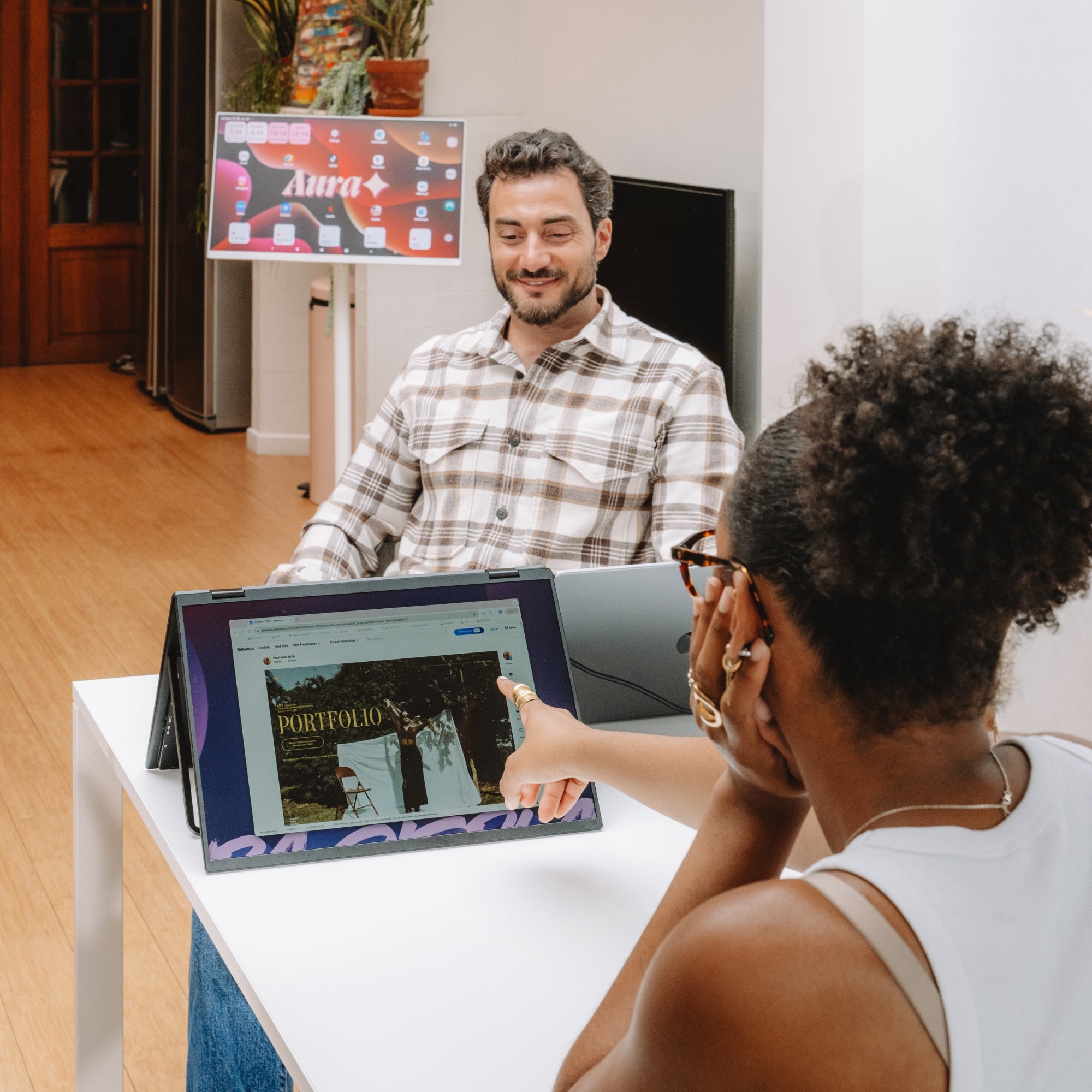
Presentation mode
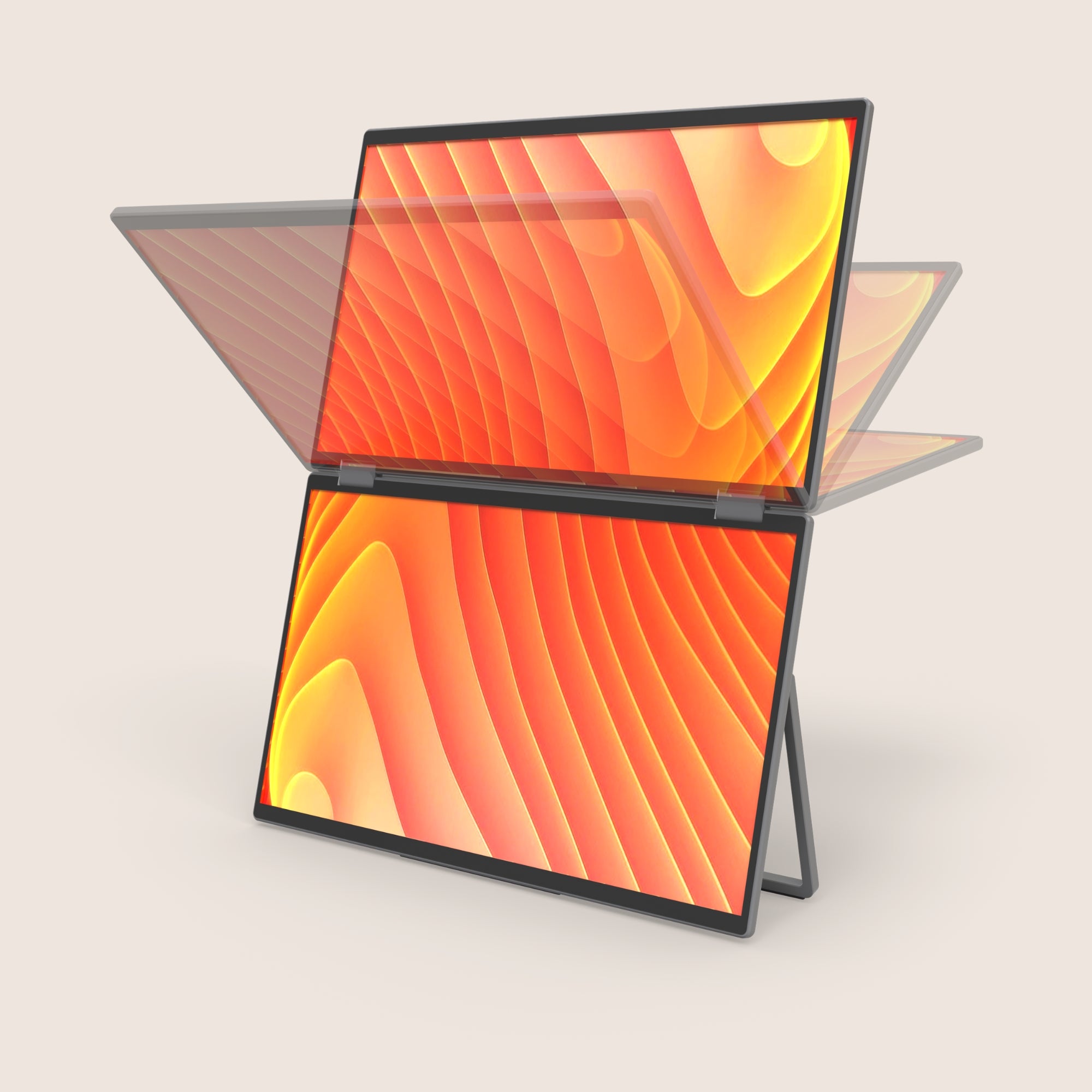
Own the conversation with a full 180° rotation. Effortlessly share your screen and adjust your display for flawless collaboration from any angle.
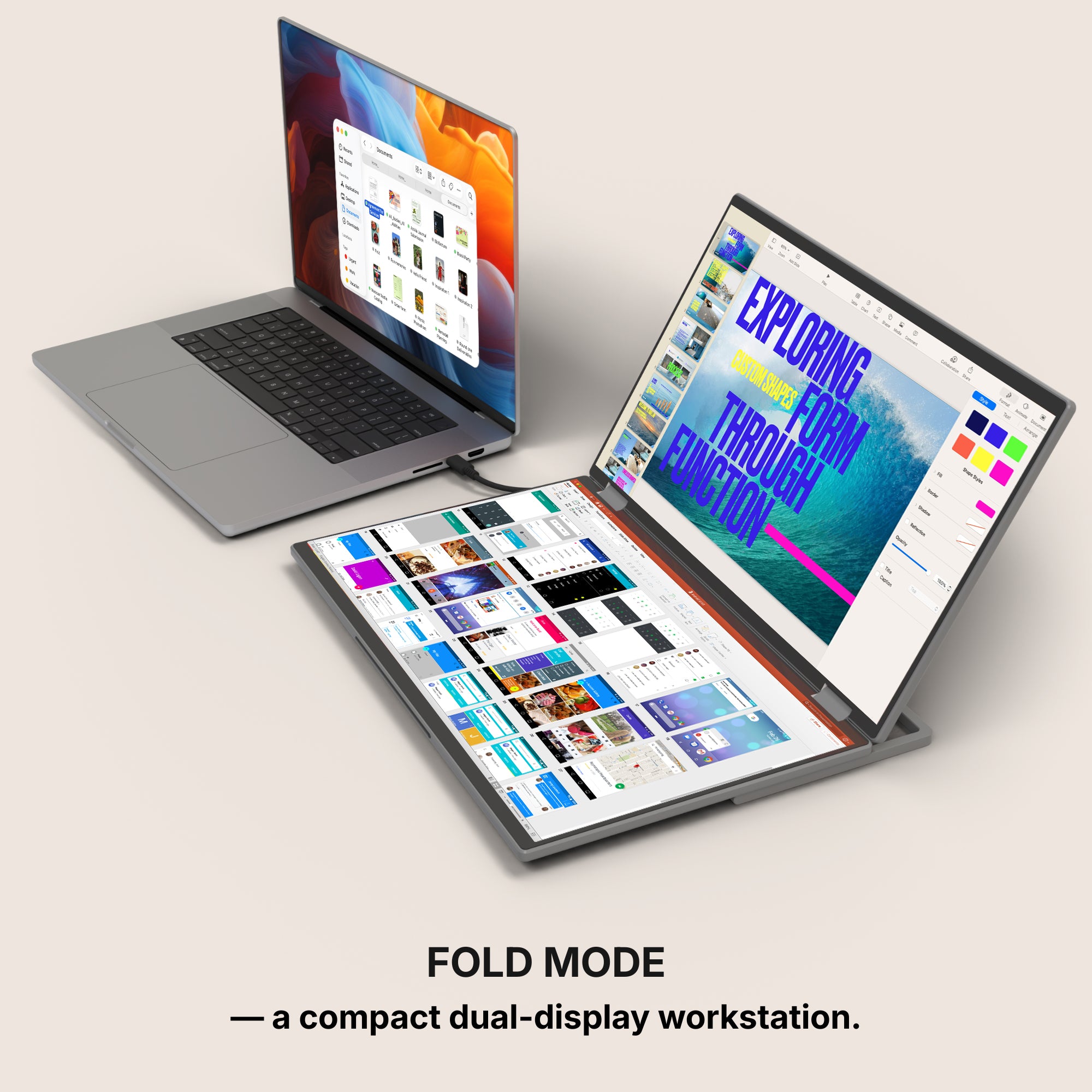
Fold mode
With Fold Mode, your portable monitor transforms into a compact, dual-display workstation in seconds. Simply unfold the screens and position them flat on your desk for a clean, immersive setup that feels like a true desktop environment.
Set up in seconds.
Unfold the stand
Open the screens
Connect it to your laptop via USB-C
You’re ready to work, play, and unwind.
Built to elevate your productivity
Landscape mode
Lose yourself in an immersive view, unlocking expansive display space for maximum productivity, multitasking, and an elevated visual experience.
Share without restrictions.
Presentation mode
Own the conversation with a full 180° rotation. Effortlessly share your screen and adjust your display for flawless collaboration from any angle.
Fold mode
With Fold Mode, your portable monitor transforms into a compact, dual-display workstation in seconds. Simply unfold the screens and position them flat on your desk for a clean, immersive setup that feels like a true desktop environment.
Set up in seconds.
Unfold the stand
Open the screens
Connect it to your laptop via USB-C
You’re ready to work, play, and unwind.
Designed to Do More.
Explore the features that make this monitor smarter, more versatile, and built to elevate the way you work and create.
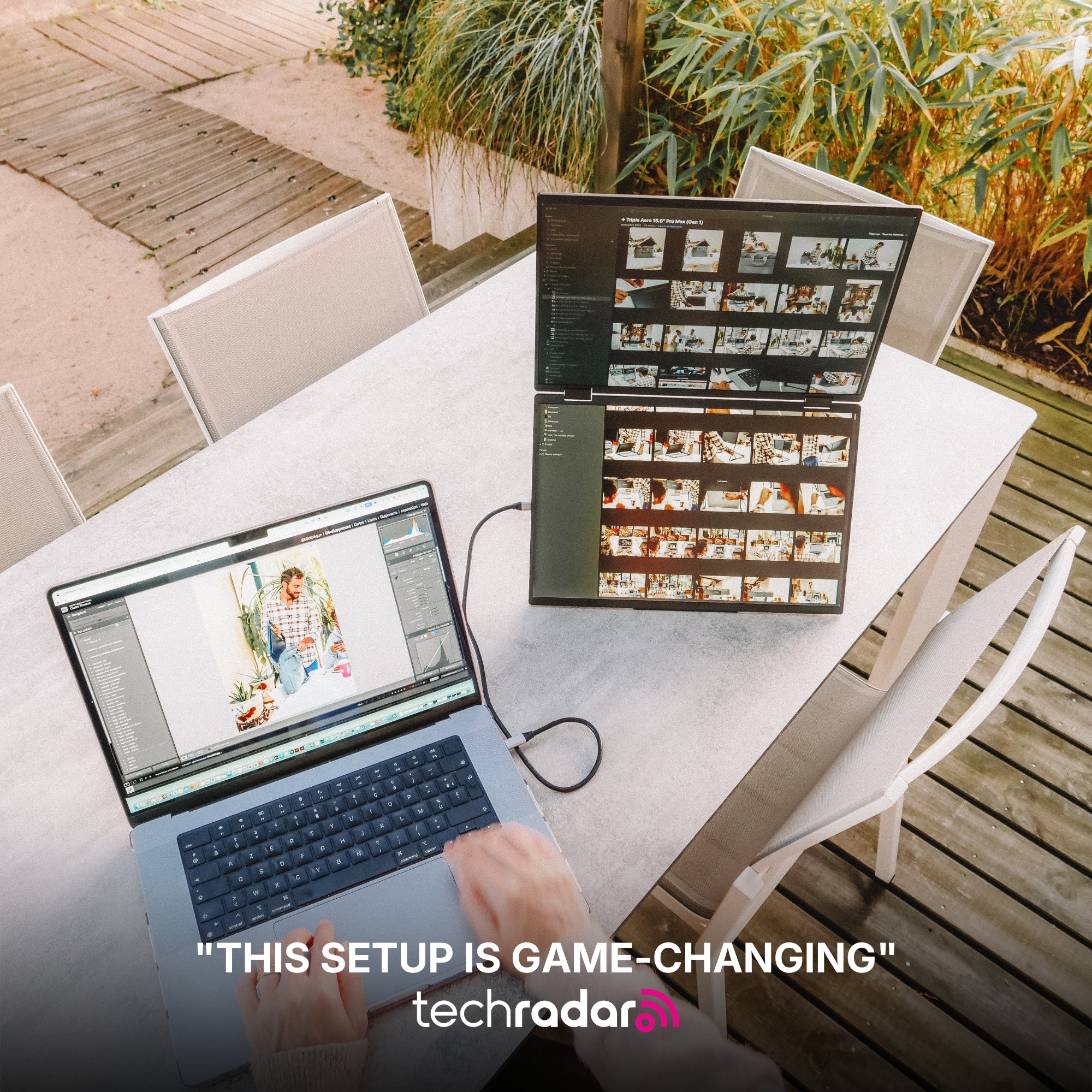
Move Freely Across Screens
Instantly drag and transfer any window from one display to another for a smoother, faster multitasking experience.
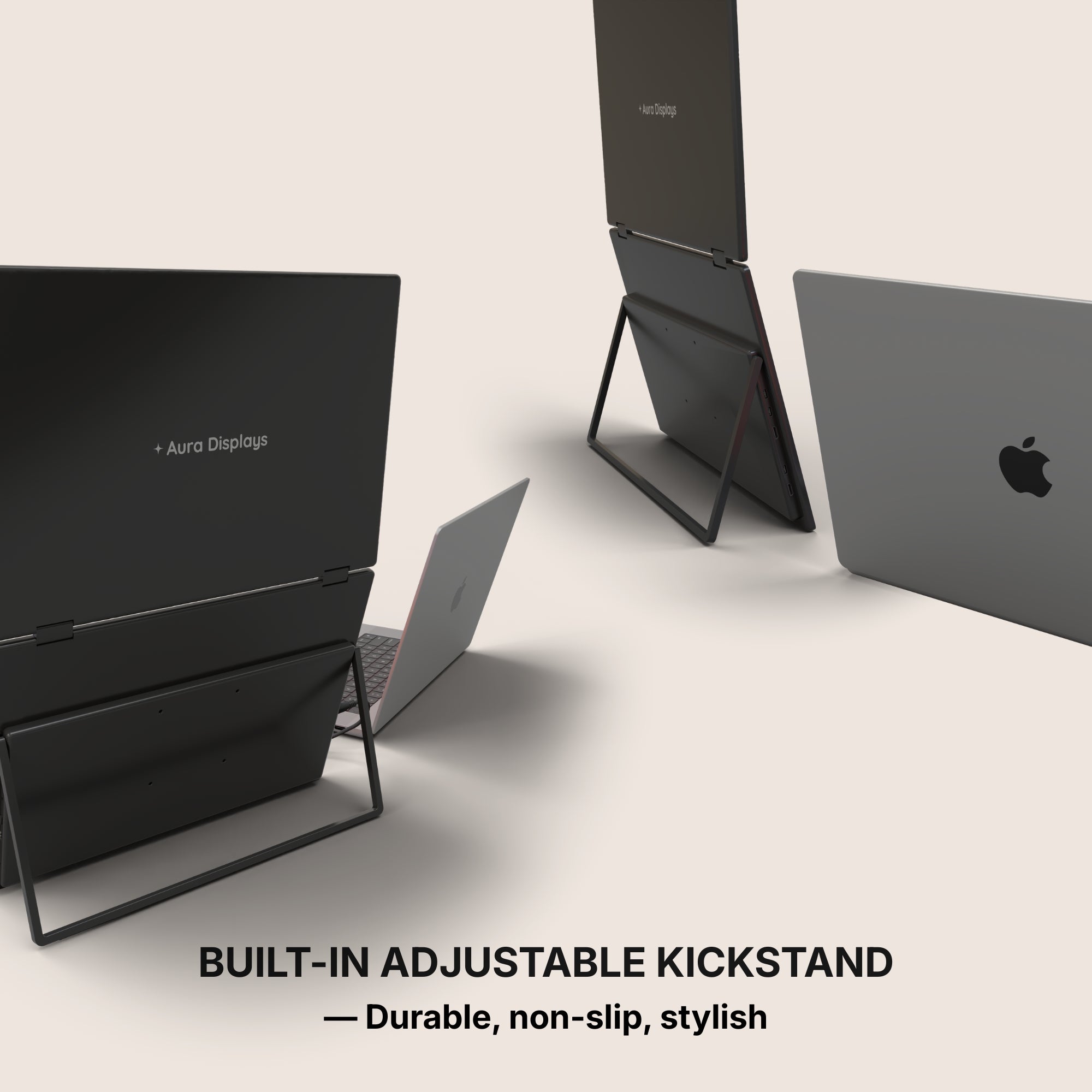
Integrated Stand
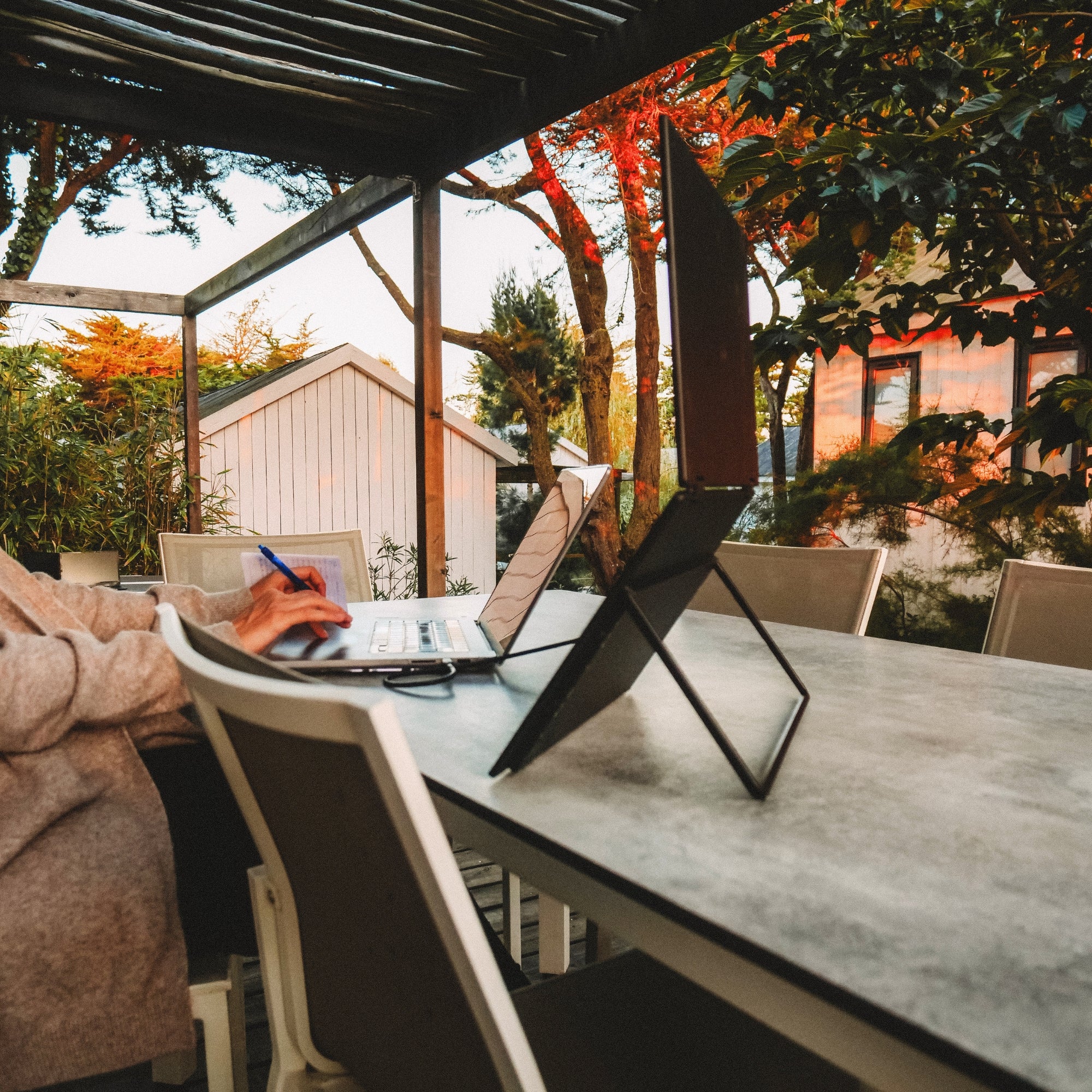
The monitor features a built-in stand, allowing you to position it easily and create a stable workspace anywhere. Its integrated design ensures quick setup and convenient use wherever you go.
Effortless Connection
Designed for simplicity, connecting your displays takes just seconds. Plug the cable, power on, and start working immediately.
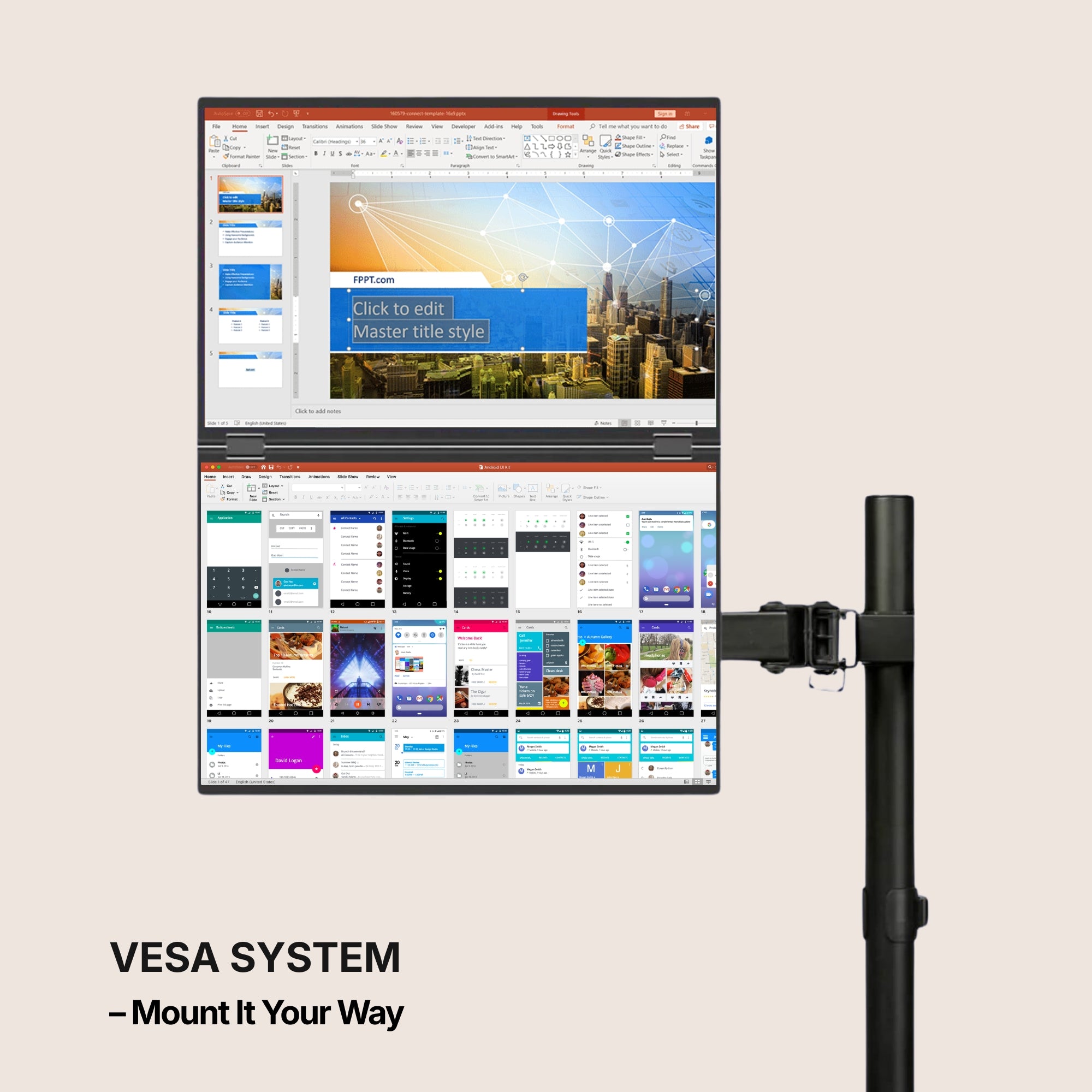
VESA Mount Compatible
This monitor is VESA mount compatible, allowing you to easily attach it to a wide range of stands, arms, or wall mounts. This gives you the flexibility to create a cleaner, more ergonomic workspace that fits your setup perfectly.
Auto-Rotate Display
When the upper screen is flipped to the back, the display automatically rotates to maintain the correct orientation. This smart feature ensures your content is always perfectly aligned, making it ideal for sharing your screen with others.
Precision-Built Hinge
Engineered with an ultra-durable hinge system designed for maximum stability, smooth movement, and long-term reliability.
Protected When Closed
When the screens are folded back into their closed position, they are safely protected from scratches, dust, and everyday wear. This design helps keep your displays in perfect condition, especially when traveling or moving your setup.
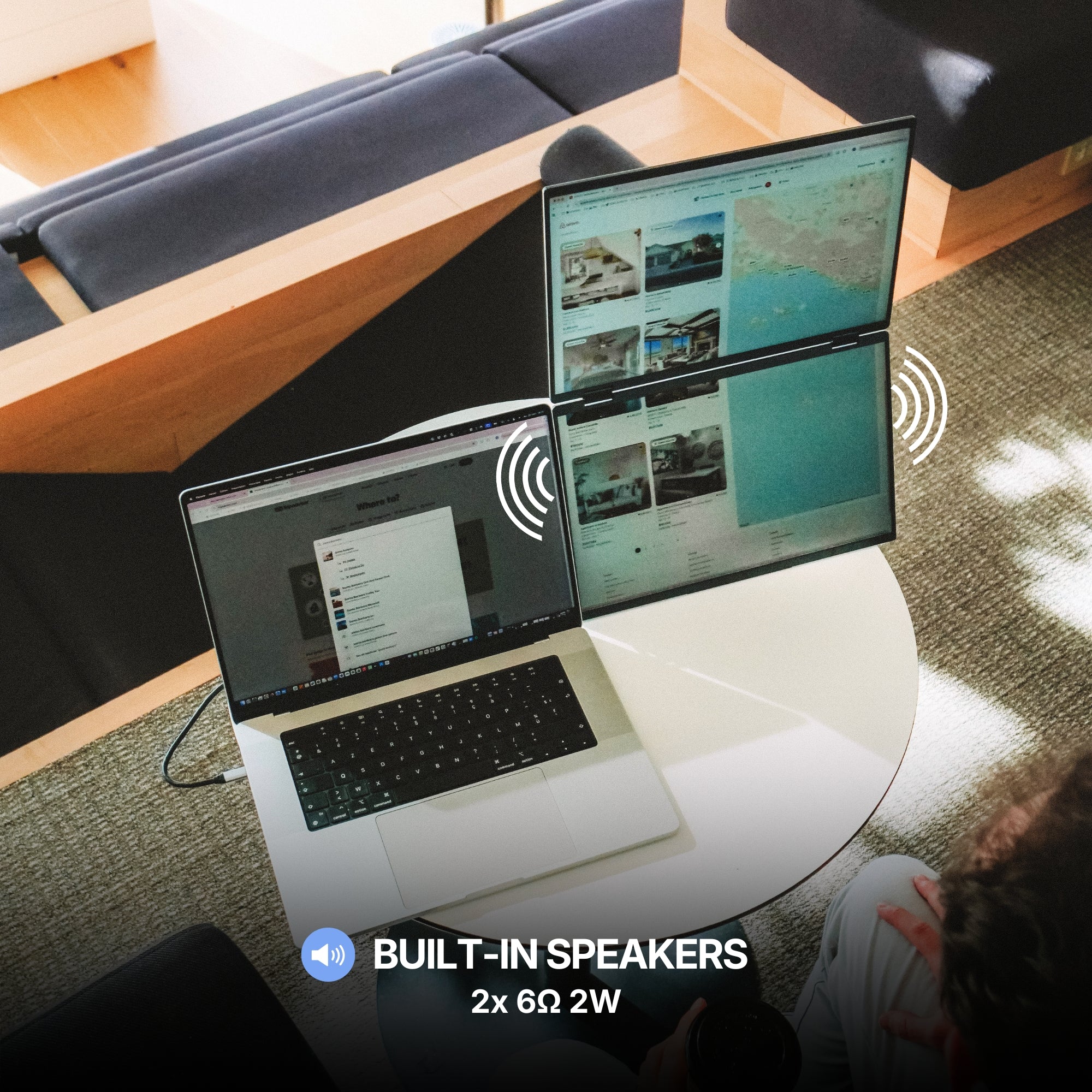
Built-in Speakers
This monitor features integrated speakers, allowing you to enjoy audio directly from the display without needing external equipment. Whether you're watching content, joining meetings, or listening to music, everything works seamlessly from one device.
Available in Full HD.
Brilliant visuals with spectacular clarity.
From bright outdoor spaces to dim studios — without missing a detail.
The stunning IPS HDR display of the Dual Book Pro (Gen 2) delivers up to 300 nits of brightness¹ for excellent visibility even in bright environments, along with a 1200:1 contrast ratio¹ that enhances depth and clarity.
The result: a screen that remains sharp, vibrant, and perfectly readable in virtually any lighting condition.
¹ For Dual Book Pro 16" Plus
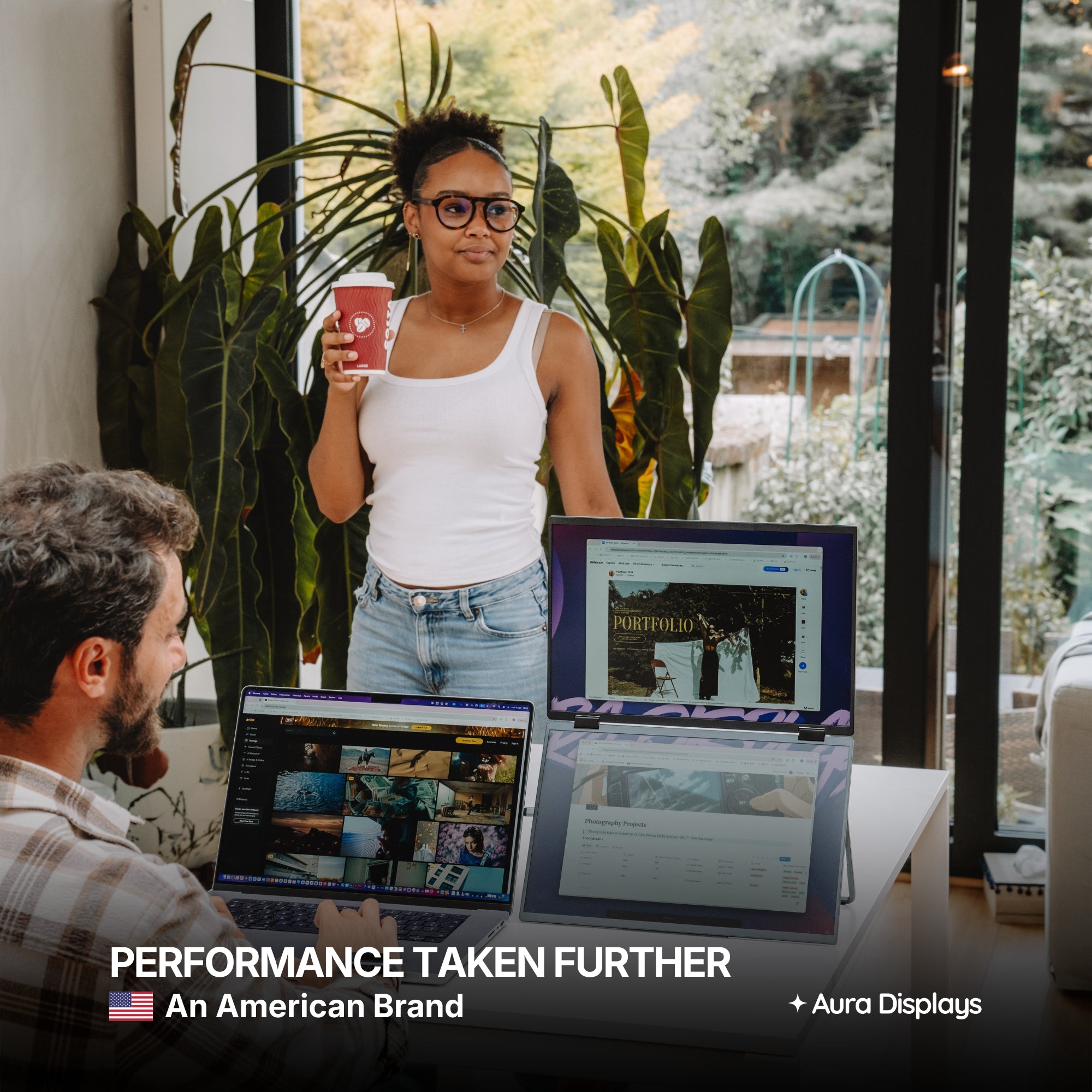
Performance. Taken Further.
Your laptop needs a high-performance sidekick. Everything it has always been missing, all in one.
Our displays integrate cutting-edge technologies such as HDR and Eye Care, delivering vibrant visuals while helping reduce eye strain during long working sessions.
Our portable monitors are designed to work seamlessly with a wide range of devices. Built for flexibility and ease of use, they integrate effortlessly into your setup, making it simple to expand your workspace wherever you work.
macOS
macOS
MacOS version:
MacOS 26 Tahoe and above
MacOS 15 Sequoia
MacOS 14 Sonoma
MacOS 13 Ventura
MacOS 12 Monterey
MacOS 11 Big Sur
MacOS 10.15 Catalina
MacOS 10.14 Mojave
MacOS 10.13 High Sierra
MacOS 10.12 / 10.11 / 10.10
Apple processor:
Intel Processor
M1 / M1 PRO / M1 MAX
M2 / M2 PRO / M2 MAX
M3 / M3 PRO / M3 MAX
M4 / M4 PRO / M4 MAX
M5 and above
Windows
Windows
Windows 11 and above
Windows 10
Windows 8.1
Windows 7
Linux
Linux
Our portable monitors are fully compatible with all Linux distributions. Simply connect your device and start working — no special configuration required. Whether you're using Ubuntu, Debian, Fedora, or any other Linux system, your monitor integrates seamlessly into your setup.
Android
Android
Android 7.1 and above
When connected to an Android smartphone, the monitor will display a mirrored view of your device’s screen. This means the same content shown on your phone will appear on the external display, allowing you to easily share, present, or view your screen on a larger display.
Our portable monitors work with Android devices equipped with a USB-C port that supports video output. Depending on the device, the monitor may also need to be connected to a power supply for proper operation.
Game consoles
Game consoles
Playstation 5
Playstation 4
Playstation 3
Xbox Series S & X
Xbox One
Nintendo Switch 1
Nintendo Switch 2
All consoles with HDMI connection
The Nintendo Switch 1 and 2 can connect to our portable monitors via USB-C or HDMI.
All other gaming consoles connect via HDMI, ensuring a simple and reliable setup for your gaming sessions.
Depending on the device, the monitor may also need to be connected to a power supply for proper operation.
iPad with USB-C
iPad with USB-C
Our portable monitors work with iPhone and iPad models equipped with a USB-C port. When connected, the display will mirror your device’s screen, allowing you to enjoy your content on a larger display.
Depending on the device, the monitor may also require an external power supply to operate properly.
iPhone with USB-C
iPhone with USB-C
Our portable monitors work with iPhone and iPad models equipped with a USB-C port. When connected, the display will mirror your device’s screen, allowing you to enjoy your content on a larger display.
Depending on the device, the monitor may also require an external power supply to operate properly.
Mac Mini
Mac Mini
Our portable monitors work seamlessly with the Mac mini. Simply connect the display using USB-C or HDMI to instantly expand your workspace and enjoy a larger, more productive setup.
Seamless Connectivity
Powered by advanced connectivity technologies, our portable monitors integrate effortlessly with your devices for a smooth and reliable experience.
Seamless Connectivity
Powered by advanced connectivity technologies, our portable monitors integrate effortlessly with your devices for a smooth and reliable experience.
USB-C
USB-C
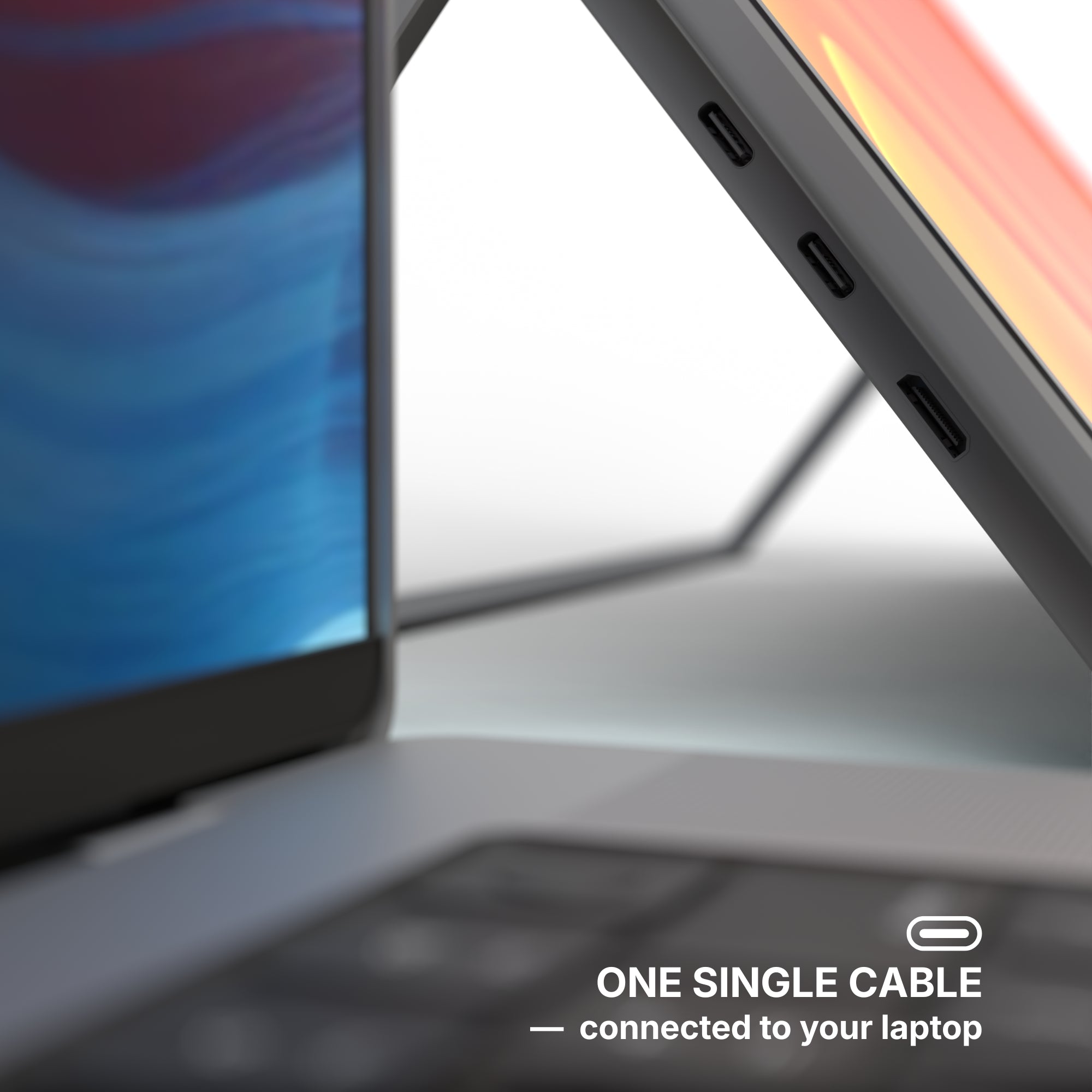
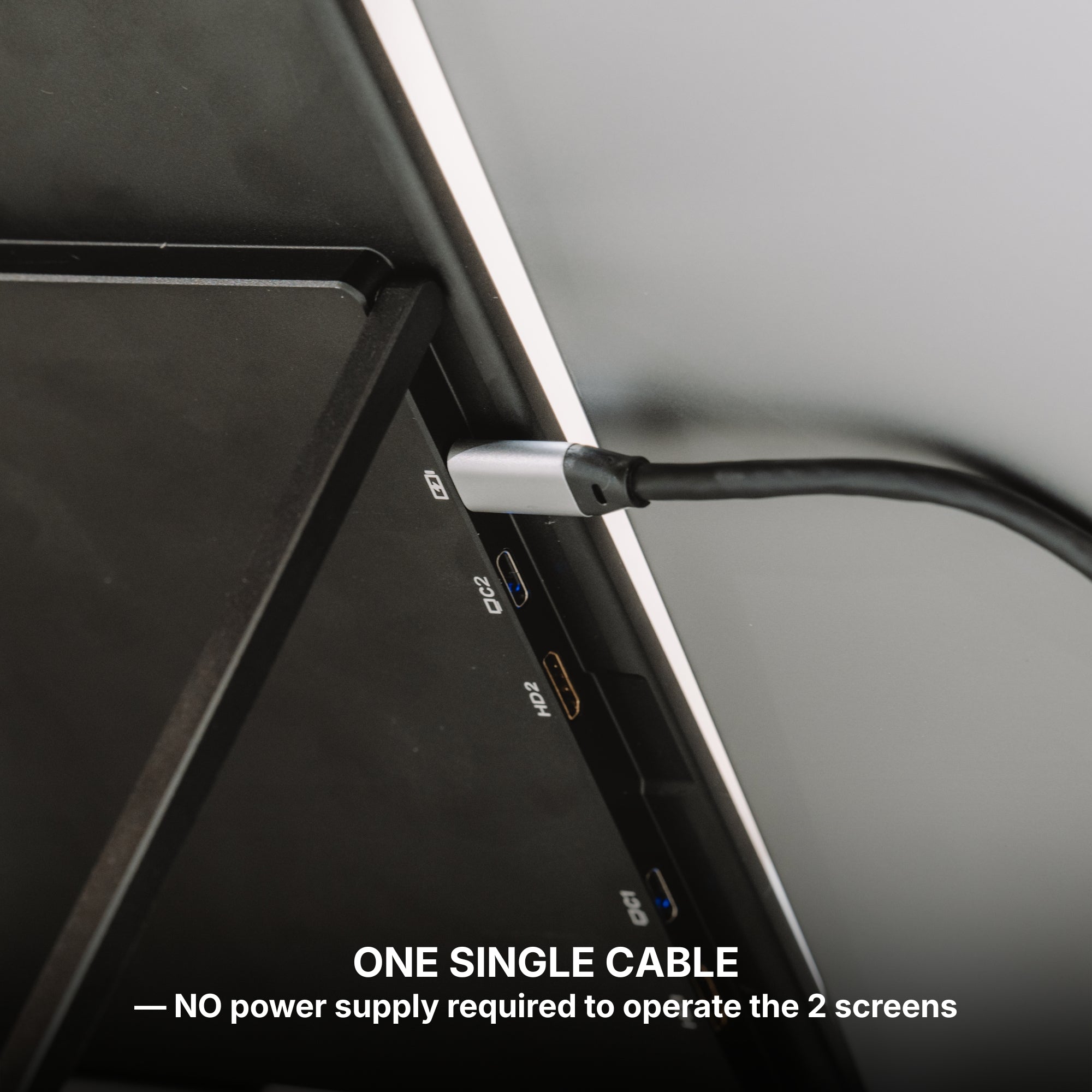
One Cable. That’s All.
A single USB-C cable is all it takes to power the display and transmit video at the same time. No complicated setup, no extra cables — just plug in and instantly expand your workspace.
Additional Power Support (If Needed)
In some cases, your device’s USB-C port may not provide enough power to fully operate the screens. If that happens, a second USB 3.0 cable can be connected to supply additional power and ensure stable performance. A 30W power adapter can also be used for additional power.
USB 3.0
USB 3.0
USB 3.0 Alternative Connection
If your laptop does not have a USB-C port, the monitors can also be connected using USB 3.0 cables. In this setup, one cable is used to transmit the data signal, while another provides the power needed to operate the screens, ensuring reliable performance even without USB-C.
HDMI
HDMI
HDMI Connection
Each screen can also operate using HDMI — simply connect one HDMI cable per display to transmit the video signal.
Since HDMI only carries the image, the monitor must also be powered separately, either through a USB-C connection or an external power supply.
Mixed Connectivity
It is also possible to use different connections for each screen. One display can be connected via USB-C, while the other operates through HDMI. This flexible setup allows you to adapt easily to the ports available on your device.
Jack 3.5mm
Jack 3.5mm
Our portable monitors feature a 3.5mm audio jack, allowing you to easily connect headphones, speakers, or external audio systems. This gives you the flexibility to route sound directly from your setup for a more comfortable and immersive experience.
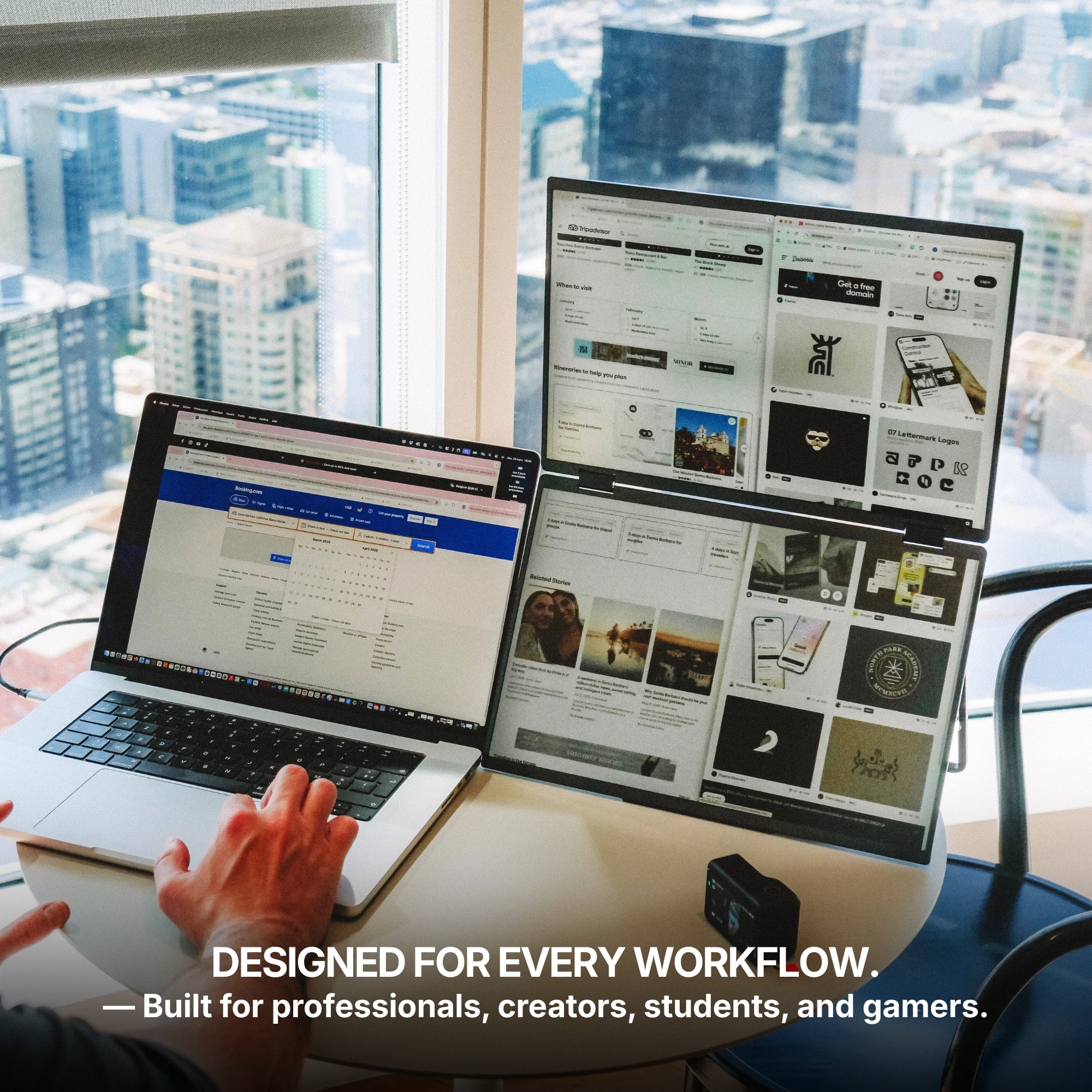
Designed for every workflow.
Whether you're a professional, creator, student, or gamer, this monitor adapts to your needs. Built for versatility and everyday productivity, it fits naturally into any workflow.
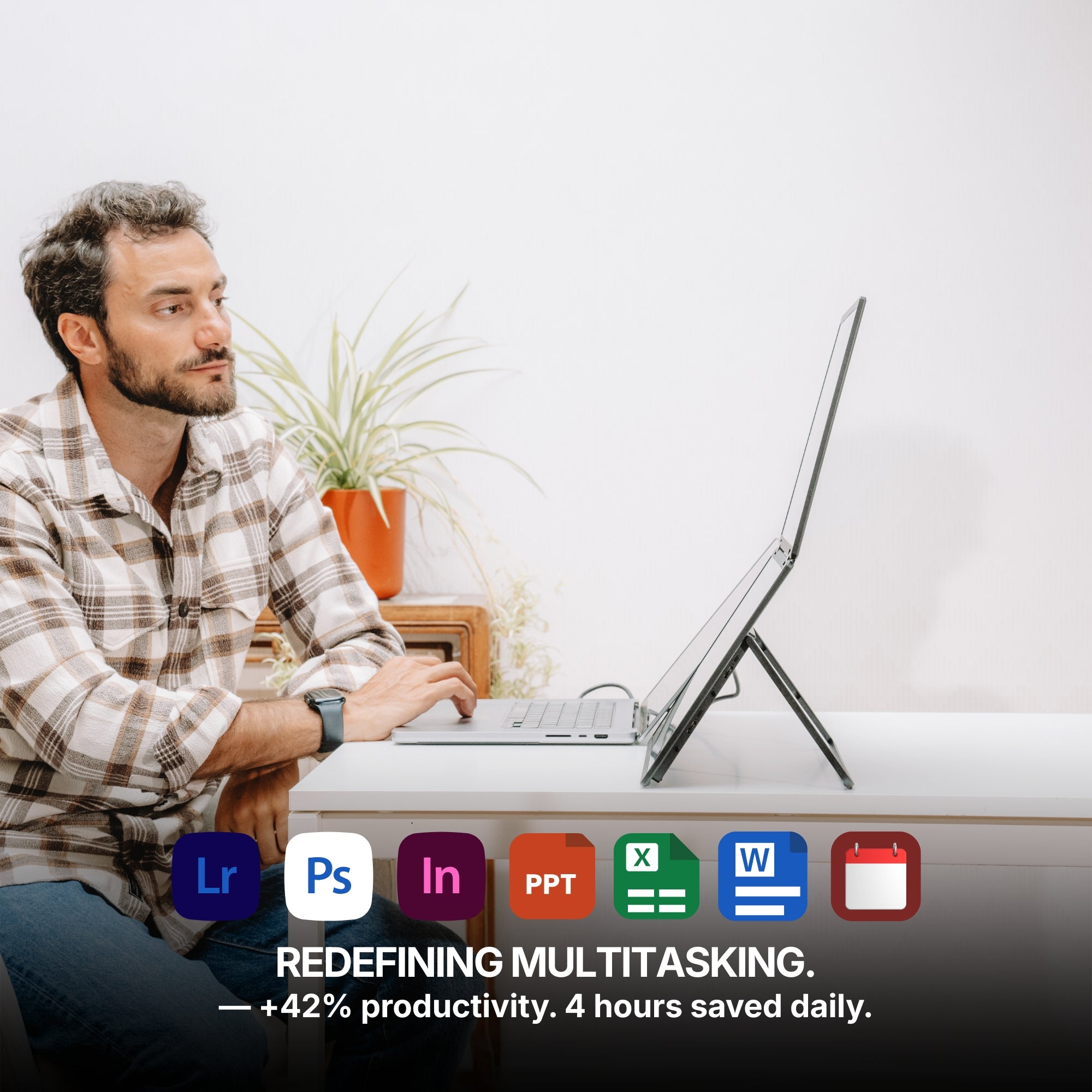
Redefining Multitasking.
With multiple displays working together, your workspace expands so you can manage more tasks, more ideas, and more productivity at the same time. Enjoy up to a 42% boost in productivity, save up to 4 hours each day, and experience 100% working comfort with a workspace designed to help you stay focused, efficient, and organized.
Ultra-Slim Design
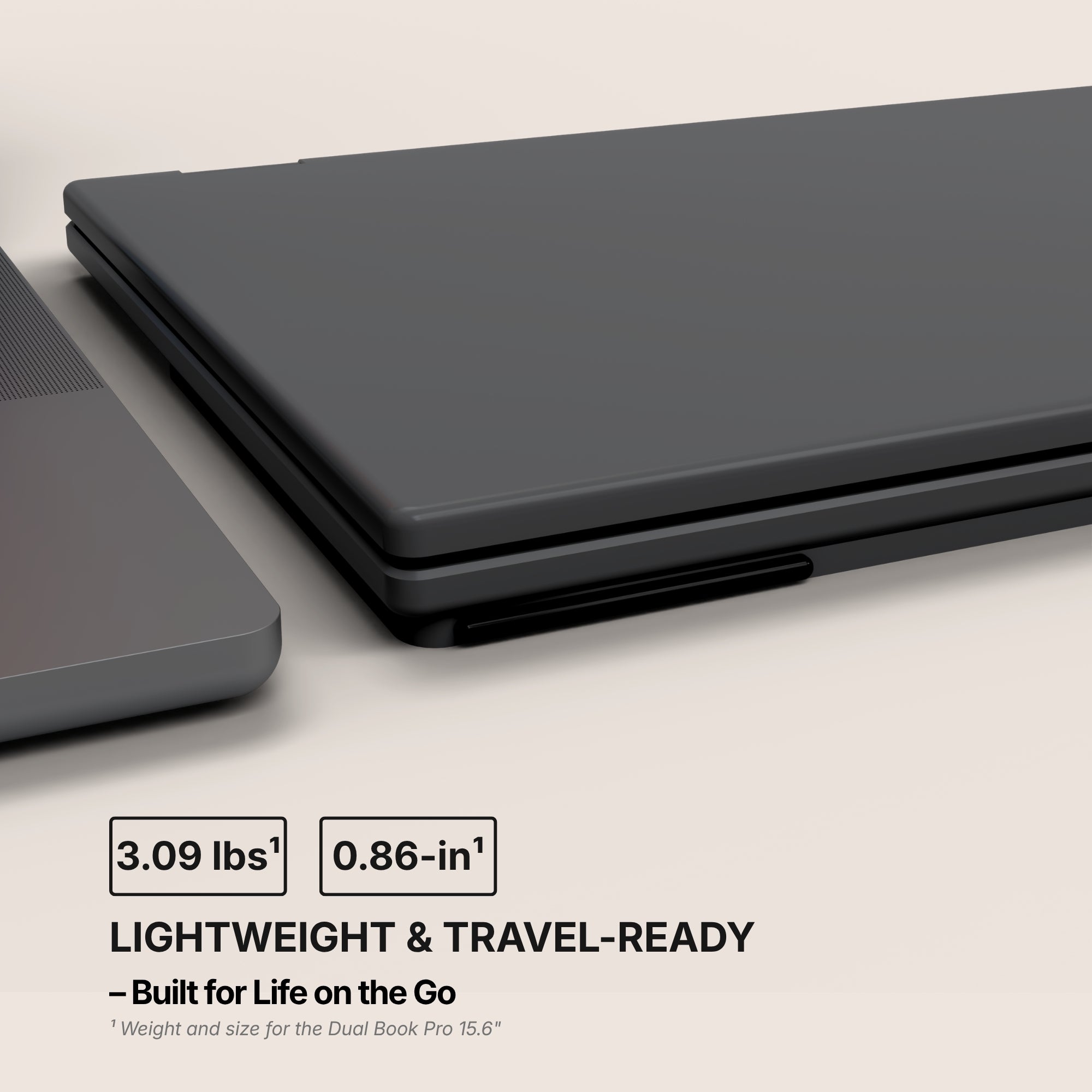
Designed to be incredibly thin and lightweight, this monitor fits effortlessly into your workspace and your bag.
With a thickness of just 0.86 inches when closed and a weight of only 3.09 lbs, this monitor is designed to travel effortlessly with you — making it easy to take powerful screen space wherever you go.
Seen up close, our monitor is a mechanical and technological work of art. It is in the details that we see the expertise of the Aura Displays engineering team.
Multi-level Adjustable Foot
Multi-level Adjustable Foot
Durable Pro-Grade Hinges
Durable Pro-Grade Hinges
Premium Aluminum Design
Premium Aluminum Design
Built to last
Built to last
Designed with the planet in mind.
At Aura Displays, we believe innovation should move forward without leaving the planet behind. That’s why our products are thoughtfully engineered to reduce their environmental impact. From responsibly sourced materials to smarter packaging designed to minimize waste and improve recyclability, every detail is considered with sustainability in mind. Because building better technology also means building a better future.
Introducing the Dual Book Pro, the most innovative dual screen extender ever built. Made with premium materials, it features two stunning anti-glare monitors that open with a book-style mechanism, unfolding into a 24-inch workspace. Plug and play with no drivers required, and with a single USB-C connection, it’s the perfect companion to elevate your productivity, wherever you go.
Product information
Rated 4.63/5 ★★★★★ based on 154 verified reviews. Real people, real results. Explore authentic testimonials from those who have benefited from Dual Book Pro (Gen 2).
Estimated delivery: 5 to 8 days
Product category
Dual monitor
Portable monitor
USB monitor
HDMI monitor
Available color(s)
Midnight Black
Materials
Aluminum
Laptop Match
For all laptop sizes
Vesa system
Yes
Speaker(s)
Yes
2x 6Ω 2W
Product size unfolded
Dual Book Pro 15.6": 13,93 x 8.46 x 0.86 inch / 354 x 215 x 22 mm
Dual Book Pro 16" Plus: 14.05 x 9.40 x 0.86 inch / 357 x 239 x 22 mm
Product size folded
Product weight
Dual Book Pro 15.6": 3.2 LBS / 1.45 KG
Dual Book Pro 16" Plus: 3.09 LBS / 1.40 KG
Battery
No built-in battery
Autonomy: /
Software
No Software required
Plug and Play
Certifications
Consumer Electronic (CE)
Federal Communications Commission (FCC)
Restriction of Hazardous Substances in Electrical and Electronic Equipment (ROHS)
Energy Label (A)
Display
Display size
Dual Book Pro 15.6": 2x 15.6"
Dual Book Pro 16" Plus: 2x 16"
Display type
Matte
IPS
LED
Resolution
Dual Book Pro 15.6": Full HD 1920 x 1080
Dual Book Pro 16" Plus: Full HD+ 1920 x 1200
Brightness
Dual Book Pro 15.6": 280 Nits
Dual Book Pro 16" Plus: 300 Nits
Contrast
1200:1
Colors
16.7 millions colors
72% NTSC
Refresh rate
60hz
Aspect ratio
Dual Book Pro 15.6": 16/9
Dual Book Pro 16" Plus: 16/10
Eye care mode
Yes
Visual angle
178°
Display rotation
Panoramic
Rotated (180°)
Book
Fold
Auto Sensing
Yes
Compatible Operating System
Dual Book Pro (Gen 2) is compatible with virtually any laptop that has a USB port.
Operating systems
MacOS
Windows
Linux
Android
ChromeBook
Surface
Game consoles
iPhone ( with USB-C )
iPad ( with USB-C )
Macos version
MacOS 26 Tahoe and above
MacOS 15 Sequoia
MacOS 14 Sonoma
MacOS 13 Ventura
MacOS 12 Monterey
MacOS 11 Big Sur
MacOS 10.15 Catalina
MacOS 10.14 Mojave
MacOS 10.13 High Sierra
MacOS 10.12 / 10.11 / 10.10
Apple processor
Intel Processor
M1 / M1 PRO / M1 MAX
M2 / M2 PRO / M2 MAX
M3 / M3 PRO / M3 MAX
M4 / M4 PRO / M4 MAX
M5 and above
Windows version
Windows 11 and above
Windows 10
Windows 8.1
Windows 7
Gaming
Playstation 5
Playstation 4
Playstation 3
Xbox Series S & X
Xbox One
Nintendo Switch 1
Nintendo Switch 2
All consoles with HDMI connection
The Nintendo Switch 1 and 2 can connect to our portable monitors via USB-C or HDMI.
All other gaming consoles connect via HDMI, ensuring a simple and reliable setup for your gaming sessions.
Depending on the device, the monitor may also need to be connected to a power supply for proper operation.
Connectivity
3x USB-C ports
2x HDMI
1x Jack 3.5mm
One Cable to Your Laptop
Only one USB-C cable connected to your laptop is needed to transmit video and activate the screens.
However, the monitors must also be connected to an external power supply to provide the energy required for proper operation.
HDMI Connection
Each screen can also operate using HDMI — simply connect one HDMI cable per display to transmit the video signal.
Since HDMI only carries the image, the monitor must also be powered separately, either through a USB-C connection or an external power supply.
Mixed Connectivity
It is also possible to use different connections for each screen. One display can be connected via USB-C, while the other operates through HDMI. This flexible setup allows you to adapt easily to the ports available on your device.
Power Delivery
Only one USB-C port required to your laptop
It can work with 2 USB 3.0 ports
No external power source required
Additional Power Support (If Needed)
In some cases, your device’s USB-C port may not provide enough power to fully operate the screens. If that happens, a second USB 3.0 cable can be connected to supply additional power and ensure stable performance. A 30W power adapter can also be used for additional power.
Setup & Requirements.
Easy installation (Plug and Play)
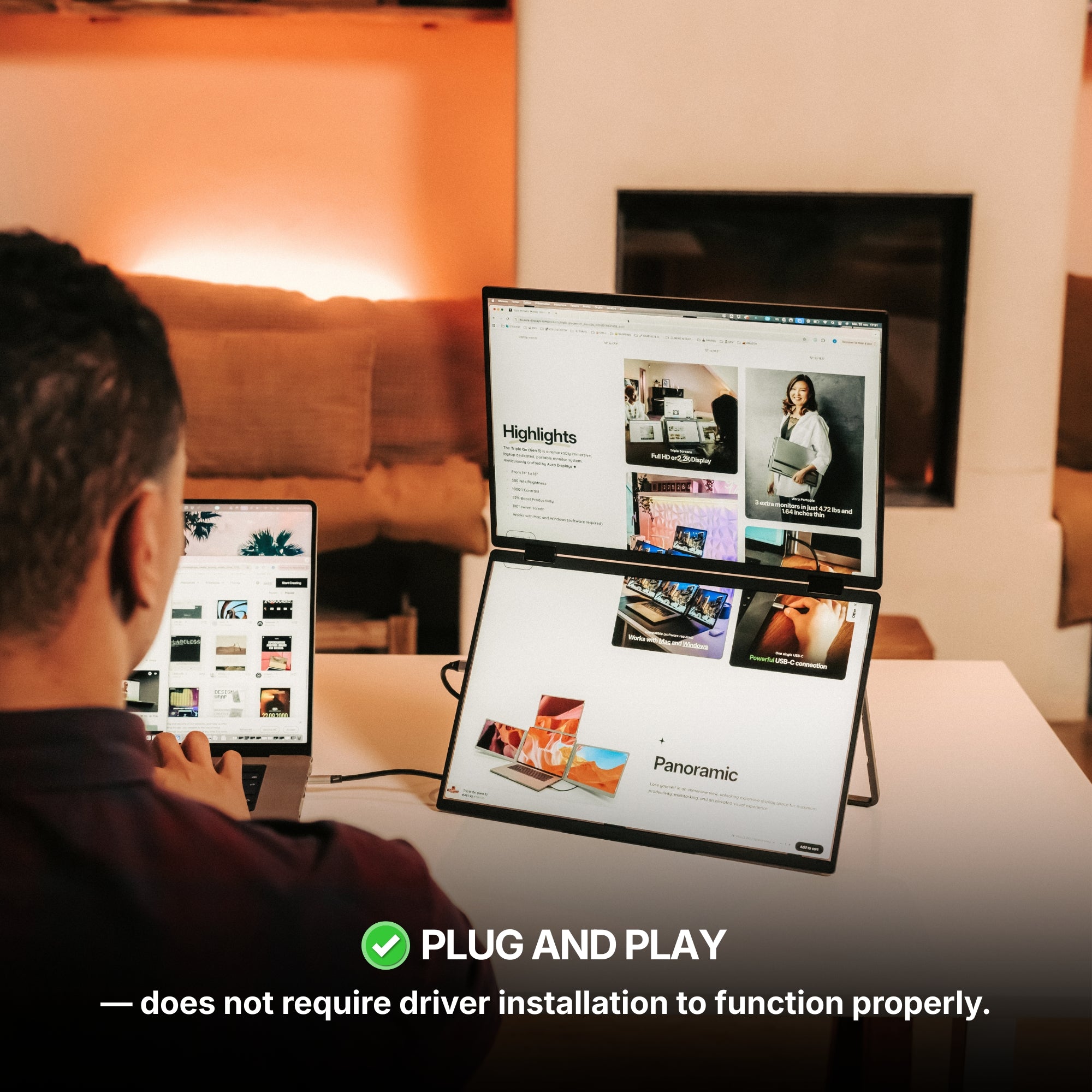
This monitor is fully plug and play, meaning no software, no drivers, and no complicated setup are required. Simply connect your device and start using your expanded workspace instantly.
In some cases, your device’s USB-C port may not provide enough power to fully operate the screens. If that happens, a second USB 3.0 cable can be connected to supply additional power and ensure stable performance. A 30W power adapter can also be used for additional power.
OSD Menu
OSD menu features
Adjustable color
Adjustable brightness
Low Blue Light
Language
Eco-mode
DCR
Source
Timer
Sharpness
Volume control
Product Guide and Download
Learn how to to set up, use, and care for Dual Book Pro (Gen 2), and get a comprehensive look at all the product’s features.
Dual Book Pro (Gen 2) does not require driver installation to function properly.
All technical specifications can be found at the bottom of the page or here.
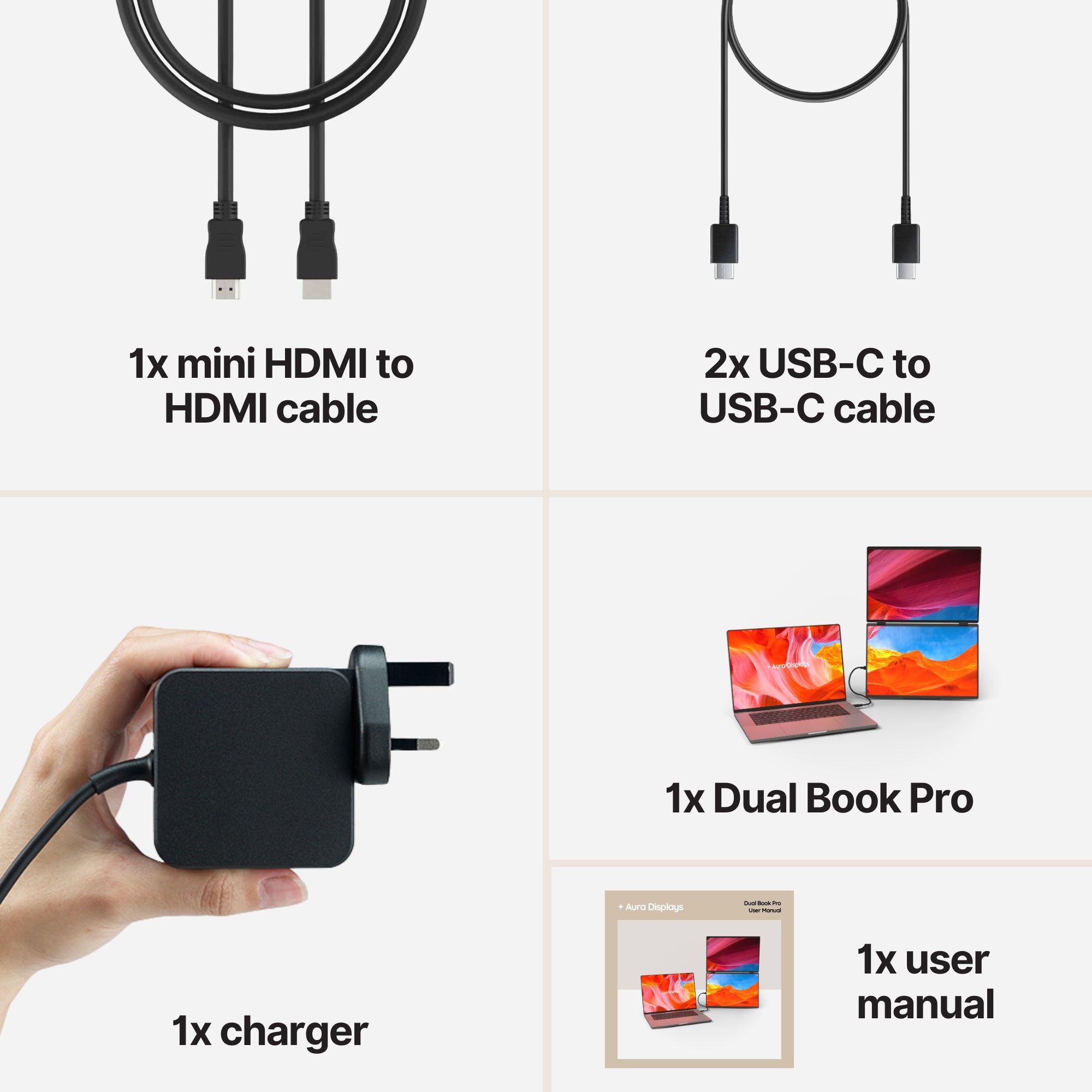
Included in the Box
1x Dual Book Pro (Gen 2)
2x Type-C to Type-C cable
1x mini HDMI to HDMI
1x PD power charger 30W
1x User Manual
Setup & Requirements.
Everything you need to know to get the most out of your device. From setup to connectivity, discover how our monitors are designed to integrate seamlessly into your workspace and deliver a smooth experience from the very first use.
This monitor is fully plug and play, meaning no software, no drivers, and no complicated setup are required. Simply connect your device and start using your expanded workspace instantly.
Plug & Play Collection
Discover all our Plug & Play monitors in this category. Designed for instant setup, these models work without any driver installation — simply connect your device and start using your expanded workspace in seconds.
A really good purchase. I initially bought it as a portable use, but I have now added it as part of my daily work setup. Quality and build is solid and easy to set up.
Hi James, thanks so much for sharing your experience! We’re delighted the Dual Book Pro has become part of your daily work setup, and that you’re enjoying its solid build and easy setup. We really appreciate your support!
D
DeckTurtle
Good for meetings
The 180 degree opening is more useful than expected. I can show a spreadsheet to someone across the table while keeping my laptop screen for notes. It looks way less awkward than rotating the entire computer.
Q
QueueAcorn
Makes long days easier
I manage support tickets all day and used to resize windows constantly. Now Zendesk stays on one screen, order info on the other, and the laptop is for notes. Simple idea but it changes the rhythm.
R
Rachel N.
Feels premium enough
The hinges feel better than I expected and the black finish looks professional. I carry it in my backpack sleeve and use it mostly in shared offices. Not feather light, but much more useful than one tiny portable screen.
C
CableHush
Wrong laptop for it
My office laptop is old and the USB-C port did not support the display like I thought. I managed with HDMI and power, but the setup became too many cables for me. Probably great with a newer laptop.
5 stars: 128 (83%)
4 stars: 13 (8%)
3 stars: 1 (1%)
2 stars: 6 (4%)
1 star: 6 (4%)
J
James K.
Dual Monitor
A really good purchase. I initially bought it as a portable use, but I have now added it as part of my daily work setup. Quality and build is solid and easy to set up.
Hi James, thanks so much for sharing your experience! We’re delighted the Dual Book Pro has become part of your daily work setup, and that you’re enjoying its solid build and easy setup. We really appreciate your support!
D
DeckTurtle
Good for meetings
The 180 degree opening is more useful than expected. I can show a spreadsheet to someone across the table while keeping my laptop screen for notes. It looks way less awkward than rotating the entire computer.
Q
QueueAcorn
Makes long days easier
I manage support tickets all day and used to resize windows constantly. Now Zendesk stays on one screen, order info on the other, and the laptop is for notes. Simple idea but it changes the rhythm.
R
Rachel N.
Feels premium enough
The hinges feel better than I expected and the black finish looks professional. I carry it in my backpack sleeve and use it mostly in shared offices. Not feather light, but much more useful than one tiny portable screen.
C
CableHush
Wrong laptop for it
My office laptop is old and the USB-C port did not support the display like I thought. I managed with HDMI and power, but the setup became too many cables for me. Probably great with a newer laptop.
L
LedgerSnail
For accounting days
QuickBooks on the left, Excel on the right, bank portal on my Dell XPS. That is basically my whole Monday now. The screen size is enough for real work and the anti-glare finish helps under office lights.
C
Camille B.
Bon mais assez grand
La qualité d’image est bonne et l’installation très simple. Par contre il faut accepter que ce soit un vrai double écran, donc pas minuscule dans le sac. Pour moi ça vaut le coup, surtout en hôtel.
E
Emma T.
Shipping was stressful
UPS left the box at the wrong door and one corner was bent. Nothing was damaged inside, but I had to chase the package for two hours. The monitor works fine, delivery was the weak part.
P
PanelJelly
Good for coworking
I was worried it would look too bulky in a coworking space, but once unfolded it actually looks clean. I use Slack, Chrome dashboards and Notion across the two screens, and my Surface Laptop recognized it without drivers.
T
TicketLime
makes laptop work better
I was surprised how much calmer my day feels with two side screens. Zendesk on one, order info on the other, laptop for notes. The folded design is easy to store when I’m done.
V
Victoria S.
Solid but not tiny
The build feels solid and the anti-glare screens are comfortable. Just don’t expect something pocket sized, it is a proper dual monitor setup. For coworking and hotel desks, that tradeoff makes sense.
G
Grant P.
Great for client reviews
I use the 180 degree opening during sales calls. One screen faces me, the other can be angled toward the client, and my laptop stays for notes. It looks way more professional than turning the laptop around.
P
PortGhost
Didn’t fit my old laptop
My laptop has USB-C but not the right display support, so I ended up needing mini HDMI and power. That made the setup less clean than I expected. Not blaming the monitor completely, but it was frustrating.
L
Lea M.
bon achat mais un peu lourd
Le confort de travail est top, surtout à l’hôtel, mais je le pensais plus léger dans le sac. Je continue à l’utiliser, juste pas pour les journées où je dois beaucoup marcher.
N
Nina K.
Delivery not great
FedEx left the package outside my apartment door and the box had a soft corner. The monitors were ok inside, but I was not happy with the delivery. The product itself works fine so far.
P
PaperOtter
Nice foldable design
The book style is why I chose this over a normal screen extender. It feels stable on the desk and folds away neatly after work. The matte panels are also better than expected near a window.
Q
QueuePebble
Makes multitasking calmer
I don’t constantly resize windows anymore. The Dual Book sits next to my Surface Laptop and gives me two extra panels for tickets, order pages and internal notes. It sounds small but it changes the whole day.
M
Matt H.
Clean and professional
I use it for sales calls and it makes my setup look less improvised. The black finish is simple, the two screens are anti-glare, and the folded shape is easy to keep in my backpack sleeve.
H
Harold P.
Not a fit for me
My laptop technically has USB-C, but not the right kind for the simple setup I wanted. I had to use mini HDMI and extra power, and that made the desk messy. Probably my fault, but still frustrating.
E
Elodie V.
Bon écran double
Acheté pour mon mari qui travaille souvent depuis le train et l’hôtel. Il aime beaucoup le format livre, parce que ça se range proprement dans son sac et il n’a pas besoin d’installer de driver.
L
LedgerMoss
Month end helper
I do finance work and this made my month-end routine easier. QuickBooks on one screen, Excel on the second, and bank exports on my Dell Latitude. The 24 inch workspace when opened is a real productivity boost.
R
Rob N.
Delivery scared me
DHL left the box with a dent on one edge and I was sure something inside would be damaged. Luckily the monitors were fine and the tempered glass was still intact, but delivery was not reassuring.
D
DeckTurtle
Good for meetings
The 180 degree opening is more useful than expected. I can show a spreadsheet to someone across the table while keeping my laptop screen for notes. It looks way less awkward than rotating the entire computer.
H
Henry S.
Nice premium feel
The build feels more solid than I expected. I use it in coworking spaces and it gets attention, but mostly because it looks tidy. One cable from my laptop and two extra screens is exactly what I wanted.
P
PaperKoala
makes multitasking easier
Not cheap, but it actually changed my daily workflow.
E
Eric D.
Bon mais pas ultra léger
Très pratique pour travailler avec plusieurs fenêtres, mais je le pensais un peu plus léger dans le sac. Pour le train ou l’hôtel, ça reste très confortable et l’image est nette.
M
Martin V.
Not compatible for me
I have an old office laptop and I could not get the clean USB-C setup I wanted. I ended up with HDMI and extra power cables, which defeated the point for me. Probably my laptop, but still frustrating.
L
LedgerPebble
Easy accounting setup
I use QuickBooks on the left display, Excel on the right, and bank statements on my Dell XPS. No drivers, no weird software, just plug in. It makes month-end less painful.
N
Natalie B.
UPS made me nervous
UPS left the package with a smashed corner and I almost refused it. Thankfully the monitors and tempered glass were okay inside. Product is fine, but the delivery part was not great.
B
BriefCactus
Good for client calls
I use the 15.6 Dual Book for client reporting. Zoom stays on the laptop, the deck on one screen, and my notes on the second. It looks cleaner than my old clamp-style screen extender and feels more stable on the desk.
M
MiniMaple
Better than expected
Looks premium and makes multitasking less annoying.
F
Felix R.
Solid build, easy routine
I leave it in my backpack sleeve and pull it out whenever I work from a shared office. Open it, plug USB-C, done. The 60Hz panels are fine for documents and dashboards, and the anti-glare finish matters near windows.
Choosing a selection results in a full page refresh.
Opens in a new window.
Jessica R.
Amazing screens!
I bought this set up because I work away from home for months at a time. I needed three large screens to work as fast as possible. The screens are so clear and the 18 1/2 inch is perfect size. You can adjust the height depending on your seating arrangement. I feel like I’m working from home. They’re very sturdy and a little hard to set up at first because they’re very heavy, but if you have help, it works so much quicker. They fold up nicely and fit in my suitcase easily. Well worth the money.
Triple Aero Pro Max (Gen 2)
Rebekah C.
Display is perfect but doesn't fit in the recommended 11-17” bag
Display is perfect but doesn't fit in the recommended 11-17” bag.
Triple Aero Pro Max (Gen 2)
Michael W.
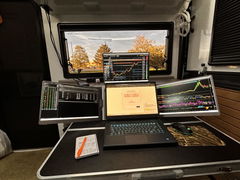
I love the Gen 3 triple monitor system!! It was a solution to having to bring along extra monitors
I love the Gen 3 triple monitor system!! It was a solution to having to bring along extra monitors in our camper as we traveled full time. Easy to set up, sturdy, and great resolution. I wish I had bought these sooner, now everything can be packed into my backpack for easy storage and saving room. I would buy these again in a heartbeat!
Triple Go (Gen 3)
Teresa C.
Exactly what I needed.
These replace a my old setup that attached to my laptop. They were heavy and started damaging the laptop. Now that I have the Triple Aero Pro I no longer have that issue. Now I just need to remember how to grab a file from my main screen and drop it to the left screen since I keep forgetting I have to move the mouse up and over and not just over.
Triple Aero Pro Max (Gen 2)
Siavesh M.
Fanatic product
Fanatic product,
High quality materials
Great display quality and bright
Easy connection with single cable
I’m very satisfied with Aura