This site uses cookies for better user experience and analytics.
Veterans Day Deals until
November 11, 2026
Veterans Day Deals until
November 11, 2026
Veterans Day Deals until
November 11, 2026
Veterans Day Deals until
November 11, 2026
Veterans Day Deals until
November 11, 2026
Veterans Day Deals until
November 11, 2026
Veterans Day Deals until
November 11, 2026
Veterans Day Deals until
November 11, 2026
Veterans Day Deals until
November 11, 2026
Veterans Day Deals until
November 11, 2026
Veterans Day Deals until
November 11, 2026
Veterans Day Deals until
November 11, 2026
Veterans Day Deals until
November 11, 2026
Veterans Day Deals until
November 11, 2026
Veterans Day Deals until
November 11, 2026
Veterans Day Deals until
November 11, 2026
Veterans Day Deals until
November 11, 2026
Veterans Day Deals until
November 11, 2026
Veterans Day Deals until
November 11, 2026
Veterans Day Deals until
November 11, 2026
Veterans Day Deals until
November 11, 2026
Veterans Day Deals until
November 11, 2026
Veterans Day Deals until
November 11, 2026
Veterans Day Deals until
November 11, 2026
Veterans Day Deals until
November 11, 2026
Veterans Day Deals until
November 11, 2026
Veterans Day Deals until
November 11, 2026
In stock, ready to ship
Excellent 4.5|41 trusted reviews
Dual Book Pro Wide 48” (Gen 1)
Plug & PlaySave 14%
Sale price€550,95Regular price€642,95
Estimated Shipping Widget will be displayed here!
EMPTY DOM REMOVE PROTECTOR
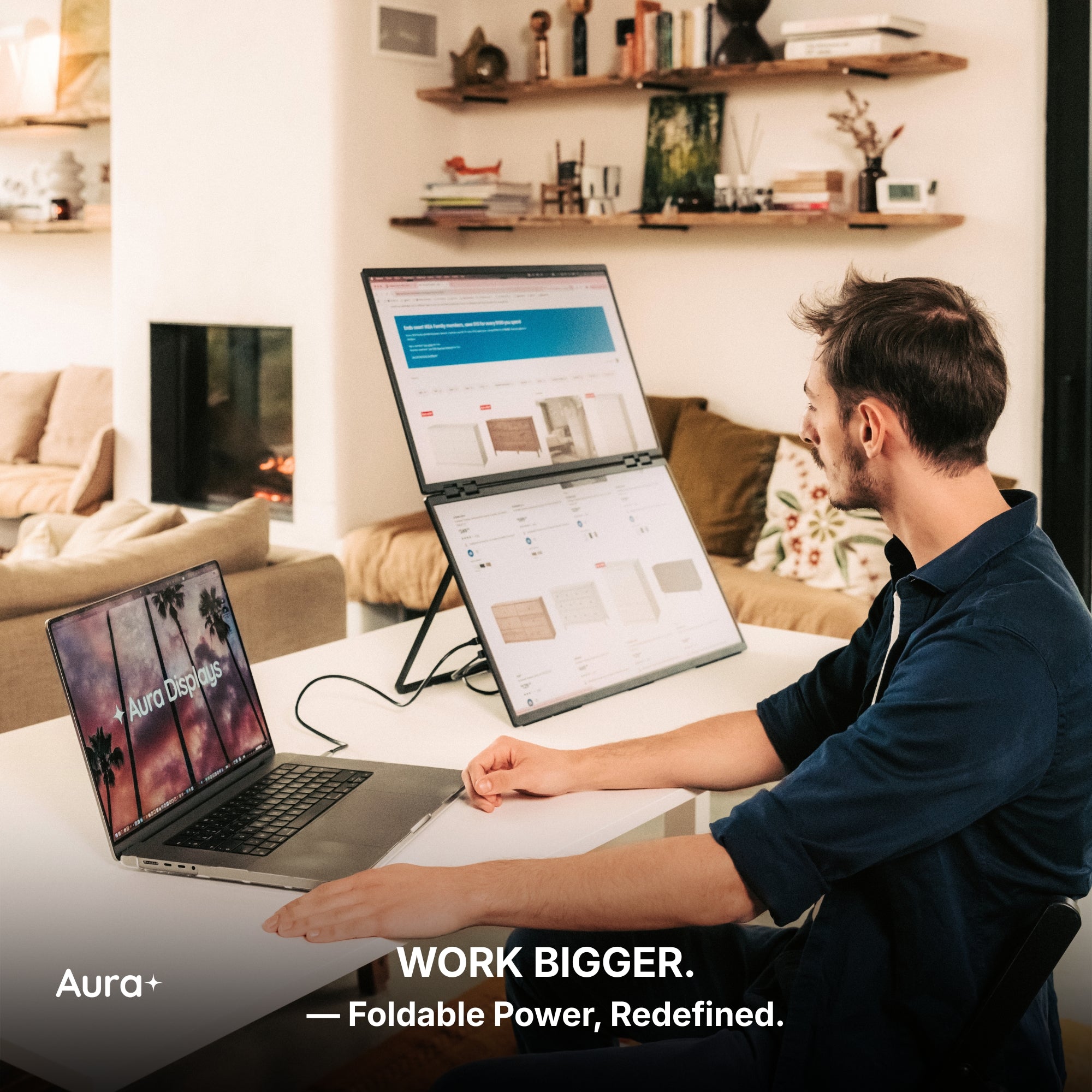
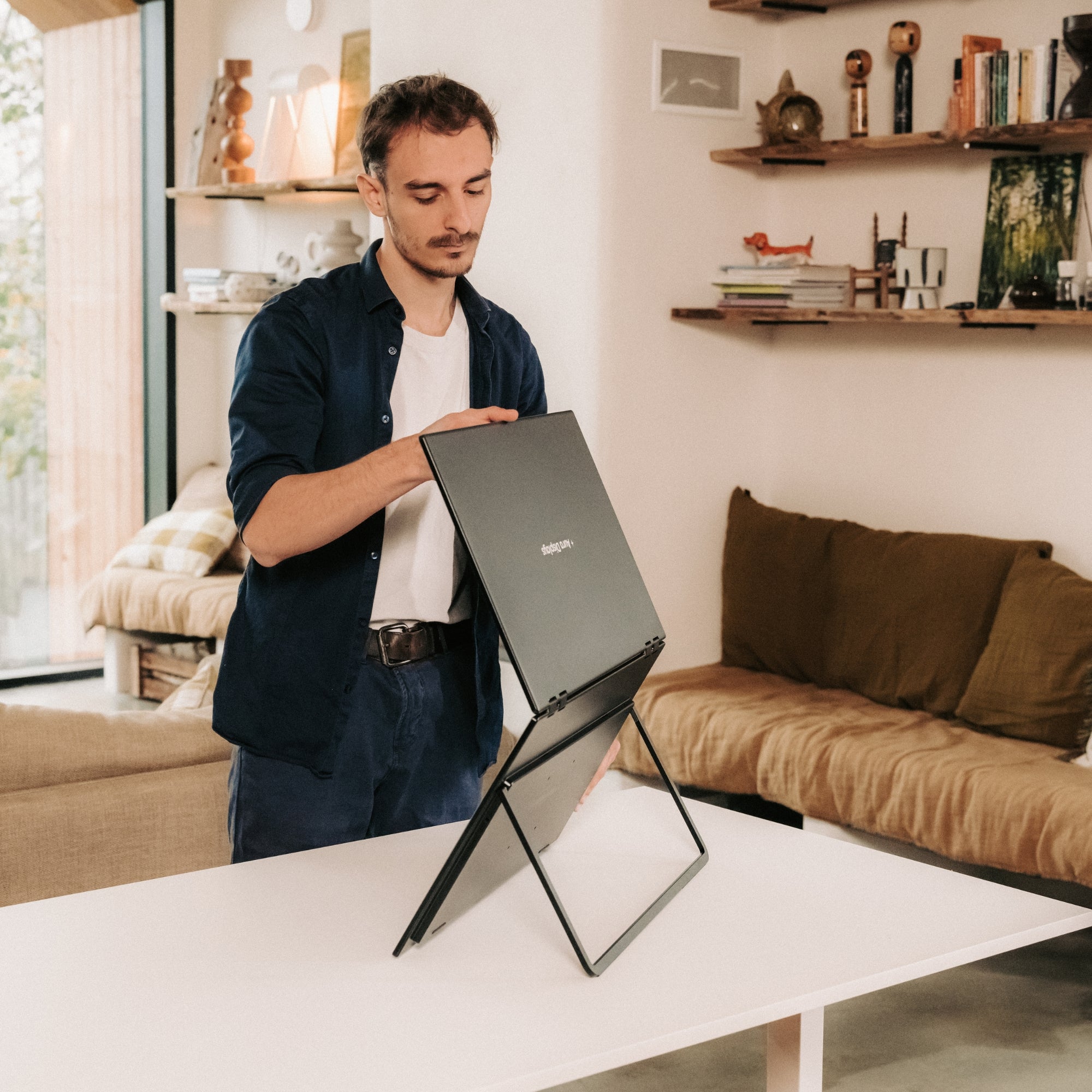
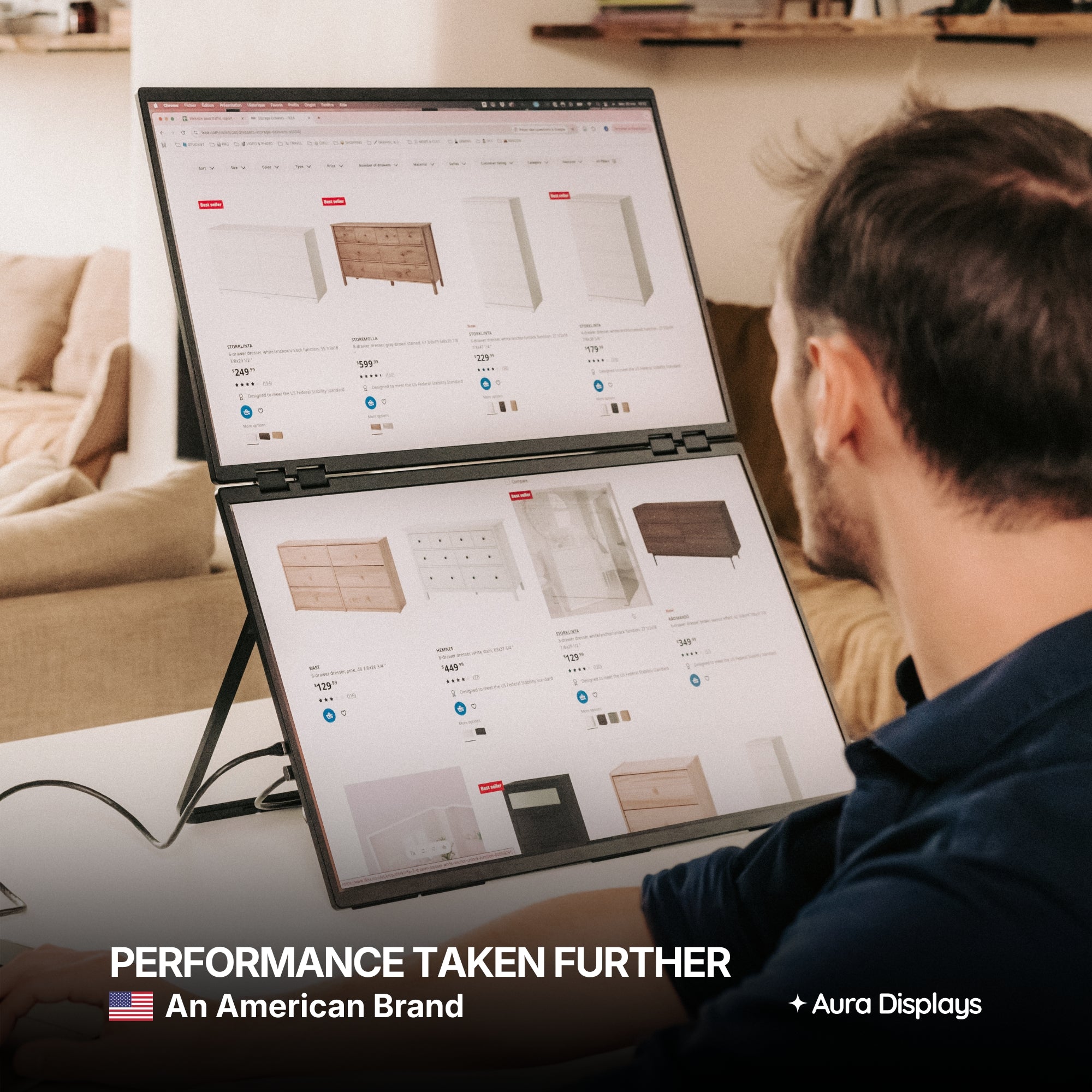
Introducing the Dual Book Pro Wide, the largest dual portable monitor on the market. Crafted entirely from hyper-qualitative, full aluminum, its innovative design folds like a book, transforming two expansive 24-inch displays into a single, compact 24-inch portable shape. When opened, it delivers a massive dual 24-inch workspace—a level of screen real estate previously impossible on the go. The Dual Book is the definitive, engineering marvel built for professionals who demand maximum scale and uncompromising quality, anywhere.
Display
Screen size: 2x 24"
Resolution: 1920 x 1080 Full HD
Aspect ratio: 16:9
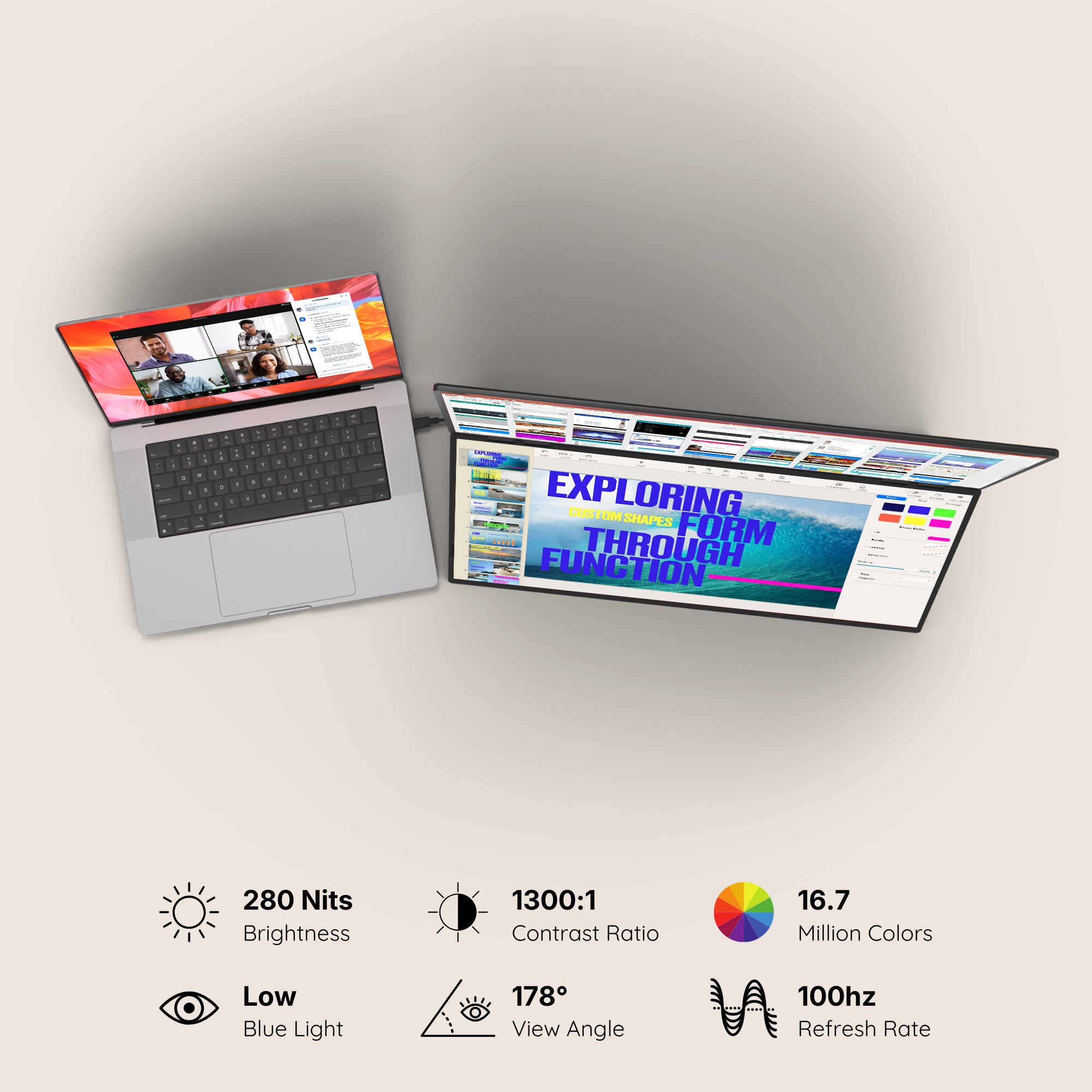
Brightness: 280 Nits
Contrast: 1300:1
Technology: LED IPS Matte
Colors: 16.7 millions colors 99% sRGB
Refresh Rate: 100hz
All technical specifications can be found at the bottom of the page or here.
Connectivity & Compatibility
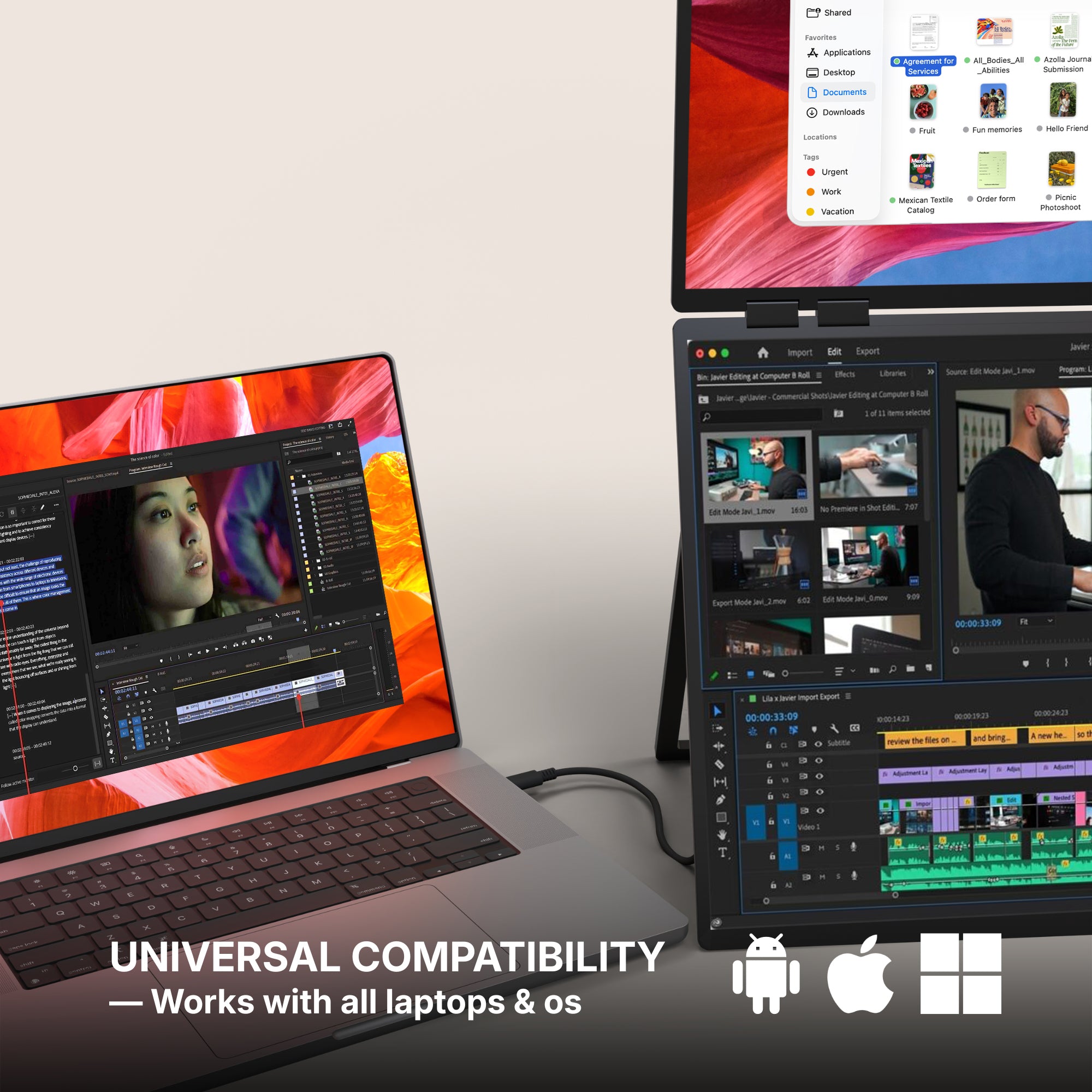
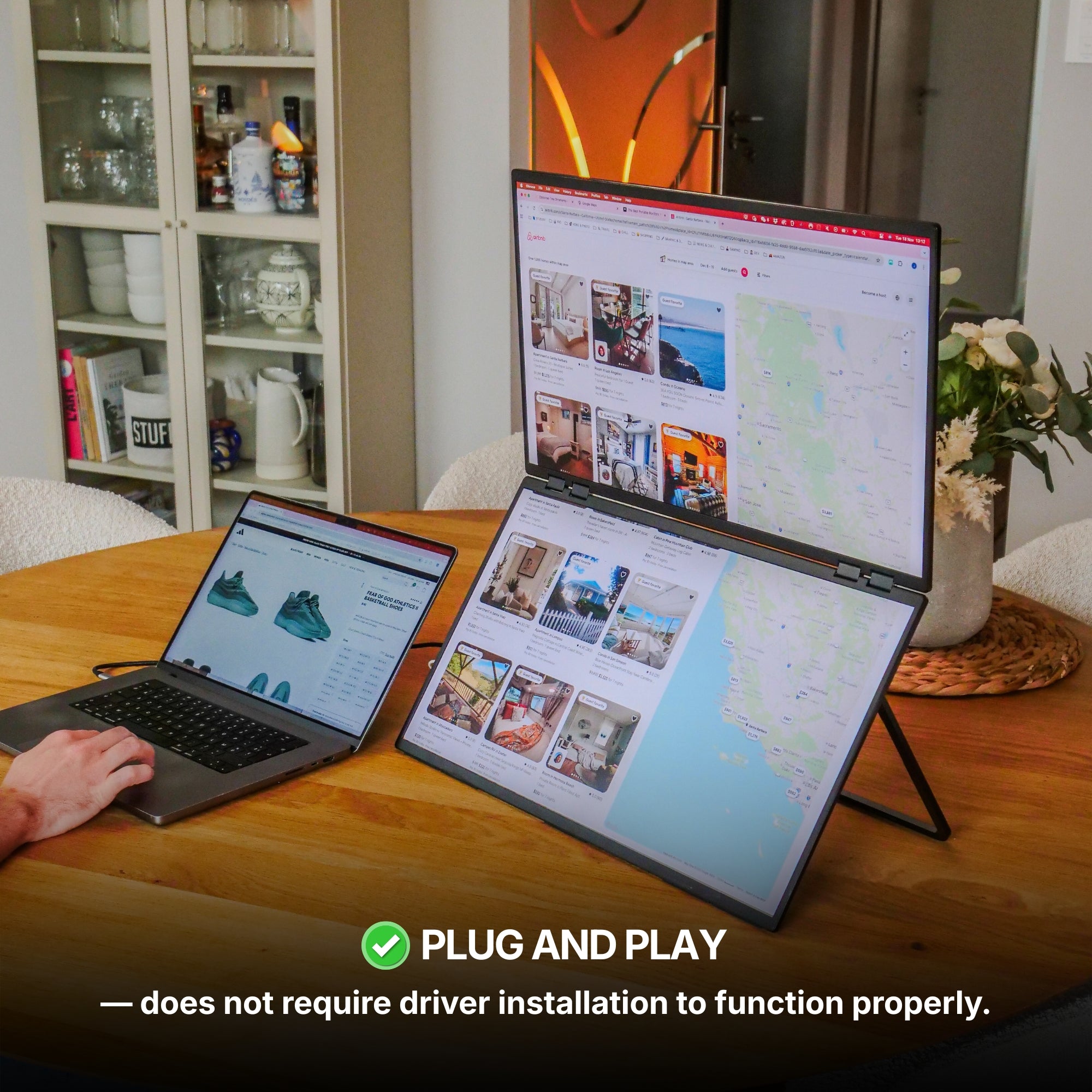
This portable monitor is compatible with virtually any laptop that has a USB port and he does not require driver installation to function properly.
Connectivity:
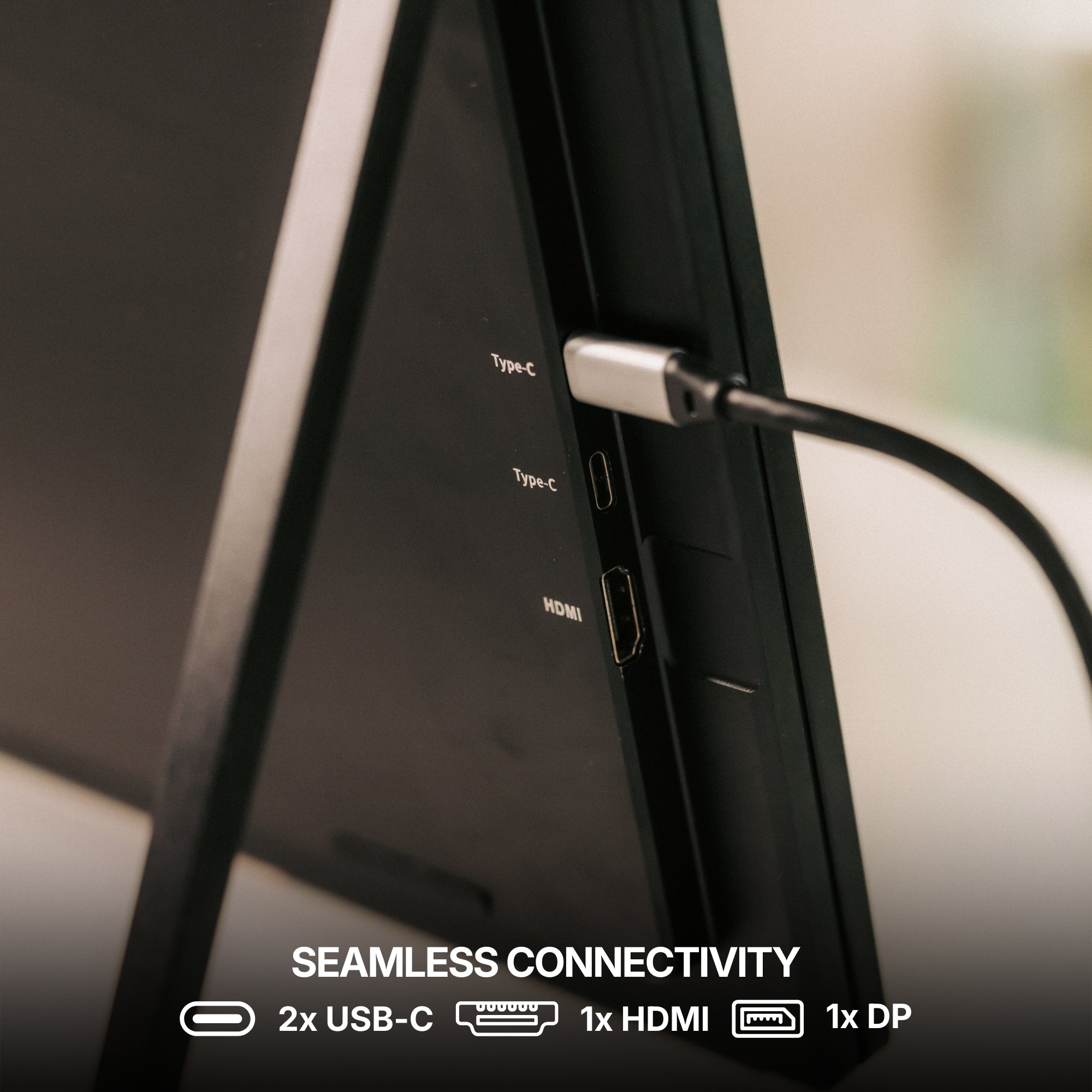
2x USB-C
1x HDMI
1x DP
1x Jack 3.5mm
Only one USB-C port required
Power Supply 65W required
Operating systems:
MacOS
Windows
Linux
Android
ChromeBook
Surface
Game consoles
iPhone ( with USB-C )
iPad ( with USB-C )
Apple processor
Intel Processor
M1 / M1 PRO / M1 MAX
M2 / M2 PRO / M2 MAX
M3 / M3 PRO / M3 MAX
M4 / M4 PRO / M4 MAX
M5 / M5 PRO / M5 MAX
and above
Windows version
Windows 11 and above
Windows 10
Windows 8.1
Windows 7
All technical specifications can be found at the bottom of the page or here.
Product Guide and Download
Learn how to to set up, use, and care for Dual Book Pro 48” Wide (Gen 1), and get a comprehensive look at all the product’s features.
Dual Book Pro 48” Wide (Gen 1) does not require driver installation to function properly.
All technical specifications can be found at the bottom of the page or here.
Pairs well with
Also available in our Refurbished Program
Our refurbished products are fully inspected, tested, and repackaged to perfection by our technical team, ensuring the same performance and reliability as a brand-new unit.
Enjoy up to 15% off while contributing to a more sustainable tech industry — because extending product life means reducing waste and protecting our planet.
Have questions? Our support team is ready to assist. Contact us anytime, and we’ll respond promptly. Chat available weekdays, 9am to 5pm (CET).
Shipping Information
We proudly ship worldwide to over 100 countries. Enjoy free shipping on orders over $100 during our current promotion.
Delivery typically takes 3-6 days. We partner with trusted carriers like DHL, FedEx, and UPS for a secure, tracked delivery experience.
Track my order
Once your order is dispatched, you’ll receive an email with a tracking number and link. You can track your package directly on the courier's website (DHL, FedEx, UPS, etc.). You’ll also receive a notification once your shipment is out for delivery. If you don’t see tracking details in your inbox, please check your spam folder.
Returns
For purchases made directly through our website, we offer a 14-day return policy from the delivery date. Accessories that come with your portable monitor can be returned, but separately purchased accessories are not included in this policy. If you purchased from another retailer, please contact them for return instructions.
If you decide the product is not for you, we’ll provide a full refund within 14 days, provided the product is unsealed and returned with all items from the original order. Refunds will be processed to the original payment method. Please note, our free return policy does not cover compatibility or driver issues if these were not verified prior to purchase.
Warranty
Every product we offer is backed by a one-year warranty, covering any manufacturing defects. Should you experience any issues within this period, simply reach out to our customer support team, and we’ll assist you with a repair or replacement.
Contact us
Have a question? Reach out via email through our contact form or chat directly with one of our agents.
Excellent 4.5|41 trusted reviews
Highlights.
The Dual Book Pro Wide 48” (Gen 1) is a remarkably immersive, laptop dedicated, portable monitor system, meticulously crafted by Aura Displays ✦
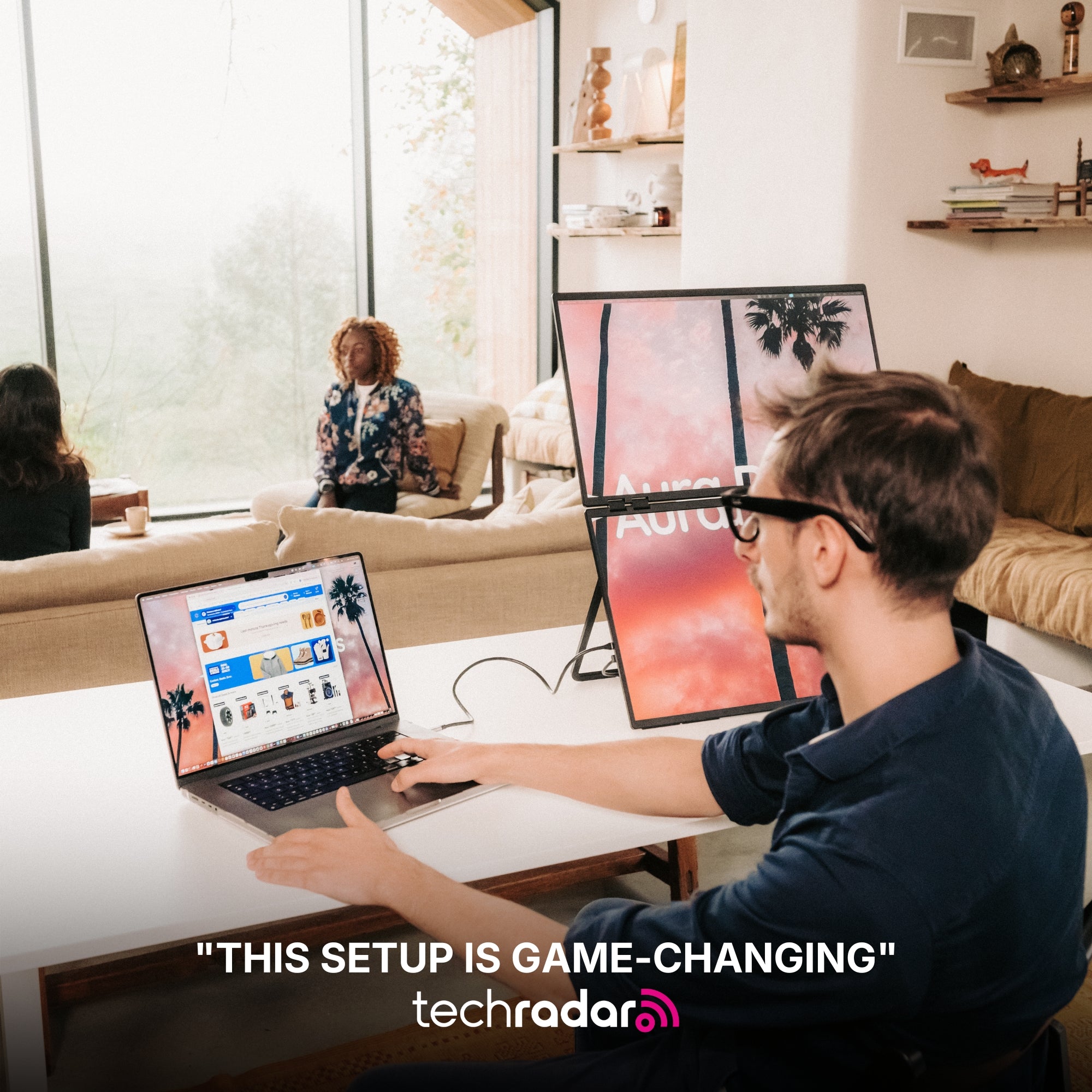
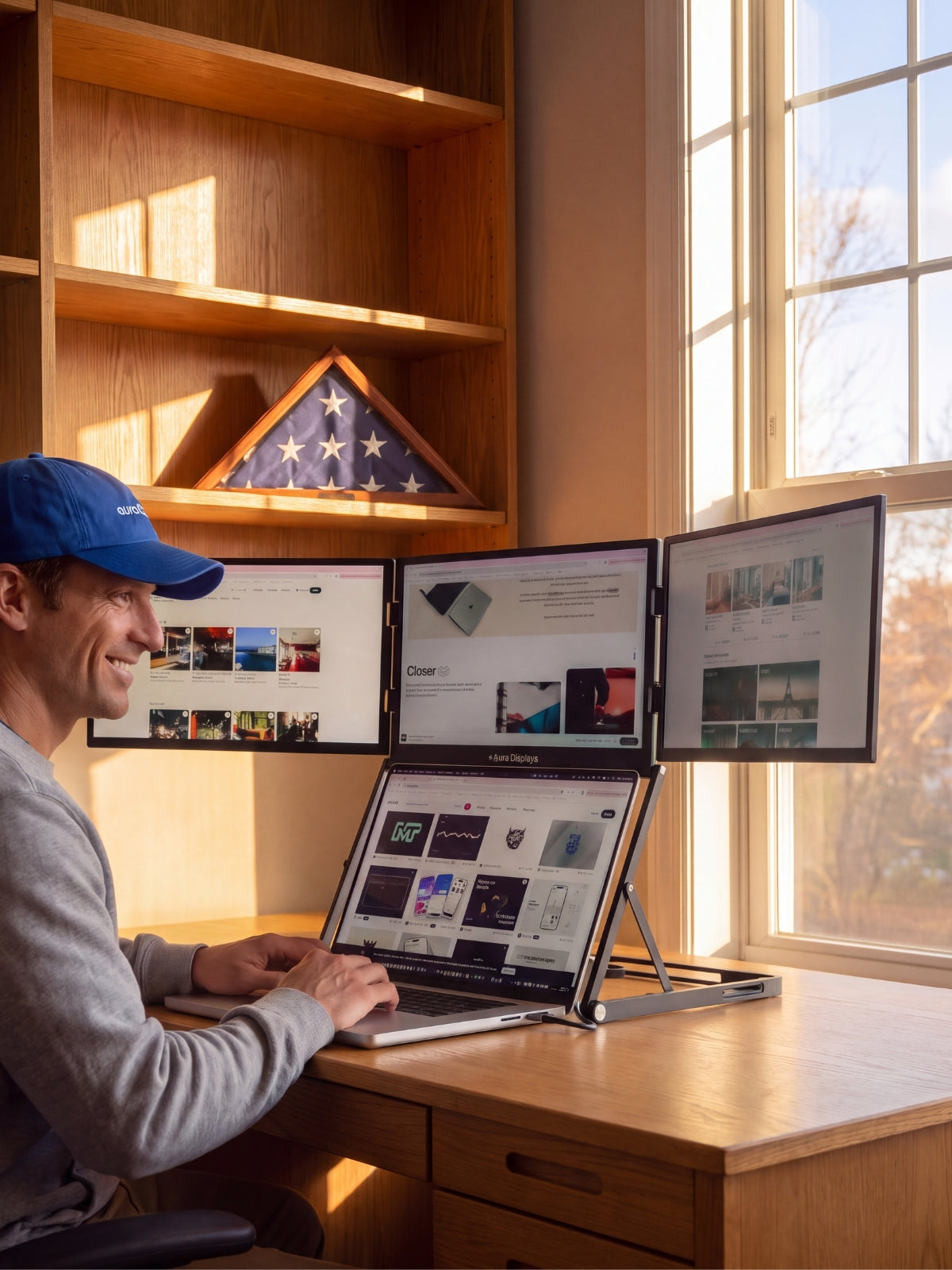
Lose yourself in an immersive view, unlocking expansive display space for maximum productivity, multitasking, and an elevated visual experience.
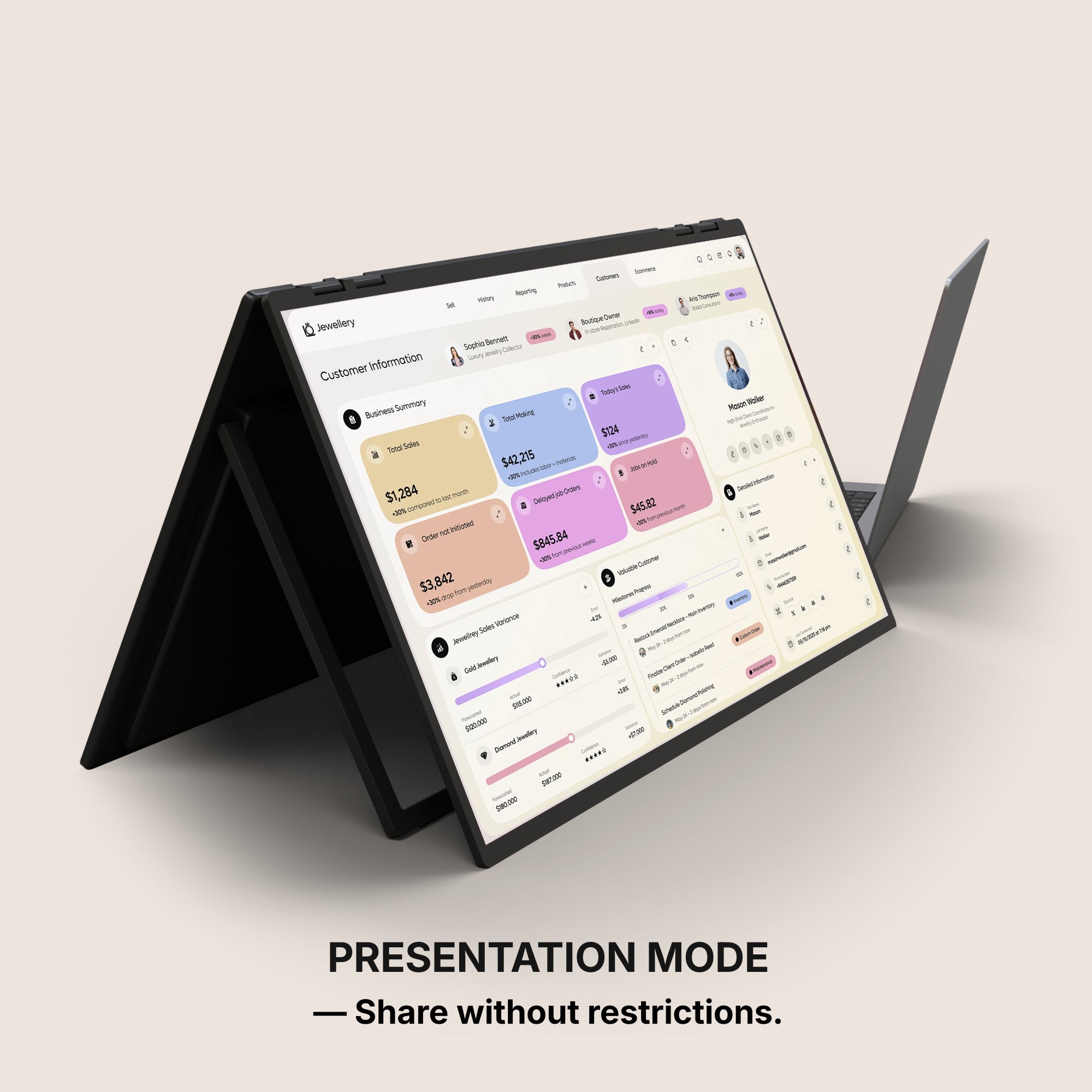
Share without restrictions.
Presentation mode
Own the conversation with a full 180° rotation. Effortlessly share your screen and adjust your display for flawless collaboration from any angle.
Two pages. One seamless workflow.
Book Mode
Book Mode lets you position the two screens side by side like the pages of an open book, creating a natural reading and working experience.
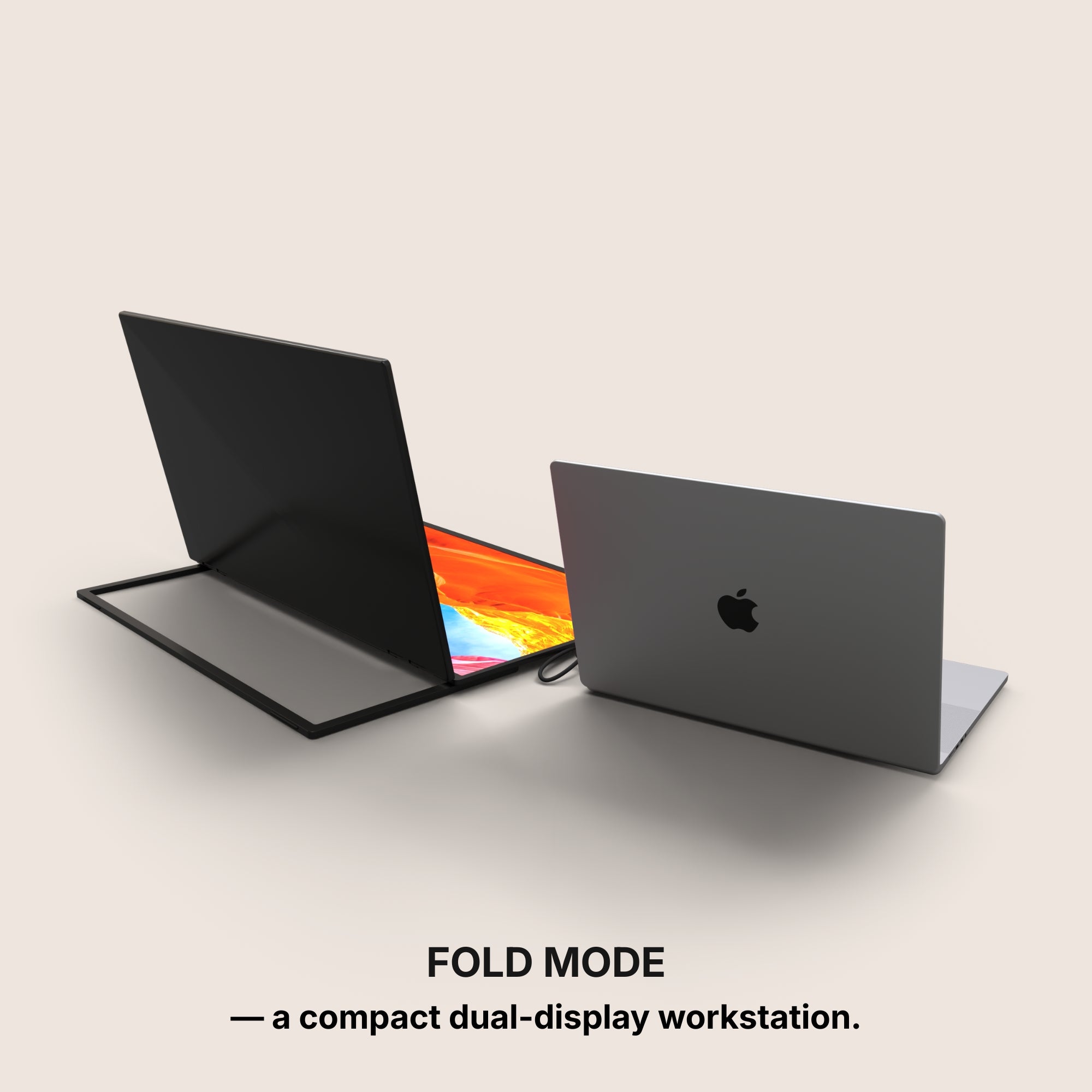
Fold mode
With Fold Mode, your portable monitor transforms into a compact, dual-display workstation in seconds. Simply unfold the screens and position them flat on your desk for a clean, immersive setup that feels like a true desktop environment.
Set up in seconds.
Unfold the stand
Open the screens
Plug in the power supply
Connect it to your laptop via USB-C
You’re ready to work, play, and unwind.
Built to elevate your productivity
Landscape mode
Lose yourself in an immersive view, unlocking expansive display space for maximum productivity, multitasking, and an elevated visual experience.
Share without restrictions.
Presentation mode
Own the conversation with a full 180° rotation. Effortlessly share your screen and adjust your display for flawless collaboration from any angle.
Two pages. One seamless workflow.
Book Mode
Book Mode lets you position the two screens side by side like the pages of an open book, creating a natural reading and working experience.
Fold mode
With Fold Mode, your portable monitor transforms into a compact, dual-display workstation in seconds. Simply unfold the screens and position them flat on your desk for a clean, immersive setup that feels like a true desktop environment.
Set up in seconds.
Unfold the stand
Open the screens
Plug in the power supply
Connect it to your laptop via USB-C
You’re ready to work, play, and unwind.
Designed to Do More.
Explore the features that make this monitor smarter, more versatile, and built to elevate the way you work and create.
Move Freely Across Screens
Instantly drag and transfer any window from one display to another for a smoother, faster multitasking experience.
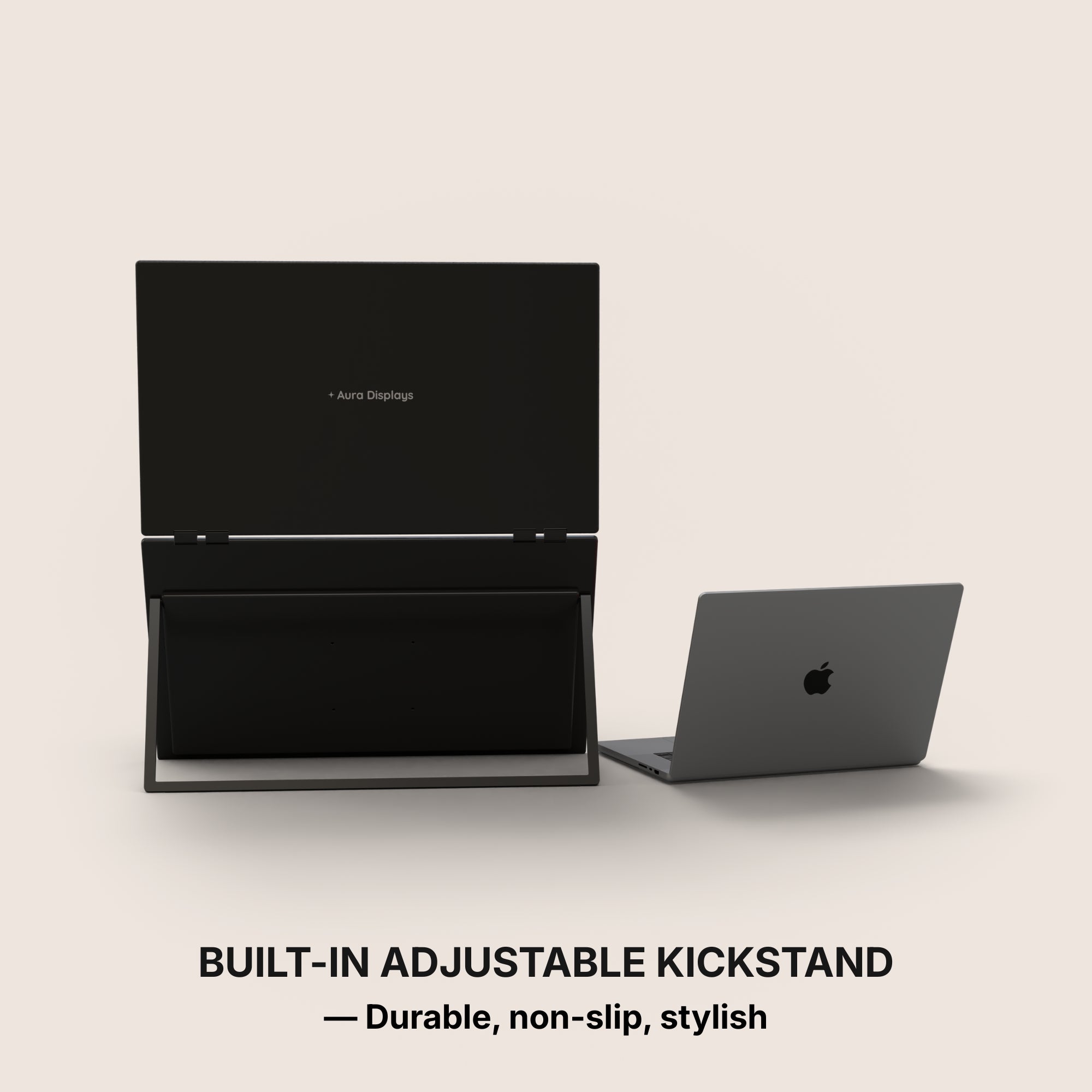
Integrated Stand
The monitor features a built-in stand, allowing you to position it easily and create a stable workspace anywhere. Its integrated design ensures quick setup and convenient use wherever you go.
Effortless Connection
Designed for simplicity, connecting your displays takes just seconds. Plug the cable, power on, and start working immediately.
VESA Mount Compatible
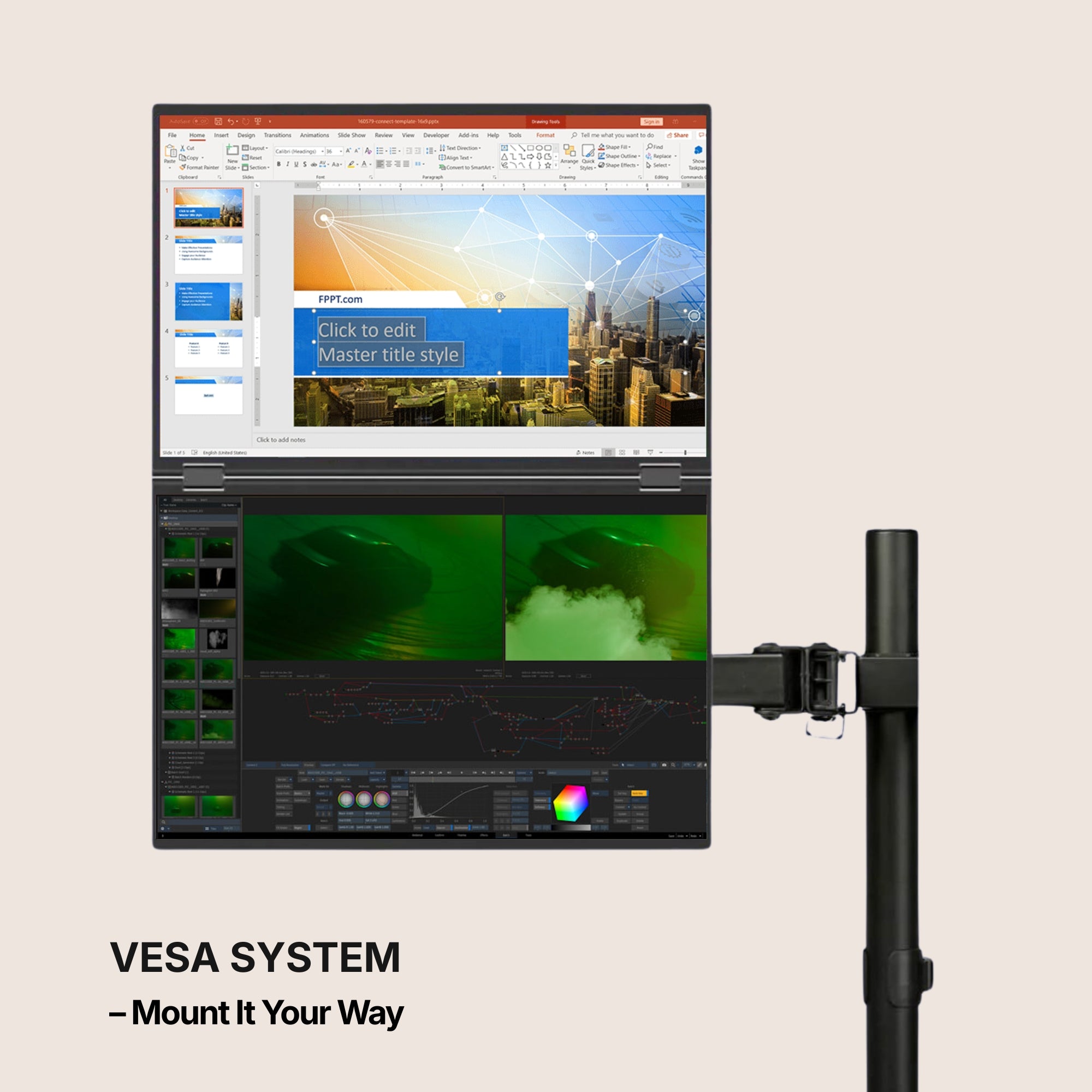
This monitor is VESA mount compatible, allowing you to easily attach it to a wide range of stands, arms, or wall mounts. This gives you the flexibility to create a cleaner, more ergonomic workspace that fits your setup perfectly.
Auto-Rotate Display
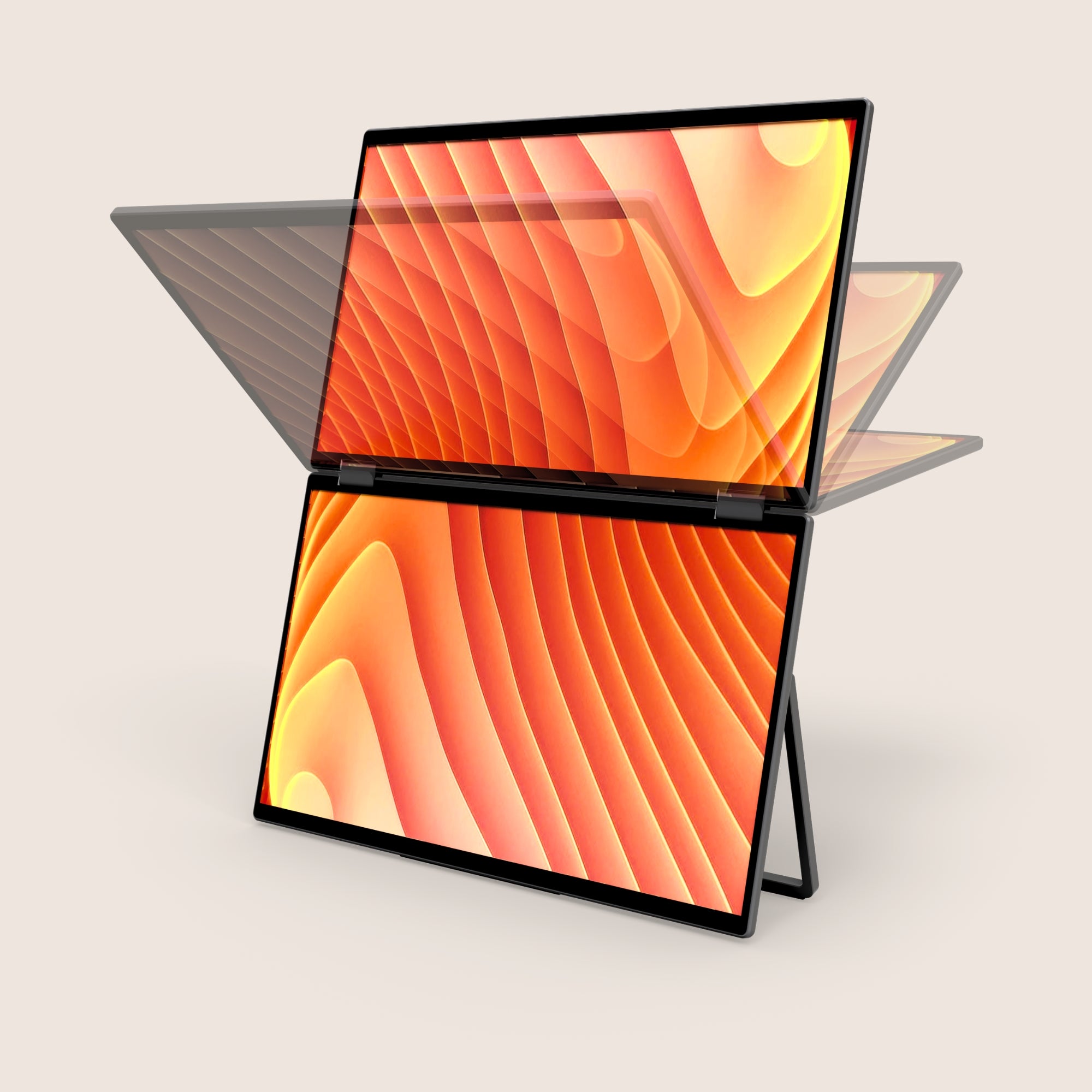
When the upper screen is flipped to the back, the display automatically rotates to maintain the correct orientation. This smart feature ensures your content is always perfectly aligned, making it ideal for sharing your screen with others.
Protected When Closed
When the screens are folded back into their closed position, they are safely protected from scratches, dust, and everyday wear. This design helps keep your displays in perfect condition, especially when traveling or moving your setup.
Built-in Speakers
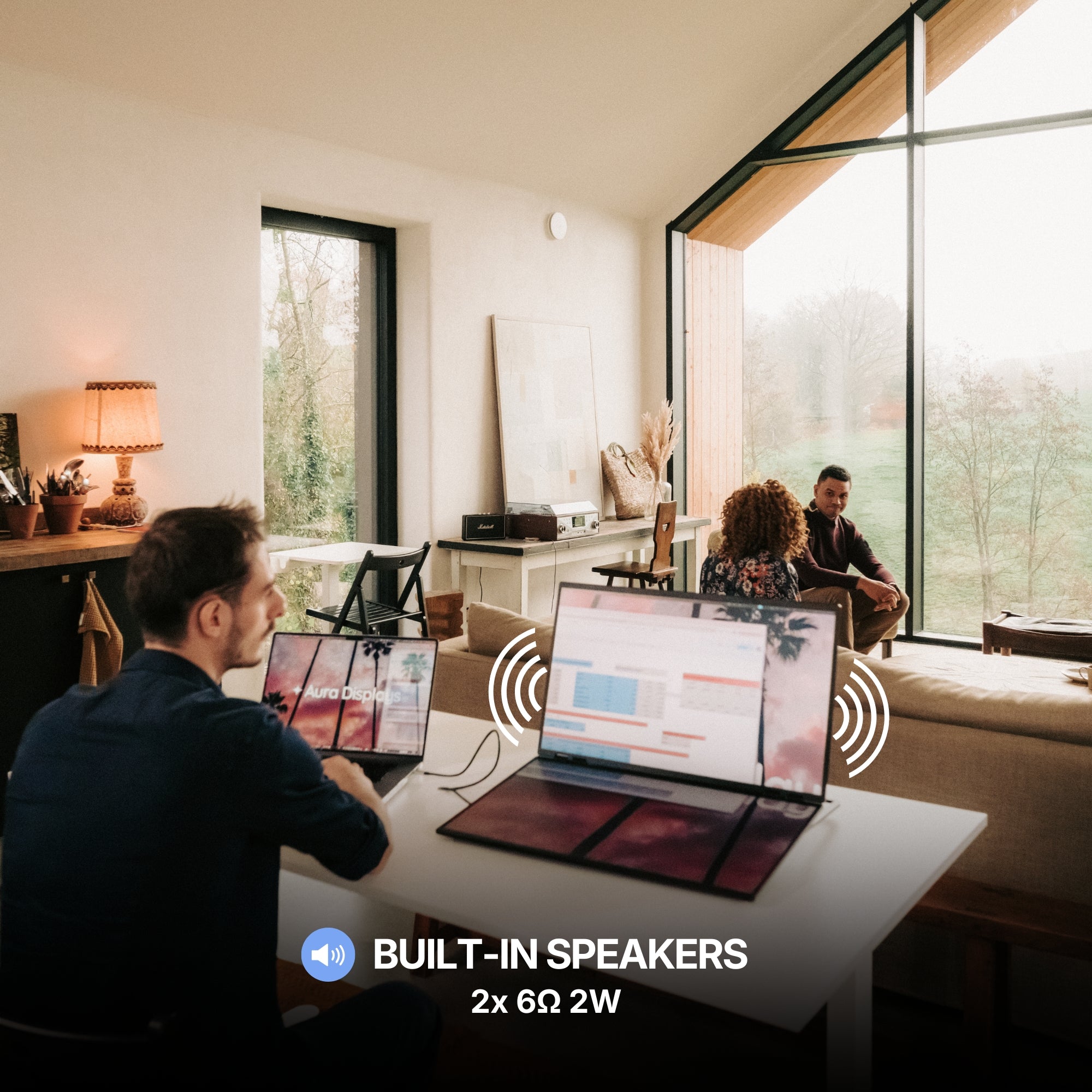
This monitor features integrated speakers, allowing you to enjoy audio directly from the display without needing external equipment. Whether you're watching content, joining meetings, or listening to music, everything works seamlessly from one device.
Precision-Built Hinge
Engineered with an ultra-durable hinge system designed for maximum stability, smooth movement, and long-term reliability.
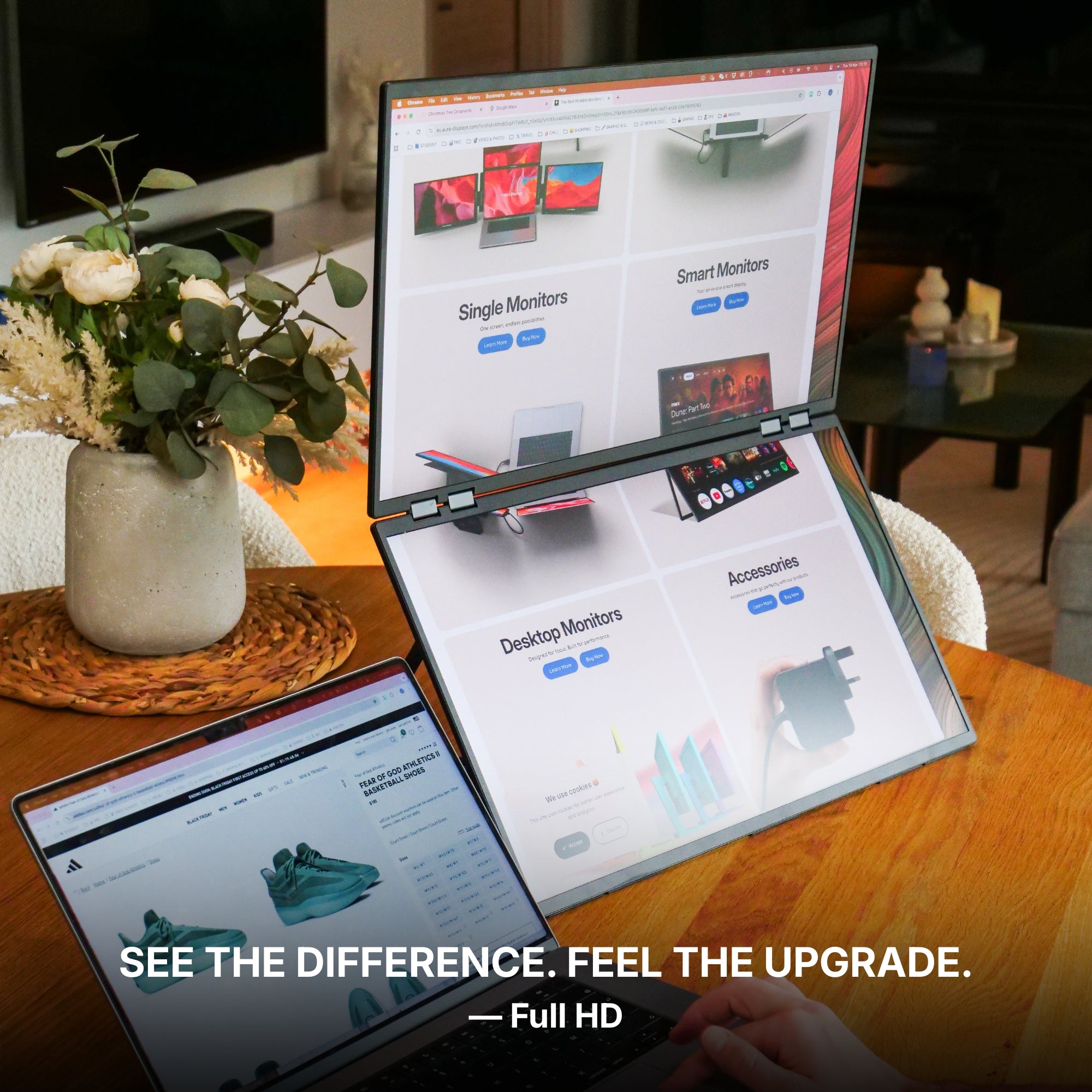
Available in Full HD.
Brilliant visuals with spectacular clarity.
From bright outdoor spaces to dim studios — without missing a detail.
The stunning IPS HDR display of the Dual Book Pro Wide 48” (Gen 1) delivers up to 280 nits of brightness for excellent visibility even in bright environments, along with a 1300:1 contrast ratio that enhances depth and clarity.
The result: a screen that remains sharp, vibrant, and perfectly readable in virtually any lighting condition.
Performance. Taken Further.
Your laptop needs a high-performance sidekick. Everything it has always been missing, all in one.
Our displays integrate cutting-edge technologies such as HDR and Eye Care, delivering vibrant visuals while helping reduce eye strain during long working sessions.
Our portable monitors are designed to work seamlessly with a wide range of devices. Built for flexibility and ease of use, they integrate effortlessly into your setup, making it simple to expand your workspace wherever you work.
macOS
macOS
MacOS version:
MacOS 26 Tahoe and above
MacOS 15 Sequoia
MacOS 14 Sonoma
MacOS 13 Ventura
MacOS 12 Monterey
MacOS 11 Big Sur
MacOS 10.15 Catalina
MacOS 10.14 Mojave
MacOS 10.13 High Sierra
MacOS 10.12 / 10.11 / 10.10
Apple processor:
Intel Processor
M1 / M1 PRO / M1 MAX
M2 / M2 PRO / M2 MAX
M3 / M3 PRO / M3 MAX
M4 / M4 PRO / M4 MAX
M5 and above
Windows
Windows
Windows 11 and above
Windows 10
Windows 8.1
Windows 7
Linux
Linux
Our portable monitors are fully compatible with all Linux distributions. Simply connect your device and start working — no special configuration required. Whether you're using Ubuntu, Debian, Fedora, or any other Linux system, your monitor integrates seamlessly into your setup.
Android
Android
Android 7.1 and above
When connected to an Android smartphone, the monitor will display a mirrored view of your device’s screen. This means the same content shown on your phone will appear on the external display, allowing you to easily share, present, or view your screen on a larger display.
Our portable monitors work with Android devices equipped with a USB-C port that supports video output. Depending on the device, the monitor may also need to be connected to a power supply for proper operation.
Game consoles
Game consoles
Playstation 5
Playstation 4
Playstation 3
Xbox Series S & X
Xbox One
Nintendo Switch 1
Nintendo Switch 2
All consoles with HDMI connection
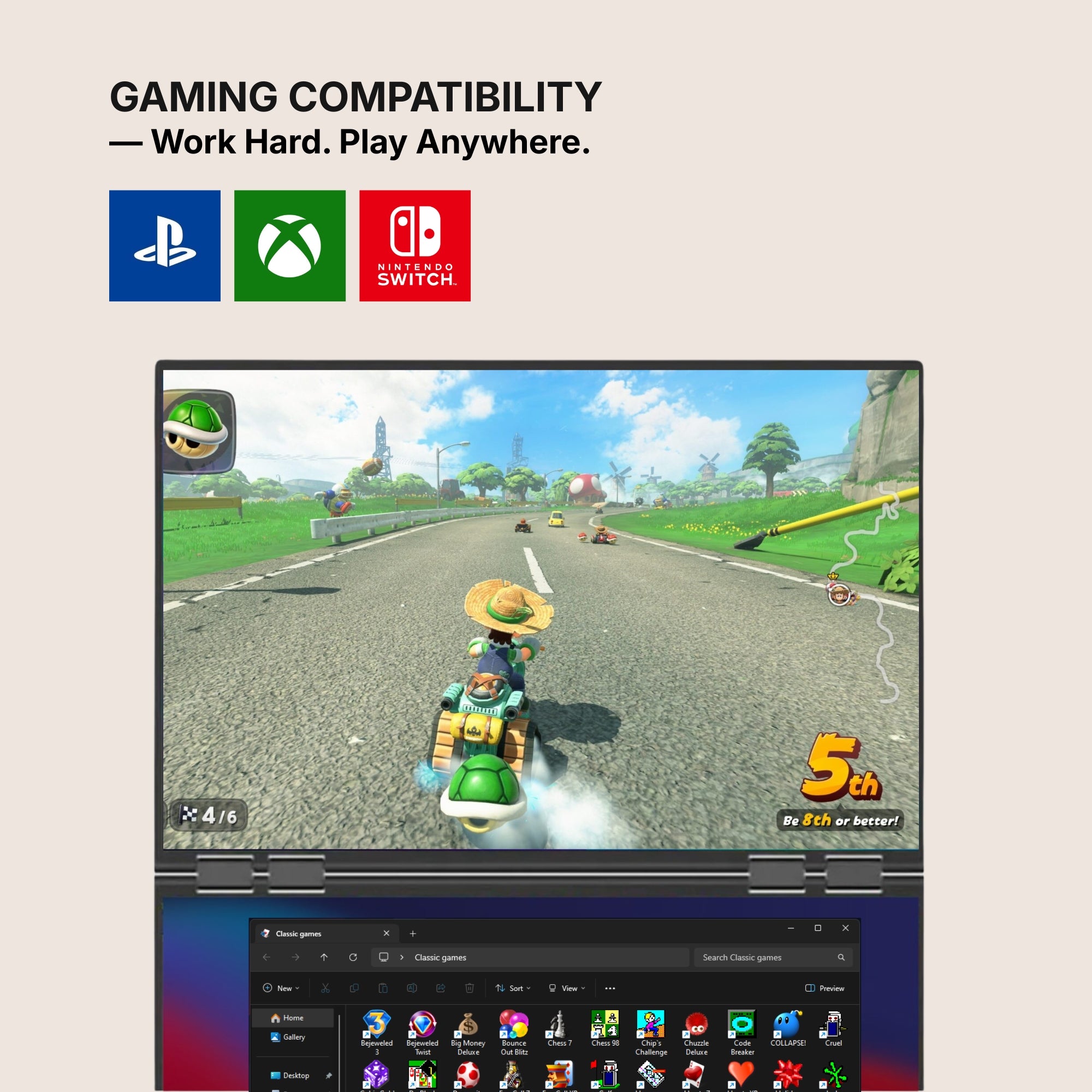
The Nintendo Switch 1 and 2 can connect to our portable monitors via USB-C or HDMI.
All other gaming consoles connect via HDMI, ensuring a simple and reliable setup for your gaming sessions.
Depending on the device, the monitor may also need to be connected to a power supply for proper operation.
iPad with USB-C
iPad with USB-C
Our portable monitors work with iPhone and iPad models equipped with a USB-C port. When connected, the display will mirror your device’s screen, allowing you to enjoy your content on a larger display.
Depending on the device, the monitor may also require an external power supply to operate properly.
iPhone with USB-C
iPhone with USB-C
Our portable monitors work with iPhone and iPad models equipped with a USB-C port. When connected, the display will mirror your device’s screen, allowing you to enjoy your content on a larger display.
Depending on the device, the monitor may also require an external power supply to operate properly.
Mac Mini
Mac Mini
Our portable monitors work seamlessly with the Mac mini. Simply connect the display using USB-C or HDMI to instantly expand your workspace and enjoy a larger, more productive setup.
Seamless Connectivity
Powered by advanced connectivity technologies, our portable monitors integrate effortlessly with your devices for a smooth and reliable experience.
Seamless Connectivity
Powered by advanced connectivity technologies, our portable monitors integrate effortlessly with your devices for a smooth and reliable experience.
USB-C
USB-C
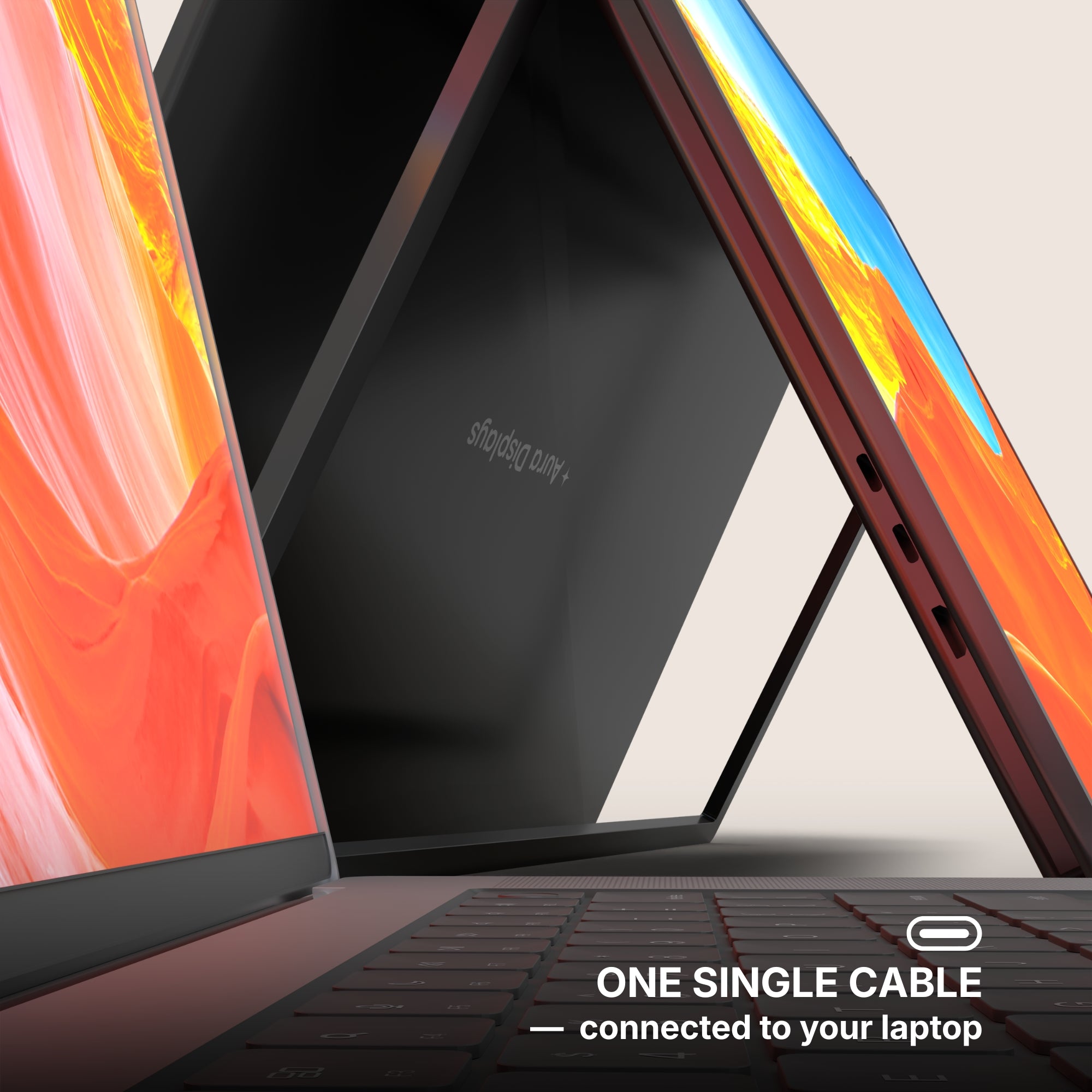
One Cable to Your Laptop
Only one USB-C cable connected to your laptop is needed to transmit video and activate the screens.
However, the monitors must also be connected to an external power supply to provide the energy required for proper operation.
USB 3.0
USB 3.0
USB 3.0 Alternative Connection
If your laptop does not have a USB-C port, the monitors can also be connected using USB 3.0 cables. In this setup, one cable is used to transmit the data signal, while another provides the power needed to operate the screens, ensuring reliable performance even without USB-C.
HDMI
HDMI
HDMI Connection
Each screen can also operate using HDMI — simply connect one HDMI cable per display to transmit the video signal.
Since HDMI only carries the image, the monitor must also be powered separately, either through a USB-C connection or an external power supply.
Mixed Connectivity
It is also possible to use different connections for each screen. One display can be connected via USB-C, while the other operates through HDMI. This flexible setup allows you to adapt easily to the ports available on your device.
Display Port
Display Port
Display Port Connection
Each screen can also operate using Display Port — simply connect one Display Port cable per display to transmit the video signal.
Since Display Port only carries the image, the monitor must also be powered separately, either through a USB-C connection or an external power supply.
Mixed Connectivity
It is also possible to use different connections for each screen. One display can be connected via USB-C, while the other operates through Display Port. This flexible setup allows you to adapt easily to the ports available on your device.
Jack 3.5mm
Jack 3.5mm
Our portable monitors feature a 3.5mm audio jack, allowing you to easily connect headphones, speakers, or external audio systems. This gives you the flexibility to route sound directly from your setup for a more comfortable and immersive experience.
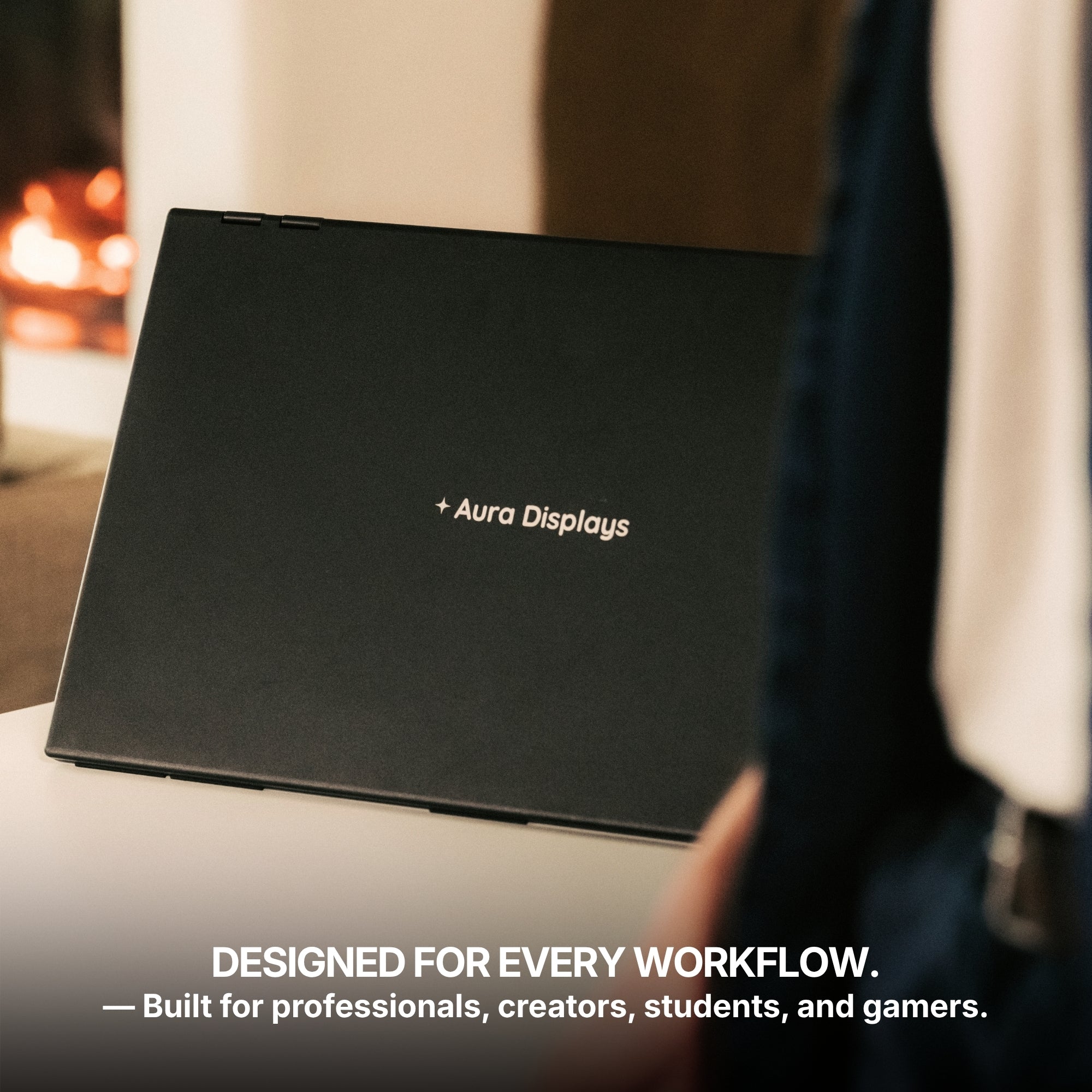
Designed for every workflow.
Whether you're a professional, creator, student, or gamer, this monitor adapts to your needs. Built for versatility and everyday productivity, it fits naturally into any workflow.
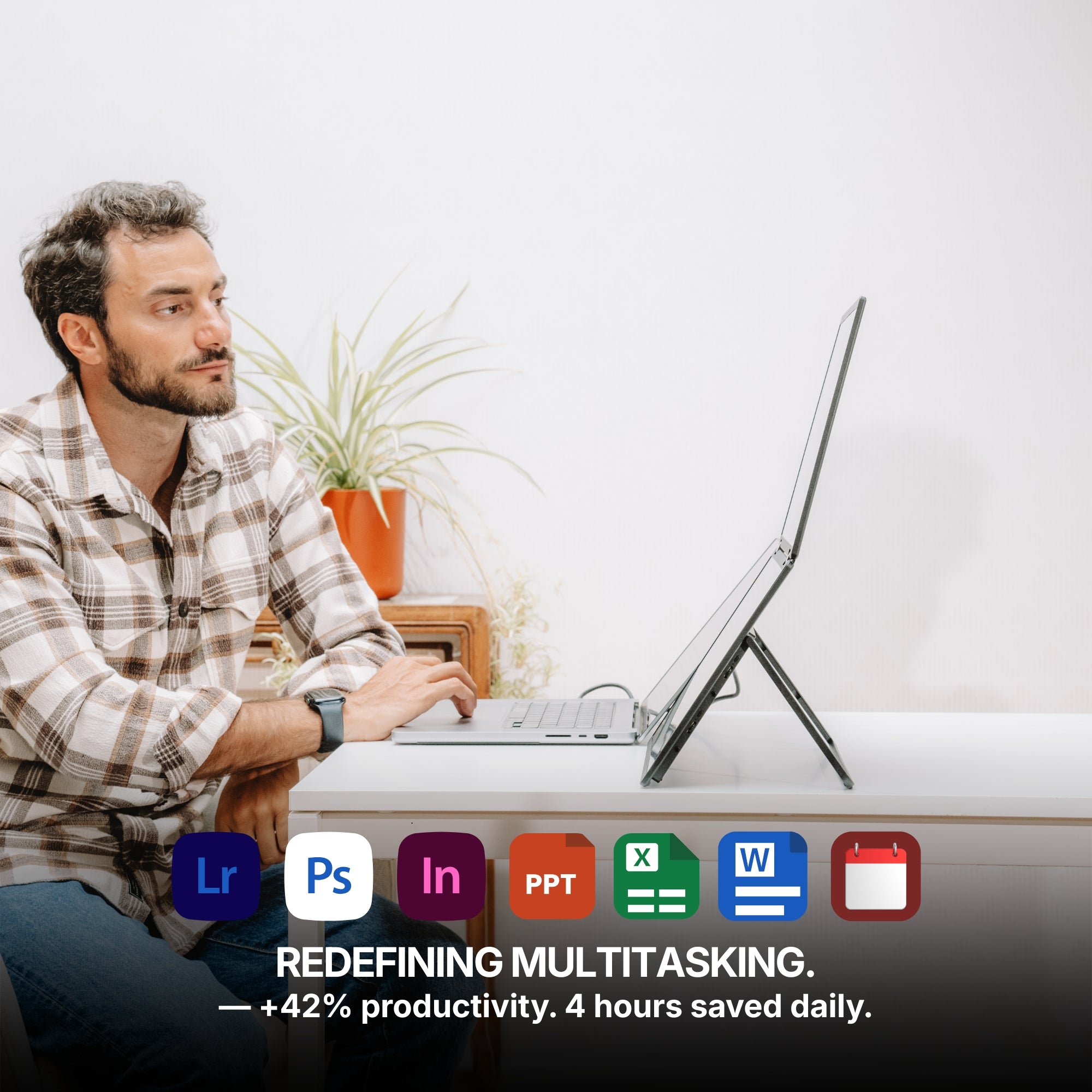
With multiple displays working together, your workspace expands so you can manage more tasks, more ideas, and more productivity at the same time. Enjoy up to a 42% boost in productivity, save up to 4 hours each day, and experience 100% working comfort with a workspace designed to help you stay focused, efficient, and organized.
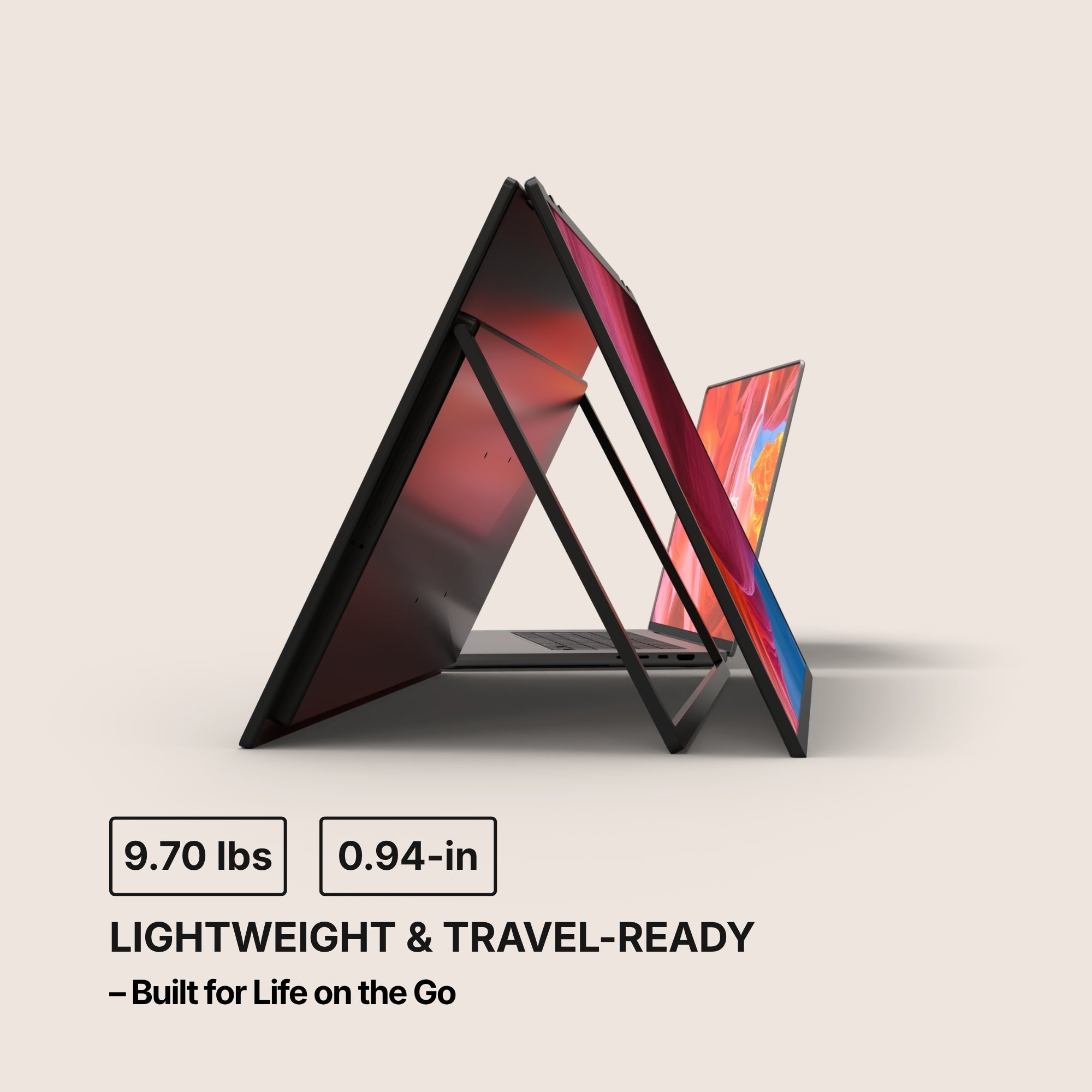
Designed to be incredibly thin and lightweight, this monitor fits effortlessly into your workspace and your bag.
With a thickness of just 0.94inches when closed and a weight of only 9.70 lbs, this monitor is designed to travel effortlessly with you — making it easy to take powerful screen space wherever you go.
Closer up.
Seen up close, our monitor is a mechanical and technological work of art. It is in the details that we see the expertise of the Aura Displays engineering team.
Multi-level Adjustable Foot
Multi-level Adjustable Foot
Durable Pro-Grade Hinges
Durable Pro-Grade Hinges
Premium Aluminum Design
Premium Aluminum Design
Built to last
Built to last
Designed with the planet in mind.
At Aura Displays, we believe innovation should move forward without leaving the planet behind. That’s why our products are thoughtfully engineered to reduce their environmental impact. From responsibly sourced materials to smarter packaging designed to minimize waste and improve recyclability, every detail is considered with sustainability in mind. Because building better technology also means building a better future.
Introducing the Dual Book Pro Wide, the largest dual portable monitor on the market. Crafted entirely from hyper-qualitative, full aluminum, its innovative design folds like a book, transforming two expansive 24-inch displays into a single, compact 24-inch portable shape. When opened, it delivers a massive dual 24-inch workspace—a level of screen real estate previously impossible on the go. The Dual Book is the definitive, engineering marvel built for professionals who demand maximum scale and uncompromising quality, anywhere.
Product information
Rated 4.51/5 ★★★★★ based on 41 verified reviews. Real people, real results. Explore authentic testimonials from those who have benefited from Dual Book Pro Wide 48” (Gen 1).
Estimated delivery: 5 to 8 days
Product category
Dual monitor
Desktop monitor
Portable monitor
USB monitor
HDMI monitor
Available color(s)
Midnight Black
Materials
Aluminum
Laptop Match
For all laptop sizes
Vesa system
Yes
Speaker(s)
Yes
2x 6Ω 2W
Product size unfolded
21.33 x 12.67 x 0.94 inch
541.9 x 322.9 x 24.85 mm
Product size folded
Product weight
9.7 LBS
4.40 KG
Battery
No built-in battery
Autonomy: /
Software
No Software required
Plug and Play
Certifications
Consumer Electronic (CE)
Federal Communications Commission (FCC)
Restriction of Hazardous Substances in Electrical and Electronic Equipment (ROHS)
Energy Label (A)
Display
Display size
2x 24"
Display type
Matte
IPS
LED
Resolution
Full HD 1920 x 1080
Brightness
280 Nits
Contrast
1300:1
Colors
16.7 millions colors
99% sRGB
Refresh rate
100hz
Aspect ratio
16/9
Eye care mode
Yes
Visual angle
178°
Display rotation
Panoramic
Rotated (180°)
Book
Fold
Auto Sensing
Yes
Compatible Operating System
Dual Book Pro Wide 48” (Gen 1) is compatible with virtually any laptop that has a USB port.
Operating systems
MacOS
Windows
Linux
Android
ChromeBook
Surface
Game consoles
iPhone ( with USB-C )
iPad ( with USB-C )
Macos version
MacOS 26 Tahoe and above
MacOS 15 Sequoia
MacOS 14 Sonoma
MacOS 13 Ventura
MacOS 12 Monterey
MacOS 11 Big Sur
MacOS 10.15 Catalina
MacOS 10.14 Mojave
MacOS 10.13 High Sierra
MacOS 10.12 / 10.11 / 10.10
Apple processor
Intel Processor
M1 / M1 PRO / M1 MAX
M2 / M2 PRO / M2 MAX
M3 / M3 PRO / M3 MAX
M4 / M4 PRO / M4 MAX
M5 and above
Windows version
Windows 11 and above
Windows 10
Windows 8.1
Windows 7
Gaming
Playstation 5
Playstation 4
Playstation 3
Xbox Series S & X
Xbox One
Nintendo Switch 1
Nintendo Switch 2
All consoles with HDMI connection
The Nintendo Switch 1 and 2 can connect to our portable monitors via USB-C or HDMI.
All other gaming consoles connect via HDMI, ensuring a simple and reliable setup for your gaming sessions.
Depending on the device, the monitor may also need to be connected to a power supply for proper operation.
Connectivity
2x USB-C ports
1x HDMI
1x Display Port
1x Jack 3.5mm
One Cable to Your Laptop
Only one USB-C cable connected to your laptop is needed to transmit video and activate the screens.
However, the monitors must also be connected to an external power supply to provide the energy required for proper operation.
HDMI Connection
Each screen can also operate using HDMI — simply connect one HDMI cable per display to transmit the video signal.
Since HDMI only carries the image, the monitor must also be powered separately, either through a USB-C connection or an external power supply.
Mixed Connectivity
It is also possible to use different connections for each screen. One display can be connected via USB-C, while the other operates through HDMI. This flexible setup allows you to adapt easily to the ports available on your device.
Power Delivery
Power Delivery 65W power adapter
Type-c charging port
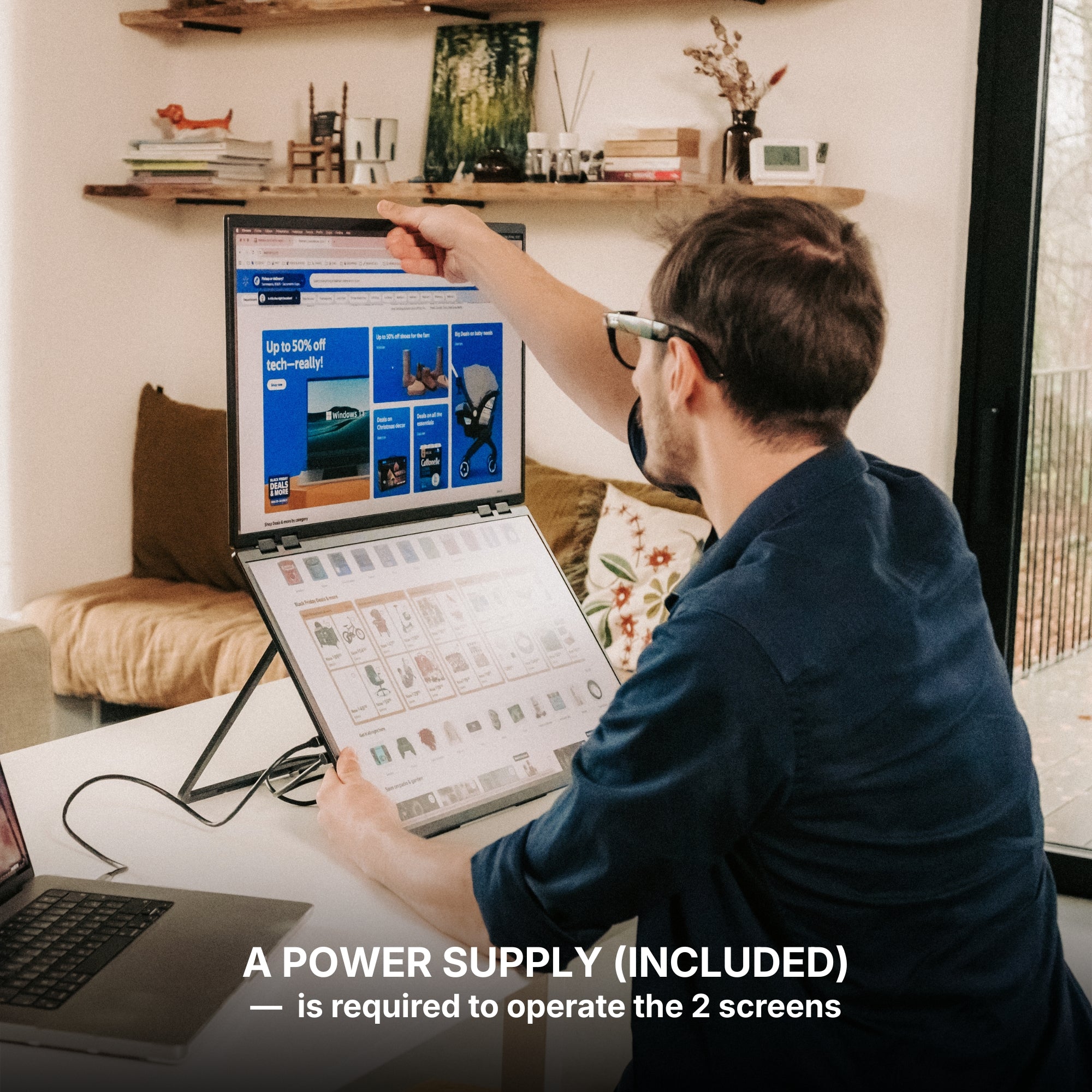
A 65W power supply (included) is required to operate the 2 screens
To operate the screens, a 65W power supply is required to provide the necessary power. This power adapter (with plug variants — US, UK, EU, JP, KR, AU and CN) is included in the box. Once powered, only one USB-C cable connected to your laptop is needed to transmit the display signal and use the monitors.
Setup & Requirements.
Easy installation (Plug and Play)
This monitor is fully plug and play, meaning no software, no drivers, and no complicated setup are required. Simply connect your device and start using your expanded workspace instantly.
65W Power Supply required
To operate the screens, a 65W power supply is required to provide the necessary power. This power adapter is included in the box. Once powered, only one USB-C cable connected to your laptop is needed to transmit the display signal and use the monitors.
OSD Menu
OSD menu features
Adjustable color
Adjustable brightness
Low Blue Light
Language
Eco-mode
DCR
Source
Timer
Sharpness
Volume control
Product Guide and Download
Learn how to to set up, use, and care for Dual Book Pro Wide 48” (Gen 1), and get a comprehensive look at all the product’s features.
Dual Book Pro Wide 48” (Gen 1) does not require driver installation to function properly.
All technical specifications can be found at the bottom of the page or here.
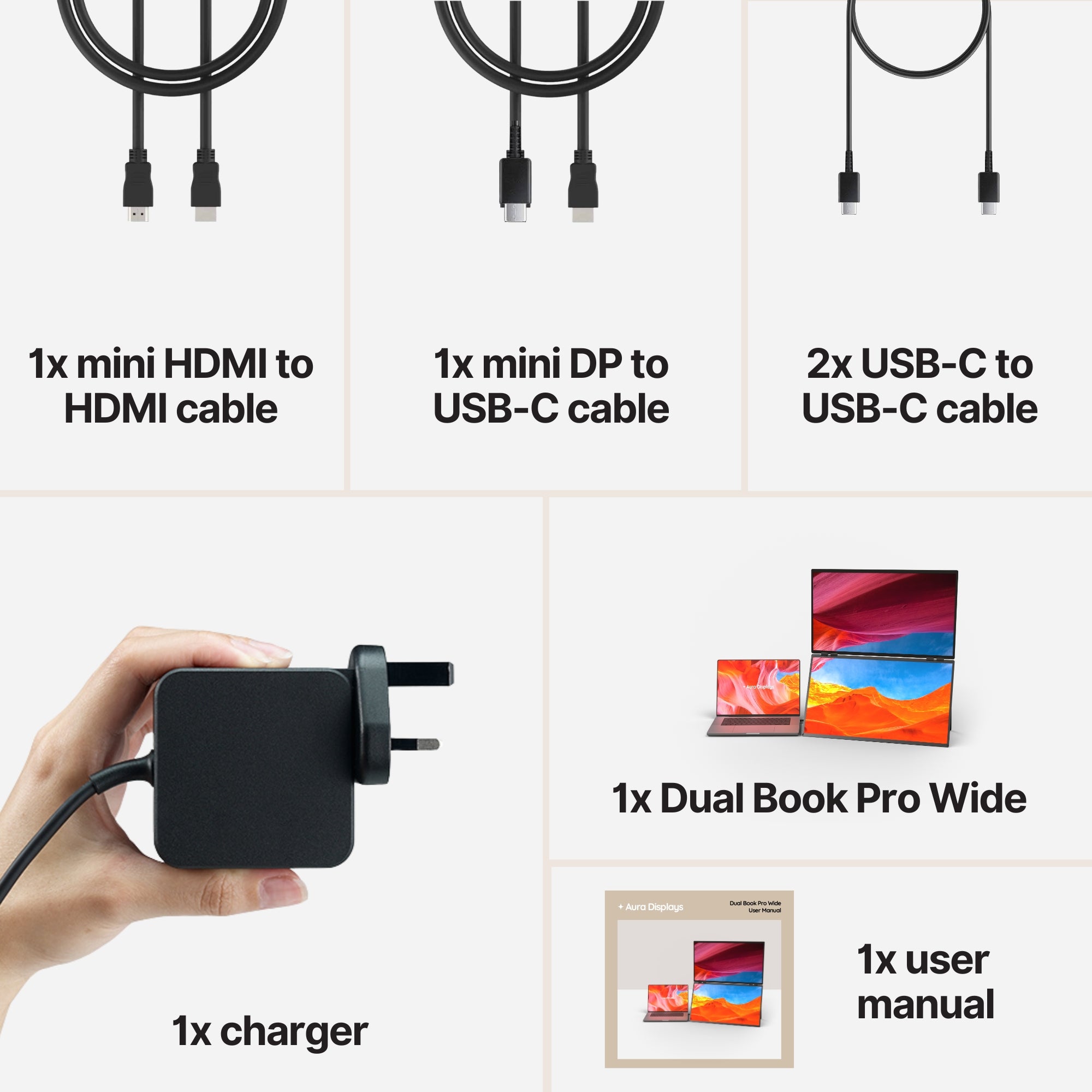
Included in the Box
1x Dual Book Pro Wide 48” (Gen 1)
2x Type-C to Type-C cable
1x mini HDMI to HDMI
1x DP to USB-C cable
1x PD power charger 65W
1x User Manual
Setup & Requirements.
Everything you need to know to get the most out of your device. From setup to connectivity, discover how our monitors are designed to integrate seamlessly into your workspace and deliver a smooth experience from the very first use.
This monitor is fully plug and play, meaning no software, no drivers, and no complicated setup are required. Simply connect your device and start using your expanded workspace instantly.
65W Power Supply required
If you want to use the screens at 100% brightness, an external power supply (included with Triple Boost Pro 15.6") can be connected. Up to 70% brightness, the monitors can operate directly from your laptop without any additional power source.
Plug & Play Collection
Discover all our Plug & Play monitors in this category. Designed for instant setup, these models work without any driver installation — simply connect your device and start using your expanded workspace in seconds.
I like it a lot, but I think of it as a foldable workstation, not a lightweight travel screen. For long workdays it is fantastic. For quick emails at a cafe, I would bring something smaller.
Thank you so much for sharing your experience and honest feedback! We’re really glad to hear that the setup has been fantastic for your long workdays and productivity needs. We also truly appreciate your perspective regarding portability, as it helps other customers better understand the product based on different use cases. Thank you again for your support and for choosing Aura Displays!
A
Andrew T.
Shop floor planning
We use it for weekly planning in the warehouse office. One screen shows the WMS, the other has production notes and supplier emails. The matte displays are readable under ugly ceiling lights, which surprised me.
E
Eloise D.
Pas un gadget de café
je pensais l’utiliser partout, mais c’est surtout parfait pour une vraie table de travail. Les deux écrans 24 pouces sont confortables pour mes documents juridiques et les appels clients. Mon MacBook l’a reconnu sans driver.
a
anna.m
Power supply surprised me
I missed that the 65W power supply was required, so my first setup attempt was confusing. After reading the guide and plugging everything properly, it worked. I’d still make that requirement more visible.
O
Oliver C.
Solid for analytics days
I work in Tableau and BigQuery a lot, and the two full-size screens make dashboard review much easier. The brightness is fine indoors, and the matte panels are helpful under ceiling lights. It feels built for serious work, not quick browsing.
5 stars: 31 (76%)
4 stars: 6 (15%)
3 stars: 0 (0%)
2 stars: 2 (5%)
1 star: 2 (5%)
N
Natalie S.
More transportable than portable
I like it a lot, but I think of it as a foldable workstation, not a lightweight travel screen. For long workdays it is fantastic. For quick emails at a cafe, I would bring something smaller.
Thank you so much for sharing your experience and honest feedback! We’re really glad to hear that the setup has been fantastic for your long workdays and productivity needs. We also truly appreciate your perspective regarding portability, as it helps other customers better understand the product based on different use cases. Thank you again for your support and for choosing Aura Displays!
A
Andrew T.
Shop floor planning
We use it for weekly planning in the warehouse office. One screen shows the WMS, the other has production notes and supplier emails. The matte displays are readable under ugly ceiling lights, which surprised me.
E
Eloise D.
Pas un gadget de café
je pensais l’utiliser partout, mais c’est surtout parfait pour une vraie table de travail. Les deux écrans 24 pouces sont confortables pour mes documents juridiques et les appels clients. Mon MacBook l’a reconnu sans driver.
a
anna.m
Power supply surprised me
I missed that the 65W power supply was required, so my first setup attempt was confusing. After reading the guide and plugging everything properly, it worked. I’d still make that requirement more visible.
O
Oliver C.
Solid for analytics days
I work in Tableau and BigQuery a lot, and the two full-size screens make dashboard review much easier. The brightness is fine indoors, and the matte panels are helpful under ceiling lights. It feels built for serious work, not quick browsing.
M
Melissa C.
No driver drama
My MacBook Pro recognized it without installing anything, which was a relief after dealing with driver-based screens before. I use one 24 inch side for Figma prototypes and the other for browser previews. The 100hz refresh also makes scrolling feel smoother than expected.
F
Francesca L.
Mi ha salvato il tavolo
Non posso tenere due monitor fissi in salotto. Questo lo apro quando devo lavorare con fatture e report, poi lo richiudo. Con il mio MacBook Air non ho installato nulla.
M
Mel W.
screen protector needs patience
The monitor is great, but applying the protection on a 24 inch panel is not something to rush. I got dust on one edge and had to redo it. After that, both screens looked clean.
M
Mathilde G.
Le bureau disparaît le soir
J’ai une petite pièce qui sert aussi de chambre d’amis. Avec ce modèle, je peux avoir deux grands écrans la journée et tout ranger le soir. L’image est bonne pour Excel, emails et visio.
O
Owen C.
Full-size panels, foldable body
The weirdest thing is closing two 24 inch screens into something that looks like one monitor. I use it for reviewing Shopify pages and heatmaps side by side. The 100Hz refresh makes scrolling feel smoother than my old office display.
G
Giulia R.
Mi ha liberato la scrivania
Non ho spazio per lasciare due monitor fissi sempre montati. Con questo apro due schermi da 24 quando devo lavorare seriamente e poi richiudo tutto. Lo uso con un MacBook Air, senza driver.
J
Jiwon K.
회의실용으로 좋아요
회사 회의실에서 노트북 하나로는 부족했는데, 24인치 화면 두 개를 열어 놓으니 자료 비교가 쉬웠습니다. 드라이버 없이 연결된 점이 제일 마음에 들었어요.
C
Chris T.
Tempered glass was annoying
I messed up one protector and got dust under the edge. The monitor is excellent, but applying protection on a screen this large requires patience and a very clean table. Once done, the displays looked great.
A
Arnaud V.
Le format surprend au début
je l’ai pris pour remplacer deux écrans fixes dans mon bureau secondaire. Une fois ouvert, les deux 24 pouces changent vraiment le confort. Ce n’est pas un petit accessoire de café, mais pour travailler sérieusement c’est excellent.
R
Reed P.
Stan clarified the power part
I wasn’t sure if the power supply was optional or required. Stan answered before I ordered and explained the 65W requirement clearly. Once I followed that, the setup with my Surface was straightforward.
C
Camille D.
Un vrai bureau pliable
Je l’utilise pour des journées de recrutement. CV sur un écran, notes d’entretien sur l’autre, visio sur le laptop. Mes collègues ont été surpris que deux 24 pouces puissent se plier comme ça.
L
Laura M.
No pensé que lo usaría tanto
Lo compré para revisar planos y presupuestos. Una pantalla queda para los documentos PDF y la otra para hojas de cálculo. No es algo para mover cada hora, pero en una mesa grande funciona muy bien.
L
Laura G.
The hub was a nice bonus
The included 8-in-1 hub actually helped because my laptop only has two ports. I use the Dual Book wide with a Surface Laptop, and having two big matte displays makes CRM cleanup much easier.
t
tommy_b
Better than hotel TVs
I used to connect my laptop to random hotel televisions and regret it every time. This is obviously heavier than a small portable screen, but at least the two panels are sharp, matte and sized for actual work.
M
Minho K.
회의실에서 유용했어요
노트북 하나로는 회의 자료와 메모를 동시에 보기 어려웠는데, 24인치 화면 두 개가 생기니 훨씬 편했습니다. 설치도 드라이버 없이 연결돼서 생각보다 간단했어요.
E
Emily J.
Patrick explained the ports
I wasn’t sure about USB-C, HDMI and DP because my laptop dock is already full. Patrick answered with a simple setup suggestion and reminded me about the 65W power supply. Once connected, it worked without a driver.
J
Jenna R.
A real temporary workstation
We use a meeting room as overflow office space twice a week. I bring the Dual Book 48, set up my laptop and suddenly I have a proper analytics station. Tableau on one side, BigQuery console on the other.
M
Marcos F.
No esperaba algo tan grande
Lo uso en casa con un portátil HP y parece una estación completa. Una pantalla para hojas de cálculo y otra para el navegador. No es para una mesa pequeña, pero la productividad sube mucho.
M
Markus H.
Ohne Treiber war entscheidend
Ich nutze den Dual Book Wide mit einem ThinkPad und Windows 11. Zwei 24 Zoll Bildschirme ohne Treiberinstallation sind für mein Firmenlaptop perfekt. Für DATEV und Browser nebeneinander sehr angenehm.
s
sam_k
Bigger than my old monitor
I had a single 15 inch travel screen before. This is a totally different category. I use the 48 wide in my studio corner, then fold it away when I need the table back. Not light, but very practical.
V
Victor H.
Presentations look cleaner
I run small workshops and this changed how I present. One 24 inch panel faces the room with the working document, the other stays for my notes and agenda. It feels much more professional than juggling windows on a laptop.
K
Keitha
Great monitors and the stack design works well for hotel desks
Thank you for your positive review of our Dual Book Pro 48"! We appreciate your feedback and are glad to hear that the product has improved your productivity. Happy dual screening!
R
Ryan M.
Too big for my apartment desk
I wanted maximum space, but my desk is only 90 cm wide and it felt cramped. The product is impressive and the picture quality was fine, just not suited for my small corner setup.
T
Tobias N.
Kein Treiber, großer Vorteil
Ich nutze den Dual Book 48 mit einem Lenovo ThinkPad. Zwei 24 Zoll Displays über USB-C, ohne Treiber, das war für mich der Hauptgrund. Für SAP, Outlook und Browser gleichzeitig ist es sehr angenehm.
C
Claire V.
Atelier de recrutement mobile
Pour les entretiens, je mets les CV sur un écran et notre grille d’évaluation sur l’autre. La visio reste sur le laptop. C’est large, oui, mais ça donne un vrai poste de travail que je peux replier après.
N
Nina S.
Too much for my use
I wanted a portable monitor for casual work sessions, and this is more like a transportable dual desk setup. It is well made, but I returned it because I simply did not need two 24 inch screens most days.
D
Daniel S.
No software install needed
The main reason I picked this model was no driver. My company laptop is locked down, so that mattered a lot. I connected via USB-C, added the 65W power supply, and had two huge matte displays ready.
Choosing a selection results in a full page refresh.
Opens in a new window.
Jessica R.
Amazing screens!
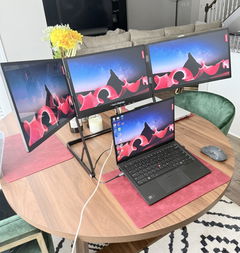
I bought this set up because I work away from home for months at a time. I needed three large screens to work as fast as possible. The screens are so clear and the 18 1/2 inch is perfect size. You can adjust the height depending on your seating arrangement. I feel like I’m working from home. They’re very sturdy and a little hard to set up at first because they’re very heavy, but if you have help, it works so much quicker. They fold up nicely and fit in my suitcase easily. Well worth the money.
Triple Aero Pro Max (Gen 2)
Rebekah C.
Display is perfect but doesn't fit in the recommended 11-17” bag
Display is perfect but doesn't fit in the recommended 11-17” bag.
Triple Aero Pro Max (Gen 2)
Michael W.
I love the Gen 3 triple monitor system!! It was a solution to having to bring along extra monitors
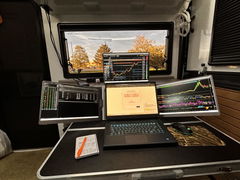
I love the Gen 3 triple monitor system!! It was a solution to having to bring along extra monitors in our camper as we traveled full time. Easy to set up, sturdy, and great resolution. I wish I had bought these sooner, now everything can be packed into my backpack for easy storage and saving room. I would buy these again in a heartbeat!
Triple Go (Gen 3)
Teresa C.
Exactly what I needed.
These replace a my old setup that attached to my laptop. They were heavy and started damaging the laptop. Now that I have the Triple Aero Pro I no longer have that issue. Now I just need to remember how to grab a file from my main screen and drop it to the left screen since I keep forgetting I have to move the mouse up and over and not just over.
Triple Aero Pro Max (Gen 2)
Siavesh M.
Fanatic product
Fanatic product,
High quality materials
Great display quality and bright
Easy connection with single cable
I’m very satisfied with Aura