






Home TV 24" Google (Full HD)
A 24" screen with Google TV built in.
Before you buy
- Plug & Play, no driverPlug it in and it works. No install, no admin rights.
- Runs on its batteryUp to 4 hours. 30 W charger included.
- Weighs 4.83 lb (2.19 kg)Screen: 21.26 × 12.4 × 0.59 in (540 × 315 × 15 mm). It moves room to room — carry it by hand or in a large tote.See lighter models →


Included free with your order
You save €41,95-
 Hub USB 8-in-1 87W PD
€0,00
€41,95

Added to your cart automatically with your monitor.
Overview
Overview
A 24" Full HD screen with Google TV built in, so it works as a TV on its own: connect it to Wi-Fi, sign in with your Google Account and stream your apps with the included remote, or cast from your phone. A built-in battery gives you up to 4 hours unplugged, so you can move it from the desk to the kitchen to the bedroom, then top it up with the included 30W charger. When you want a second screen, connect your laptop with one video USB-C or HDMI cable, both in the box. Plug and play: no driver to install. A 100Hz refresh rate and 100% sRGB color keep movies, shows and games smooth and true, on a matte IPS panel with built-in speakers and a headphone jack. Plug in a PlayStation, Xbox or Nintendo Switch over HDMI for a quick game. The Midnight Black aluminum body is just 0.59 in (15 mm) thin, stands on its own adjustable stand, and is VESA compatible if you'd rather mount it. Works with macOS and Windows.
What's in the box
What's in the box
- 1x Home TV 24" Google (Full HD)
- 1x Remote control
- 1x HDMI to HDMI cable
- 1x USB-C to USB-C full-function cable (video)
- 1x USB-C to USB-C power cable
- 1x 30W USB-C power charger
- 1x User manual
Drivers & user guide
Drivers & user guide
Plug & Play. No driver to install: plug in the cable and it turns on.
Shipping, returns & warranty
Shipping, returns & warranty
Shipping. Orders leave our warehouse within 1–3 business days and arrive in 5 to 8 days on average. This can vary with stock and destination: the up-to-date delivery estimate for this product is always shown on this page, just above the Add to cart button. Free shipping on orders over $100. For the US, the EU, the UK and Australia, taxes and duties are included: nothing to pay on delivery. The delivery time shown is an estimate based on our previous shipments and current stock.
Where’s my order? Track your delivery in real time with your order number and email.
14-day free returns. Not the right fit? Return or exchange it free within 14 days of delivery: open the box, test it, and send it back complete in its original packaging with a prepaid label. We refund as soon as the carrier scans your parcel. Full conditions in our return policy.
1-year warranty. If your monitor is faulty, send us a photo or video; we repair or replace it free of charge. EU customers also benefit from the 2-year legal guarantee. See the warranty section of our return policy.
Questions before or after you buy? hello@aura-displays.com · +1 (213) 845-0774 · Real people, daily 9 am–4 pm ET.
A note on our visuals: 3D renders are for illustration and may differ slightly from the actual product. All verified details are in the tech specs at the bottom of this page.

A TV and a monitor, in one.


One screen. Every room.
Use the Home TV 24" as a TV with Google TV, as a second screen for your laptop, or as a screen for your console. Then take it to the next room.


Your screen, anywhere at home.
A TV, a monitor and a console screen, in one 24-inch display that moves with you.

Follow a recipe, catch the news or put on cartoons while dinner cooks. On battery, with no cable on the counter.

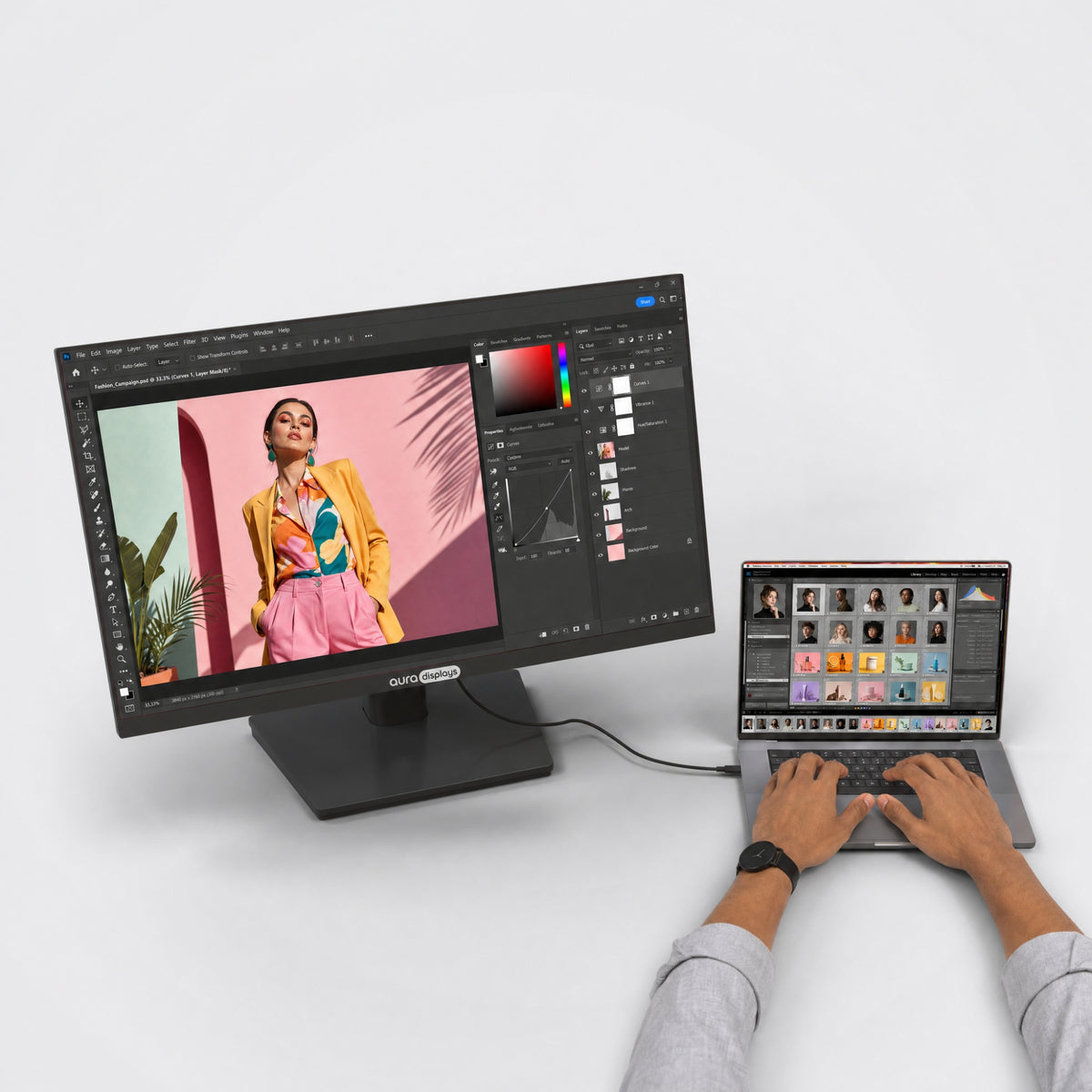
Plug in your laptop and get a 24-inch second screen for your notes, your chat and your calls. No more switching tabs.

Grab the remote, pick a show and watch from wherever you sit. The speakers are built in.
Google TV, built in
Turn it on. It’s already a TV.
Google TV runs right on the screen. Your streaming apps, YouTube and your watchlist, ready with the remote. No laptop, no streaming stick.


Movies, shows and YouTube, straight from the screen. The remote is in the box.
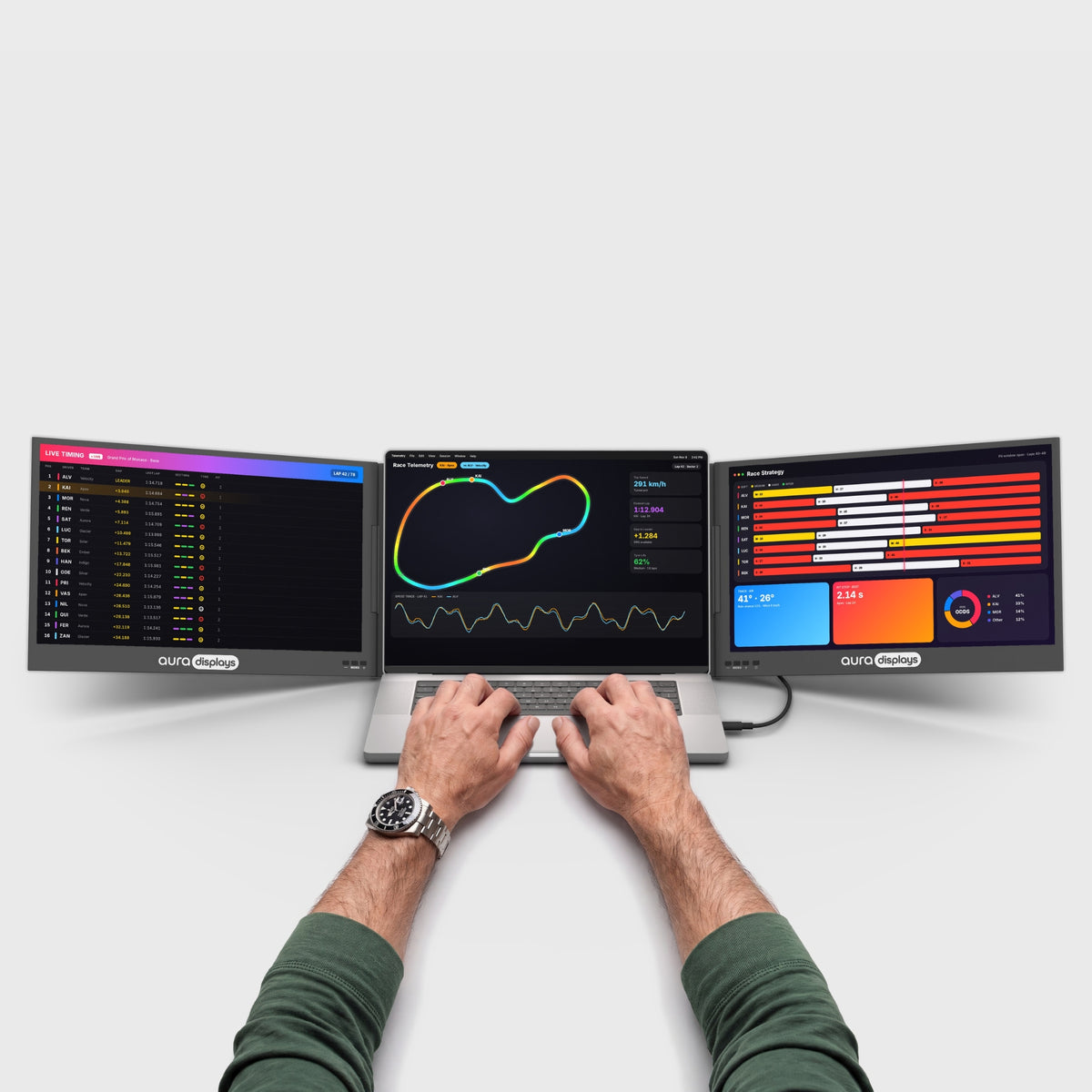
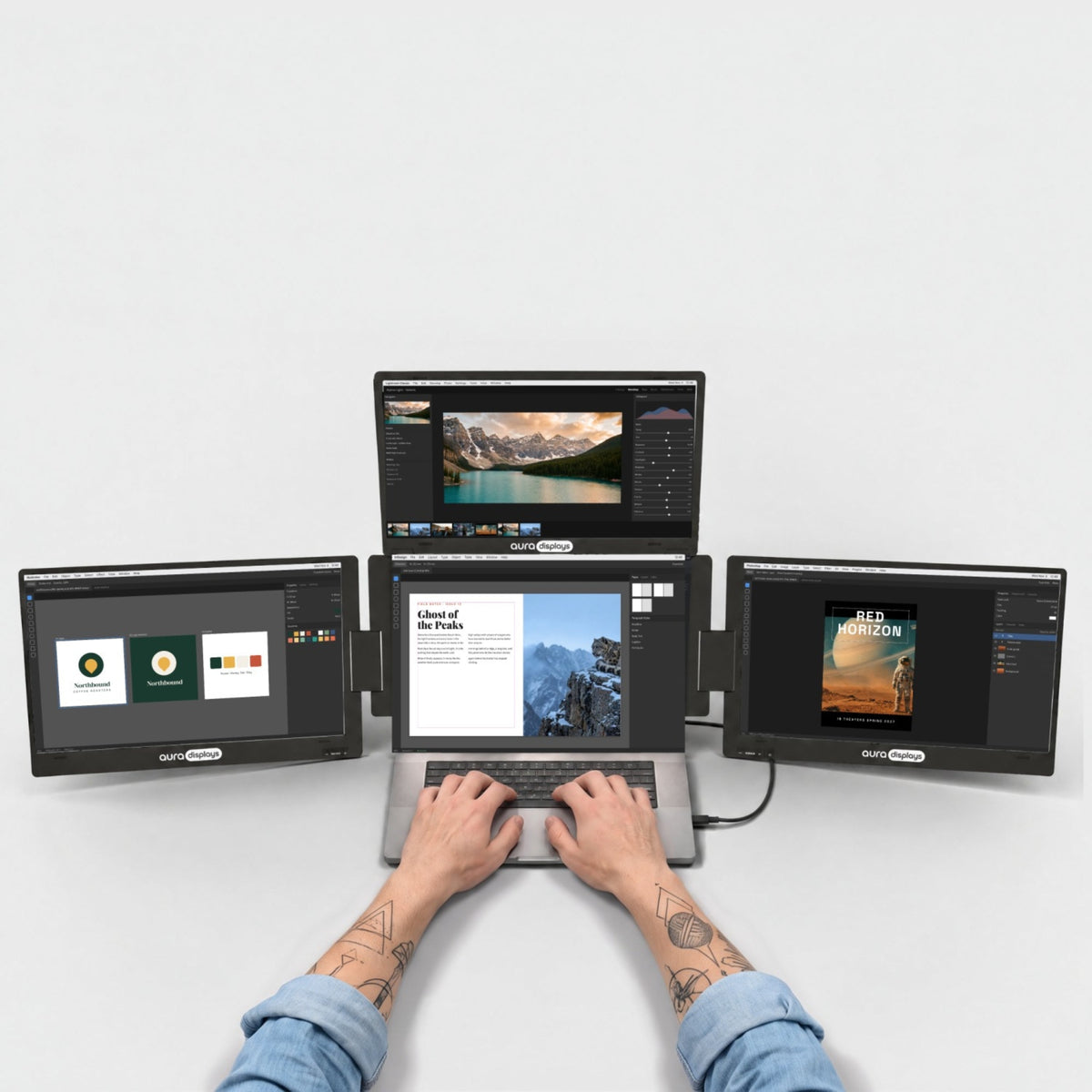
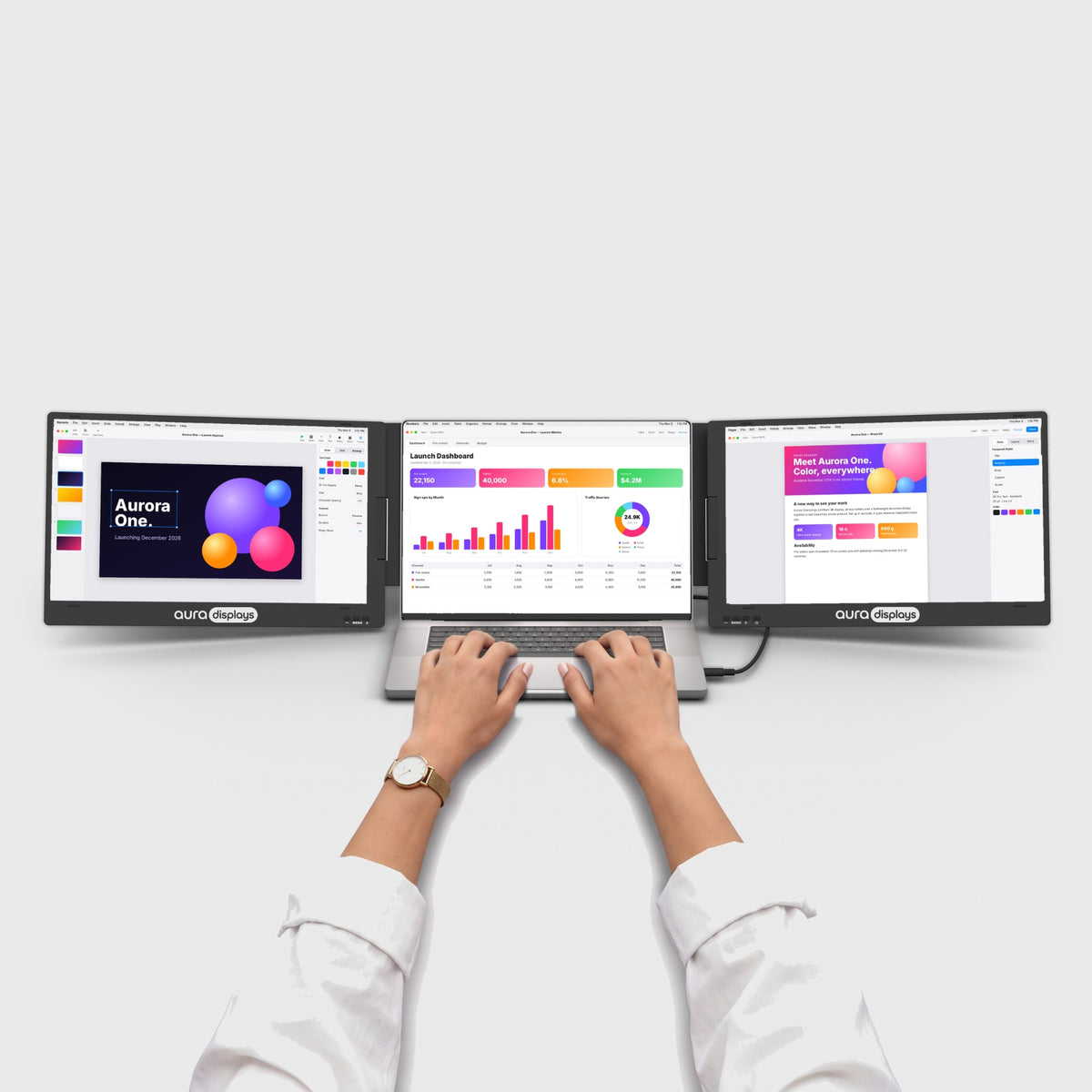
Plug in your laptop over USB-C or HDMI and it becomes a 24-inch second screen.
All your apps. One remote.
Download what you watch from Google Play, sign in once, and everything shows up on the home screen.
App availability varies by country. Some apps need their own subscription.
Cast from your phone
Chromecast is built in. Tap Cast in YouTube, Netflix or Google Photos and it plays on the big screen.
One remote for everything
Browse, play and turn up the volume from the couch. It comes in the box.
Your shows, in one place
Google TV brings picks from your apps together on one home screen, so you spend less time searching.
Sharp, bright, true to life.
Crisp detail for every line of code, every photo and every spreadsheet. Accurate colors, comfortable brightness and smooth motion, from your first email to your last edit of the day.


100% sRGB
Full coverage of the colour space the web was built on — what you edit here is what everyone else sees.

Matte displays
A non-reflective surface that scatters overhead light instead of mirroring it straight back at you.

16:9
The standard widescreen ratio — films, calls and timelines fill the panel edge to edge, no black bars.
Built for the way you live.
From the kitchen to the couch, see how people use it every day.


Works with what you already own.
MacBook with M1 to M5 chips, Pro and Max included, Windows laptops and consoles.


Your screen, wherever you are at home.
Built-in battery, built-in speakers and a stand at the back. Pick it up and take it from the desk to the kitchen, the couch or the terrace.

4.83 lb · 2.19 kg
Light enough to carry from room to room.

Up to 4 hours on battery
No cable while you watch. Charge it with the included 30 W charger.

Just 0.59 in thin
A slim body, 15 mm at its thickest.

Aluminum
Machined aluminum, built to be moved again and again.

Ports and power.
Here's what goes where, and what your laptop needs to drive it.

One cable, no outlet
Picture and sound go through one USB-C or HDMI cable. The built-in battery powers the screen.
1x HDMI, 1x USB-C, 1x USB-C (power), 1x USB (OTG), and 1x Jack 3.5mm on the monitor
Laptop side: 1 video USB-C, or HDMI.

30W power adapter included
Plug it in to charge the battery, or when it runs low.

No driver needed
Plug it in and it works. Nothing to install, even on a work laptop.
Designed to Do More.
Explore the features that make this monitor smarter, more versatile, and built to elevate the way you work and create.

Netflix, YouTube, Prime Video and all your apps run on the screen itself. No laptop, no streaming box.

Chromecast is built in: send a video, photos or music from your phone in one tap.

Browse, play and adjust the volume from across the room.

The built-in battery runs the screen with no cable. Plug in the included 30 W charger when it runs low.

Speakers in the screen for shows, calls and music. Prefer headphones? There's a 3.5 mm jack.

Plug in over USB-C or HDMI and it becomes a 24-inch monitor. Extend or mirror, no driver to install.

A Full HD IPS panel at 100 Hz with 100% sRGB. Scrolling, games and sports look fluid.

Plug a PS5, Xbox or Nintendo Switch into HDMI and play on 24 inches, anywhere at home.


More screens for home.
Big screens made for the desk, the living room and everything in between.


Is it right for you?
Is the Home TV 24" Google right for you?
Made for you if
- You want to watch or work anywhere at home, even away from an outlet
- You want plug & play, nothing to install
- You want one screen for work, TV and games
Display
Connectivity & power
Size & weight
Design & features
Warranty & certifications
Your laptop
Operating systems
Other devices
- 1×Home TV 24" Google (Full HD)
- 1×Remote control
- 1×HDMI to HDMI cable
- 1×USB-C to USB-C full-function cable (video)
- 1×USB-C to USB-C power cable
- 1×30W USB-C power charger
- 1×User manual
Plug & Play
How to connect
One video USB-C or HDMI cable (both included). The built-in battery powers the screen; plug in the included 30 W charger when it runs low.
- Plug & Play, no driverPlug it in and it works. No install, no admin rights.
- No power outlet neededRuns from your laptop’s USB-C port. No adapter to carry.
- Weighs 4.83 lb (2.19 kg)Folded: 21.26 × 12.4 × 0.59 in (540 × 315 × 15 mm). Fits in a moves room to room — carry it by hand or in a large tote.See lighter models →
Set-up and support
The questions our team answers most — from the first plug-in to the
day something looks off. If yours isn't here, write to us: a real
person replies.
The screen says “No signal”
The screen says “No signal”
- Press Menu / OK and pick the right input under Signal source (Type C, HDMI or TV).
- Unplug the cable and plug it in again: connect the power first, then the video cable.
- Your laptop's USB-C port must carry video. If it doesn't, use HDMI.
The screen doesn't turn on, or it flickers
The screen doesn't turn on, or it flickers
- The battery may be empty: plug the included 30 W charger into the USB-C power port.
- Press the power button on the left side of the screen.
- If the picture flickers or turns black while connected to a laptop, plug in the charger.
Still nothing? Contact us — manufacturing defects are covered for 1 year.
How do I use it as a laptop screen?
How do I use it as a laptop screen?
- USB-C laptop (USB-C port with video): the included USB-C cable into the screen's full-function USB-C port.
- HDMI laptop or computer: the included HDMI cable.
Then choose Extend or Mirror in your computer's display settings. No driver needed.
How do I set up Google TV?
How do I set up Google TV?
Turn it on, press Back and Home together on the remote to pair it, then follow the steps on screen: language, Wi-Fi, Google Account and the streaming apps you subscribe to. You can also set it up with the Google Home app on your phone.
Does it work with my MacBook?
Does it work with my MacBook?
Yes, with any MacBook with Apple silicon, over USB-C or HDMI. Base M1, M2 and M3 MacBook Air models drive one external display — the Home TV is it.
Can I play my console on it?
Can I play my console on it?
Yes. Connect your PS5, PS4, Xbox or Nintendo Switch to the HDMI port and choose HDMI as the source. Connect the power first, then the HDMI cable, for a smooth signal.
How long does the battery last?
How long does the battery last?
About 3 to 4 hours, depending on brightness and volume. Charge it with the included 30 W charger on the USB-C power port. Short-press Menu / OK to see the battery level.
Can I cast from my phone?
Can I cast from my phone?
Yes. Chromecast is built in: tap the Cast icon in YouTube, Netflix, Google Photos or any compatible app. Your phone and the Home TV need to be on the same Wi-Fi.
Do I need a subscription?
Do I need a subscription?
No. Google TV is free: you only need Wi-Fi and a Google Account. Paid apps like Netflix or Disney+ need their own subscription; free apps like YouTube work right away.
Can I connect my phone with a cable?
Can I connect my phone with a cable?
Yes, if your phone's USB-C port carries video (many Samsung and recent Android phones, iPhone 15 and later). Use the included USB-C cable. An iPhone with a Lightning port needs a Lightning to HDMI adapter.
Can I mount it on the wall?
Can I mount it on the wall?
Yes. It has VESA 100 × 100 mm holes for M4 screws (4 to 6 mm long), for any standard wall mount or arm.
Can I watch Netflix on it?
Can I watch Netflix on it?
Yes, right on the screen: Netflix, YouTube, Prime Video and the other Google TV apps run on the Home TV itself, no laptop needed. Netflix from a Mac connected over USB-C hasn't been tested yet.


