



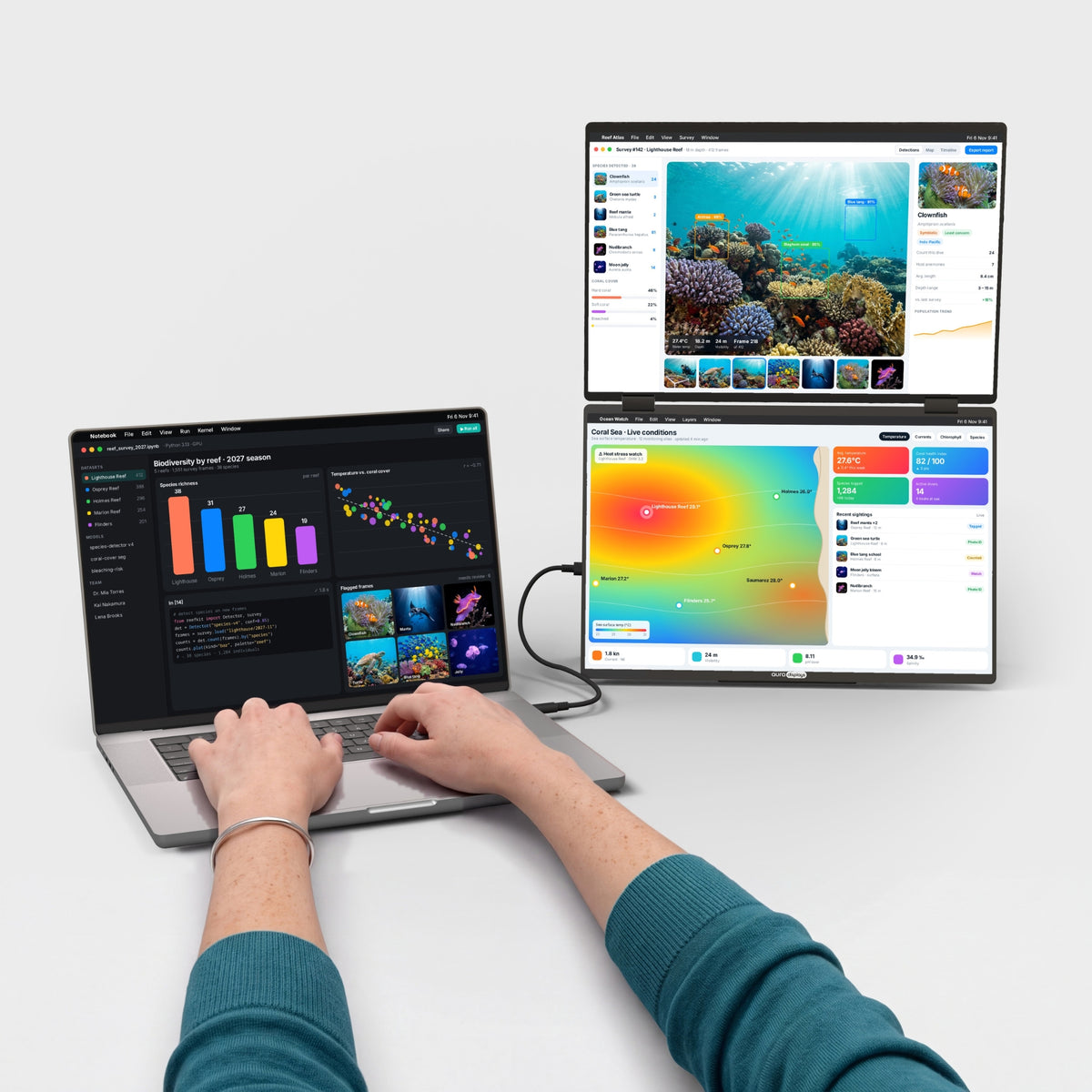


Dual Book Pro Max 16" (Full HD+)
2枚の16"画面を、上下にひとつに。
ご購入前に
- Plug & Play、ドライバー不要つなぐだけで使えます。インストールも管理者権限も不要です。
- コンセント不要ノートPCのUSB-Cポートから給電。アダプターを持ち歩く必要はありません。
- 10"〜19"のノートPCに対応macOS, Windows, Android, ChromeOS and Linuxに対応。30秒で互換性をチェック →
- 重量1.4 kg(3.09 lb)折りたたみ時:357 × 239 × 22 mm(14.06 × 9.41 × 0.87 in)。 standard laptop backpackに収まります。より軽いモデルを見る →


ご注文に無料で付属
€92,90お得-
 Tempered Glass Screen Protector2x 16" / 16:10
€0,00
€50,95 -
 Hub USB 8-in-1 87W PD
€0,00
€41,95


モニターと一緒に自動でカートに追加されます。
概要
概要
上下に重ねた2枚の16" Full HD+画面を、ノートPCの横に置く専用スタンド付きのアルミニウムフレームに収めました。16:10フォーマットは標準的な画面よりも縦方向に広い表示領域を確保します。折りたたむと画面が内側を向いて保護され、セット全体が標準的なノートPC用リュックに収まります。10"から19"のノートPCに対応。USB-Cケーブル1本で接続し、ノートPCからの給電で動作するので、電源アダプターを持ち歩く必要はありません。ノートPCには映像出力対応のUSB-Cポートが必要です。ない場合は、各画面をそれぞれHDMIケーブルで接続し、付属の30W充電器で給電してください。画面は最大270°回転し、パノラマ、縦向き、対面のセットアップに対応。内蔵キックスタンドで好みの角度に調整できます。マットなIPSパネルが映り込みを抑え、内蔵スピーカーで通話や動画も楽しめます。ソフトウェアのインストールは不要で、プラグアンドプレイで使えます。macOS、Windows、Linux、ChromeOS、Androidに対応し、HDMI経由でPlayStation、Xbox、Nintendo Switchにも対応します。
同梱品
同梱品
- Dual Book Pro Max 16" (Full HD+) ×1
- Type-C - Type-Cケーブル ×3
- mini HDMI - HDMI ×1
- PD AC充電器 30W ×1
- キャリーバッグ ×1
- 取扱説明書 ×1
ドライバーとユーザーガイド
ドライバーとユーザーガイド
Plug & Play。 インストールするドライバーはありません。ケーブルを差し込むだけで画面がつきます。
配送・返品・保証
配送・返品・保証
配送。ご注文は1〜3営業日以内に倉庫から発送され、平均5〜8日でお届けします。在庫状況やお届け先によって異なる場合があります。この製品の最新のお届け予定日は、常にこのページの「カートに追加」ボタンのすぐ上に表示されています。$100以上のご注文で送料無料。米国、EU、英国、オーストラリアでは税金と関税が含まれているため、受け取り時のお支払いはありません。表示されるお届け日数は、これまでの発送実績と現在の在庫に基づく目安です。
ご注文はどこですか?ご注文番号とメールアドレスで、配送状況をリアルタイムで追跡できます。
14日間の無料返品。合わなかった場合は、お届けから14日以内なら返品・交換は無料です。箱を開けて試し、元のパッケージにすべて入れて、プリペイドラベルで返送してください。運送業者がお荷物をスキャンした時点で返金します。詳しい条件は返品ポリシーをご覧ください。
1年保証。モニターに不具合がある場合は、写真または動画をお送りください。無償で修理または交換します。EUのお客様は、2年間の法定保証も受けられます。返品ポリシーの保証の項目をご覧ください。
ご購入前後のご質問は:hello@aura-displays.com · +1 (213) 845-0774 · 毎日9 am〜4 pm ET(米国東部時間)、スタッフが直接対応します。
画像について:3Dレンダリングはイメージであり、実際の製品とは若干異なる場合があります。確認済みの詳細はすべて、このページ下部の技術仕様に記載しています。

選ばれる理由。


ビフォー


アフター


2つの画面。縦に広いワークスペース。
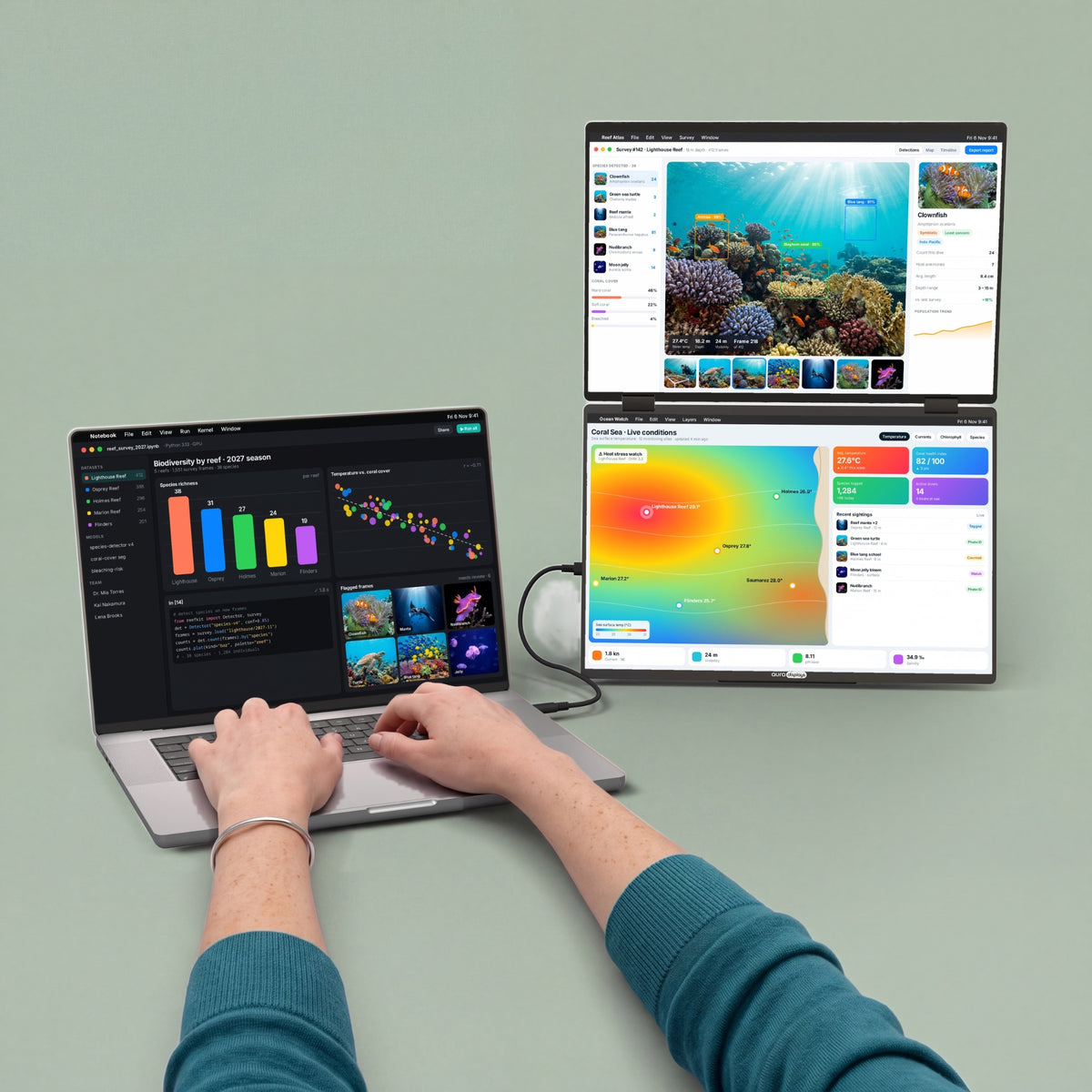
Dual Book Pro Max 16"をノートPCの横に広げれば、上下に並んだ2枚の画面で縦に広いワークスペースが完成します。プレゼンするときは、上の画面を後ろに倒して、テーブルの向かいの相手に向けましょう。


ノートPCは、本来ひとりで働くためのものではありません。
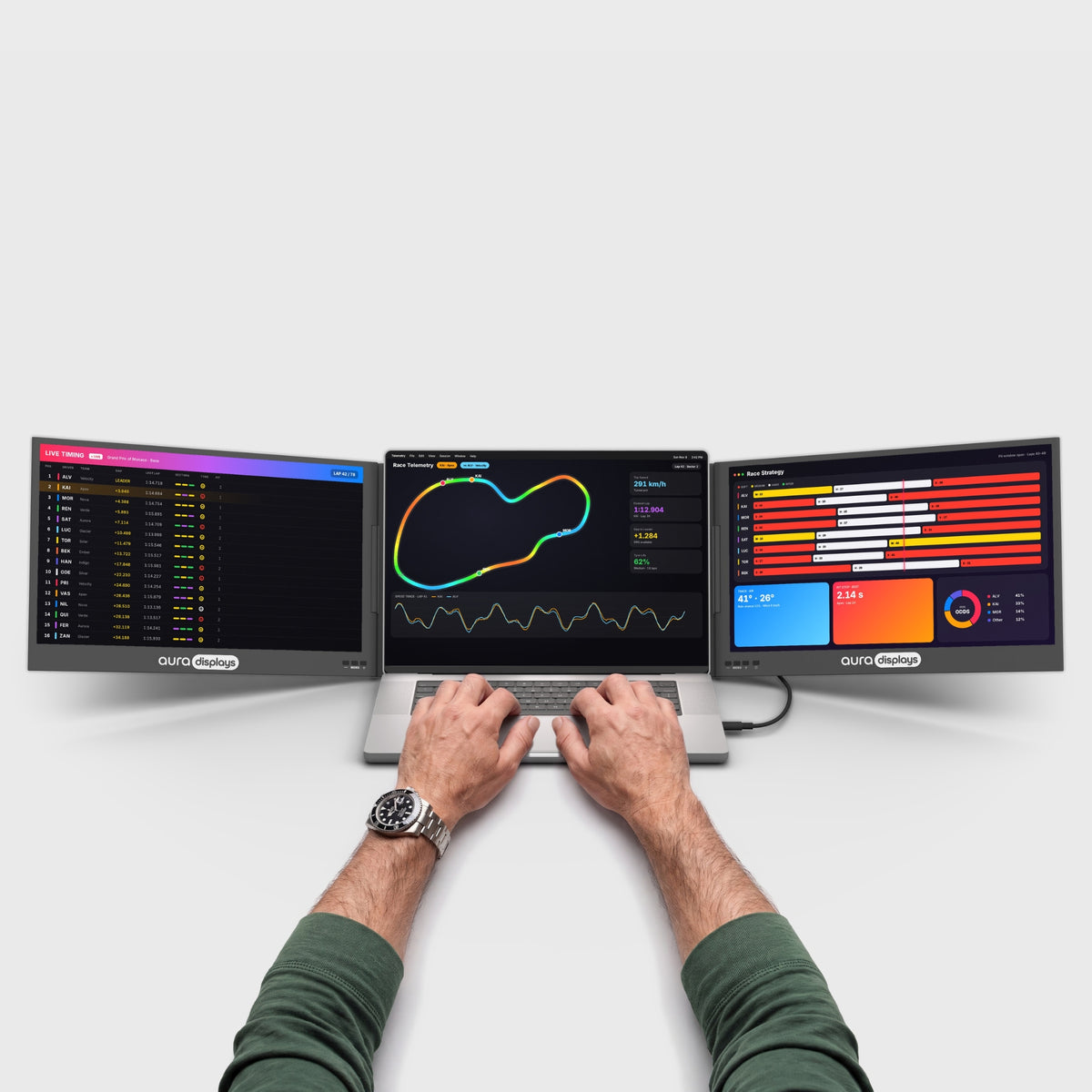
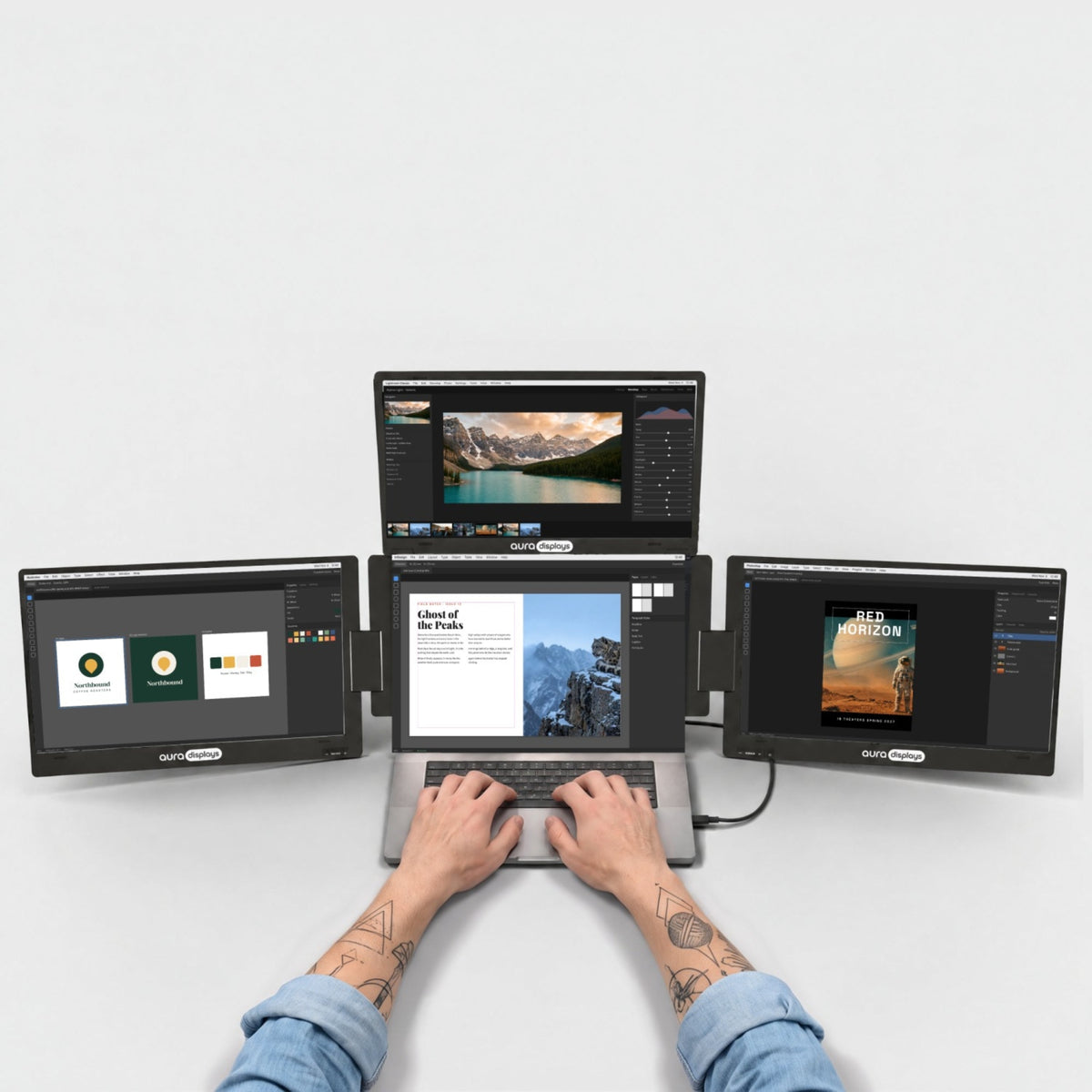
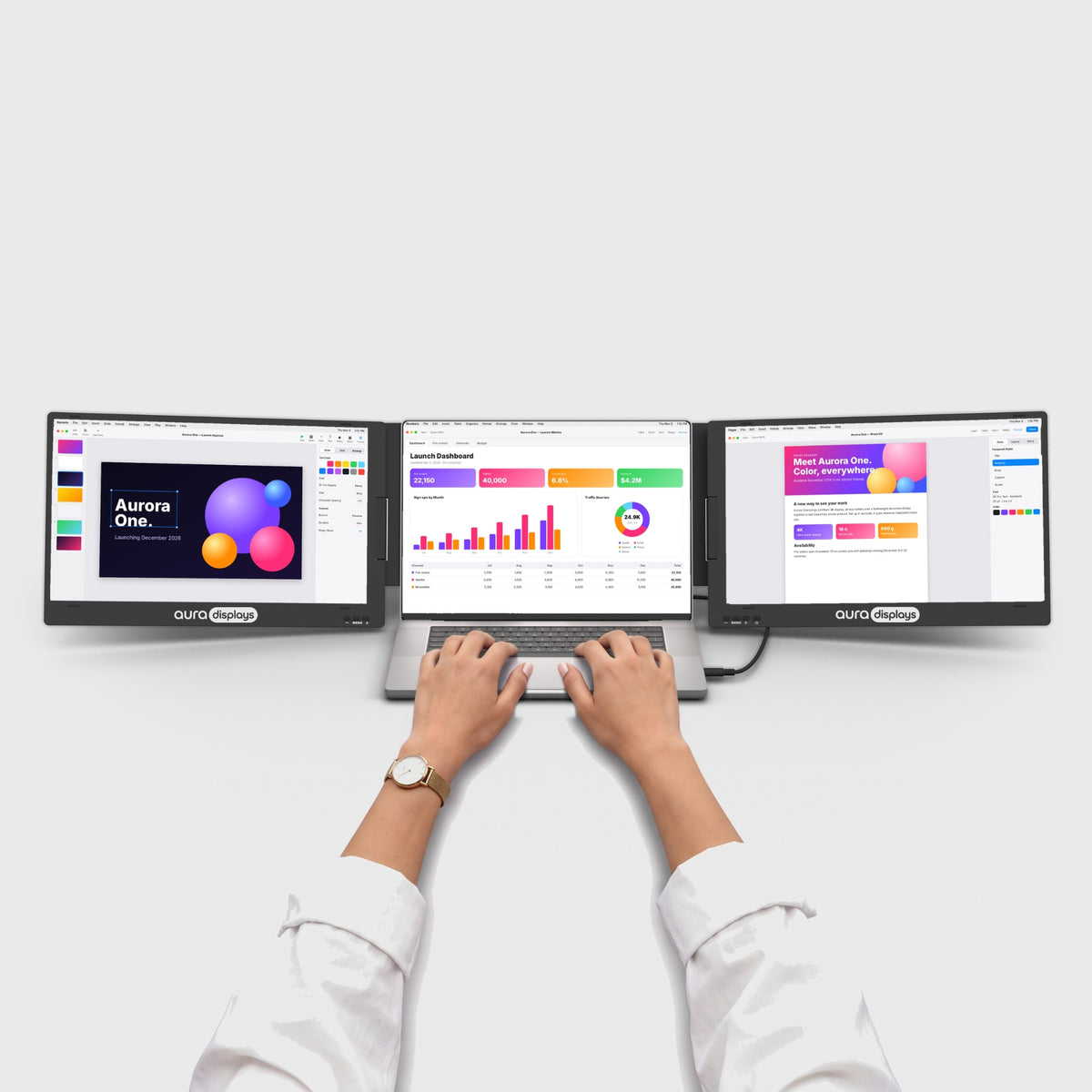
画面が2つ増えれば、どんなデスクも本格的なワークスペースに変わります。

仕事が終われば画面を折りたたんで、テーブルはまたいつものテーブルに戻ります。

メモもチームチャットもビデオ通話も、すべてを一度に表示。タブを切り替える必要はもうありません。本当にはかどる朝を。

上の画面を後ろに倒して、テーブルの向かいの相手に作業内容を見せられます。ノートPCの向きを変えることなく、一緒にデザインを確認したり、写真を見たりできます。
シャープで明るく、リアルな表示。
コードの1行、写真の1枚、スプレッドシートの1つ1つまで鮮明に。正確な色、目にやさしい明るさ、なめらかな動きで、朝の最初のメールから一日の最後の編集まで快適です。


HDR
ハイダイナミックレンジ:より明るいハイライト、より深いシャドウ、そして明暗どちらの端でも失われないディテール。

マットディスプレイ
天井の照明を反射させずに拡散する、映り込みの少ない表面です。

178°の視野角
横から見ても色とコントラストが変わらないため、デスクを囲む全員が同じ映像を見られます。

16:10
標準的なワイドスクリーンより縦に広く、より多くの行、より多くのコード、ページのより広い範囲を表示できます。

あなたの働き方に合わせて。
ホームオフィスからホテルの部屋まで、Auraでより多くの成果を上げている人々の使い方をご覧ください。


お手持ちのデバイスで使えます。
MacBook with M1 to M5 chips, Pro and Max included, Windows laptops, Chromebooks, phones and consoles.
Not compatible with M1, M2 and M3 MacBooks (non-Pro).


デスクがあれば、どこでもいつものセットアップ。
折りたたんで、バッグに入れ、次のデスクでまた広げるだけ。自宅でも、オフィスでも、ホテルの部屋でも、いつも同じマルチスクリーンのワークスペースが使えます。

3.09 lb · 1.4 kg
デスクからデスクへ気軽に移動できる軽さです。

10" – 19"
お使いのノートPCの画面サイズに合わせた設計です。

Standard laptop backpack
フラットに折りたためて、旅行にも最適です。

アルミニウム
何度でも開閉できるように作られた金属製ヒンジ。

ポートと電源。
どこに何をつなぐのか、そしてノートPCに何が必要なのかをご紹介します。

USB-Cケーブル1本ですべて完結
映像も電源も、USB-Cケーブル1本でノートPCとつながります。
モニター側:3x USB-C、2x mini HDMI、1x Jack 3.5mm
ノートPC側:映像出力対応USB-C ×1、または代替としてHDMI + USB。

30Wの電源アダプター付属
オプション:ノートPCだけでは十分な電力を供給できない場合に接続してください。

ノートPCも充電
充電器をモニターに接続すれば、画面に電力を供給しながら、同時にノートPCも充電します。

ドライバー不要
つなぐだけで使えます。会社のノートPCでも、インストールは不要です。
もっとできるように設計。
働き方とクリエイティブをレベルアップする、よりスマートで多彩なこのモニターの機能をご覧ください。

各画面の解像度は1920 × 1200。コードの行数も、表の行数も、ページの表示範囲も広がります。

画面は内側に向けて折りたたまれるので、バッグの中でもしっかり保護されます。

スタンドを内蔵。ノートPCの横に置いて角度を調整するだけです。組み立て不要で、余分な荷物もありません。

ノートPCから画面へ、どのウィンドウもドラッグして行き来できます。Macでは、2枚の画面が1つの縦長の画面として機能し、フルスクリーンのウィンドウは両方の画面に広がります。

映像出力対応のUSB-Cケーブル1本で、両方の画面を駆動します。HDMIの場合は、各画面にそれぞれmini HDMIケーブル(1本付属)と、付属の30W充電器が必要です。

ドライバーのインストールは不要。ケーブルを接続するだけで、会社のノートPCでも両方の画面が点灯します。

映像出力対応のUSB-Cポートを備えたiPhoneやAndroidスマートフォンを接続すれば、1つの画面にミラーリングできます。

通話、音楽、動画の音声は画面から直接再生されます。ヘッドホンは3.5 mmジャックに接続できます。

ノートPCの充電器をモニターに接続すれば、画面に電力を供給しながら、同時にノートPCも充電します。


Bookシリーズ。本のように開き、すっきりと閉じる。Book Seriesはフラットに折りたためて、180°回転します。ケーブルを抜くことなく、テーブルの向かいの人に画面を向けられます。


生産性計算ツール
画面が増えると、何が取り戻せるのかを確かめましょう。
ウインドウのやりくりを減らし、本来の仕事にもっと時間を。数値をあなたの1週間に合わせて調整してください。
ドキュメント間のコピー、比較、メモを見ながらの通話、プレビューを見ながらのコーディングなど。
あくまで推定値です。公表された研究による効率向上を、複数のウインドウを使って作業する時間の割合に適用し、控えめに節約時間へ換算しています(18%効率的に行える作業は、所要時間が約15%短くなります)。実際の結果はお仕事の内容によって異なります。
出典:Wichita State University SURL / IDC for Dell(2015年)、Fraunhofer IAO OFFICE 21 for Fujitsu Siemens、Jon Peddie Research Multi-Monitor Study(2017年、自己申告)、University of Utah for NEC(2008年)、Microsoft Research, Czerwinski et al.(2003年)、Harvard Business Review(2022年)。


あなたに合っていますか?
Dual Book Pro Max 16"はあなたに合っていますか?
こんな方におすすめ
- コンセントがない場所でも、どこでも作業したい
- インストール不要のPlug & Playがいい
- ノートPCのサイズが10"〜19"
- かさばらずに画面を2つ追加したい
Display
Connectivity & power
Size & weight
Design & features
Warranty & certifications
Your laptop
Operating systems
Other devices
- Dual Book Pro Max 16" (Full HD+) ×1
- Type-C - Type-Cケーブル ×3
- mini HDMI - HDMI ×1
- PD AC充電器 30W ×1
- キャリーバッグ ×1
- 取扱説明書 ×1
Plug & Play
How to connect
USB-Cケーブル1本。HDMIの場合:画面ごとにHDMIケーブル1本(HDMIケーブル1本では1画面のみ表示)。
- Plug & Play, no driverPlug it in and it works. No install, no admin rights.
- No power outlet neededRuns from your laptop’s USB-C port. No adapter to carry.
- Fits laptops 10"–19"Works with macOS, Windows, Android, ChromeOS and Linux.Check compatibility in 30 s →
- Weighs 3.09 lb (1.4 kg)Folded: 14.06 × 9.41 × 0.87 in (357 × 239 × 22 mm). Fits in a standard laptop backpack.See lighter models →
セットアップとサポート
初めての接続から、何かがおかしいと感じた日まで、当社チームによく寄せられる質問をまとめました。
お探しの質問が見つからない場合はご連絡ください。
スタッフが直接お返事します。
1画面しか映らない、または画面が黒いまま
1画面しか映らない、または画面が黒いまま
映像出力対応のUSB-Cケーブル1本で両方の画面を駆動します。
- 映像出力(DisplayPort / Thunderbolt)に対応したノートPCのUSB-Cポートと、付属のUSB-Cケーブルを使用してください。初回のセットアップでは、ハブやドックは使用しないでください。
- Macでは、2枚の画面が1つの縦長の画面として機能します。これは正常な動作です。フルスクリーンのウィンドウは両方の画面に広がり、ウィンドウは上下の画面間で移動できます。
- HDMIの場合は、各画面にそれぞれHDMIケーブルが必要です。
- 画面が拡張ディスプレイとして設定されていることを確認してください(画面の並び順に関する質問をご覧ください)。
それでも片方の画面が映らない場合は、ご連絡ください。保証の対象です。
すべての画面が真っ暗なまま/電源が入らない
すべての画面が真っ暗なまま/電源が入らない
- モニターをノートPCに直接接続してください。ハブやドックは使用しないでください。
- 映像出力に対応したUSB-Cポート(すべてのMacBook、最近のほとんどのWindowsノートPC)を使用してください。データ転送や充電専用のUSB-Cポートでは映像が映りません。
- HDMIで接続する場合は、付属の30W充電器もモニターに接続してください。
- ノートPCがUSB-Cで十分な電力を供給できない場合は、付属の30W充電器をモニターに接続してください。
それでも映らない場合は、セットアップの短い動画を添えてご連絡ください。製造上の欠陥は1年間保証されます。
ノートPCとはどのように接続しますか?
ノートPCとはどのように接続しますか?
付属のUSB-C-USB-Cケーブルを使用してください。ノートPCに映像出力対応のUSB-Cポート(すべてのMacBook、最近のほとんどのWindowsノートPC)があれば、1本のケーブルで両方の画面に映像と電力を伝送します。Macでは、2枚の画面が1つの縦長の画面として機能します。
映像出力対応のUSB-Cポートがない場合は、各画面をそれぞれmini HDMI-HDMIケーブル(1本付属)でHDMI接続し、付属の30W充電器をモニターに接続してください。初回のセットアップでは、ハブやドックは使用しないでください。
ドライバーは必要ですか?
ドライバーは必要ですか?
いいえ。両方の画面とも、Mac、Windows、Linux(Ubuntu)、ChromeOSでPlug and play。ケーブルを接続するだけで点灯します。
MacBookで使えますか?ベースモデルのM1、M2、M3でも使えますか?
MacBookで使えますか?ベースモデルのM1、M2、M3でも使えますか?
はい。ベースモデルのM1、M2、M3を含む、Mチップ搭載のすべてのMacBookでドライバーなしで使えます。USB-Cケーブル1本で十分です。Macでは、2枚の画面が1つの縦長の画面として機能し、フルスクリーンのウィンドウは両方の画面に広がります。macOS 11 Big Sur以降が必要です。
会社のノートPCにソフトウェアをインストールできません
会社のノートPCにソフトウェアをインストールできません
問題ありません。Dual Bookはドライバー不要なので、管理された会社のノートPCでも使用できます。接続するだけです。
持ち運べますか?重さはどれくらいですか?
持ち運べますか?重さはどれくらいですか?
はい。画面を内側に向けてひとつに折りたたむと、厚さわずか22 mm(0.87 in)、重さ約1.4 kg(3.09 lb)で、標準的なノートPC用リュックに収まります。キャリーバッグが付属しています。
ヒンジを傷めずに折りたたむにはどうすればよいですか?
ヒンジを傷めずに折りたたむにはどうすればよいですか?
画面は1枚ずつ開閉し、ヒンジをストッパーより先に無理に動かさないでください。持ち運ぶ際はスリーブやバッグに入れてください。
画面保護フィルムはどこにありますか?
画面保護フィルムはどこにありますか?
このモデルでは、あらかじめ貼られていません。強化ガラス保護フィルムはご注文に無料で付属しており、お好きなときに貼ることができます。
どのサイズのノートPCに対応していますか?
どのサイズのノートPCに対応していますか?
10"〜19"のすべてのノートPC。Dual BookはノートPCの横に自立します。
画面の並び順が違う、または1画面がぼやける/小さく見える
画面の並び順が違う、または1画面がぼやける/小さく見える
- Mac:「システム設定」›「ディスプレイ」›「配置」。Windows:「設定」›「システム」›「ディスプレイ」。
- 画面を実際の位置に合わせてドラッグしてください。
- Dual Bookの各画面をネイティブ解像度(1920 × 1200)に設定し、拡大縮小を同じ値にそろえてください。
Netflixなどの動画配信サービスは見られますか?
Netflixなどの動画配信サービスは見られますか?
USB-CまたはHDMIで標準的な外部ディスプレイとして接続され、間にディスプレイドライバーを介しません。すべての動画配信サービスはまだテストしていません。黒いままのサービスがあれば、ノートPCの画面で再生し、当社までお問い合わせください。